ModsJava
QOGL (Quality-Of-Game-Life)
Java mod listed for Minecraft 1.20–1.21. Downloads from the MC Java Mods app on Android.
I don't know my version or loader
Open the Minecraft launcher and look at the profile you play on — it names both, like fabric-loader-1.21.4. The version also shows in the bottom-right corner of the game's main menu.
No loader in the profile name? Then it's plain Minecraft, and these mods won't run — you need Fabric or NeoForge installed first.
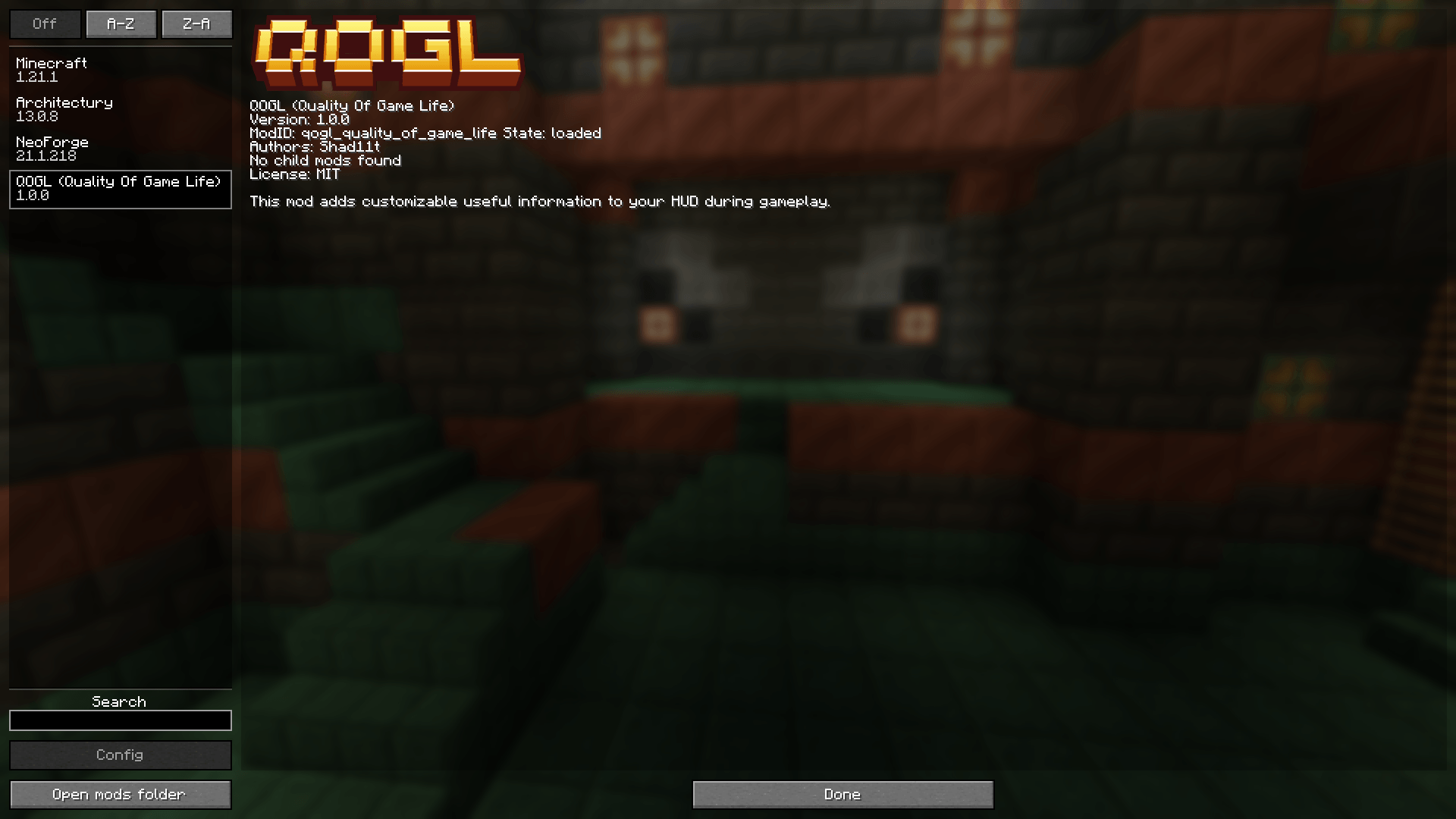


QOGL (Quality Of Game Life)
A small, clean, and configurable HUD overlay that shows useful information while you play.
Description (EN)
Features
- Days survived (world day counter)
- Session playtime (time spent in the current session)
- Real time (your system clock)
- Coordinates (X / Y / Z)
- FPS
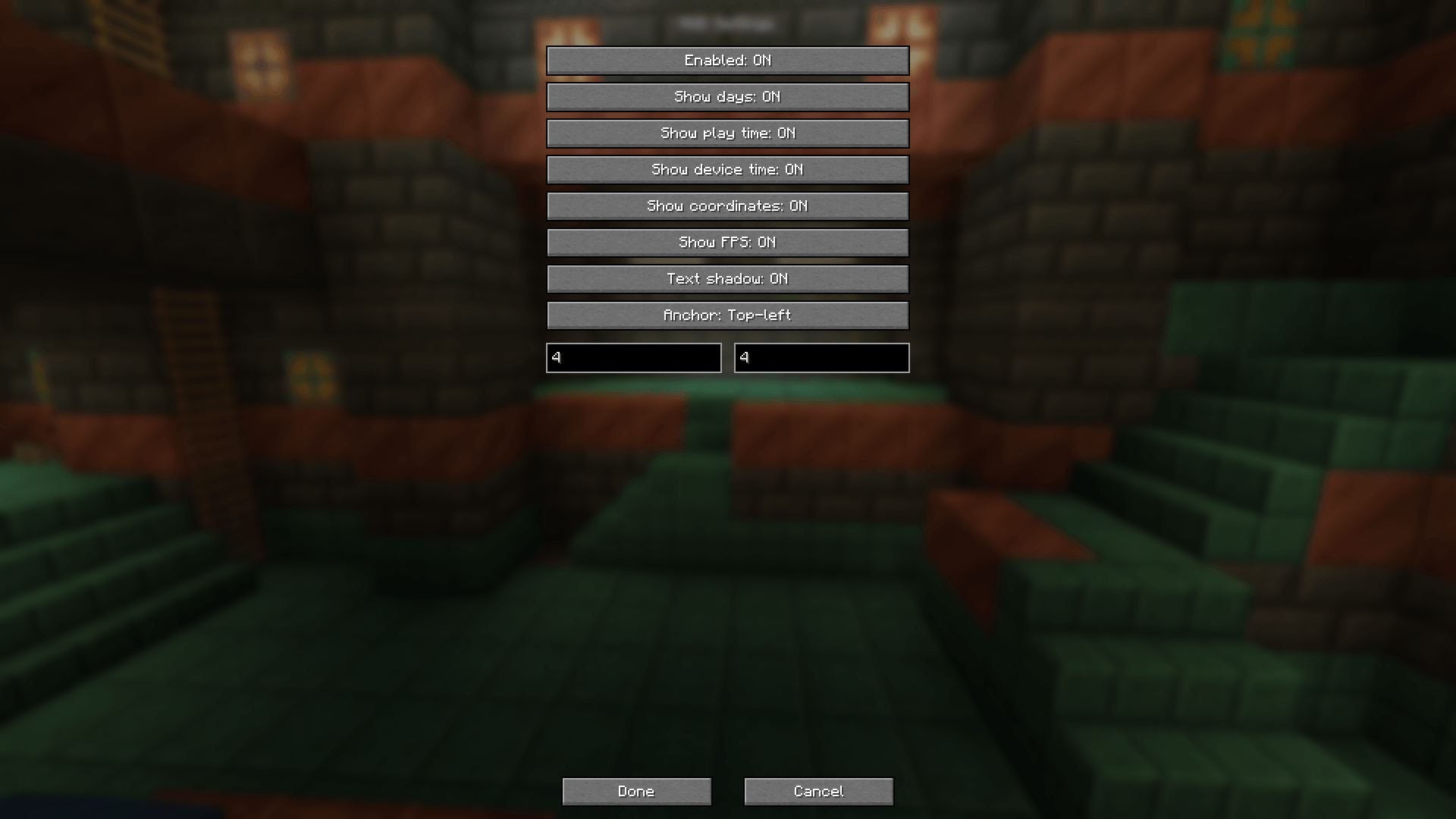
- In-game config screen with a two-page UI: Info / Position
- Toggle modules (what to show)
- Position settings (anchor + X/Y offsets)
- “- / +” offset controls (hold Shift for x10 step)
- Text shadow toggle
- English & Russian translations
Configuration
Open the config screen via:
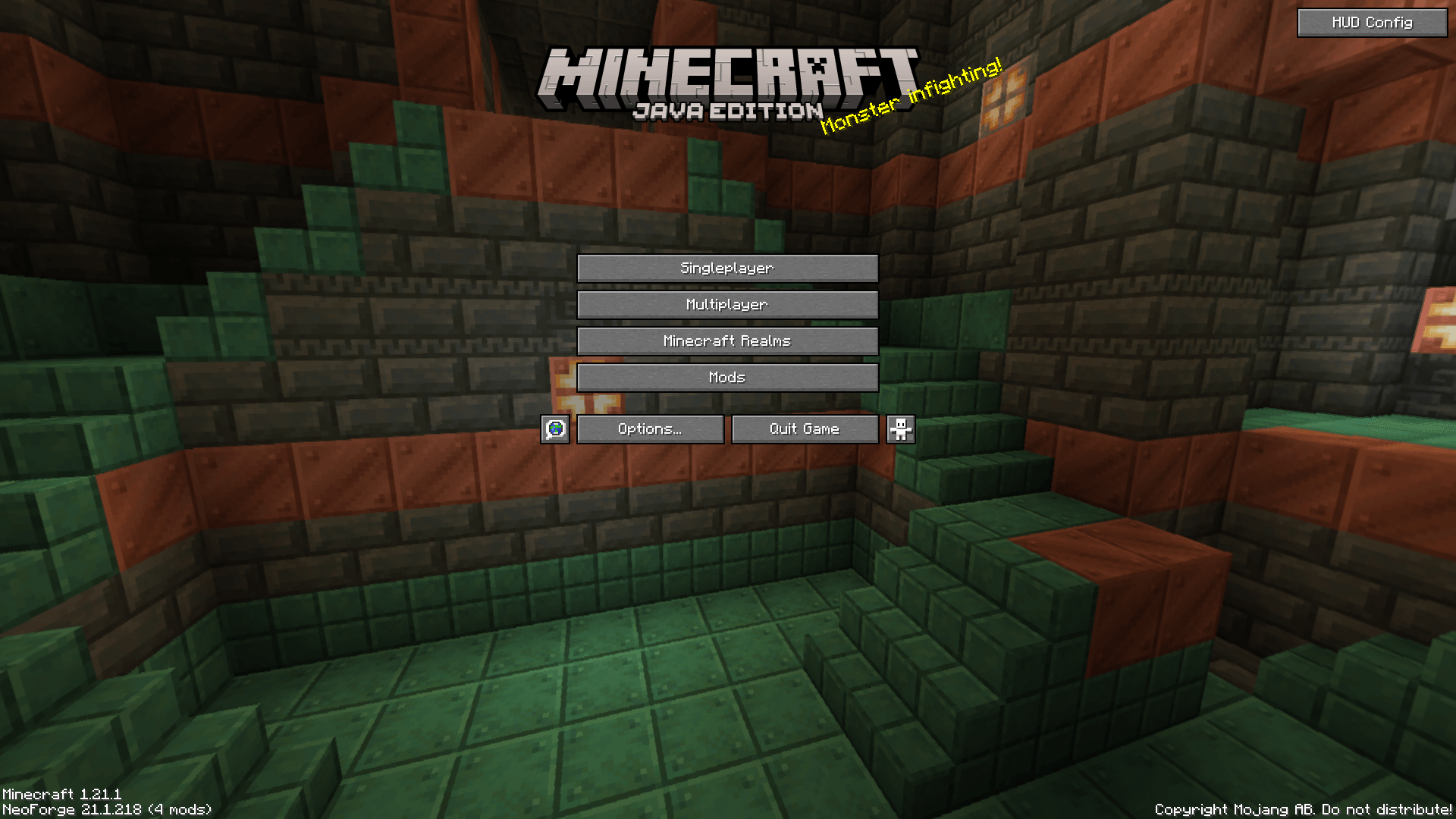
- Options → HUD Config
The config file is saved automatically in the config folder.
Compatibility / Versions
Separate builds are provided:
- Minecraft 1.20.1: Fabric / Forge
- Minecraft 1.21.1: Fabric / NeoForge
Описание (RU)
Возможности
- Количество прожитых дней (счётчик дней мира)
- Время игры за текущую сессию
- Время устройства (системные часы)
- Координаты (X / Y / Z)
- FPS
- Меню настроек в игре с двумя страницами: Инфо / Позиция
- Включение/выключение элементов HUD
- Настройка позиции (якорь + смещение X/Y)
- Смещение через кнопки “- / +” (удерживай Shift для шага x10)
- Переключение тени текста
- Переводы: русский и английский
Настройка
Открыть меню настроек можно через:
- Настройки (Options) → Настройки HUD
Файл конфигурации сохраняется автоматически в папке config.
Совместимость / версии
Отдельные сборки:
- Minecraft 1.20.1: Fabric / Forge
- Minecraft 1.21.1: Fabric / NeoForge
Quick facts
- Edition: Minecraft Java
- File type: .jar
- Minecraft versions listed: 1.21.1, 1.20.1
- How to install: Install the matching mod loader (Forge, Fabric or NeoForge) for your Minecraft version. → Download the .jar. → Put it in the .minecraft/mods folder and launch that loader profile.
- Where to get it: Opens on CurseForge — not every file is mirrored on our own servers.
Install steps are the general flow for this file type — How to install Minecraft Java mods & modpacks walks through it step by step.
File checked by MCModsHub
- Ships as qogl_quality_of_game_life-forge-1.1.0+mc1.20.1.jar — drop this file into the mods folder
- Download size: 42 KB
- Download link checked 3 Oct 2026 — working
These come from our own check of the pack file, not from the source page.