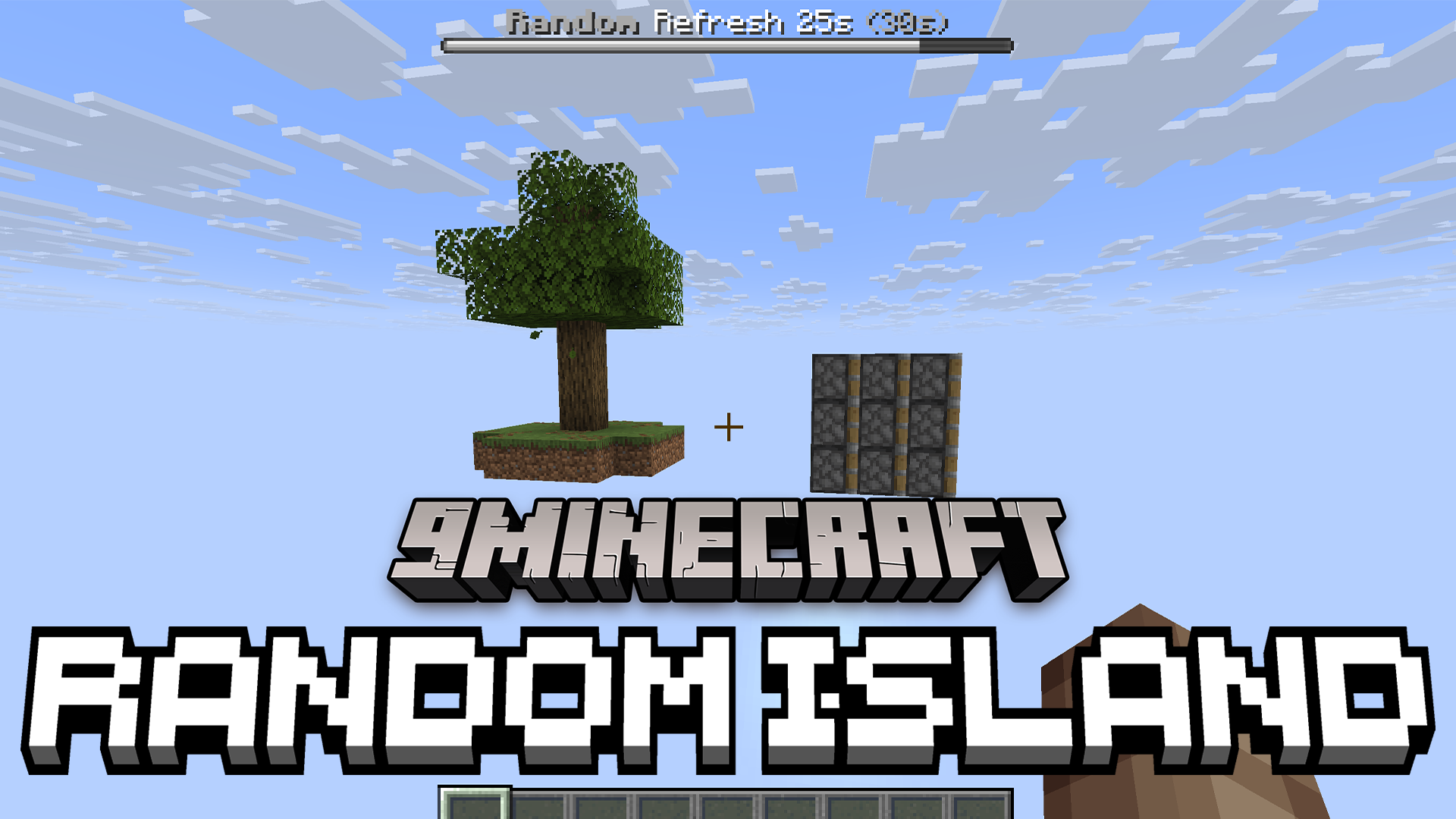
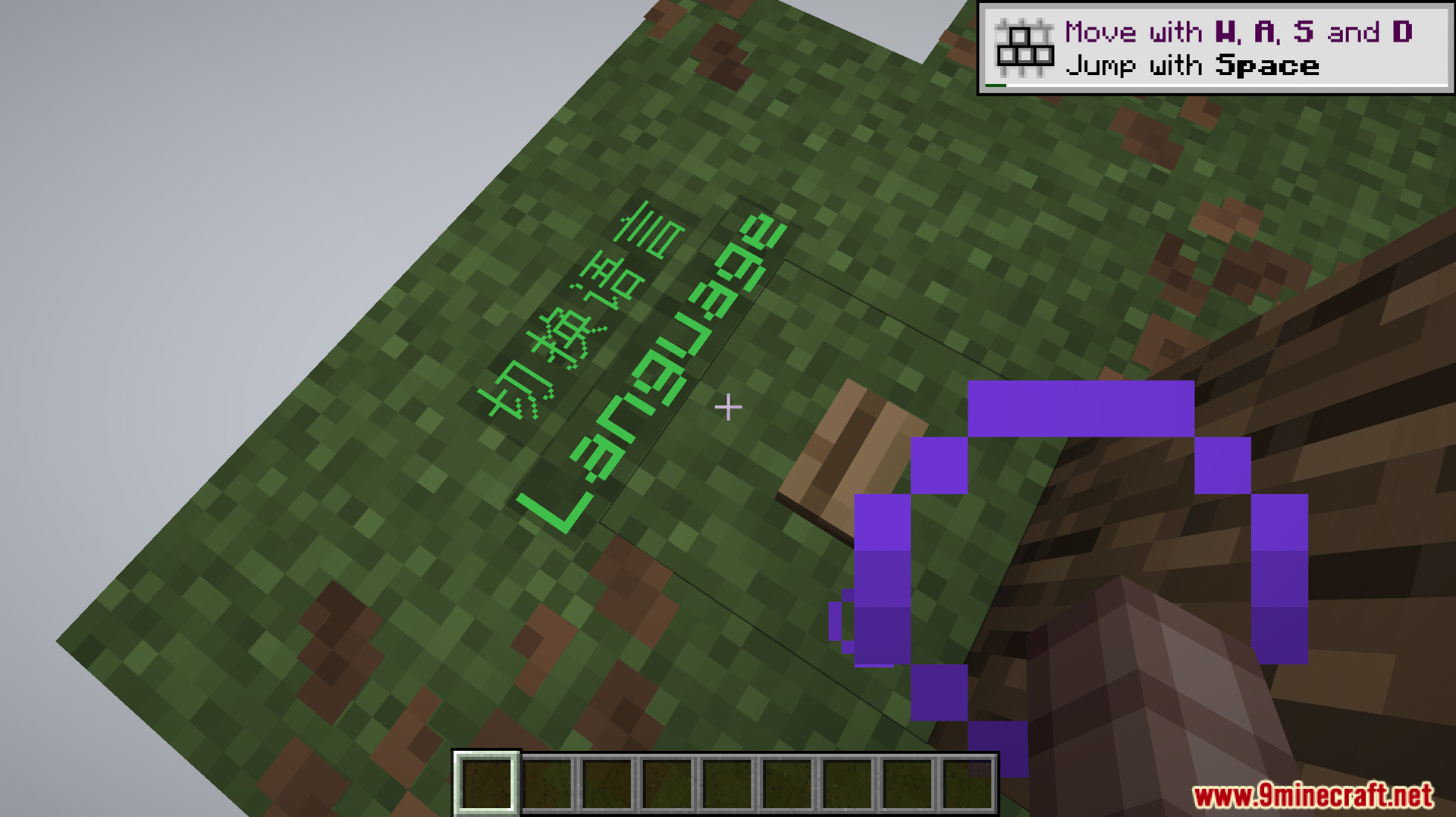
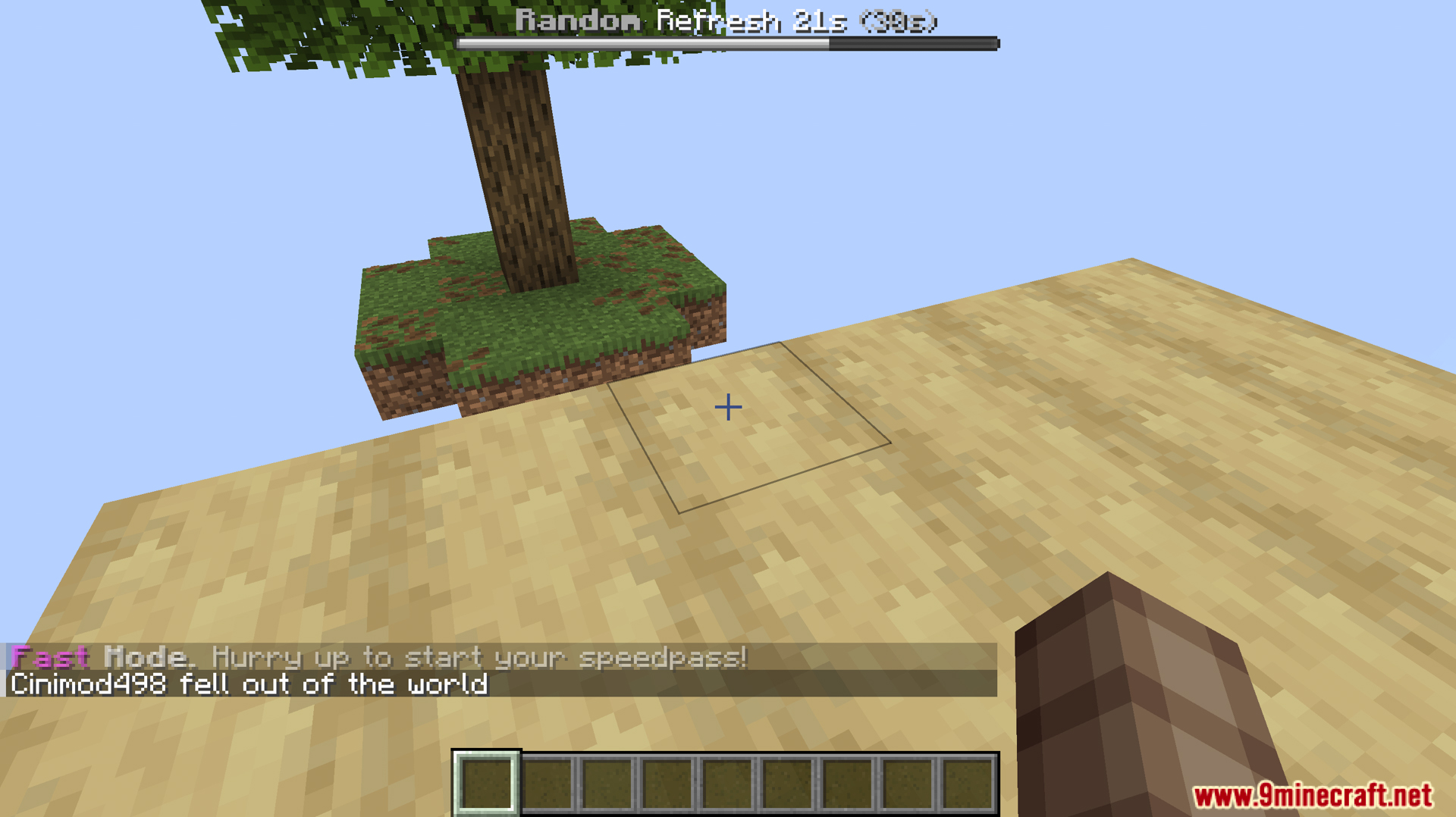
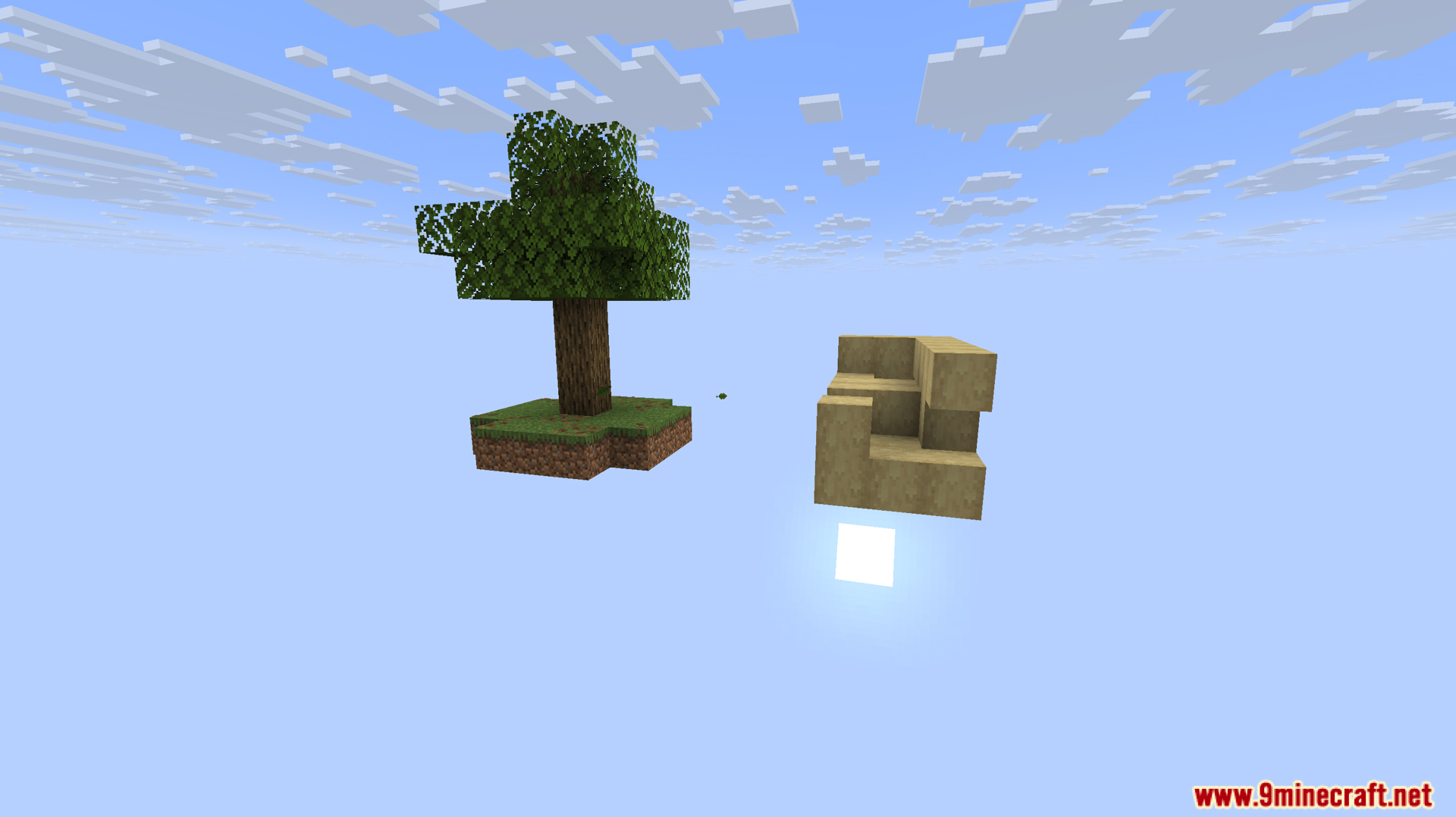
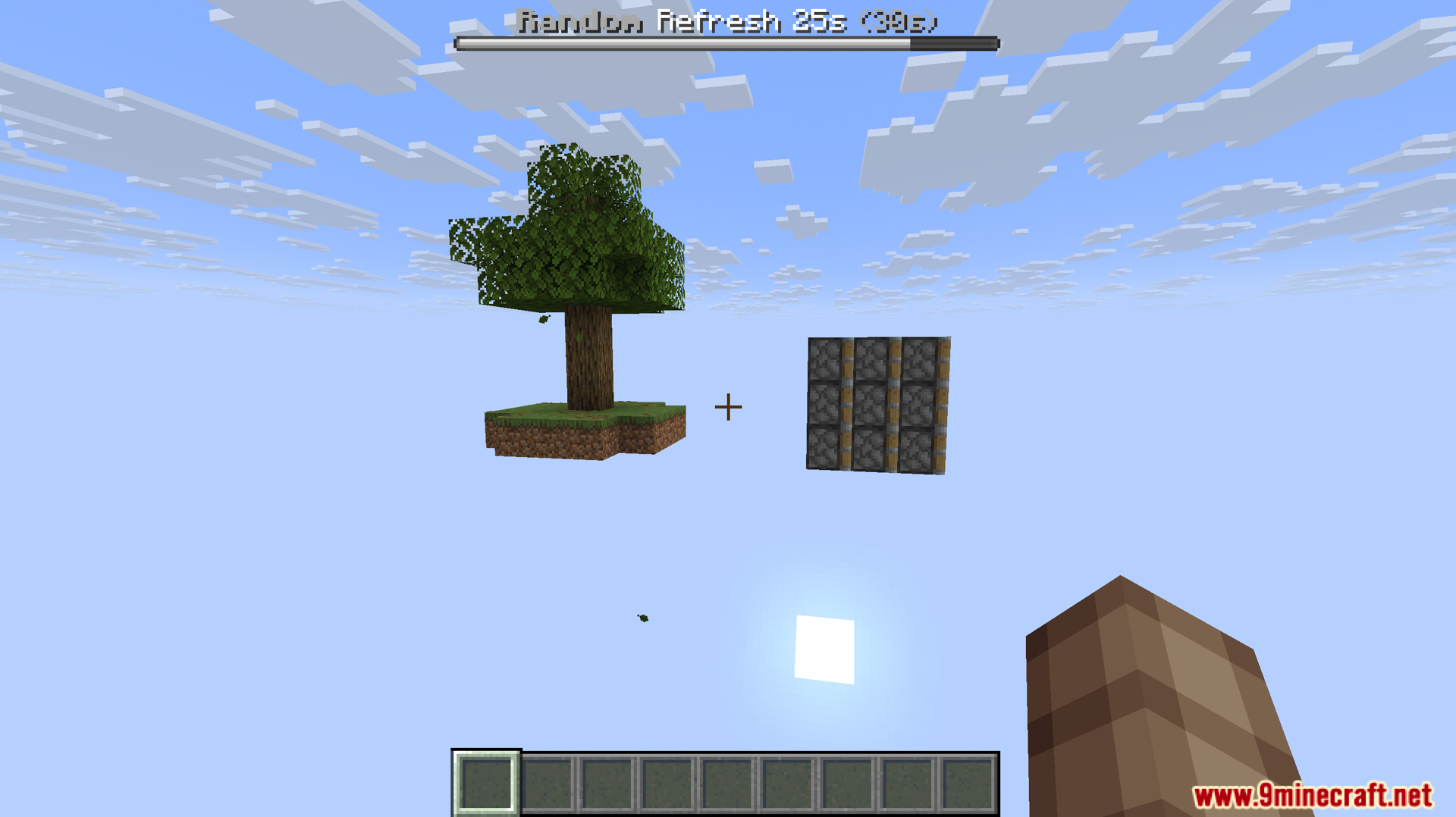
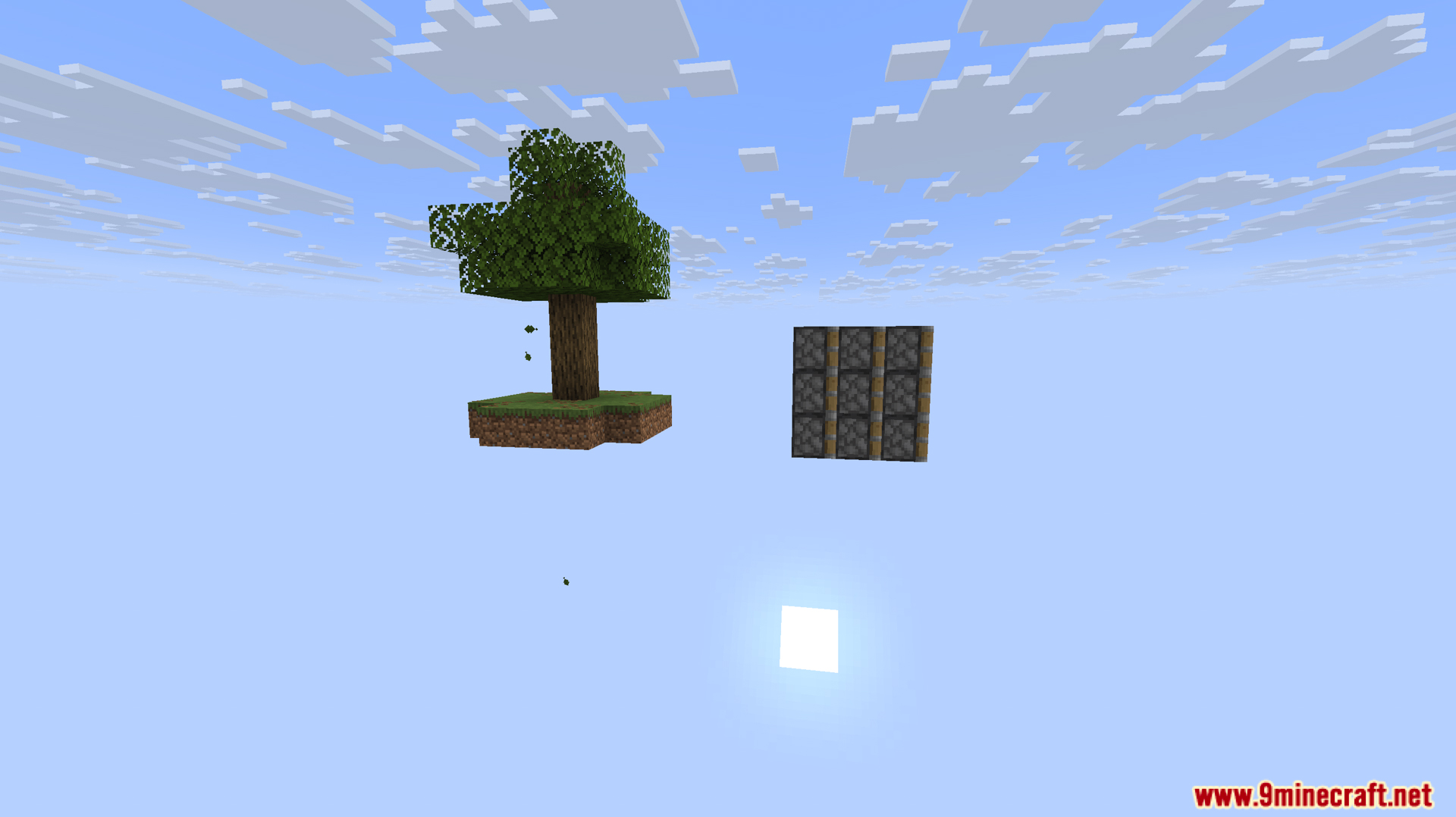
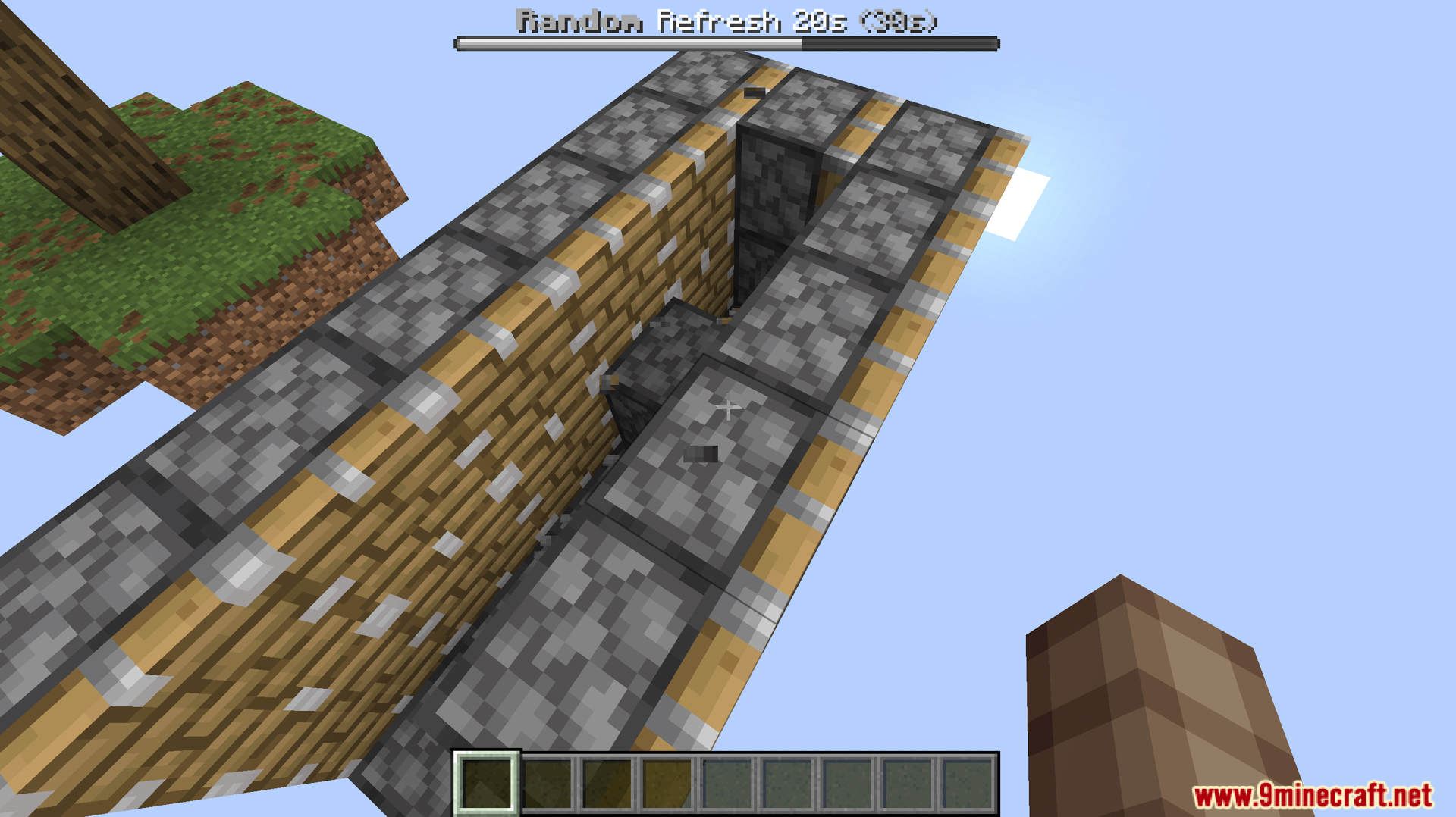
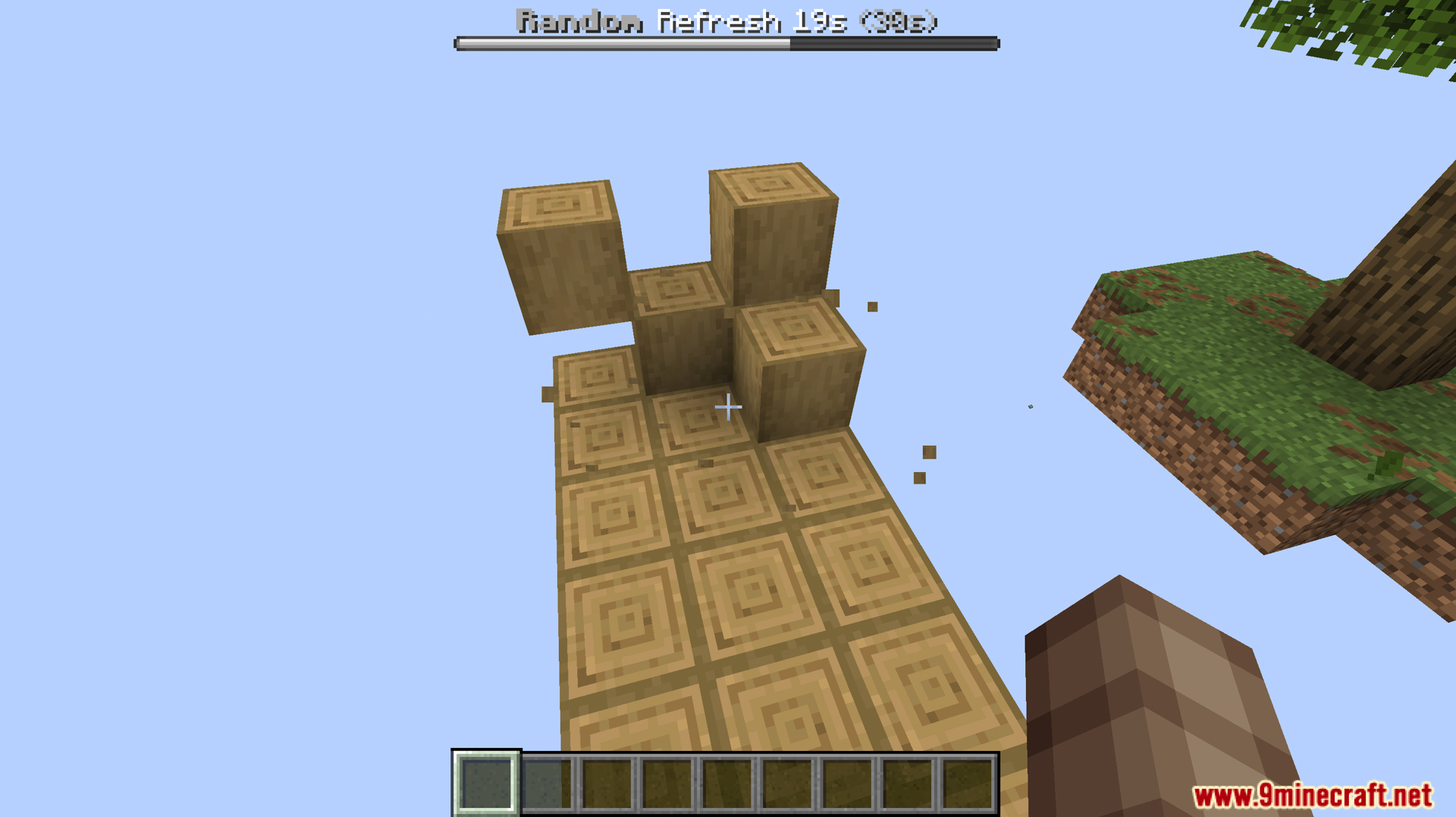
Random Island Data Pack puts you on a tiny sky island for a unique survival challenge. Instead of searching for resources, this data pack brings them directly to you. A timer appears on your screen, counting down until a fresh batch of random blocks spawns in a set area nearby. You can even choose different game modes, like Fast or Slow, to control how often you get new materials to build with.
Features:
- You start on a small, floating island with a single oak tree.
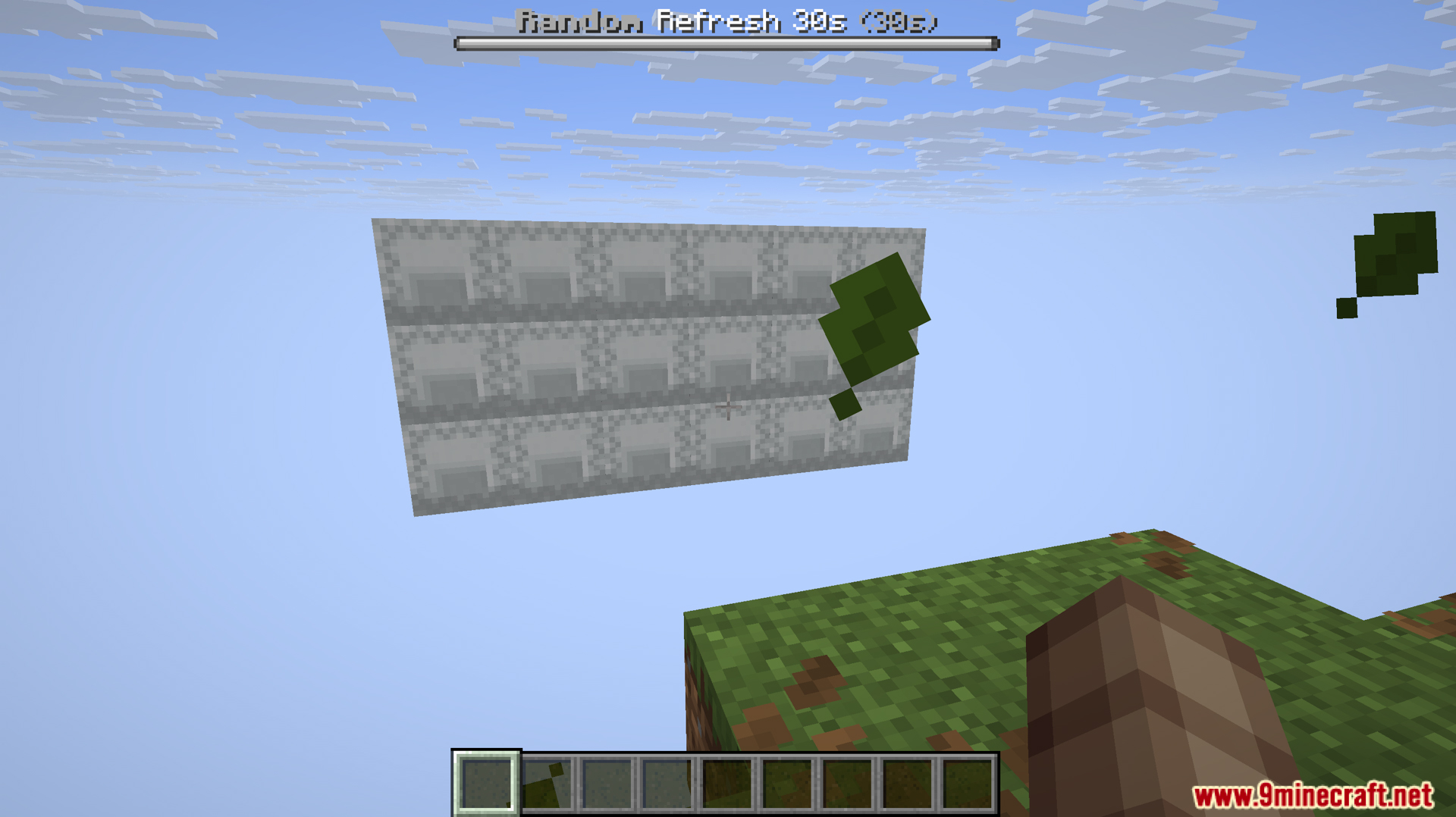
- A 6x3x3 area next to your island will fill with random blocks on a timer.
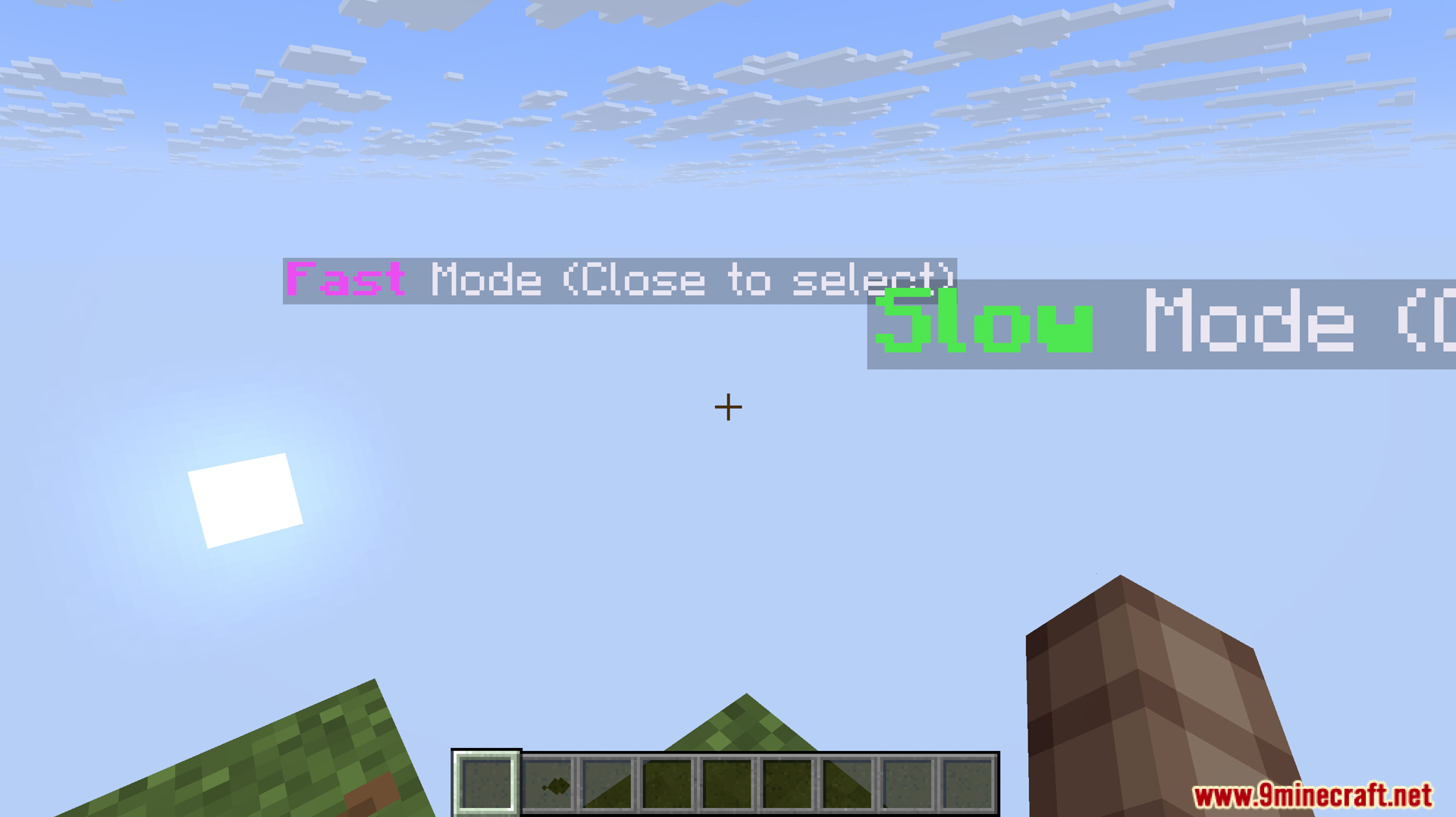
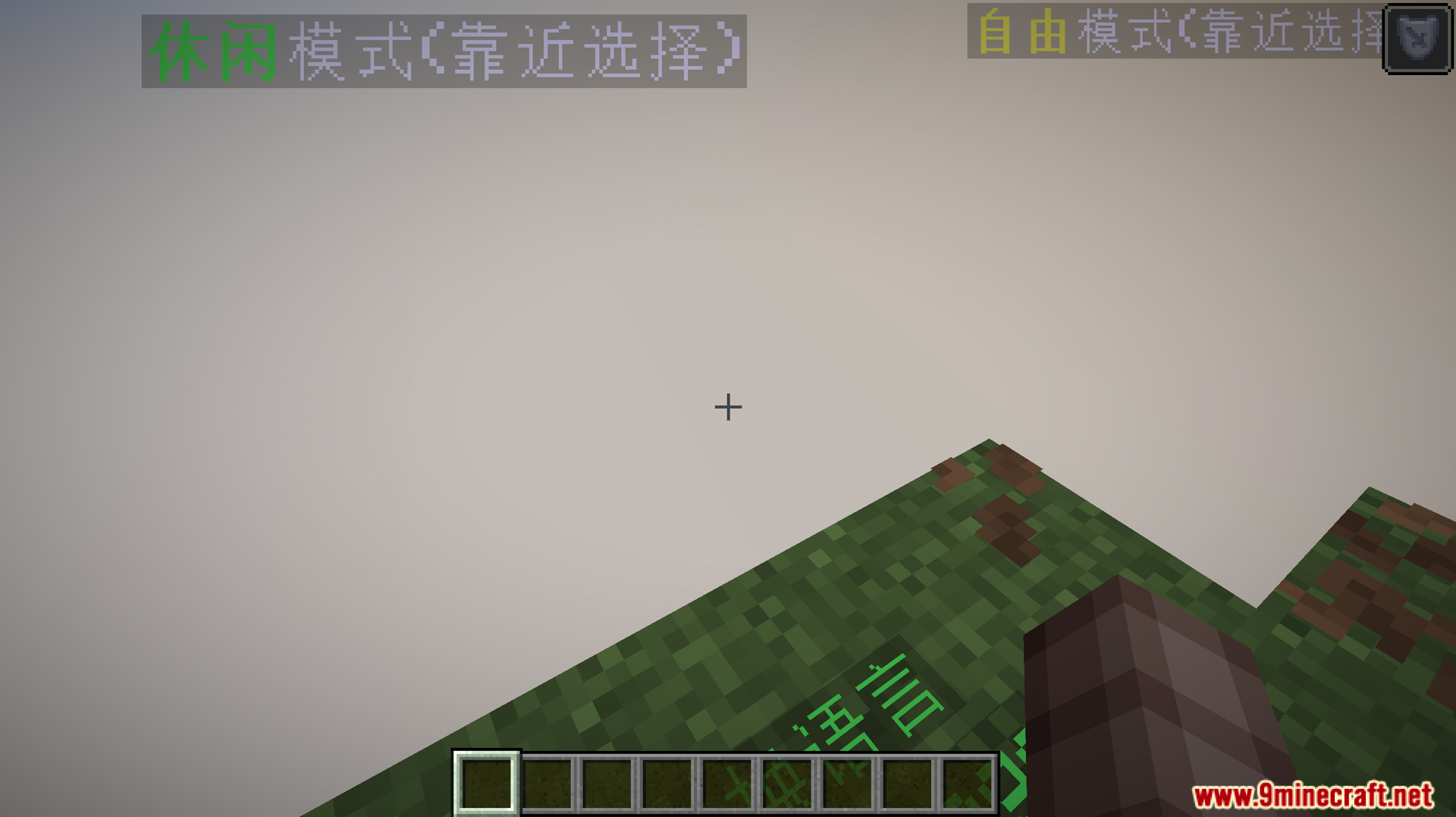
- Lets you pick a game mode to control how fast the blocks appear.
- Slow Mode: A relaxed pace where blocks refresh every 70 seconds for a single player.
- Fast Mode: A quicker challenge where blocks refresh every 30 seconds when playing alone.
- The block refresh time gets faster when more players join your world.
- A progress bar appears on screen to show when the next set of blocks will spawn.
- Adds a way to get lava by smelting an iron block in a blast furnace for 10 minutes.
- Includes sound effects for choosing a mode and when new blocks appear.
Commands:
In Custom Mode, you can change the block refresh time. The default is 90 seconds. To set a new time, use this command:
/trigger c set <time>– Replace<time>with the number of seconds you want between refreshes.
By default, only the player who created the world can use this command. To give other players permission to change the time, use this command:
/tag <player name> add op– Replace<player name>with the name of the player you want to give permissions to. This also works on servers.
Screenshots:
Random Island Data Pack Download Links
For Minecraft 1.21.11, 1.21.10
For Minecraft 1.21.8, 1.21.7, 1.21.6
For Minecraft 1.21.5
For Minecraft 1.21.4, 1.21.3, 1.21.1, 1.21
For Minecraft 1.20.6
For Minecraft 1.20.4, 1.20.2, 1.20.1, 1.20
For Minecraft 1.19.4, 1.19.2
For Minecraft 1.18.2
For Minecraft 1.17.1
- Edition: Minecraft Java
- File type: .jar
- Minecraft versions listed: 1.21.11, 1.20.1
- How to install: Install the matching mod loader (Forge, Fabric or NeoForge) for your Minecraft version. → Download the .jar. → Put it in the .minecraft/mods folder and launch that loader profile.
- Where to get it: In MC Java Mods, or directly above on this page.
Install steps are the general flow for this file type — see the MC Java Mods guides for the full walkthrough.
- Download size: 2.2 MB
- Download link checked 17 Jun 2026 — working
- Mirrored on our own servers — the download does not depend on the original host
These come from our own check of the pack file, not from the source page.