ModsJava
ColoredHud
The author built this one for Minecraft 1.20.1 on Forge. On other versions it may install and then do nothing.
Colored HUD
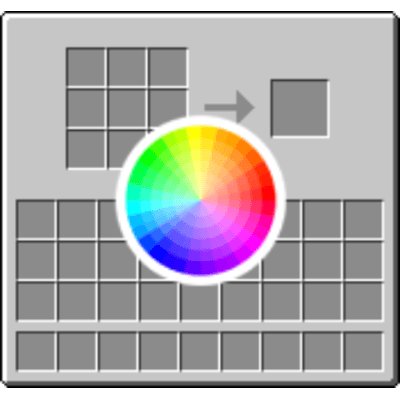
Customize the background color of your inventory and chest GUIs in Minecraft with simple commands. No more boring default gray - make your HUD match your style.
Features:
-
Change inventory GUI color to any RGB value
-
Change chest GUI color to any RGB value
-
Adjust transparency/opacity levels
-
Quick presets for common colors
-
Real-time changes without restarting
-
Works in singleplayer and multiplayer (client-side)
Commands:
Set inventory color with RGB values (0-255): /hudcolor inventory 255 0 0
Set color with transparency (0-255): /hudcolor inventory 255 0 0 128
Use color presets: /hudcolor inventory preset red /hudcolor chest preset blue
Available presets: red, green, blue, yellow, purple, cyan, orange, pink, black, white, gray, default, clear
Change only transparency: /hudcolor alpha inventory 100 /hudcolor alpha chest 200
Check current values: /hudcolor get
Reset to default: /hudcolor reset
Author: PunchbornMC
Version: 1.20.1 Forge
Quick facts
- Edition: Minecraft Java
- File type: .jar
- Minecraft version listed: 1.20.1
- How to install: Install the matching mod loader (Forge, Fabric or NeoForge) for your Minecraft version. → Download the .jar. → Put it in the .minecraft/mods folder and launch that loader profile.
- Where to get it: Opens on CurseForge — not every file is mirrored on our own servers.
Install steps are the general flow for this file type — How to install Minecraft Java mods & modpacks walks through it step by step.
Verified by MCModsHub
- Ships as coloredhud-1.0.0.jar — drop this file into the mods folder
- Download size: 10 KB
- Download link checked 13 Sept 2026 — working
These come from our own check of the pack file, not from the source page.