
Sonara (Voice Chat)
Java mod listed for Minecraft 1.21. Download on the author's site.
⬇ Download on CurseForge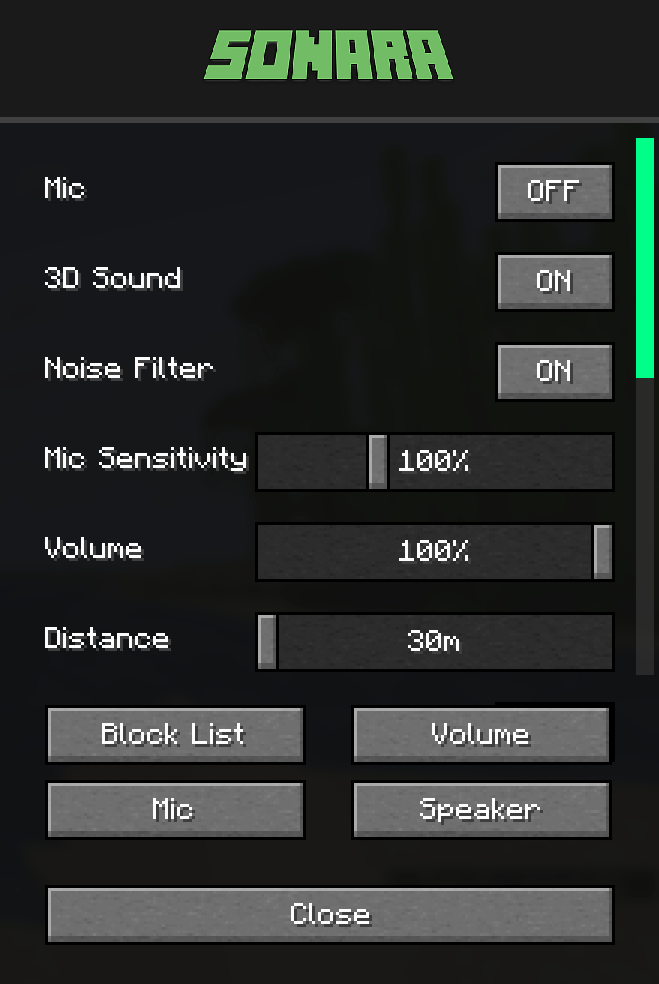

Talk to nearby players using your microphone. The closer you are, the louder you hear each other.
Voice Chat
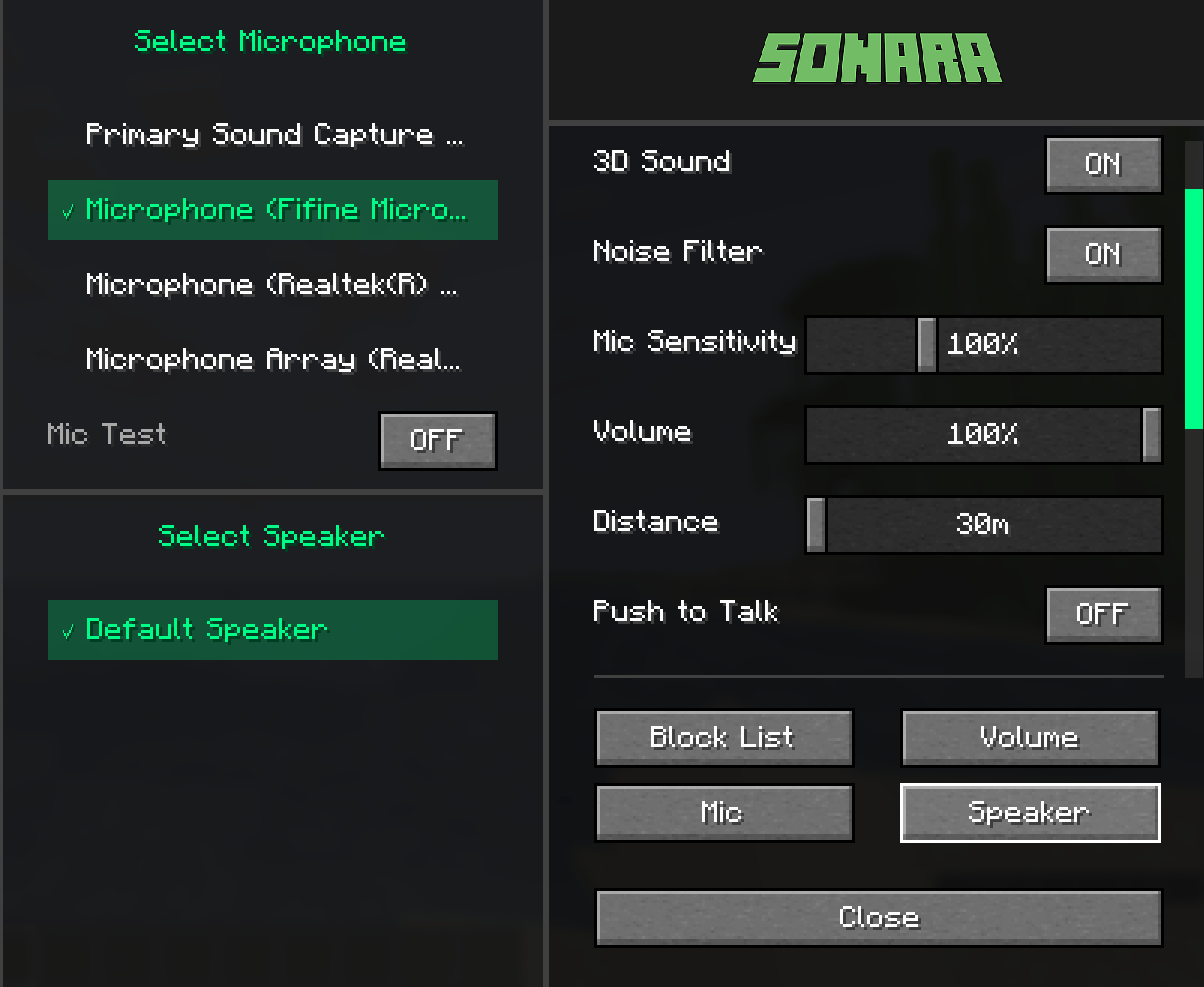
3D Spatial Audio - Hear voices from the player's direction
Distance Control - Adjust hearing range (30-120 blocks)
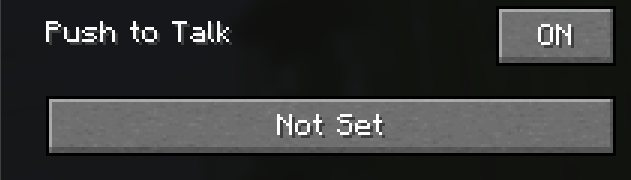
Push-to-Talk Mode - Press a key to talk, or enable always-on
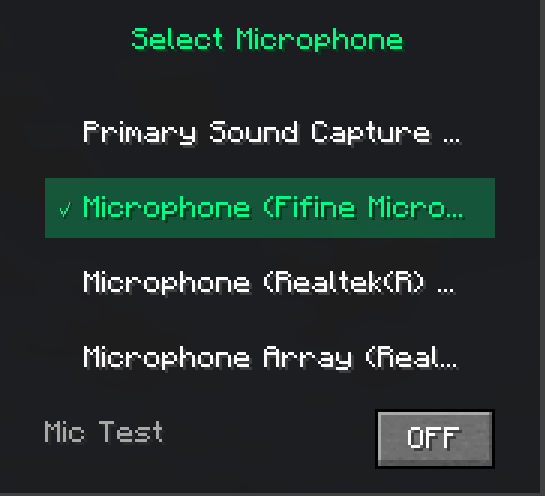
Microphone Test - Test your mic before joining
Audio Settings
Volume Control - Master volume for all voices
Mic Sensitivity - Adjust microphone input level
Noise Filter - Reduce background noise
Player Controls
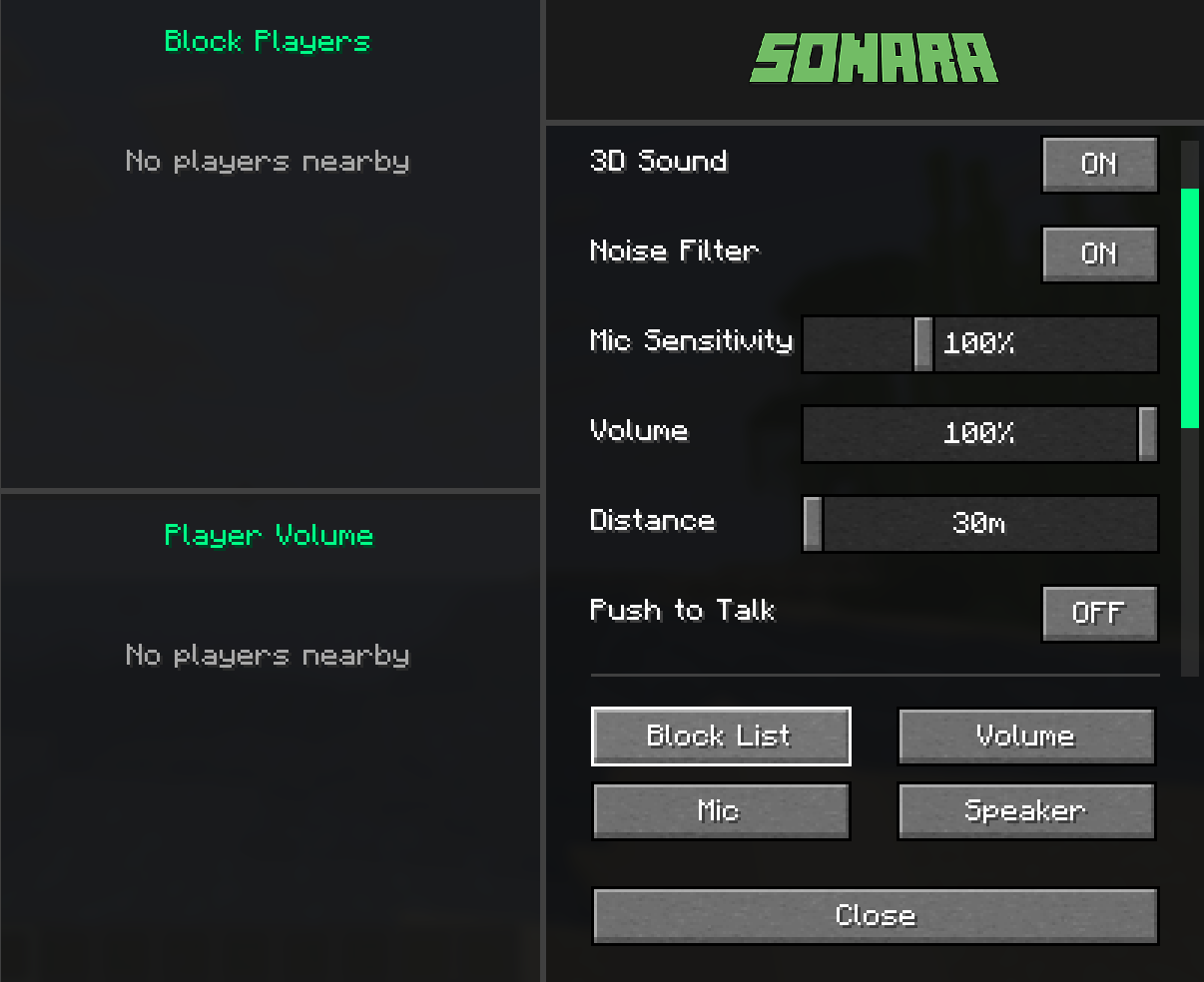
Per-Player Volume - Set different volume for each player
Block List - Mute specific players
Audio Device Selection - Choose your mic and speakers
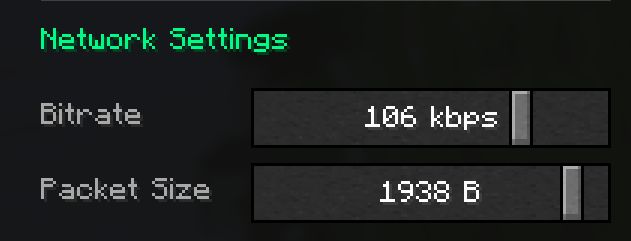
Network Options
Bitrate - Quality settings (32-128 kbps)
Packet Size - Latency optimization (512-2048 bytes)

1- Install the mod in your Fabric mods folder
2- Press V key to open voice chat menu
3- Toggle microphone ON/OFF or set push-to-talk key
4- Adjust settings as needed

/Voice data is transmitted directly between players and server
/No voice recordings are stored
/Block players anytime from the menu

Settings reset when game restarts (session-only)
Server must have the mod installed
All players need the mod to participate
- Edition: Minecraft Java
- File type: .jar
- Minecraft versions listed: 1.21.11, 1.21.10, 1.21.9
- How to install: Install the matching mod loader (Forge, Fabric or NeoForge) for your Minecraft version. → Download the .jar. → Put it in the .minecraft/mods folder and launch that loader profile.
- Where to get it: Opens on CurseForge — not every file is mirrored on our own servers.
Install steps are the general flow for this file type — How to install Minecraft Java mods & modpacks walks through it step by step.
Sonara (Voice Chat) is a free Minecraft Java mod. Compatible with Minecraft 1.21.11, 1.21.10, 1.21.9, 1.21.8 and newer. Downloaded 951 times (via CurseForge). Download it and open it directly in the game.