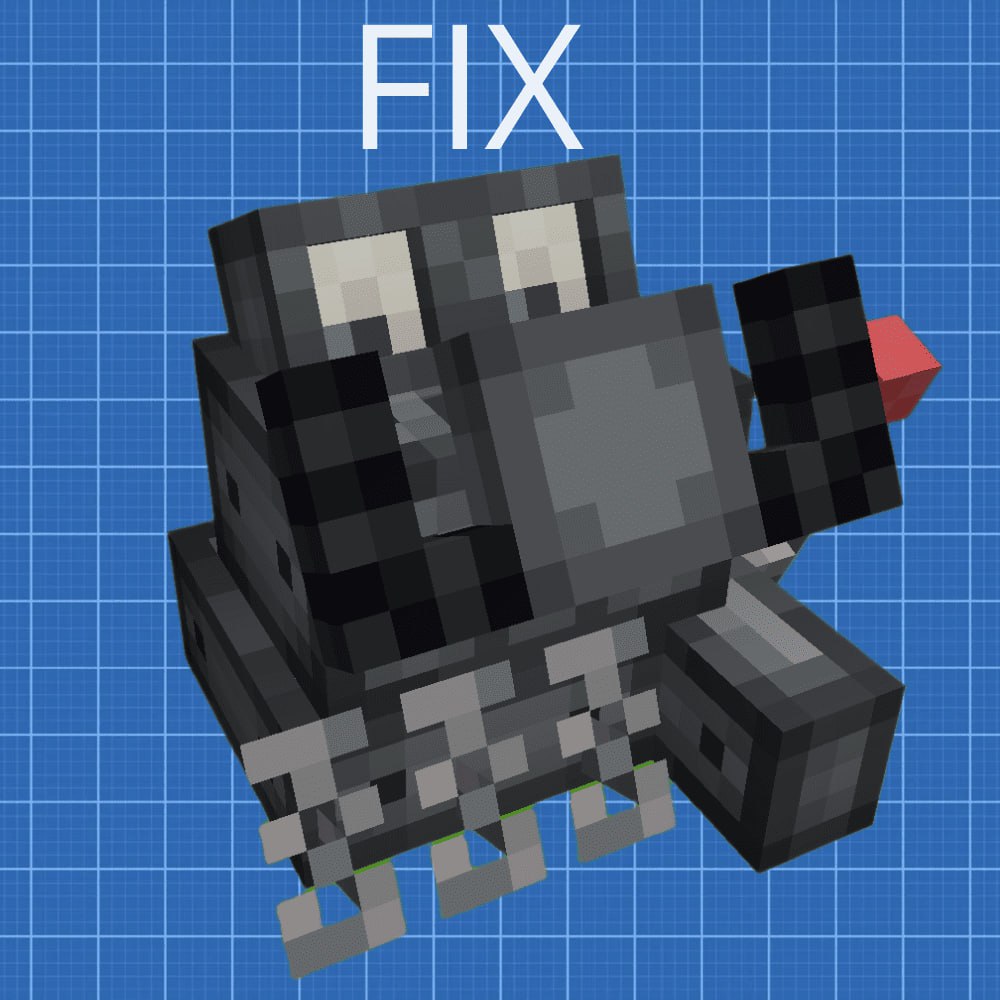
TFMG: Engine controller Fix
Java mod listed for Minecraft 1.20–1.21. Downloads from the MC Java Mods app on Android.
I don't know my version or loader
You may have noticed that the Engine Controller in TFMG (The Factory Must Grow) does not implement a clutch and gear shifting. This mod files that by adding proper clutch and gearbox functionality. It also adds a configuration item that allows you to change the gear ratio of any gear. To shift gears, you need to hold down the clutch. Demonstration https://youtu.be/jca-FNJS_zg?si=eYR8-kwBuQtfxzq3
Common user issues:
The shaft doesn’t rotate from the engine by default — you are in neutral gear. Shift into the next gear (check your control settings).
Gears won’t shift — you need to press the clutch to change gears.
Rotation speed doesn’t change between gears — you may have identical gear ratios. Try adjusting them using the controller configuration tool.
Gear ratio settings are not applied — the engine must be switched off to change them.
- Edition: Minecraft Java
- File type: .jar
- Minecraft versions listed: 1.21.1, 1.20.1
- How to install: Install the matching mod loader (Forge, Fabric or NeoForge) for your Minecraft version. → Download the .jar. → Put it in the .minecraft/mods folder and launch that loader profile.
- Where to get it: Opens on CurseForge — not every file is mirrored on our own servers.
Install steps are the general flow for this file type — How to install Minecraft Java mods & modpacks walks through it step by step.
- Ships as fix_tfmgcontroller-1.0.1b.jar — drop this file into the mods folder
- Download size: 54 KB
- Download link checked 3 Oct 2026 — working
These come from our own check of the pack file, not from the source page.