
Click Ping Wheel - Visual Ground Ping
Java mod listed for Minecraft 1.21. Downloads from the MC Java Mods app on Android.
⬇ Download on CurseForgeThe author built this one for Minecraft 1.21.1 on Fabric. On other versions it may install and then do nothing.
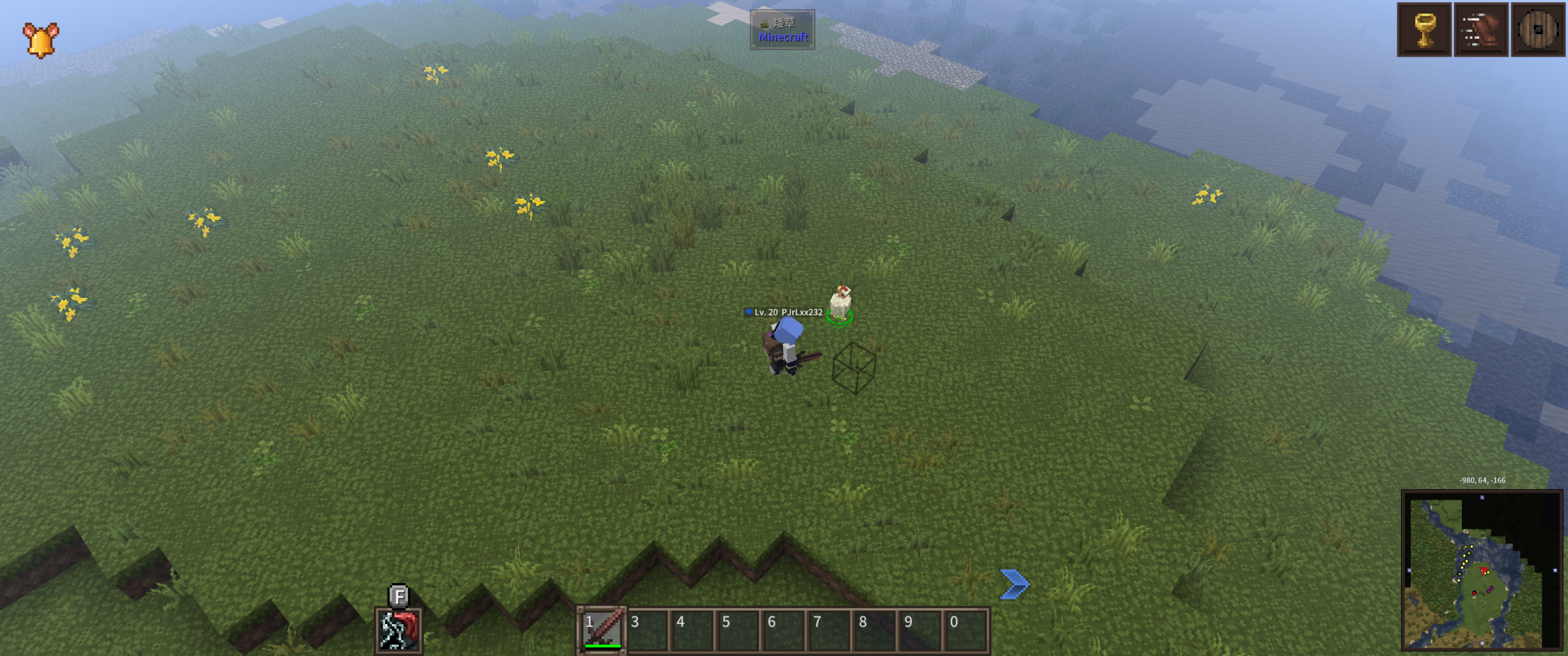
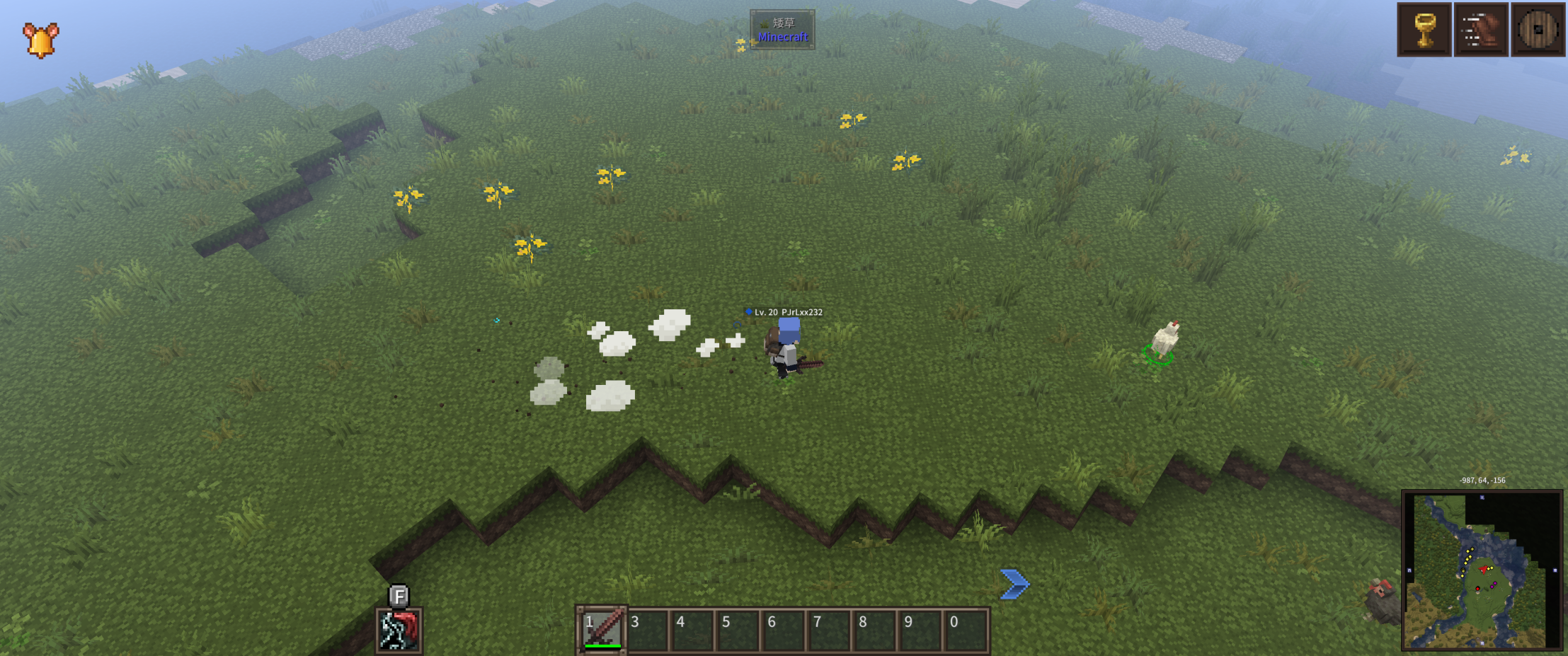
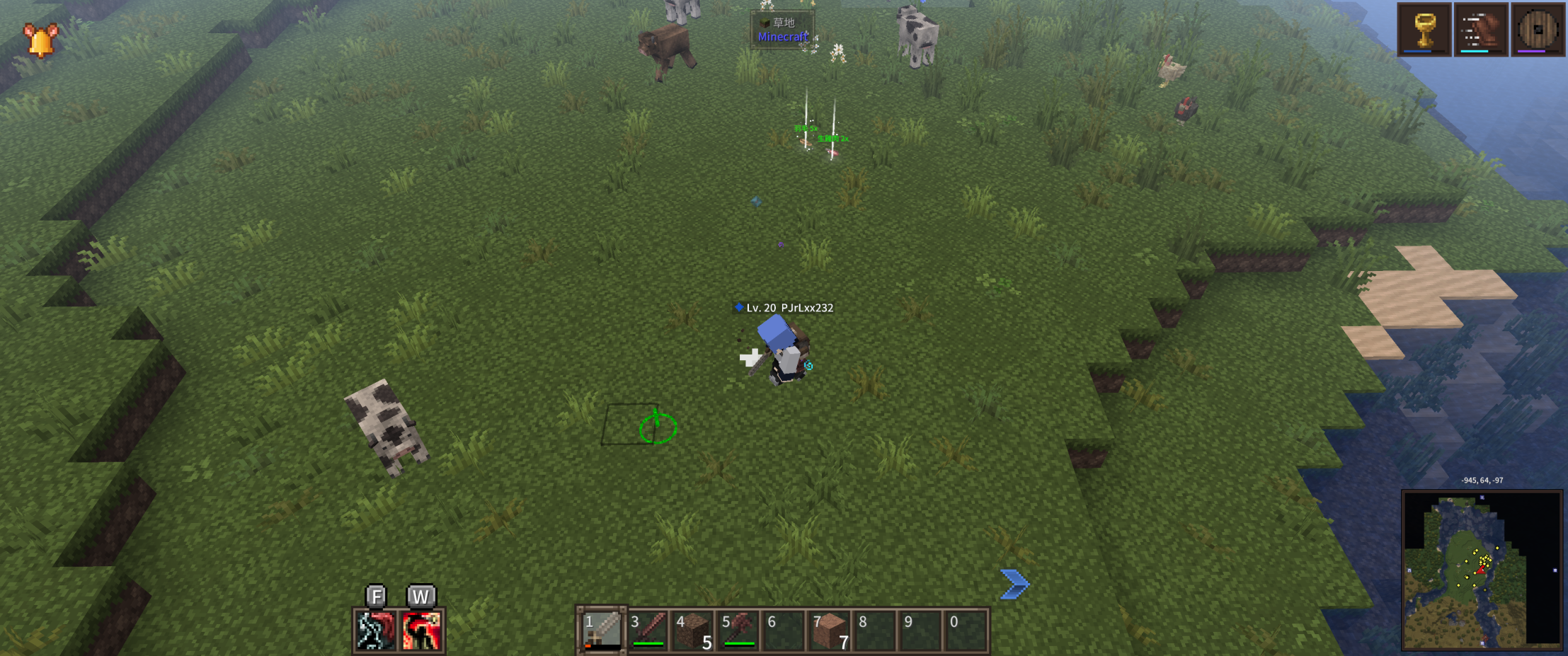
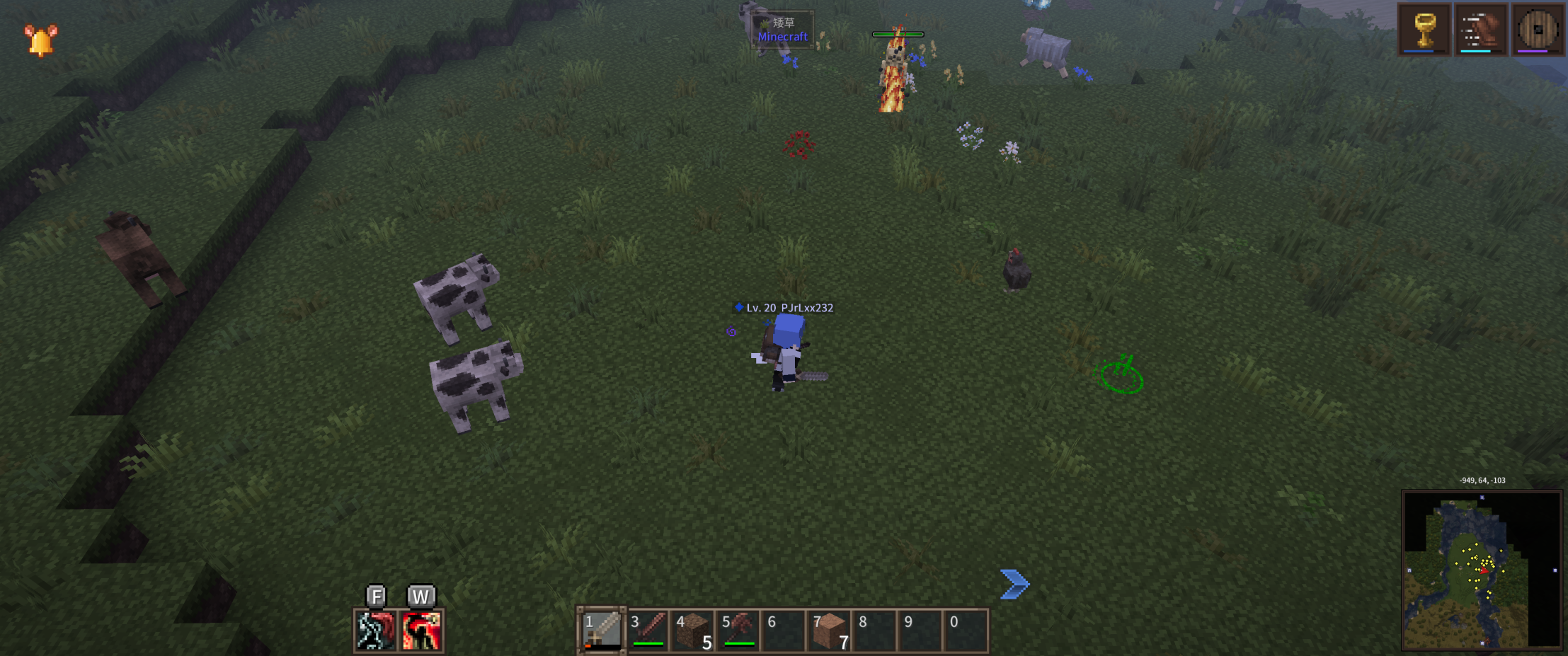
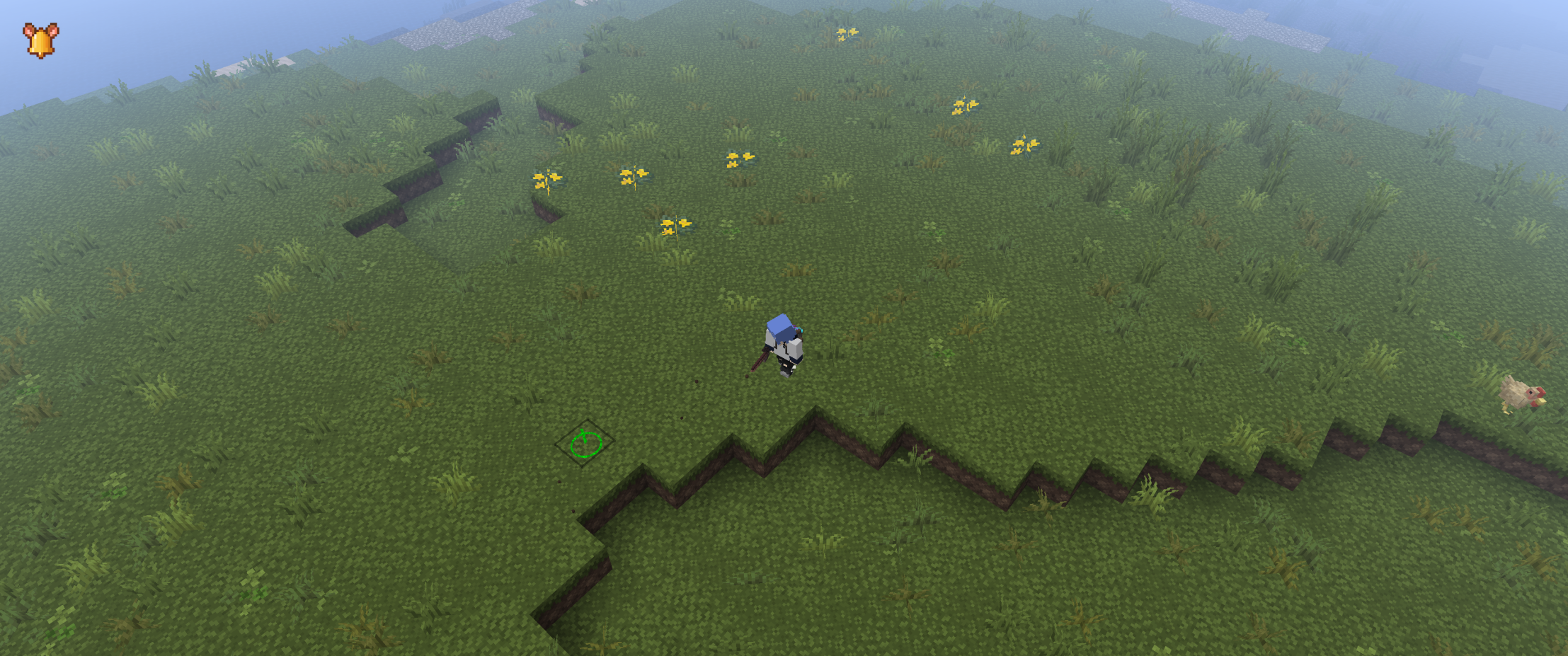
Click Ping Wheel adds clear visual ground ping feedback for click-to-move gameplay.
Designed specifically to work with Dungeons Perspective (dungeons_iso), this mod displays a ground marker, directional arrow, and optional beam effect whenever you click the ground to move. It helps confirm movement commands visually, inspired by ARPG and MOBA-style control feedback.
The mod is fully client-side and does not change any gameplay mechanics.
All visual elements — including colors, sizes, and effects — can be configured directly in-game via Mod Menu.
Features
-Visual ground ping for click-to-move
-Ring, arrow, and optional beam effects
-In-game configuration (colors, size, duration)
-Client-side only
-Designed for use with Dungeons Perspective
Requirements
-Fabric Loader (1.21.1)
-Fabric API
-Dungeons Perspective (dungeons_iso)
-Mod Menu + Cloth Config (for in-game settings)
- Edition: Minecraft Java
- File type: .jar
- Minecraft version listed: 1.21.1
- How to install: Install the matching mod loader (Forge, Fabric or NeoForge) for your Minecraft version. → Download the .jar. → Put it in the .minecraft/mods folder and launch that loader profile.
- Where to get it: Opens on CurseForge — not every file is mirrored on our own servers.
Install steps are the general flow for this file type — How to install Minecraft Java mods & modpacks walks through it step by step.
- Ships as clickmove-marker-1.2.2.jar — drop this file into the mods folder
- Download size: 18 KB
- Download link checked 3 Oct 2026 — working
These come from our own check of the pack file, not from the source page.