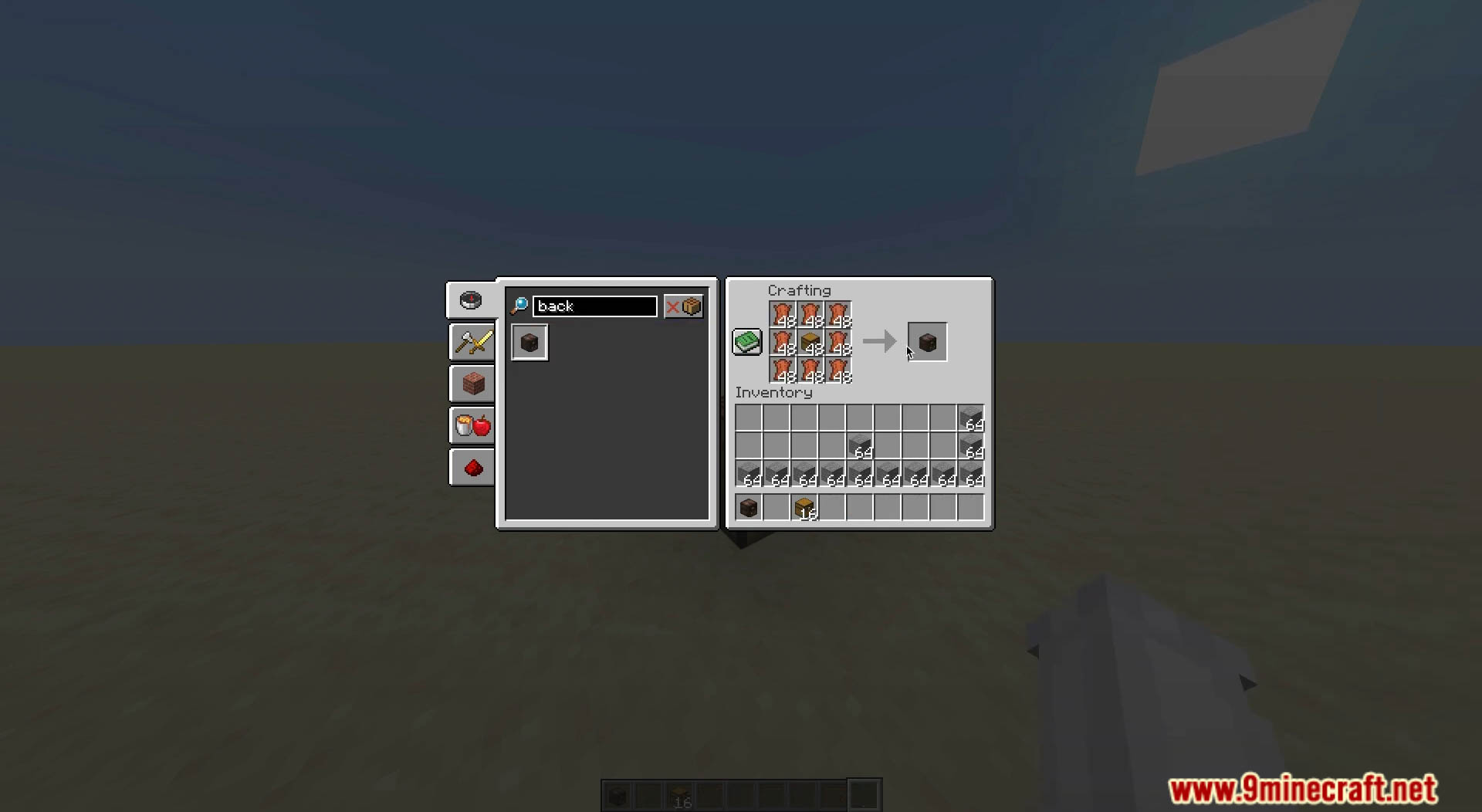
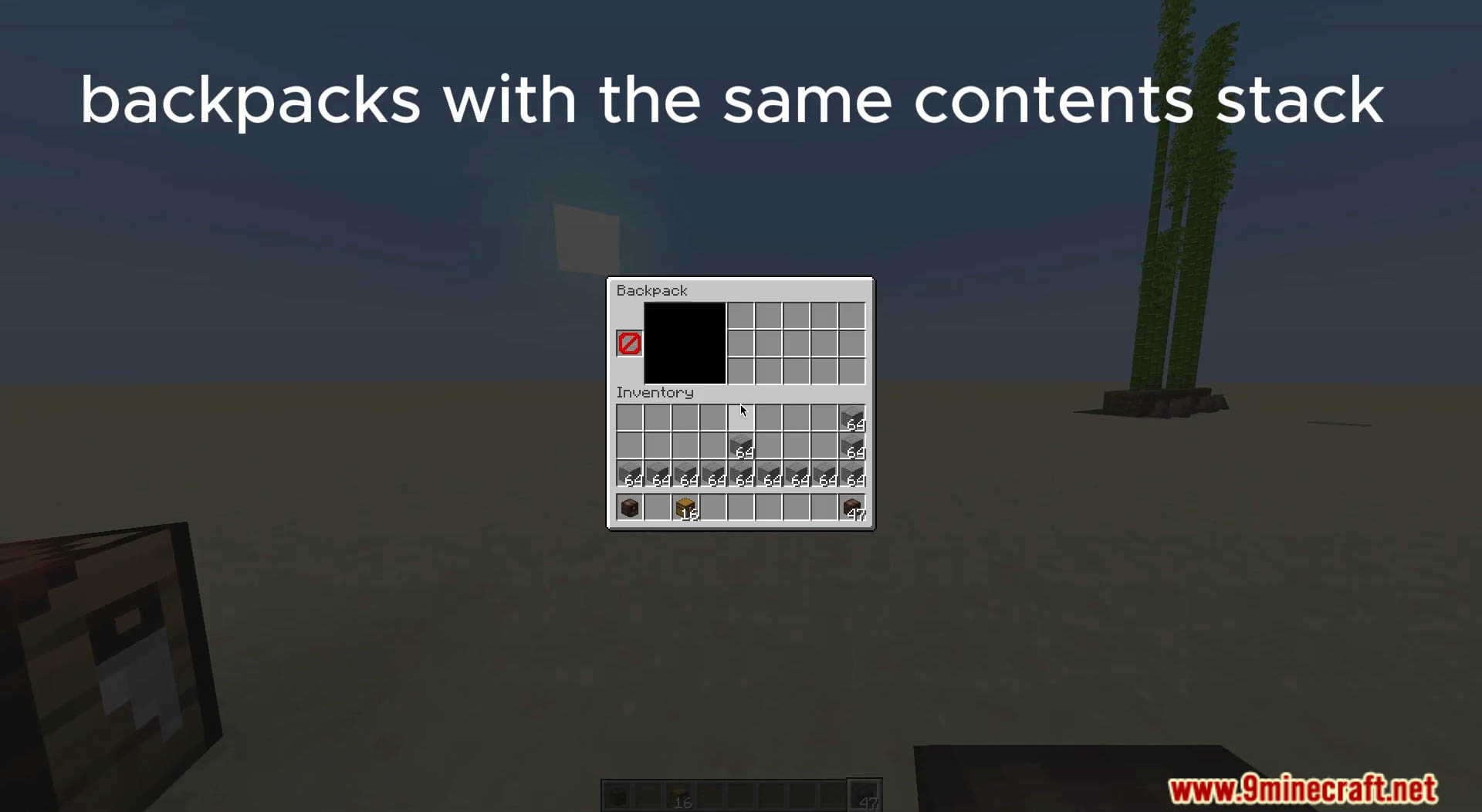
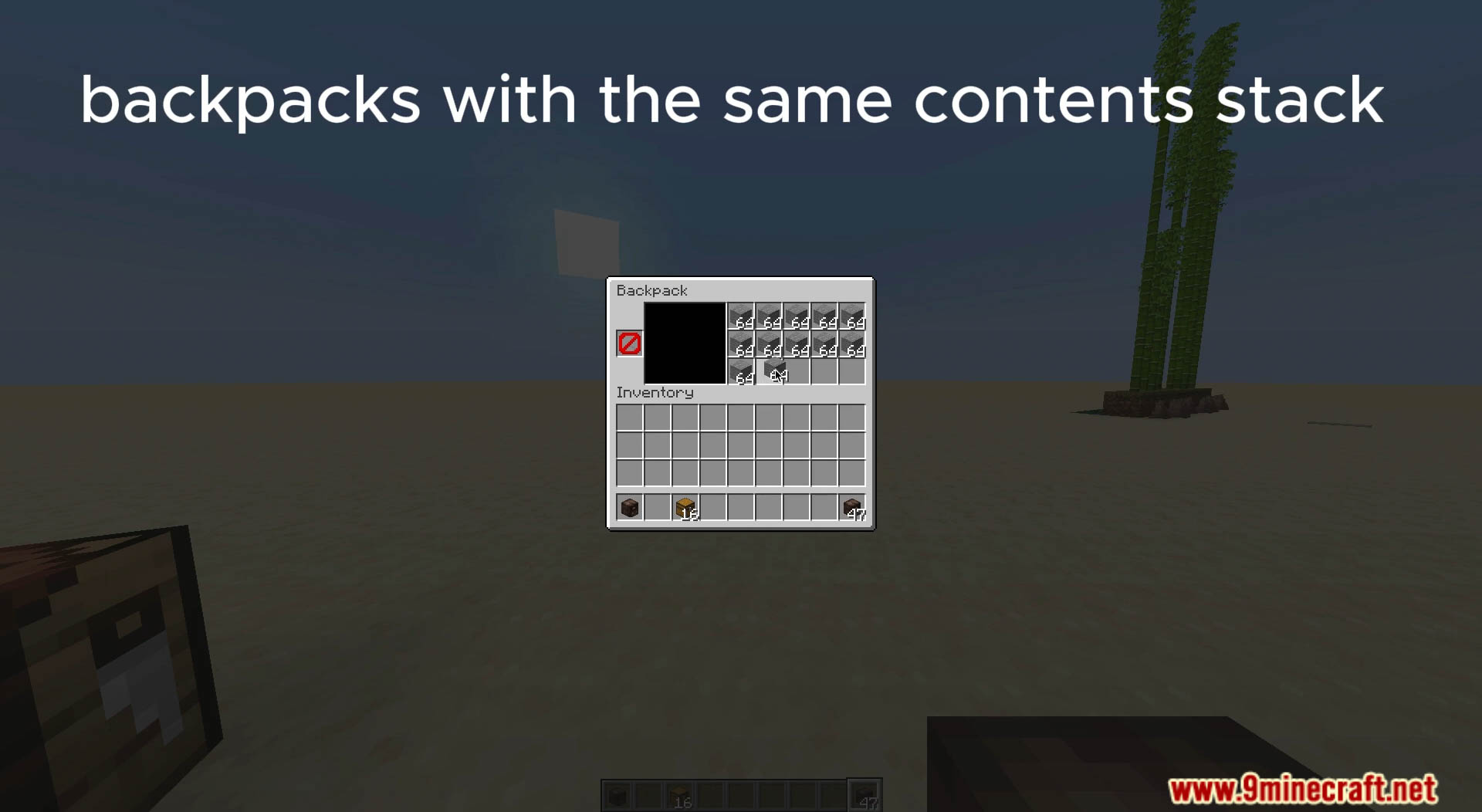
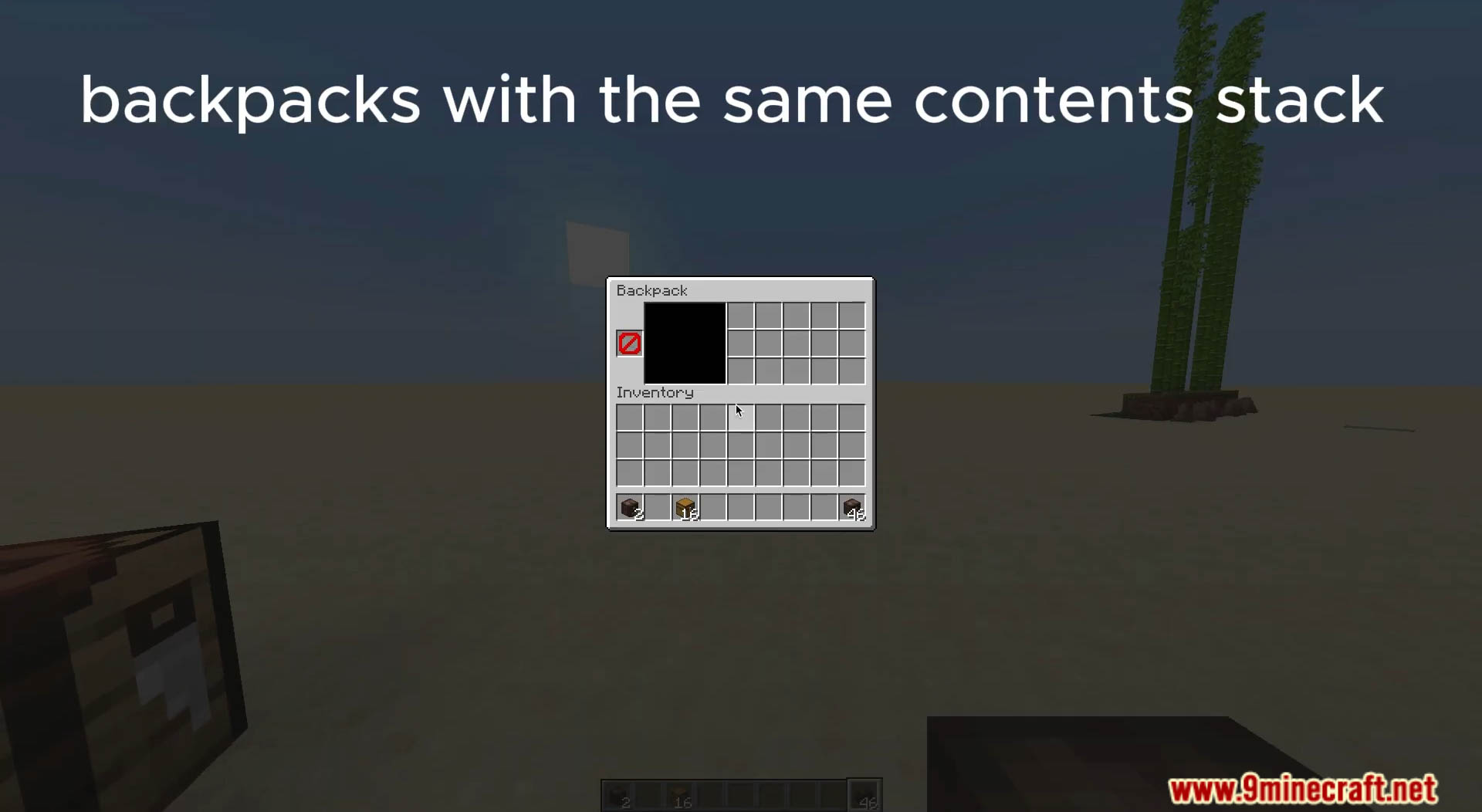
Backpacks Data Pack is a data pack that adds vanilla-friendly backpacks to your game which you can upgrade, dye and style!
Features:
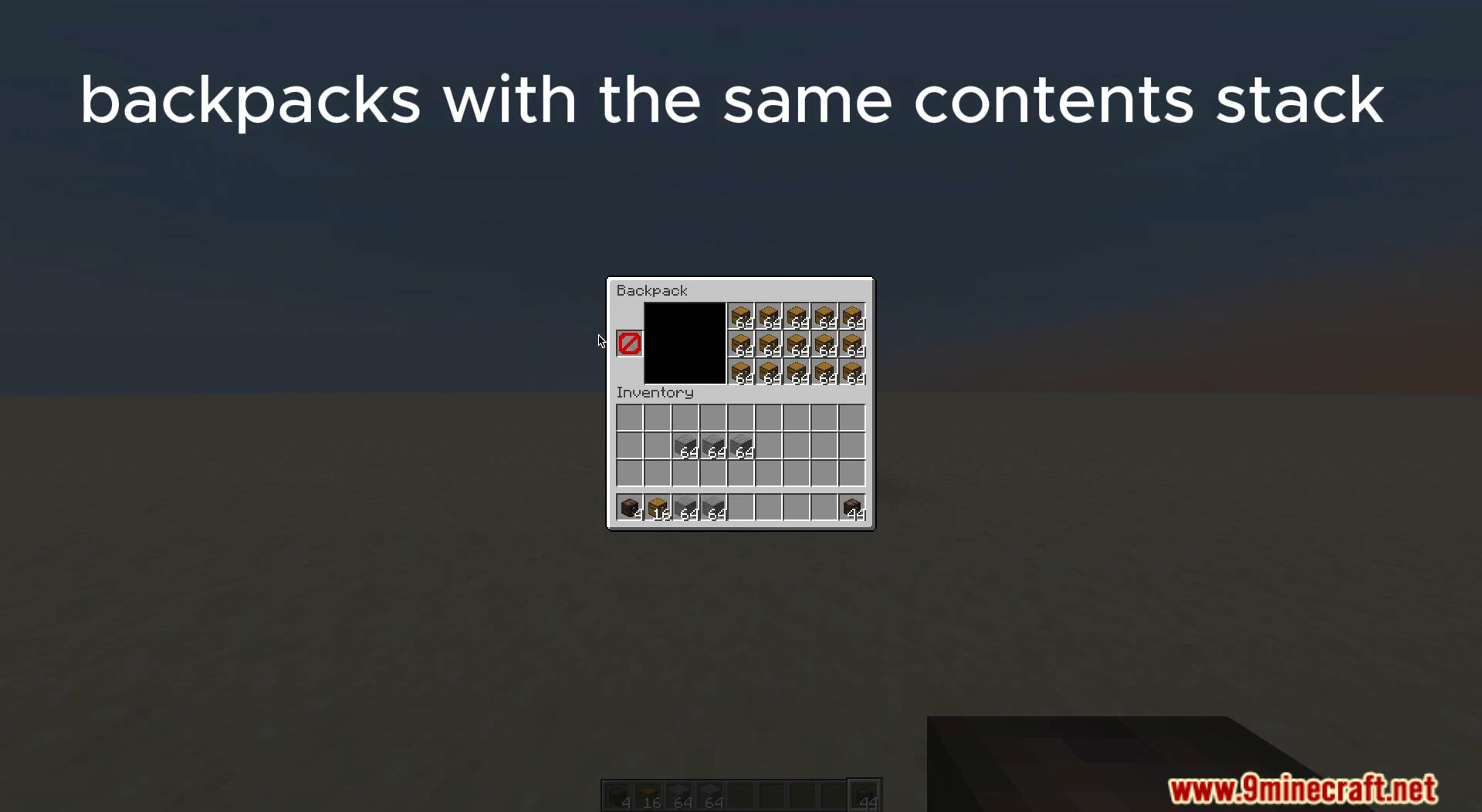
- 4 Different tiers of Backpacks (3, 9, 18 and 40 slots respectively)
- Ender Backpacks (linked to your enderchest!)
- Backpack Customization (dyes and custom styles)
- Advancements
- Command to create custom backpacks
Advancements
- Backpacks!: Play with the datapack/mod installed.
- Ender Chest+: Craft an Ender Backpack.
- True Adventurer: Craft any Backpack.
- NotEnoughSlots: Upgrade any Backpack.
- So… What now?: Upgrade a Backpack to its final tier.
- World of Color: Dye any Backpack.
- B*tch, I’m stylish: Apply any style to any Backpack.
Settings
- Blacklisted Items
- Default: True
- About: Prevents certain items from entering Backpacks. By default: Backpacks, Bundles, and non-empty Shulker Boxes.
- Customization: Modify:
data/backpacks/function/api/container/settings/get_if_blacklisted_item/main.mcfunction
- View all settings in-game:
/function backpacks:cmd/settings/list
Commands
- Give a Backpack (tier 1-4):
/function backpacks:give/backpack/tiers/<tier> - Give an Ender Backpack:
/function backpacks:give/backpack/enderchest - Create a custom Backpack:
/function backpacks:give/backpack/custom {item_id:<item_id>,model_data:<model_data>,slots:<slots>}- <item_id>: e.g.
"minecraft:stone" - <model_data> (1.21.4+): Item model e.g.
"backpacks:backpacks/normal/3/autumnal" - <slots>: Number of slots or
"enderchest"for linked storage
- <item_id>: e.g.
- Backpack item model formats:
- Normal:
"backpacks:backpacks/normal/<tier>/<dye_or_style>" - Ender:
"backpacks:backpacks/ender/ender_backpack" - Dragon style:
"backpacks:backpacks/ender/end_backpack"
- Normal:
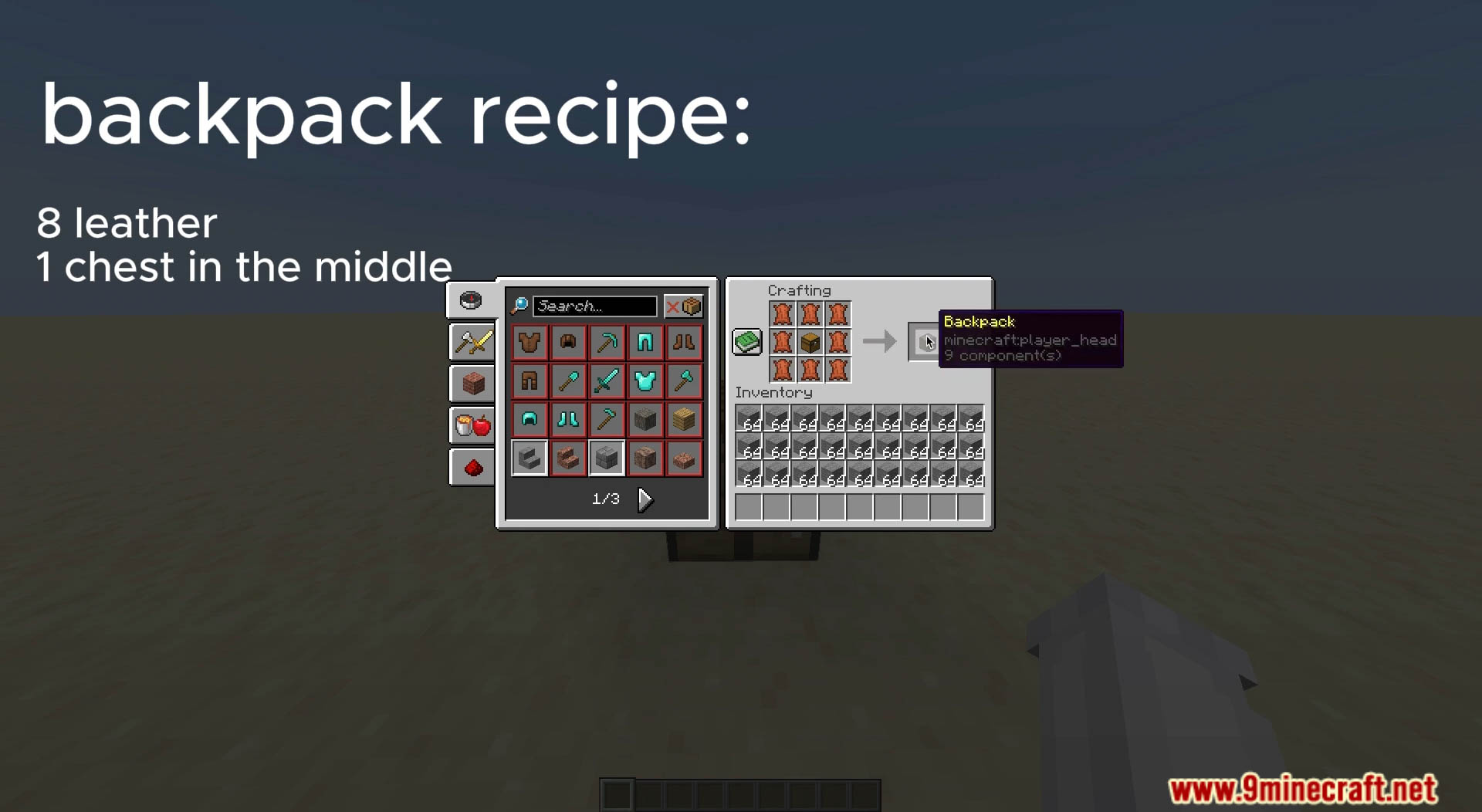
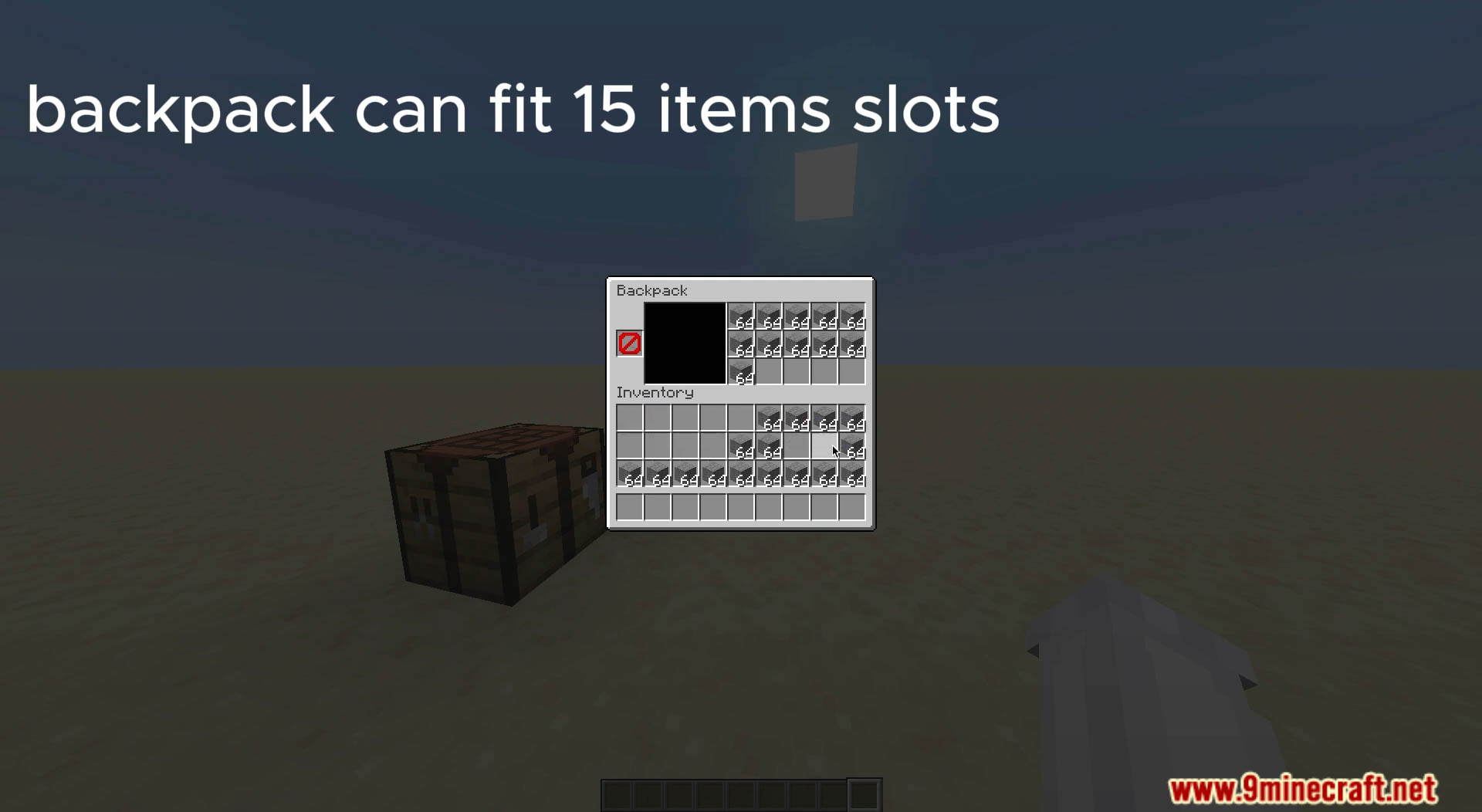
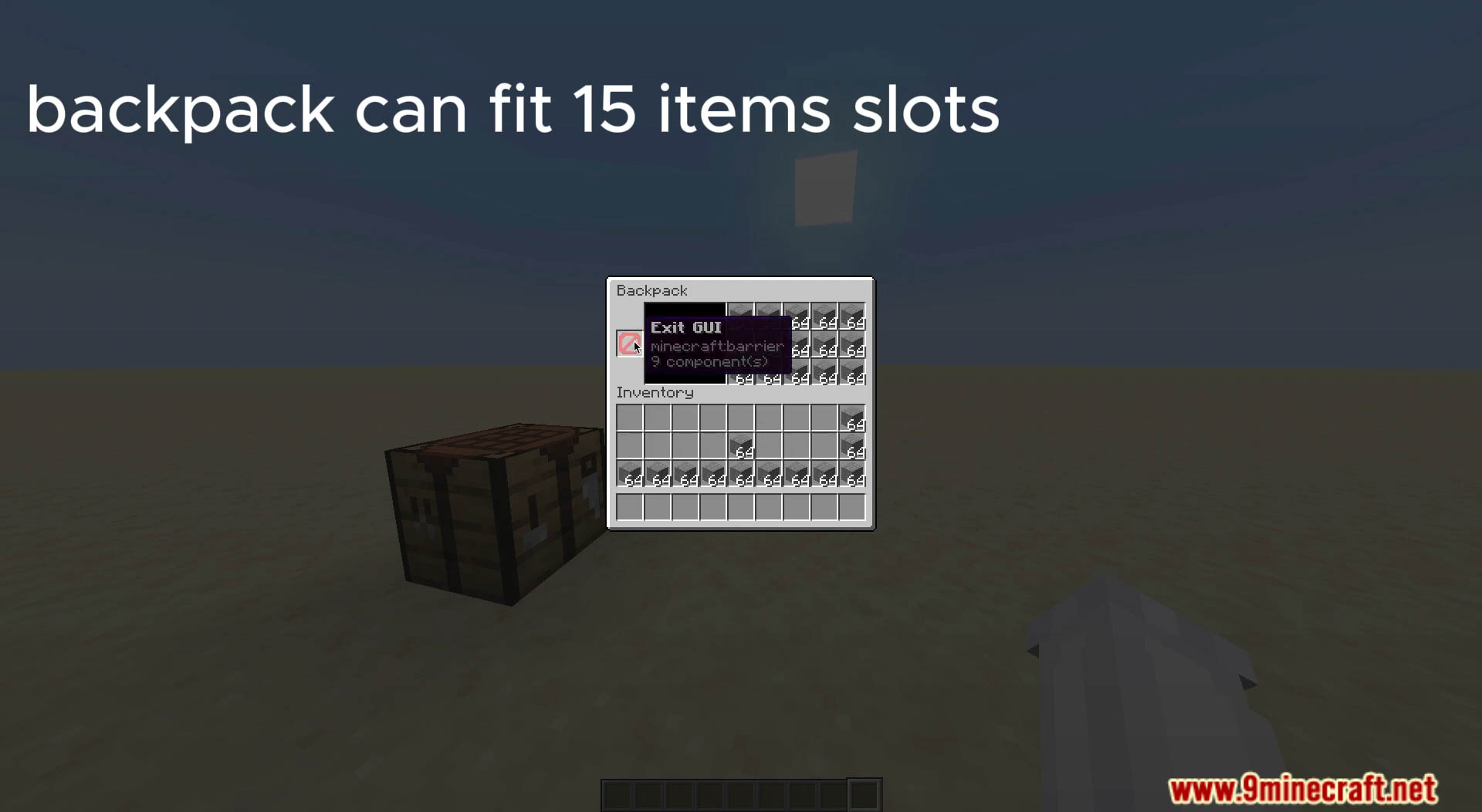
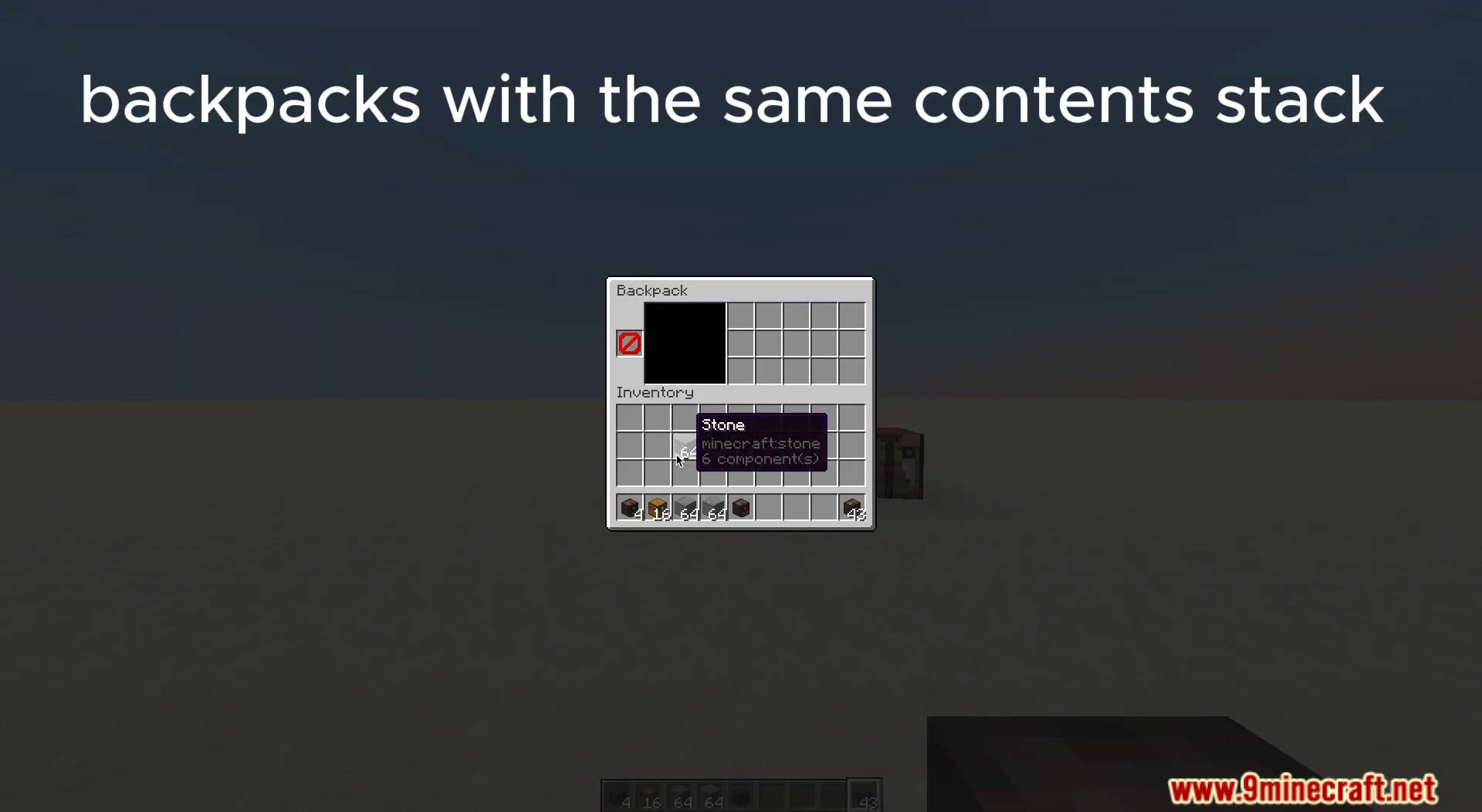
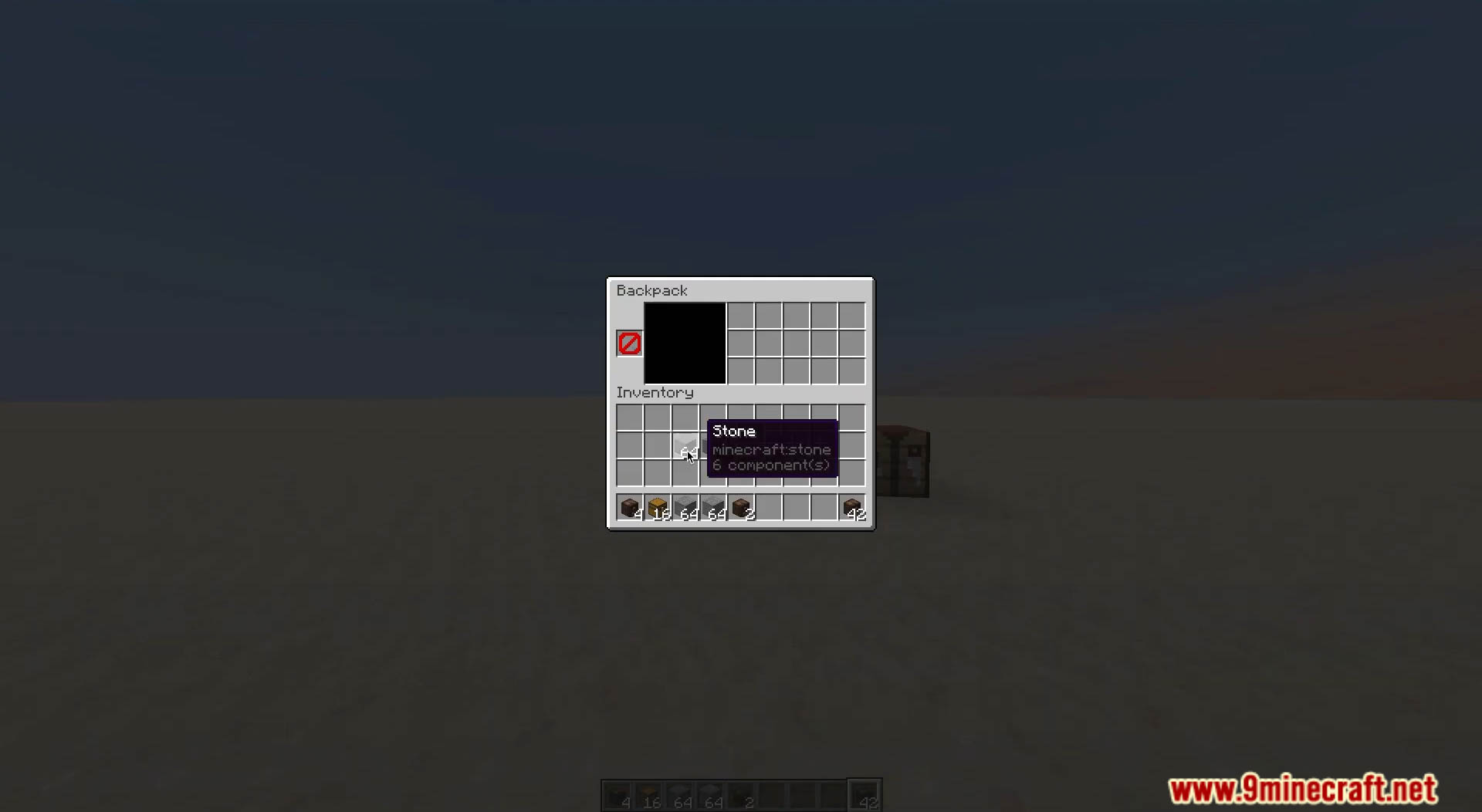
Screenshots:
Backpacks Data Pack Download Links
For Minecraft 1.21.11
For Minecraft 1.21.10, 1.21.9
For Minecraft 1.21.8, 1.21.7, 1.21.6
For Minecraft 1.21.5
For Minecraft 1.21.4
For Minecraft 1.21.1, 1.21
For Minecraft 1.20.6
Quick facts
- Edition: Minecraft Java
- File type: .jar
- Minecraft versions listed: 1.21.11, 1.21.1
- How to install: Install the matching mod loader (Forge, Fabric or NeoForge) for your Minecraft version. → Download the .jar. → Put it in the .minecraft/mods folder and launch that loader profile.
- Where to get it: In MC Java Mods, or directly above on this page.
Install steps are the general flow for this file type — see the MC Java Mods guides for the full walkthrough.
Verified by MCModsHub
- Download size: 349 KB
- Download link checked 17 Jun 2026 — working
- Mirrored on our own servers — the download does not depend on the original host
These come from our own check of the pack file, not from the source page.