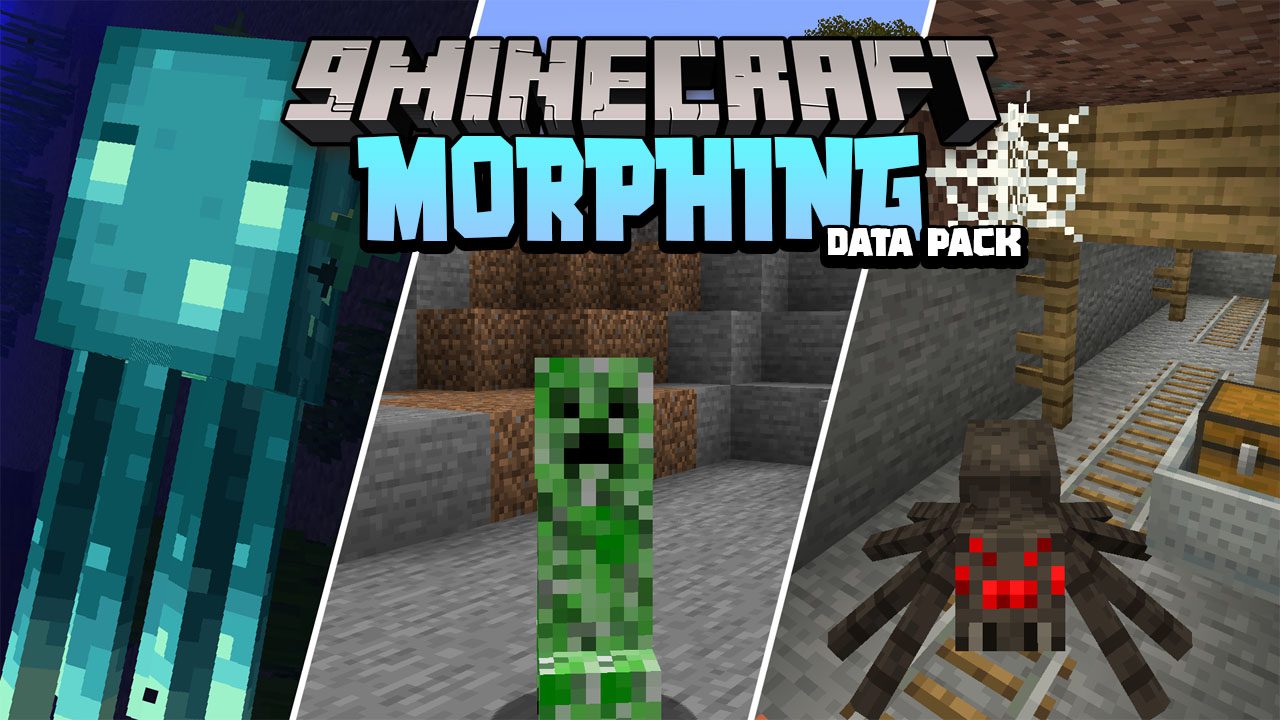
Gamingbarn's Morph Data Pack (1.21.11, 1.20.1) – Morphing, Shapeshifting
Java data pack listed for Minecraft 1.20–1.21. File opened and checked on 27 Sep 2026; downloads from the MC Java Mods app on Android.
Gamingbarn's Morph Data Pack introduces a new mechanic into Minecraft that allows you to transform into other creatures. Instead of just being a human…
⬇ Download
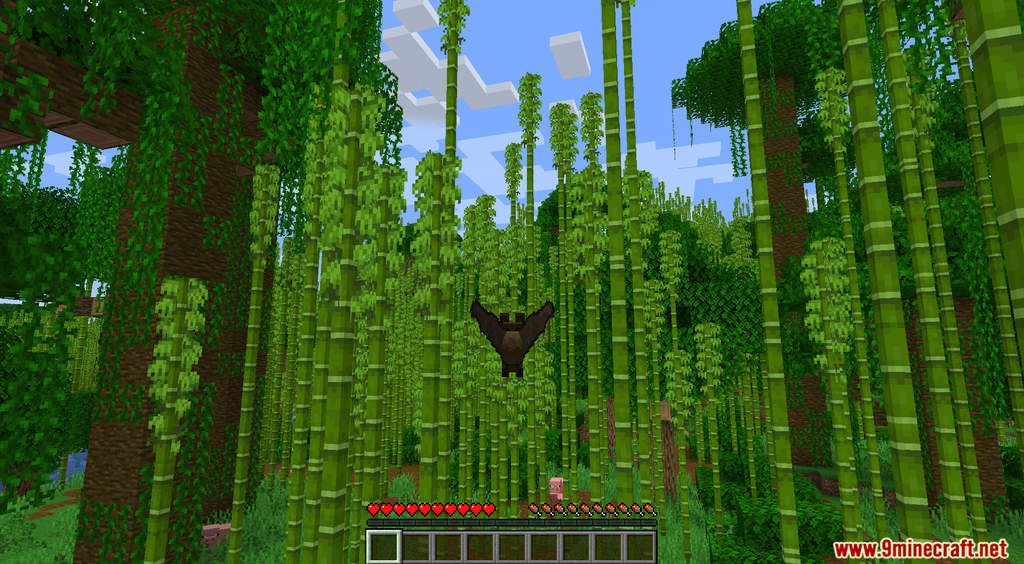
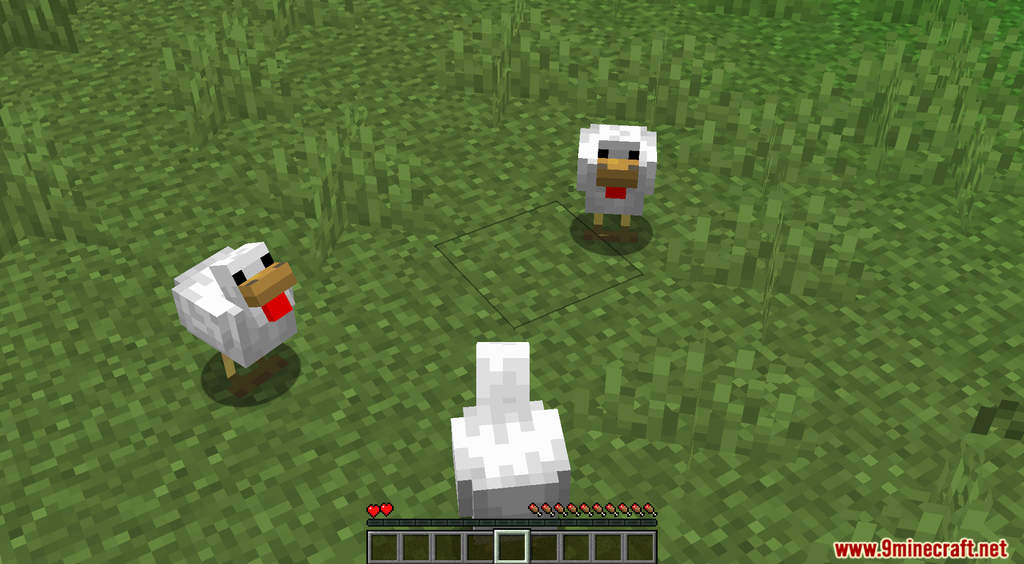
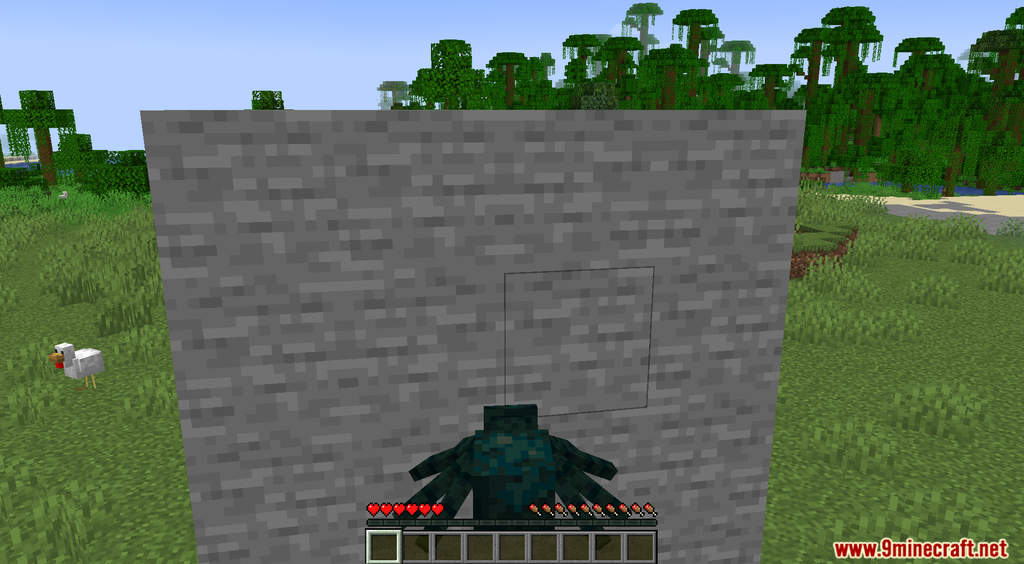
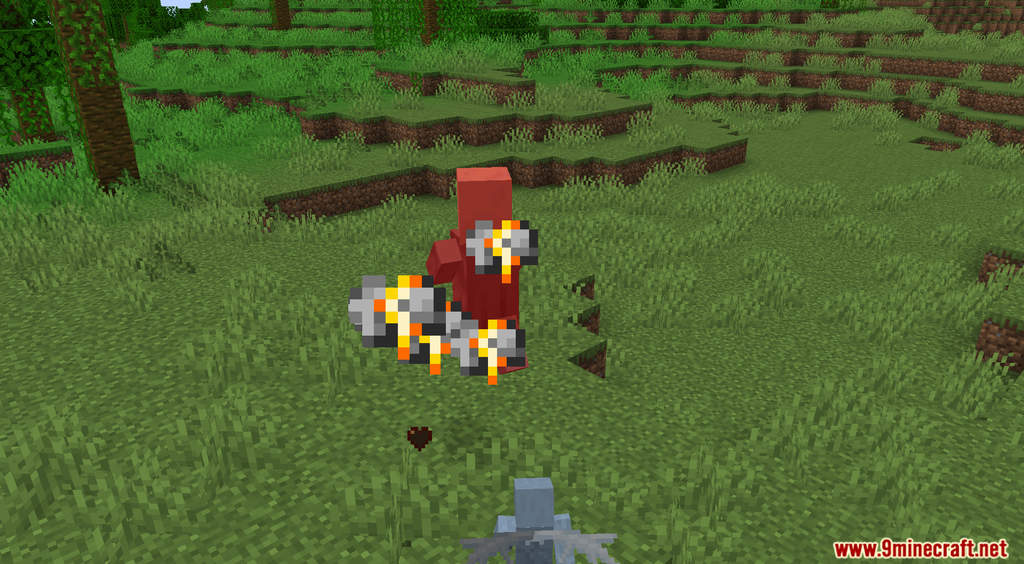
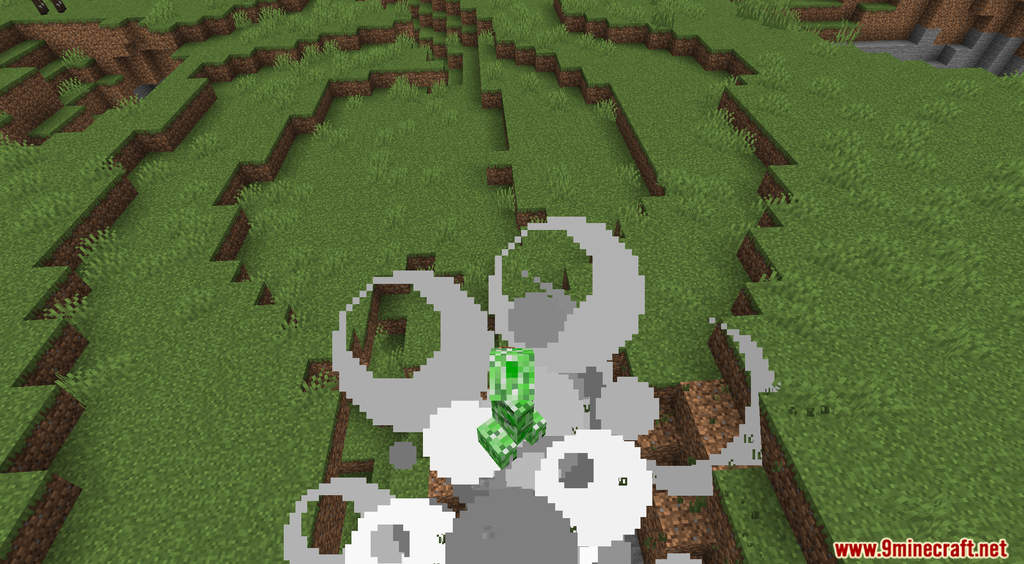
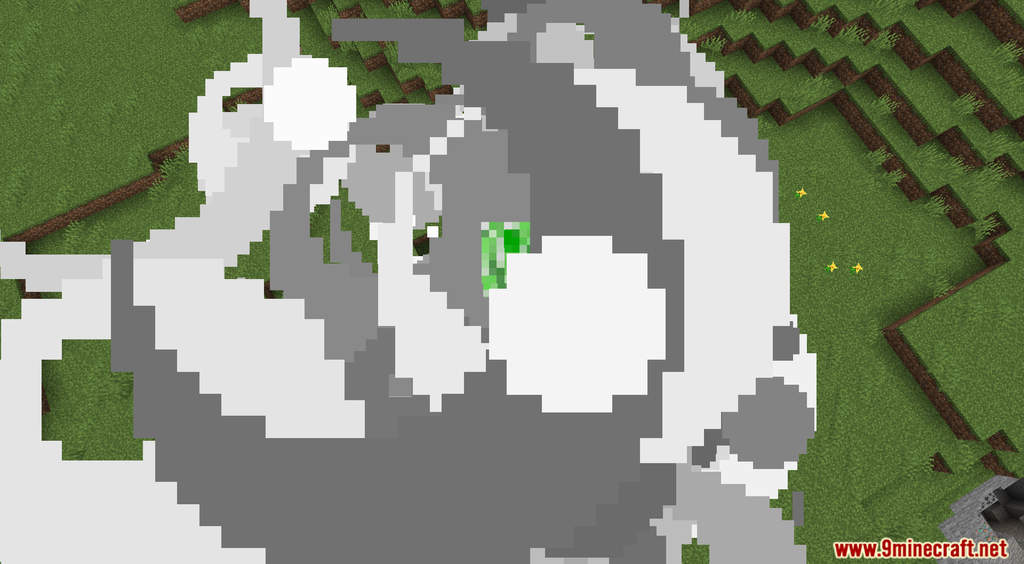
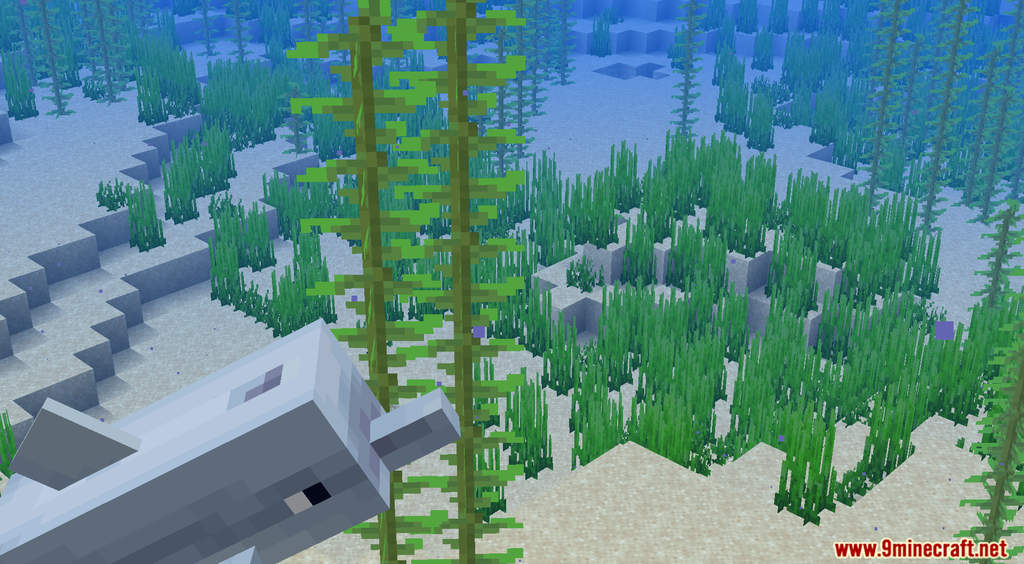
Gamingbarn’s Morph Data Pack introduces a new mechanic into Minecraft that allows you to transform into other creatures. Instead of just being a human character, you can now change into a different mob at will. In order to morph, you only need to type a command. When you turn into another creature, you will receive their perks, sometime their perks can be a disadvantage so use them wisely. For example, when you turn into a Bee, you can fly but water will kill you. A Creeper can create an explosion but you will also die in the process. Have fun!
Features:
- Lets players morph into different mobs.
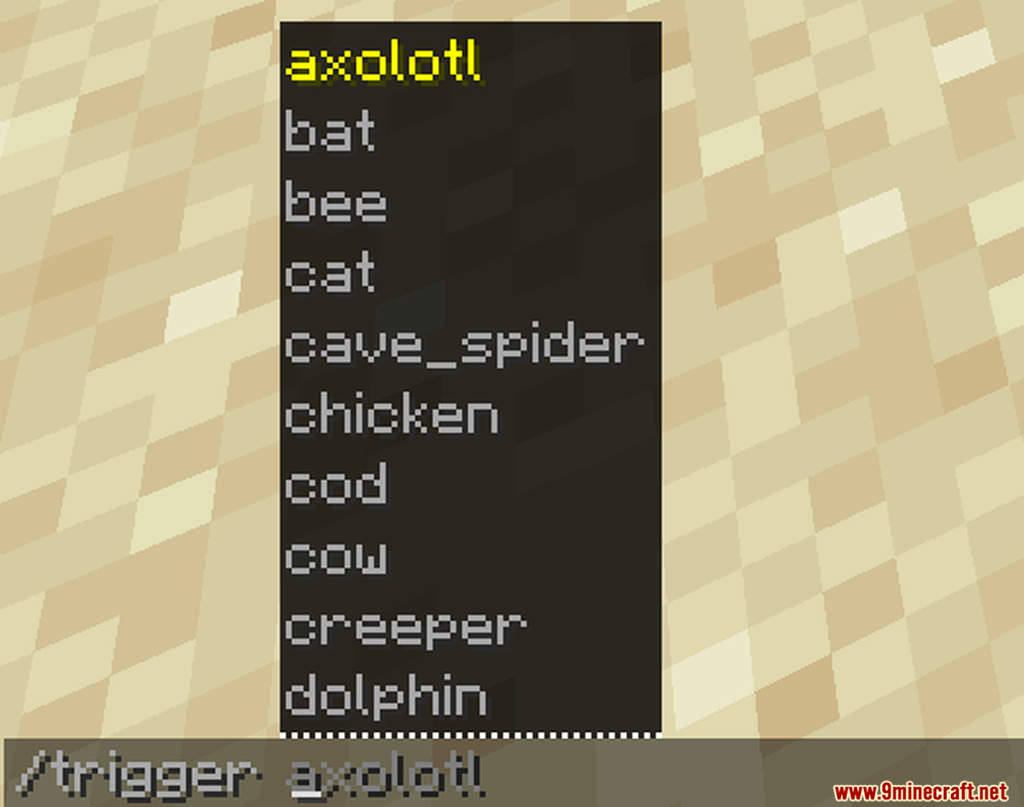
- To get started, run the following command into chat:
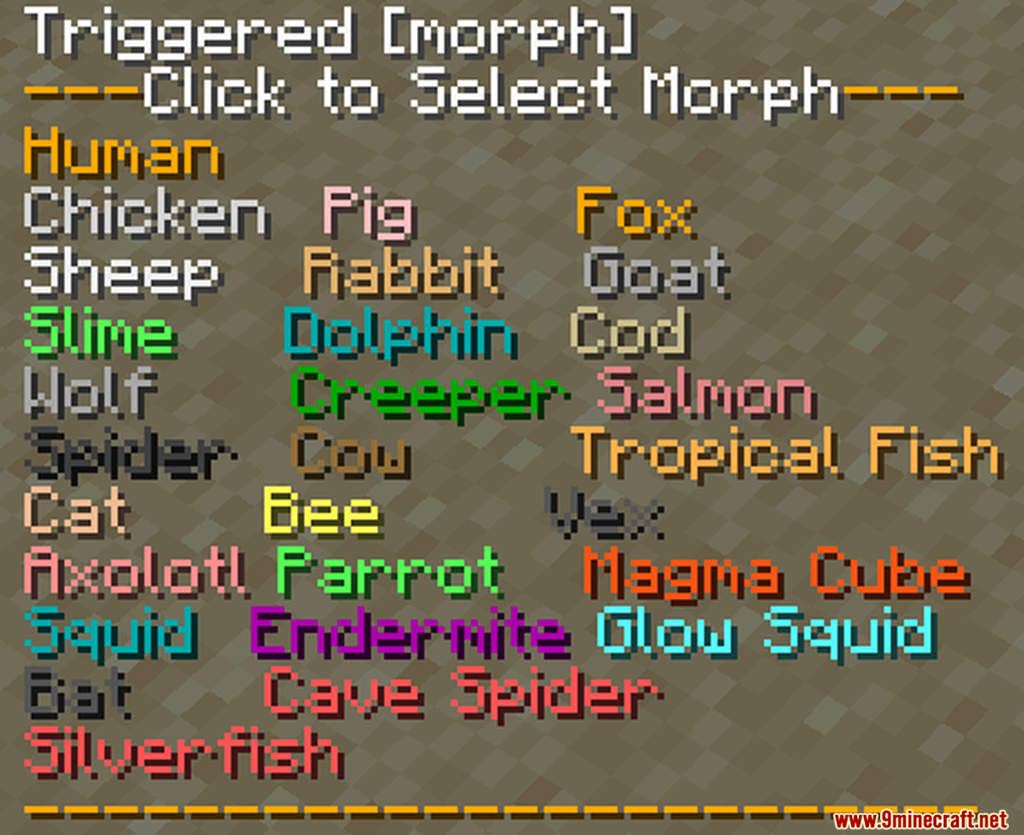
/trigger morph - Press [T] to be able to click on the different items in the menu. When you’ve found a morph you wanna try, simply click on it and you will be transformed!
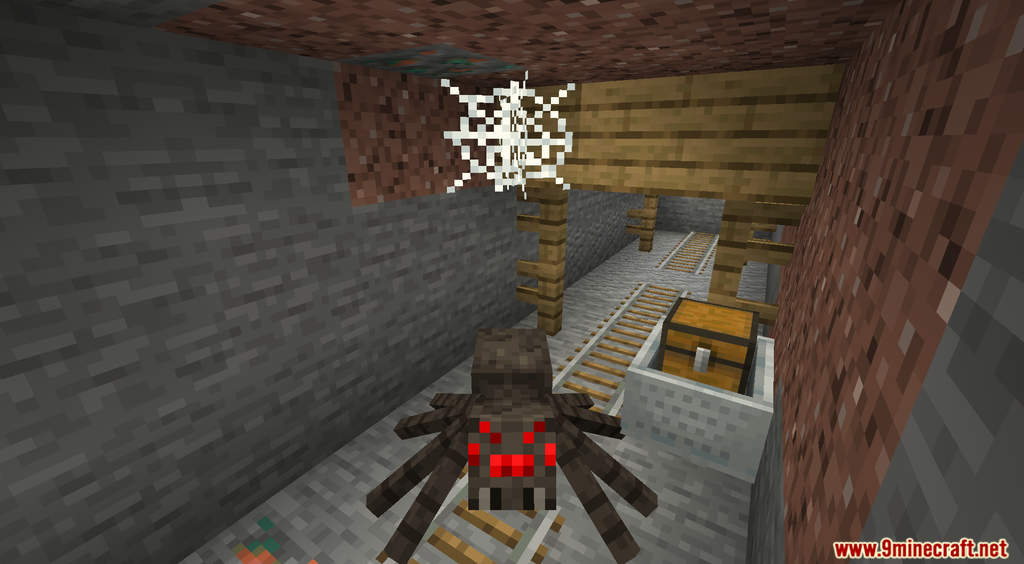
- Some morphs have special abilities that can be activated with [Shift]! For example, the chicken can lay eggs and the spider can climb walls!
- If you want to spice things up further, you can run the command,
/trigger skinsto change the variant of certain morphs!
Screenshots:
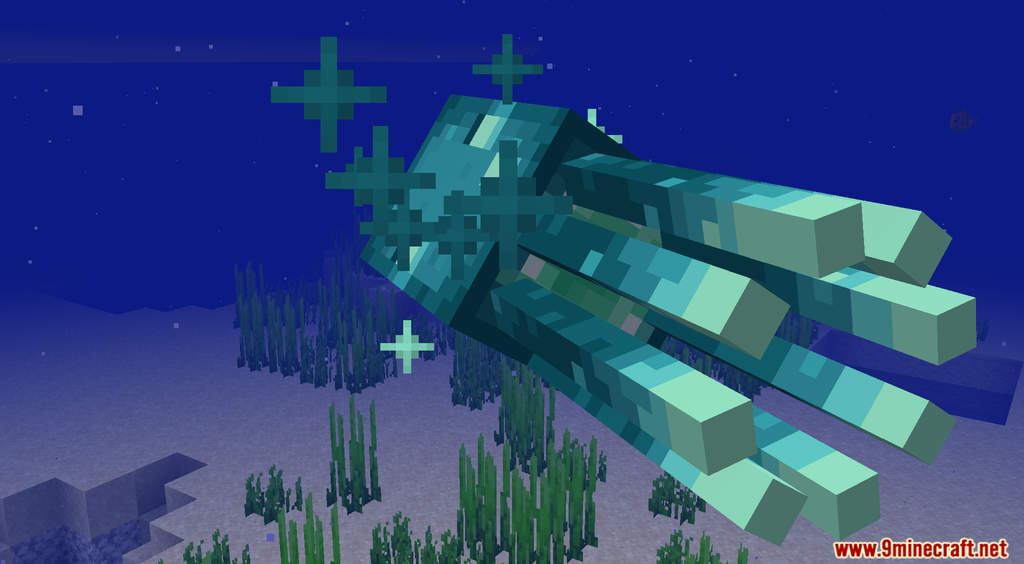
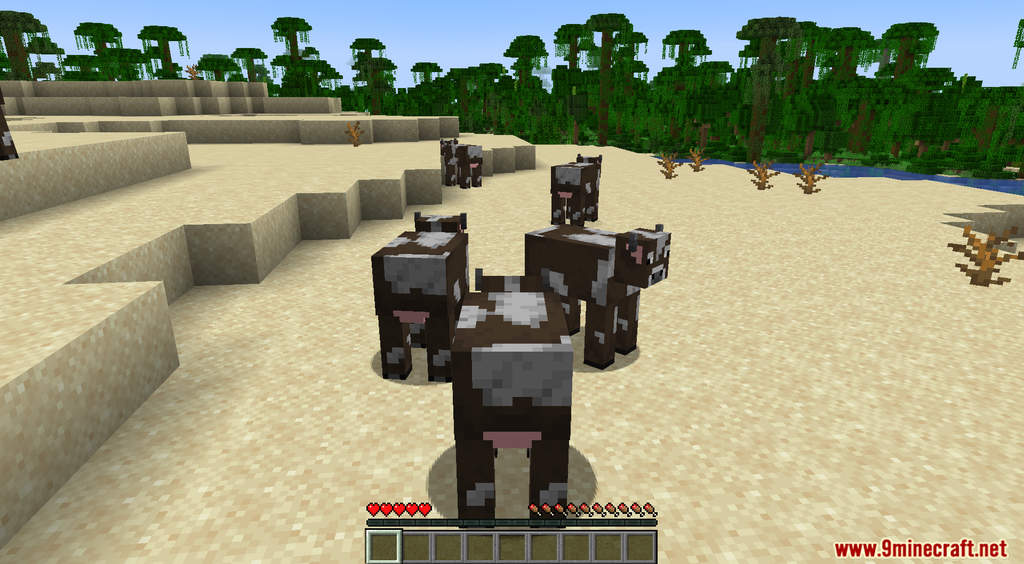
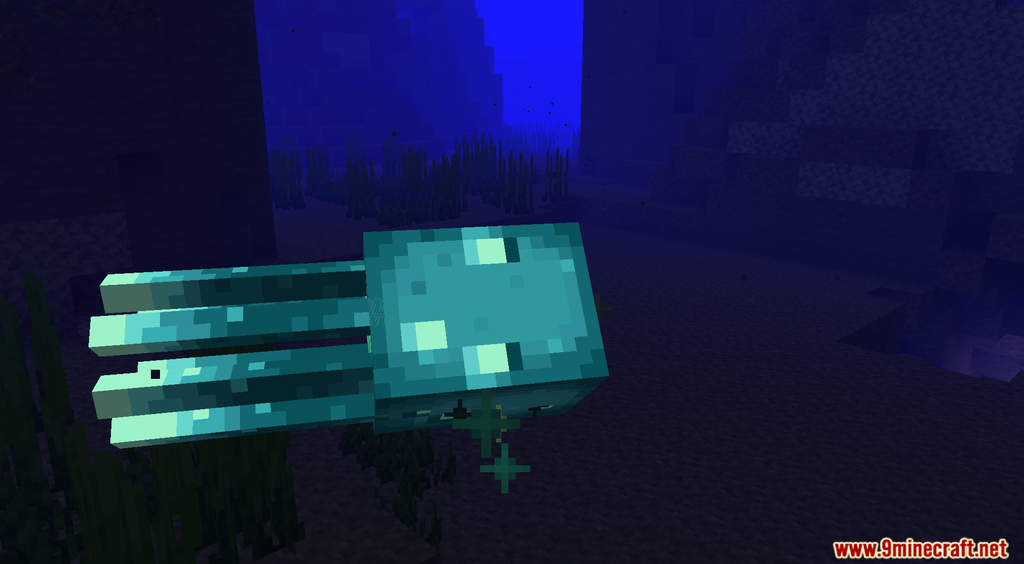
Gamingbarn’s Morph Data Pack Download Links
For Minecraft 1.21.11
For Minecraft 1.21.10, 1.21.9
For Minecraft 1.21.8, 1.21.7, 1.21.6
For Minecraft 1.21.5
For Minecraft 1.21.4
For Minecraft 1.21.1, 1.21
For Minecraft 1.20.6, 1.20.4, 1.20.2, 1.20.1, 1.20
For Minecraft 1.19.4, 1.19.3, 1.19.2, 1.19.1, 1.19
For Minecraft 1.18.2
For Minecraft 1.18.1
- Edition: Minecraft Java
- File type: .jar
- Minecraft versions listed: 1.21.11, 1.20.1
- How to install: Install the matching mod loader (Forge, Fabric or NeoForge) for your Minecraft version. → Download the .jar. → Put it in the .minecraft/mods folder and launch that loader profile.
- Where to get it: In MC Java Mods, or directly above on this page.
Install steps are the general flow for this file type — see the MC Java Mods guides for the full walkthrough.
- Download size: 369 KB
- Download link checked 17 Jun 2026 — working
- Mirrored on our own servers — the download does not depend on the original host
These come from our own check of the pack file, not from the source page.