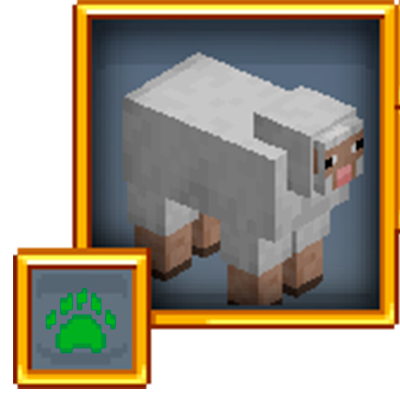
Re-Retro Damage Indicators
Java mod listed for Minecraft 1.21. Downloads from the MC Java Mods app on Android.
I don't know my version or loader

ReRetro Damage Indicators brings back the classic modded Damage Indicator look and feel to modern Minecraft. Ported from official mod codebase.
This mod is highly configurable and the position, opacity, size, display and more of the Retro Damage Indicator on the screen can be adjusted. This mod is client side only and does not need to be installed on the server to be used.
This mod optionaly supported Cloth Config API, install and configure config in the game.
Alongside a portrait of a mob and the health and name boxes is displayed the mob type. This includes arthropods, animals, illagers, undead, bosses and more. It is also compatible with creatures from other mods:
Alongside the damage indicator rendered on the player's HUD, injured mobs will produce a particle indicating how much damage they have taken when hurt, or how much they have regained when healed. This feature can also be toggled in the config.
This mod is made for modpacks in mind, so please feel free to use it in them!
Special Thanks & Credits:
-Ron0: texture rework and mob type icons and original author sbom_xela
- Edition: Minecraft Java
- File type: .jar
- Minecraft versions listed: 1.21.1, 1.21.11
- How to install: Install the matching mod loader (Forge, Fabric or NeoForge) for your Minecraft version. → Download the .jar. → Put it in the .minecraft/mods folder and launch that loader profile.
- Where to get it: Opens on CurseForge — not every file is mirrored on our own servers.
Install steps are the general flow for this file type — How to install Minecraft Java mods & modpacks walks through it step by step.
- Ships as ReRetroDamageIndicators-26.2-1.0.2.jar — drop this file into the mods folder
- Download size: 52 KB
- Download link checked 3 Oct 2026 — working
These come from our own check of the pack file, not from the source page.