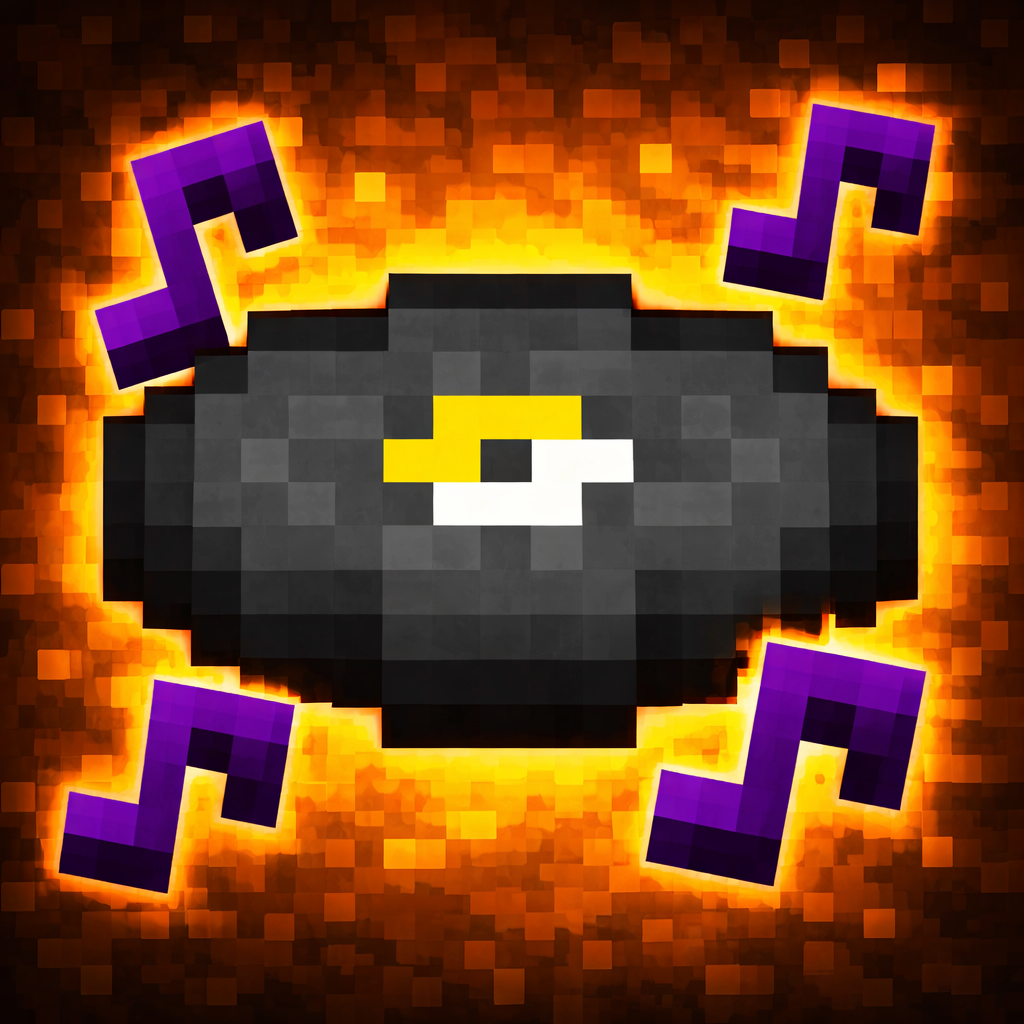
Custom Music Disc
The author built this one for Minecraft 1.20.1 on Fabric. On other versions it may install and then do nothing.
Custom Music Disc lets you turn any vanilla Minecraft music disc into your own custom record by giving it a song title, artist name, and a direct audio link, then playing it through jukeboxes with synchronized multiplayer playback.
With this mod installed, you can keep using the normal jukebox experience, but the music itself becomes yours. Configure a disc in seconds, drop it into a jukebox, and everyone nearby hears the same custom track at the same time. Your chosen song title and artist show up on the disc tooltip and in the in-game “Now Playing” overlay, so players immediately know what’s playing.
Key features
- Turn individual vanilla music discs into custom song discs (no new items required).
- Simple in-game setup screen to set:
- Song Title
- Artist
- Audio URL (direct link)
- Plays custom audio through jukeboxes for nearby players (multiplayer-friendly and consistent).
- Shows custom track info in the item tooltip and the “Now Playing” popup.
- Clear a disc back to normal by saving with an empty Audio URL.
- Caches audio so it doesn’t need to be re-downloaded every time.
How to use
1. Upload your audio file to `catbox.moe` (or another host that provides a direct file URL).
2. Copy the direct link to the audio file.
3. In Minecraft, hold a vanilla music disc and right-click it to open the setup screen.
4. Enter your Song Title, Artist, and paste the direct Audio URL.
5. Save, then place the disc in a jukebox to play your custom track.

Important notes
- This mod must be installed on both the server and all clients.
- The server uses `ffmpeg` to download and convert audio; `ffmpeg` is required server-side.
Server settings (optional)
You can tweak limits and `ffmpeg` detection using environment variables:
- `CUSTOM_MUSIC_DISC_FFMPEG` (set a specific `ffmpeg` path/command)
- `CUSTOM_MUSIC_DISC_MAX_AUDIO_MB` (default `12`)
- `CUSTOM_MUSIC_DISC_MAX_OUTPUT_MB` (default `18`)
- `CUSTOM_MUSIC_DISC_MAX_DOWNLOAD_SECONDS` (default `45`)
- `CUSTOM_MUSIC_DISC_MAX_CONVERT_SECONDS` (default `60`)
Author
SafsalGaming
- Edition: Minecraft Java
- File type: .jar
- Minecraft version listed: 1.20.1
- How to install: Install the matching mod loader (Forge, Fabric or NeoForge) for your Minecraft version. → Download the .jar. → Put it in the .minecraft/mods folder and launch that loader profile.
- Where to get it: Opens on CurseForge — not every file is mirrored on our own servers.
Install steps are the general flow for this file type — How to install Minecraft Java mods & modpacks walks through it step by step.
- Ships as custom-music-disc-1.0.0.jar — drop this file into the mods folder
- Download size: 78 KB
- Download link checked 13 Sept 2026 — working
These come from our own check of the pack file, not from the source page.