
Forged In Essence [Leveling&Upgrading]
Java mod listed for Minecraft 1.20. Downloads from the MC Java Mods app on Android.
⬇ Download on CurseForgeThe author built this one for Minecraft 1.20.1 on Forge. On other versions it may install and then do nothing.
What's It About?
Forged In Essence adds a way to level your items, weapons and armor by adding 2 new items: the Ascension Stone and the De-Ascension stone.
If you apply the ascension stone to an item it will grant it the ability to level up by using it. The levels don't impact the game a lot so it's fully vanilla friendly.
By using the De-Ascension stone on an item that can be leveled you will remove the ability to level from it.
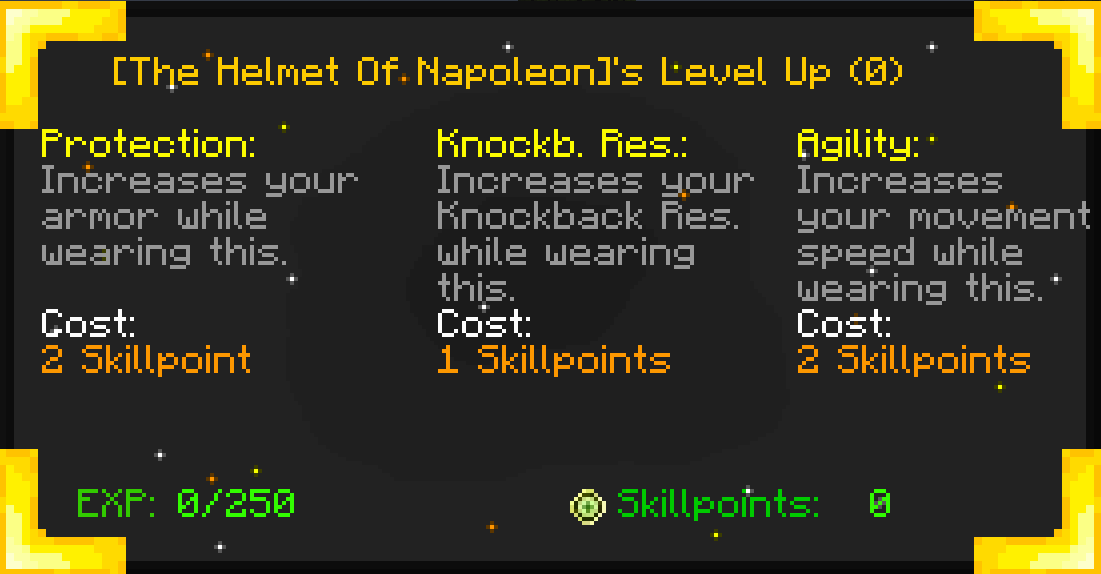
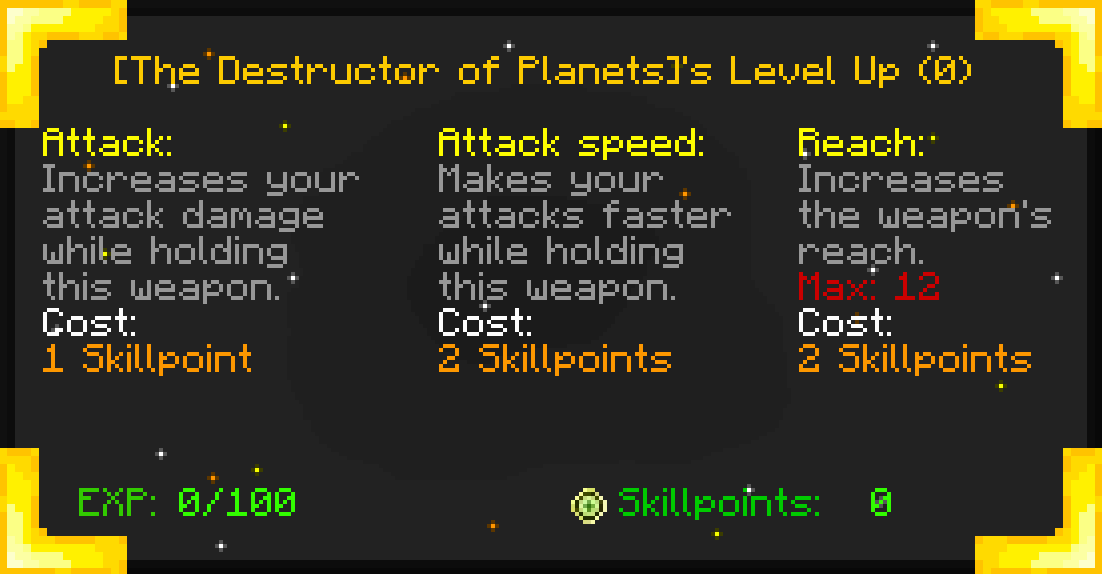
Shields, Weapons, Armors and ranged weapons such as bows and crossbows have all unique traits to upgrade, for example: you can level the bow ranged damage for the bow, you can level a sword or an item attack speed or reach, you can level the protection of an armor and much more! (These are just examples you can usually level up to 3 traits per category of weapons)
Leveling Weapon/Item GUI (v2.0):
Leveling Armor GUI (v2.0):
- Edition: Minecraft Java
- File type: .jar
- Minecraft version listed: 1.20.1
- How to install: Install the matching mod loader (Forge, Fabric or NeoForge) for your Minecraft version. → Download the .jar. → Put it in the .minecraft/mods folder and launch that loader profile.
- Where to get it: Opens on CurseForge — not every file is mirrored on our own servers.
Install steps are the general flow for this file type — How to install Minecraft Java mods & modpacks walks through it step by step.
- Ships as ascension_stone-4.0.0-forge-1.20.1.jar — drop this file into the mods folder
- Download size: 314 KB
- Download link checked 24 Oct 2026 — working
These come from our own check of the pack file, not from the source page.