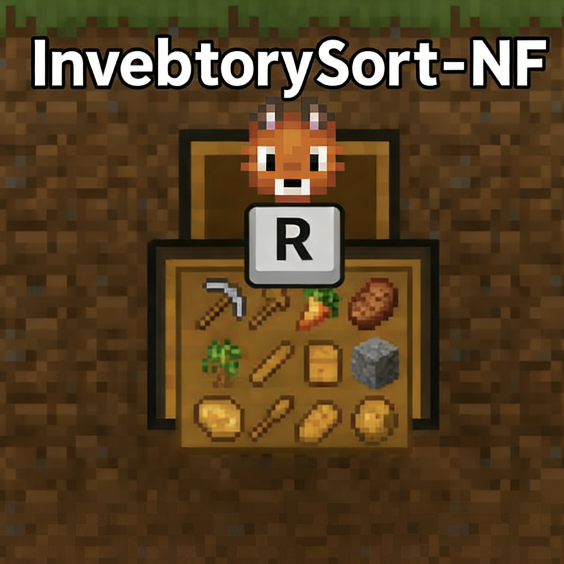
Inventory Sort-NF
Java mod listed for Minecraft 1.21. Downloads from the MC Java Mods app on Android.
Inventory Sort (NeoForge) - One-click inventory sorting mod. Press R to sort items instantly. Unofficial port by CreeCat, supports NeoForge 1.21.1 with…
⬇ Download on CurseForgeThe author built this one for Minecraft 1.21.1 on NeoForge. On other versions it may install and then do nothing.
# Inventory Sort-NF (NeoForge Port)
## About
A lightweight and efficient one-click inventory sorting mod for Minecraft, now available on NeoForge! This is an unofficial port of the original Inventory Sort mod by WoZhiZhan, adapted for NeoForge 1.21.1.
## Features
- One-click Sorting : Press R to instantly sort your inventory and containers
- Quick Transfer : Fast item transfer functionality
- Smart Organization : Optimized sorting algorithm for better item placement
- Compatibility : Works with Sophisticated Backpacks mod
- NeoForge Ready : Fully adapted for NeoForge 1.21.1
## Installation
1. Ensure you have NeoForge 1.21.1 installed
2. Download inventory_sort_neoforge-1.7-fix.jar from the files section
3. Place the jar file in your mods folder
4. Launch Minecraft and enjoy!
## Usage
- Default Key : R (can be changed in controls settings)
- Right-click containers to sort them quickly
- Compatible with various container interfaces
## Version Info
- Current Version : 1.7-fix
- Minecraft Version : 1.21.1
- NeoForge Version : 21.1+
- Mod ID : inventory_sort_neoforge
## About This Port
- Ported by: CreeCat
- Based on original version: v1.7-fix
- Fixed network packet encoding issues
- Maintains the same user experience as the original
- Uses a separate mod ID to avoid conflicts
## Links
- GitHub Repository : View Source
- Original Mod : Inventory Sort by WoZhiZhan
## Support
If you encounter any issues or have suggestions, please leave a comment or open an issue on GitHub. Your feedback is greatly appreciated!
Note : This is an unofficial port. All credit for the original mod concept goes to WoZhiZhan.
- Edition: Minecraft Java
- File type: .jar
- Minecraft version listed: 1.21.1
- How to install: Install the matching mod loader (Forge, Fabric or NeoForge) for your Minecraft version. → Download the .jar. → Put it in the .minecraft/mods folder and launch that loader profile.
- Where to get it: Opens on CurseForge — not every file is mirrored on our own servers.
Install steps are the general flow for this file type — How to install Minecraft Java mods & modpacks walks through it step by step.
- Ships as inventory_sort_neoforge-1.7-fix.jar — drop this file into the mods folder
- Download size: 32 KB
- Download link checked 3 Oct 2026 — working
These come from our own check of the pack file, not from the source page.