JinBao Economy
Java mod listed for Minecraft 1.20. Downloads from the MC Java Mods app on Android.
Adds a currency system with cash, ATMs, cash registers, and credit card economy for immersive trading and business management in Minecraft.
⬇ Download on CurseForgeThe author built this one for Minecraft 1.20.1 on Forge. On other versions it may install and then do nothing.



JinBao Economy [JBE]: Top Minecraft Currency Mod
JinBao Economy brings a whole new level of financial realism to your world. With a range of machines, utilities, and items, you can now manage your wealth like never before! Whether you're looking to deposit, withdraw, print your own money, or transfer funds, JinBao Economy has got you covered.

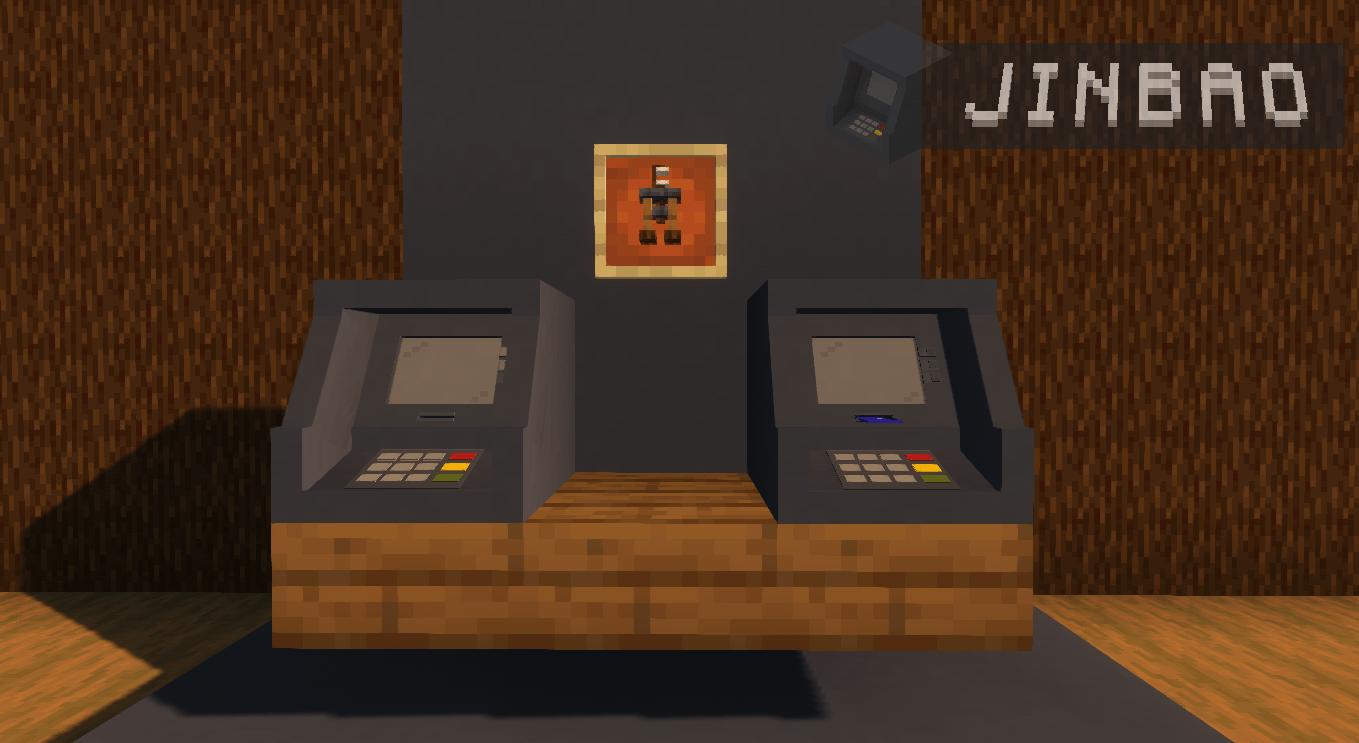
- ATM Machine: A machine where players can check their credit card balance, deposit Yens, and withdraw cash. It provides easy access to manage funds.
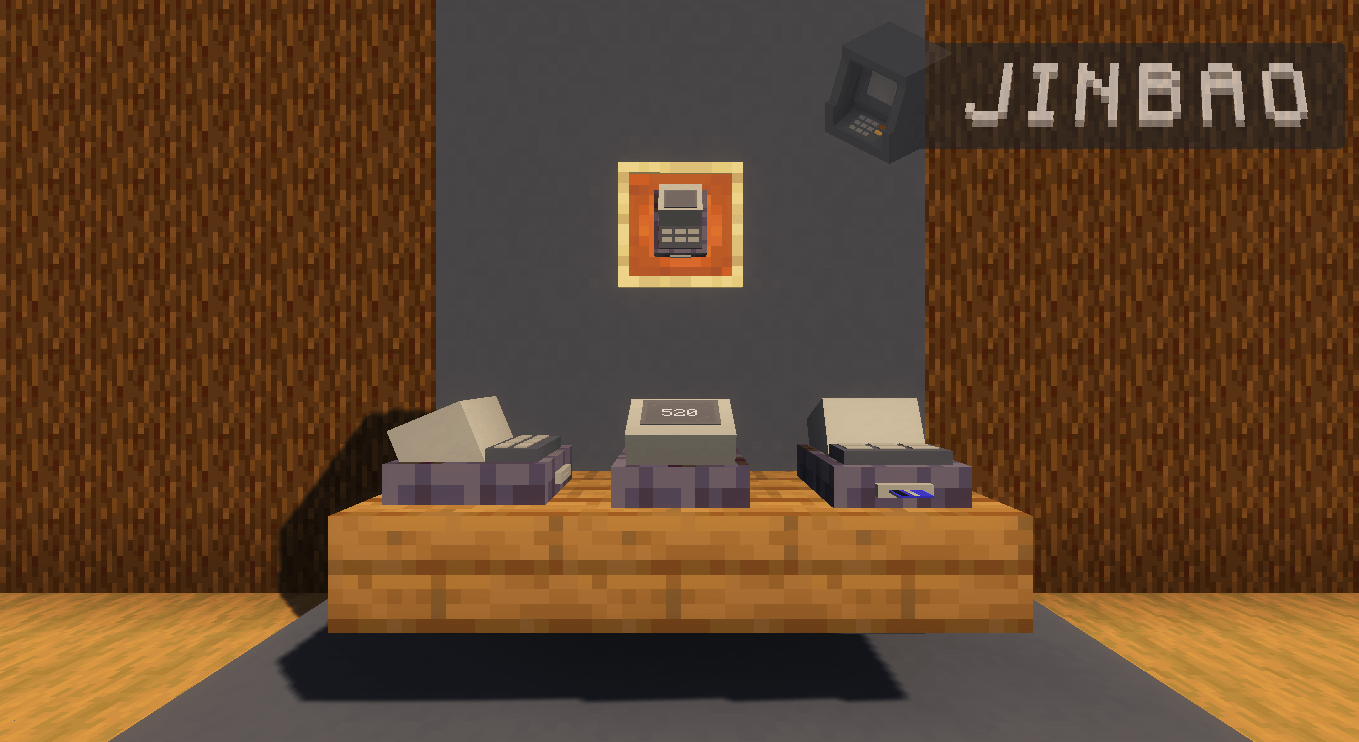
- POS Nets: Point of sale terminals that allow players to make payments to other players using their credit cards. Essential for transactions in stores or businesses.
- Cash Register: A device used by players to store Yens in a safe, easily accessible place. Used in shops or businesses to handle cash transactions.
- Printing Press: A facility where players can print physical cash using paper and a special material. The printed money can then be used in-game.

- Yens: The main currency bill in the game, used to buy, sell, and trade items.
- Credit Card: A digital card used to store Yens, allowing players to transfer funds, make payments, and withdraw cash via ATMs. Players can easily send or receive Yens between each other using their credit cards.
JinBao Economy elevates the way you interact with money in your world. Print, store, transfer, and manage your currency to create the ultimate financial system. Get started today and take control of your in-game economy!
- Edition: Minecraft Java
- File type: .jar
- Minecraft version listed: 1.20.1
- How to install: Install the matching mod loader (Forge, Fabric or NeoForge) for your Minecraft version. → Download the .jar. → Put it in the .minecraft/mods folder and launch that loader profile.
- Where to get it: Opens on CurseForge — not every file is mirrored on our own servers.
Install steps are the general flow for this file type — How to install Minecraft Java mods & modpacks walks through it step by step.
- Ships as jinbao-3.4.22-forge-1.20.1.jar — drop this file into the mods folder
- Download size: 359 KB
- Download link checked 3 Oct 2026 — working
These come from our own check of the pack file, not from the source page.