Drop Highlighter
Java mod listed for Minecraft 1.21. Downloads from the MC Java Mods app on Android.
I don't know my version or loader
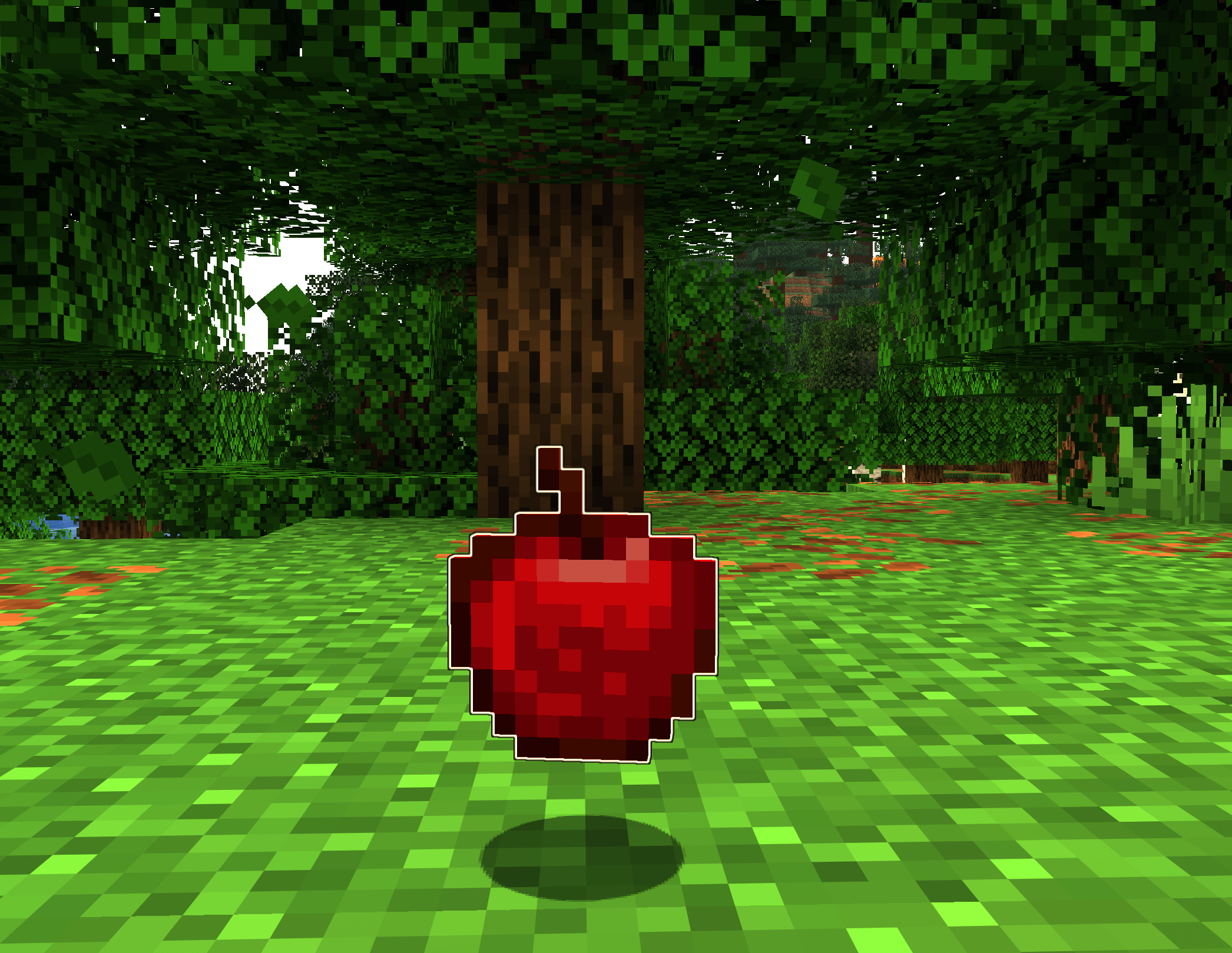
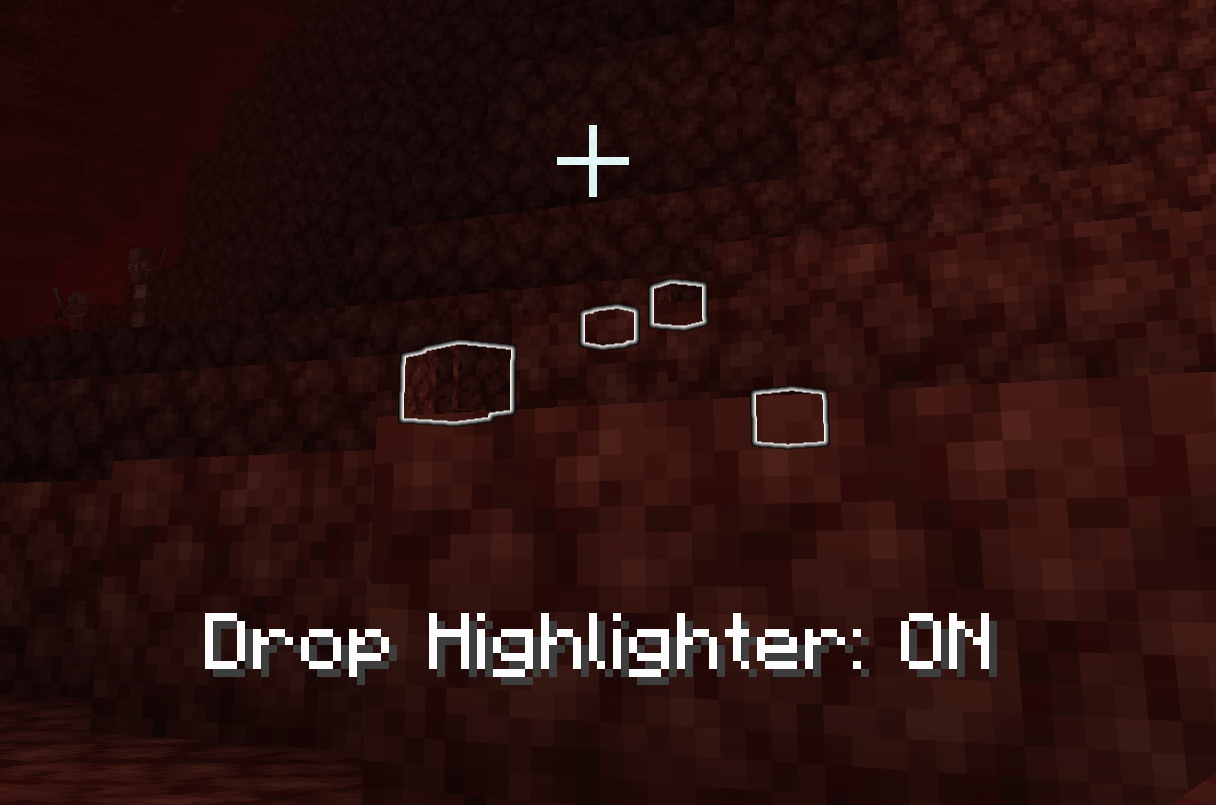
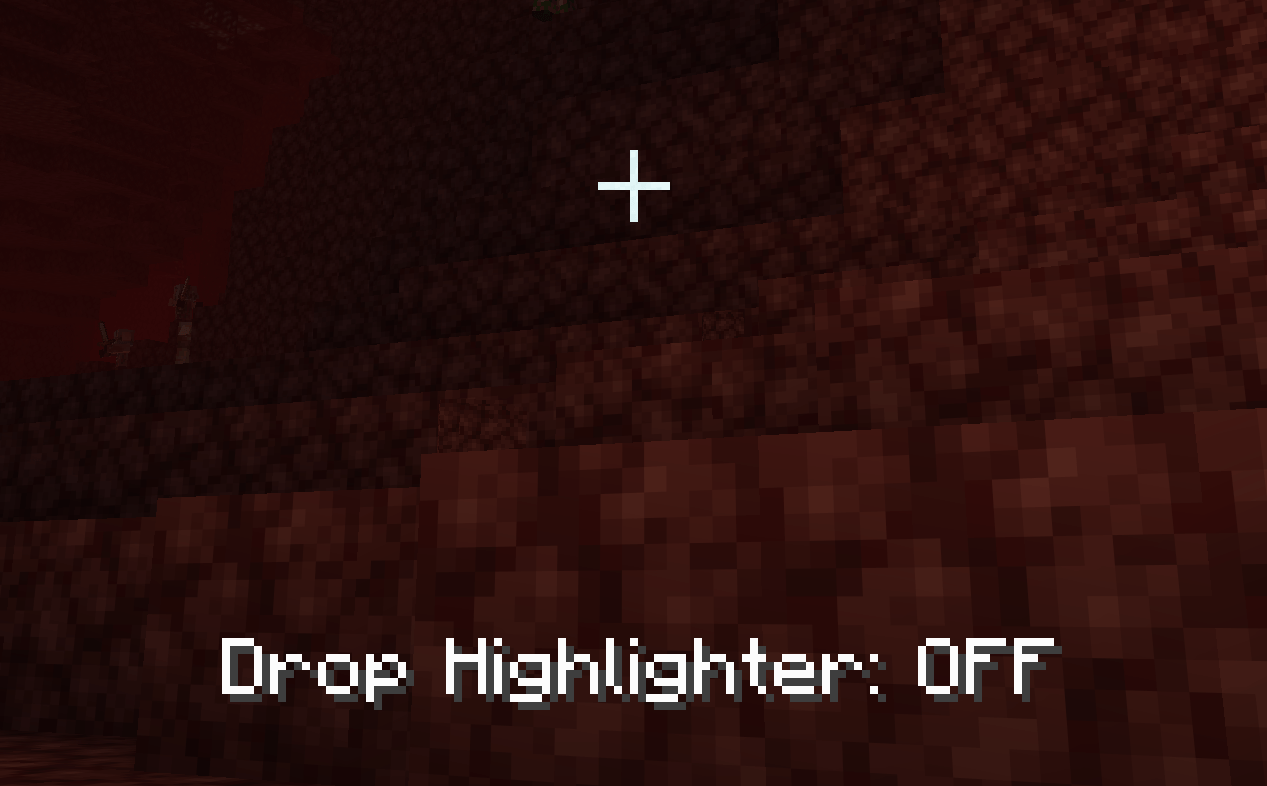
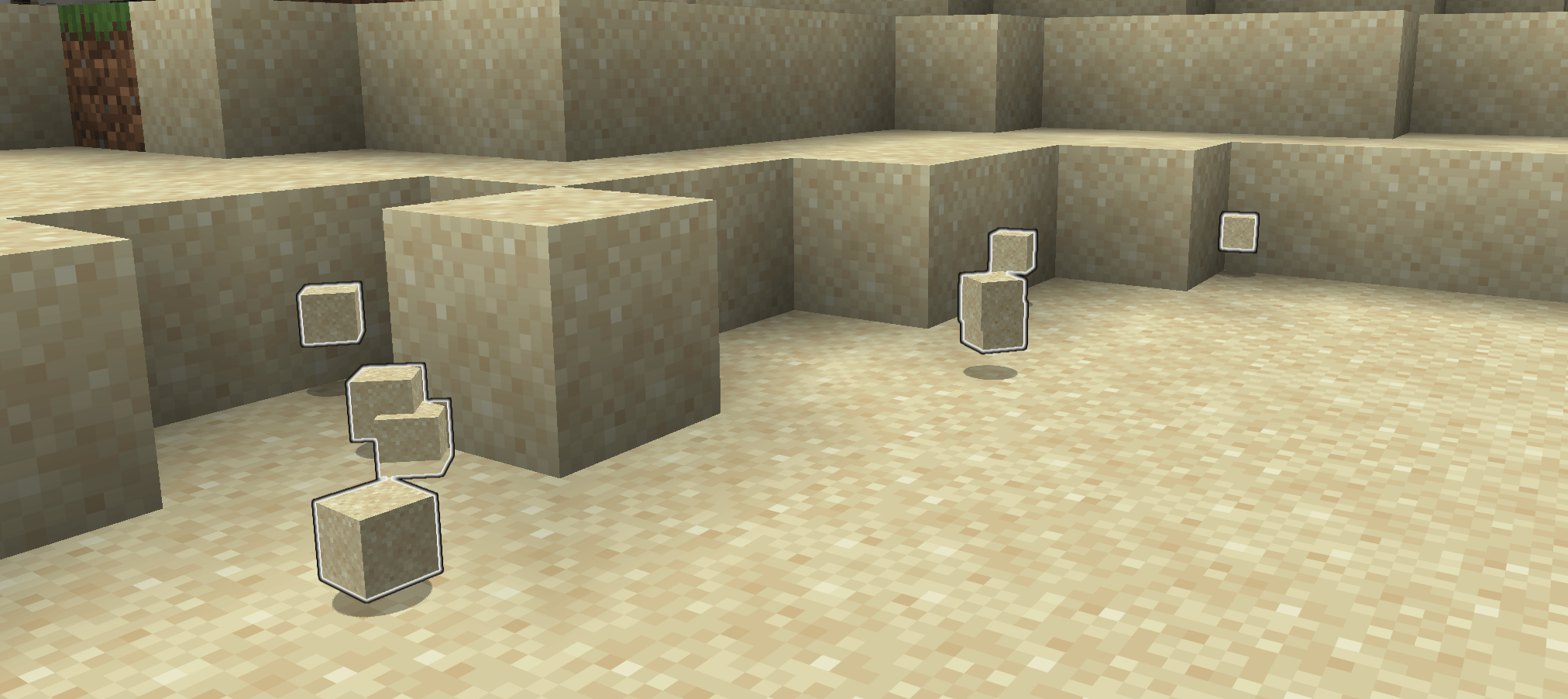
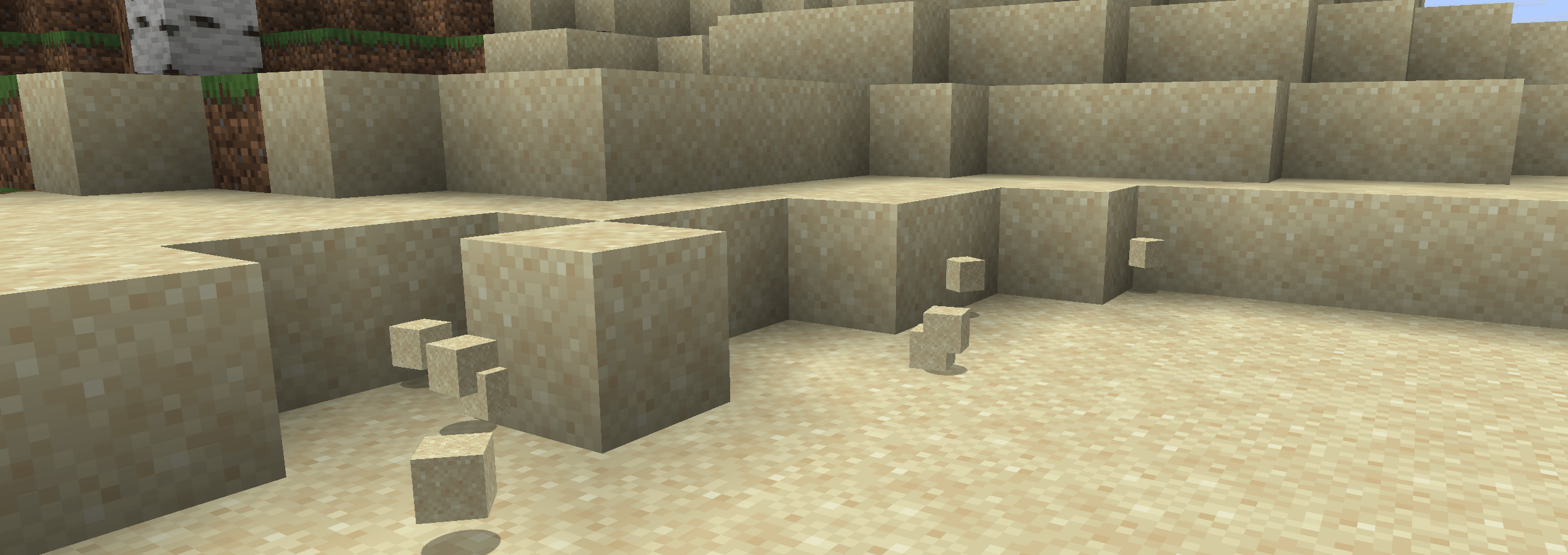
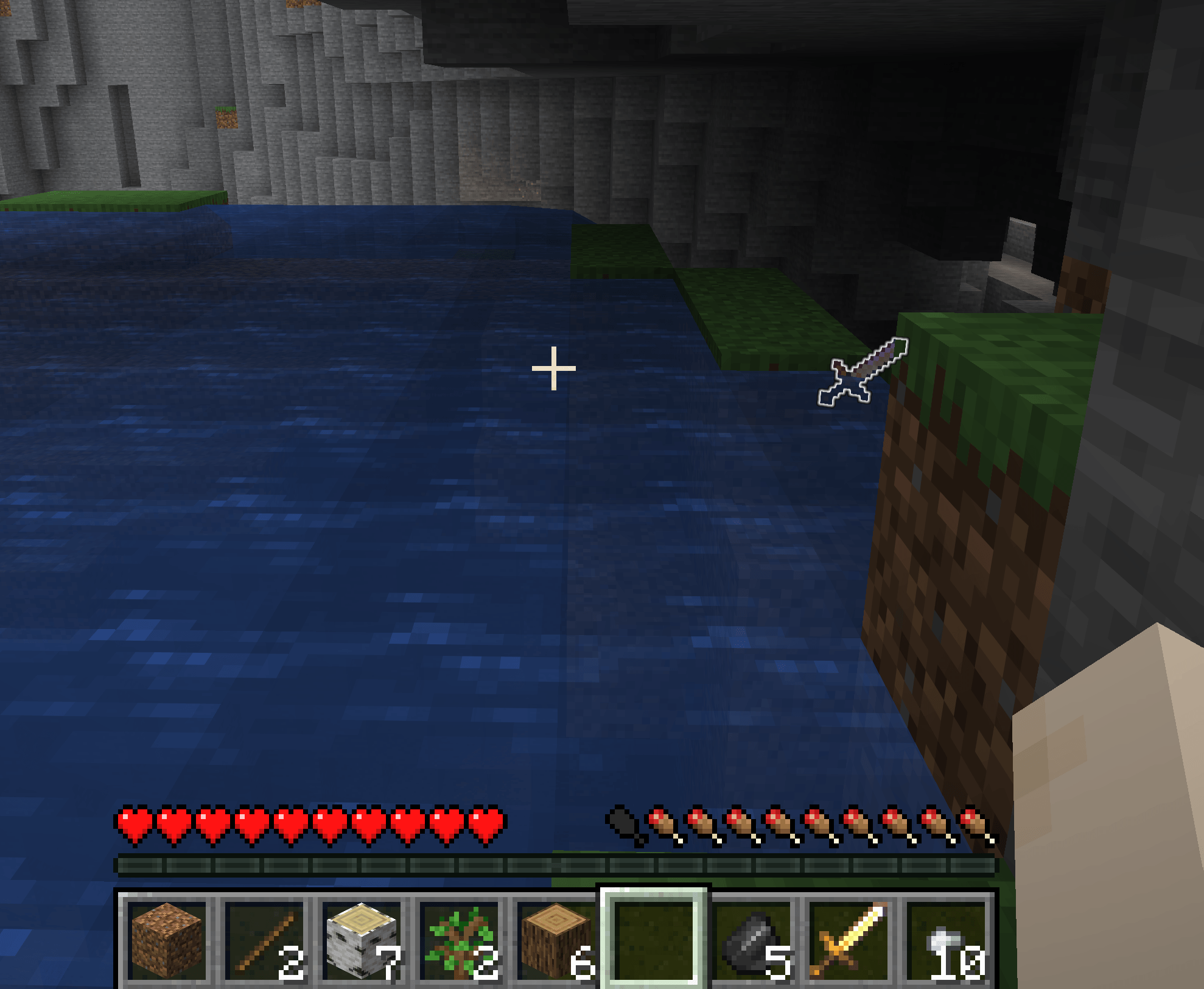
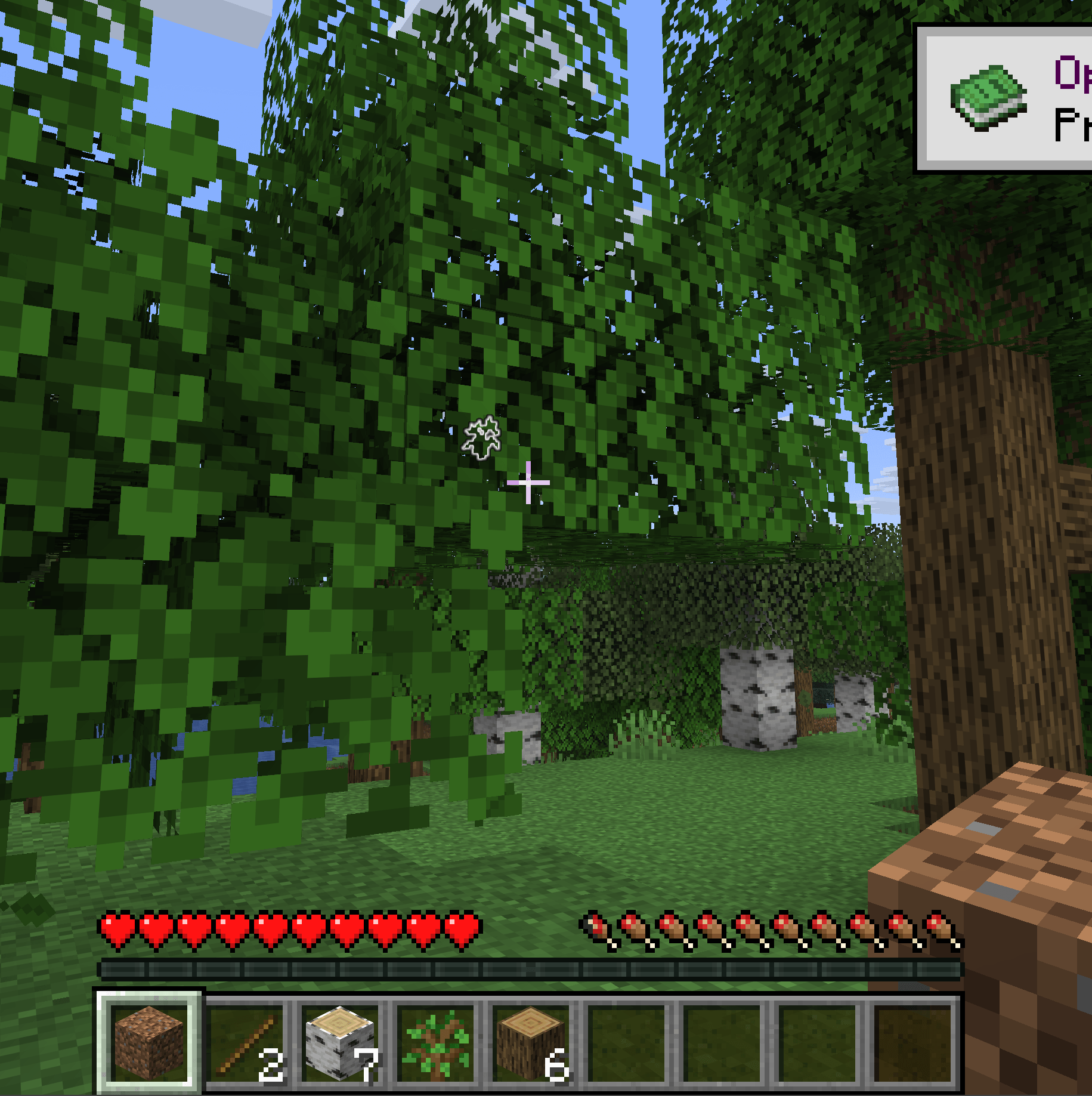
Added in 1.0, item filtering. Don't highlight what you don't want to pick up. Bye bye Rotten Flesh!
- Be sure you've picked up all the sand you just mined out.
- No more losing items because they fell behind something.
- Dropped your pickaxe when you were running from that creeper? This will make it easier to get back.
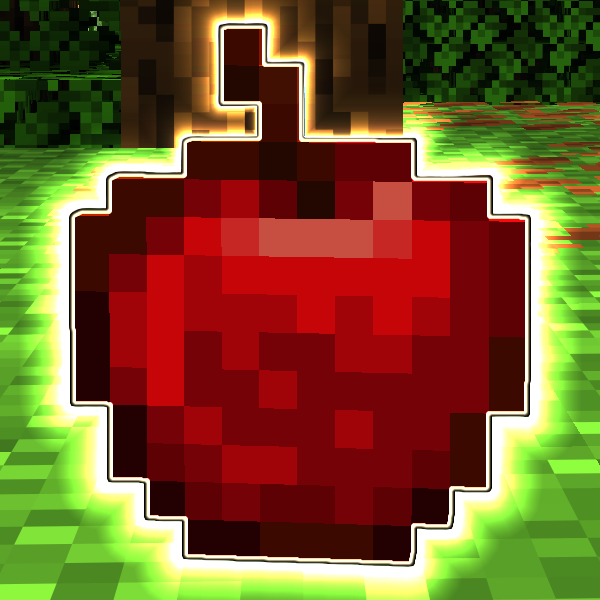
Drop Highligher adds an outline to item entities so you can see them more clearly. This is especially helpful when items might fall behind something, get carried away by water, or when the item matches the background too closely (I'm talking to you, SAND).
You can disable the highlights with the o key, but why would you want to.
Now supports 1.20.1 through 1.20.11
- Edition: Minecraft Java
- File type: .jar
- Minecraft versions listed: 1.21.11, 1.21.9, 1.21.10
- How to install: Install the matching mod loader (Forge, Fabric or NeoForge) for your Minecraft version. → Download the .jar. → Put it in the .minecraft/mods folder and launch that loader profile.
- Where to get it: Opens on CurseForge — not every file is mirrored on our own servers.
Install steps are the general flow for this file type — How to install Minecraft Java mods & modpacks walks through it step by step.
- Ships as drophighlighter-fabric-1.2.6+26.2.jar — drop this file into the mods folder
- Download size: 84 KB
- Download link checked 3 Oct 2026 — working
These come from our own check of the pack file, not from the source page.