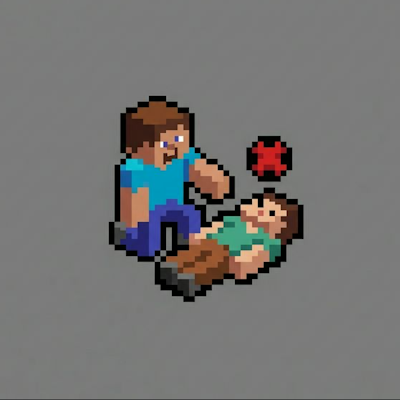
PlayerRevive bleeding indicator
The author built this one for Minecraft 1.20.1 on Forge. On other versions it may install and then do nothing.
Bleeding Indicators ensures no teammate is left behind by displaying a high-visibility icon over bleeding allies. Spot knocked squad members instantly—even through walls—and coordinate rescues faster than ever.
This client-side addon for PlayerRevive works automatically. The indicator appears whenever a teammate enters the bleeding state.
To use the functionality, you need to be in the same team (/team add)
Bleeding Indicators гарантирует, что ни один союзник не останется брошенным, отображая заметную иконку над истекающими кровью товарищами. Мгновенно замечайте "нокнутых" сокомандников — даже сквозь стены — и координируйте спасение быстрее, чем когда-либо.
Этот клиентский аддон для PlayerRevive работает автоматически. Индикатор появляется, как только союзник начинает истекать кровью.
Для работоспобности нужно быть в одной команде (/team add)
- Edition: Minecraft Java
- File type: .jar
- Minecraft version listed: 1.20.1
- How to install: Install the matching mod loader (Forge, Fabric or NeoForge) for your Minecraft version. → Download the .jar. → Put it in the .minecraft/mods folder and launch that loader profile.
- Where to get it: Opens on CurseForge — not every file is mirrored on our own servers.
Install steps are the general flow for this file type — How to install Minecraft Java mods & modpacks walks through it step by step.
- Ships as bleeding_indicators-1.0.0.jar — drop this file into the mods folder
- Download size: 9 KB
- Download link checked 13 Sept 2026 — working
These come from our own check of the pack file, not from the source page.