Graffiti reworked
I don't know my version or loader
🎨 Graffiti Mod
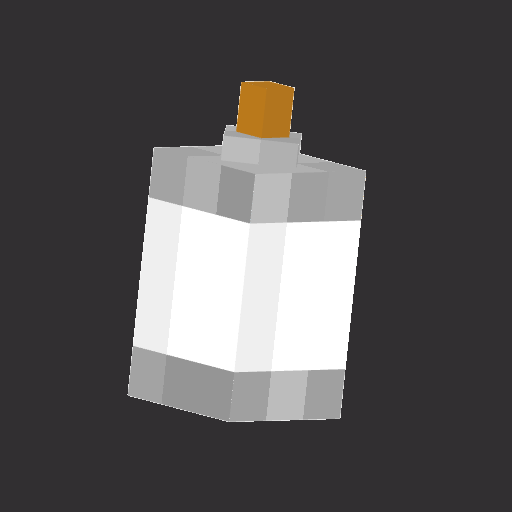
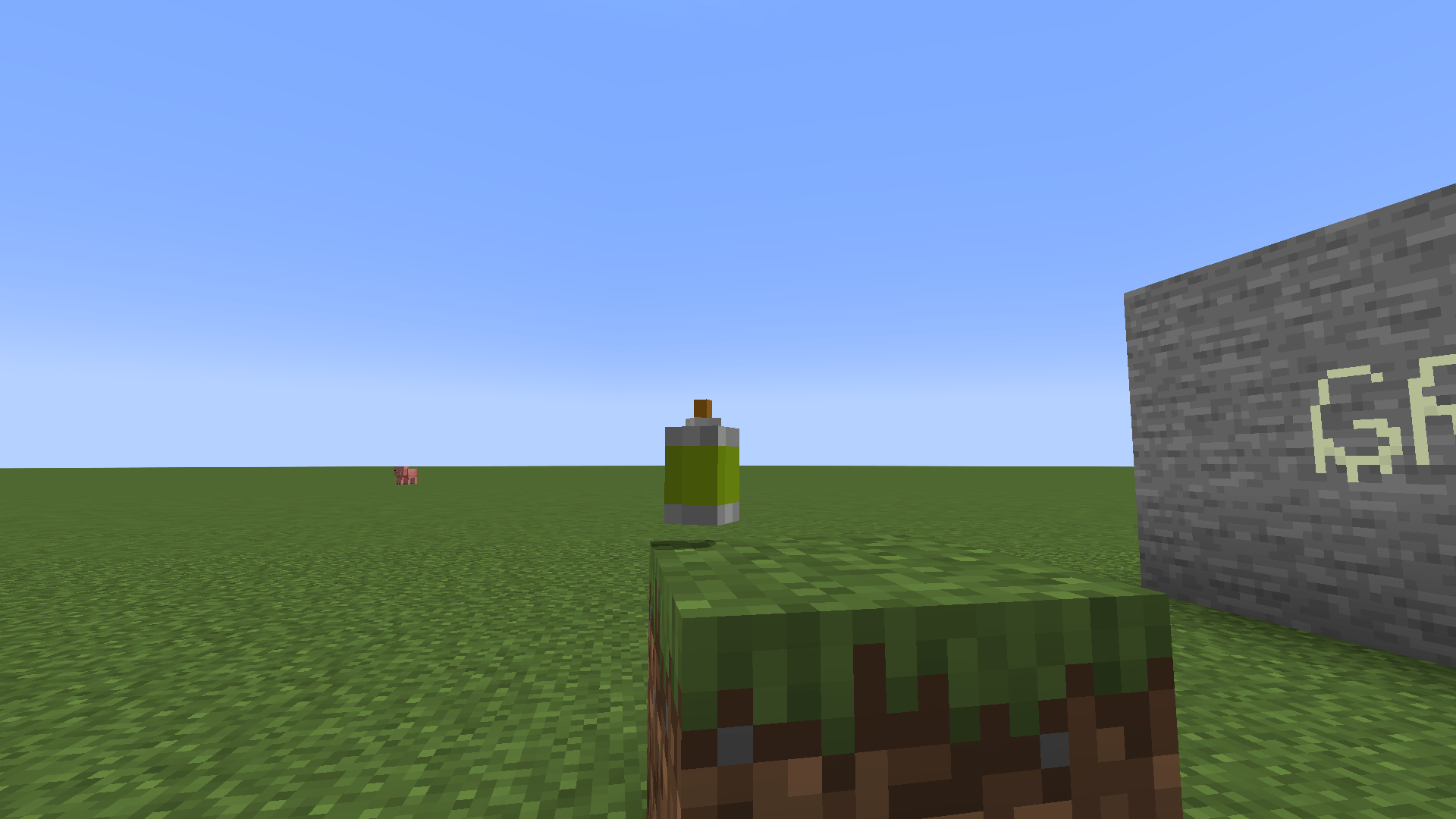
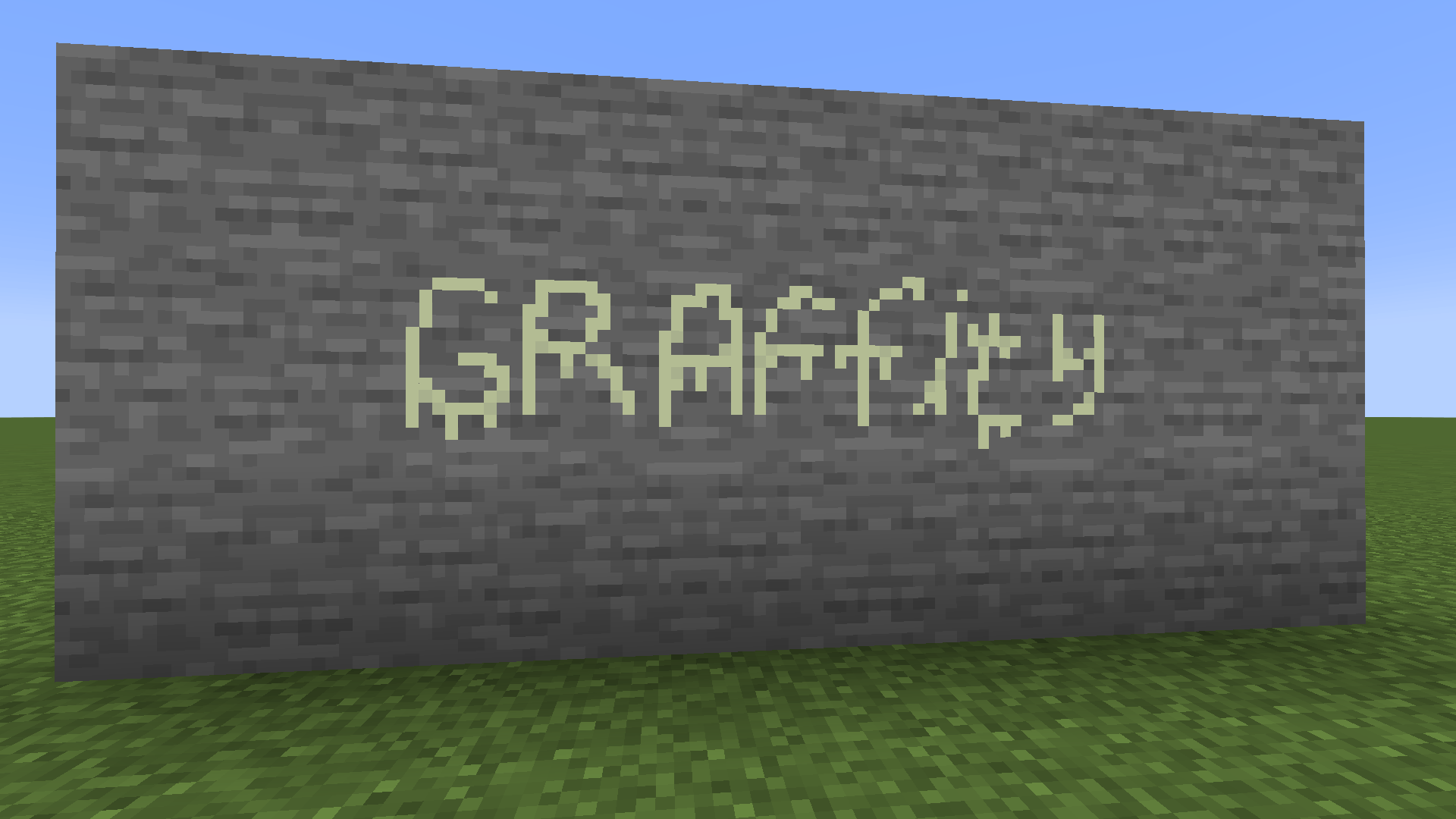
Transform the world of Minecraft into your personal canvas! The Graffiti Mod allows you to paint detailed pixel art on any block surface using a customizable spray can and a professional set of tools.
✨ Features
- Custom Spray Can: A single tool with multiple functions.
- Dynamic Colors: Choose any color using a built-in HEX/RGB color picker.
- Unique Toolset: Switch between drawing, erasing, and filling.
- Per-Item Storage: Each spray can saves its own color—carry a whole palette in your inventory!
- Multiplayer Sync: Paint with friends in real-time (requires the mod on both server and client).
- Vanilla Feel: Satisfying spray sounds (Azalea) and bell notifications for the color picker.
🛠 How to Use
1. Getting Started
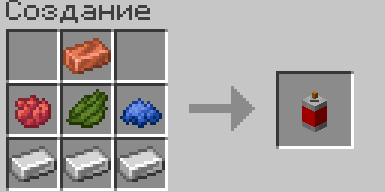
To begin your artistic journey, grab a Spray Can from the Graffiti Creative Tab.
2. Opening the Editor (Right-Click)
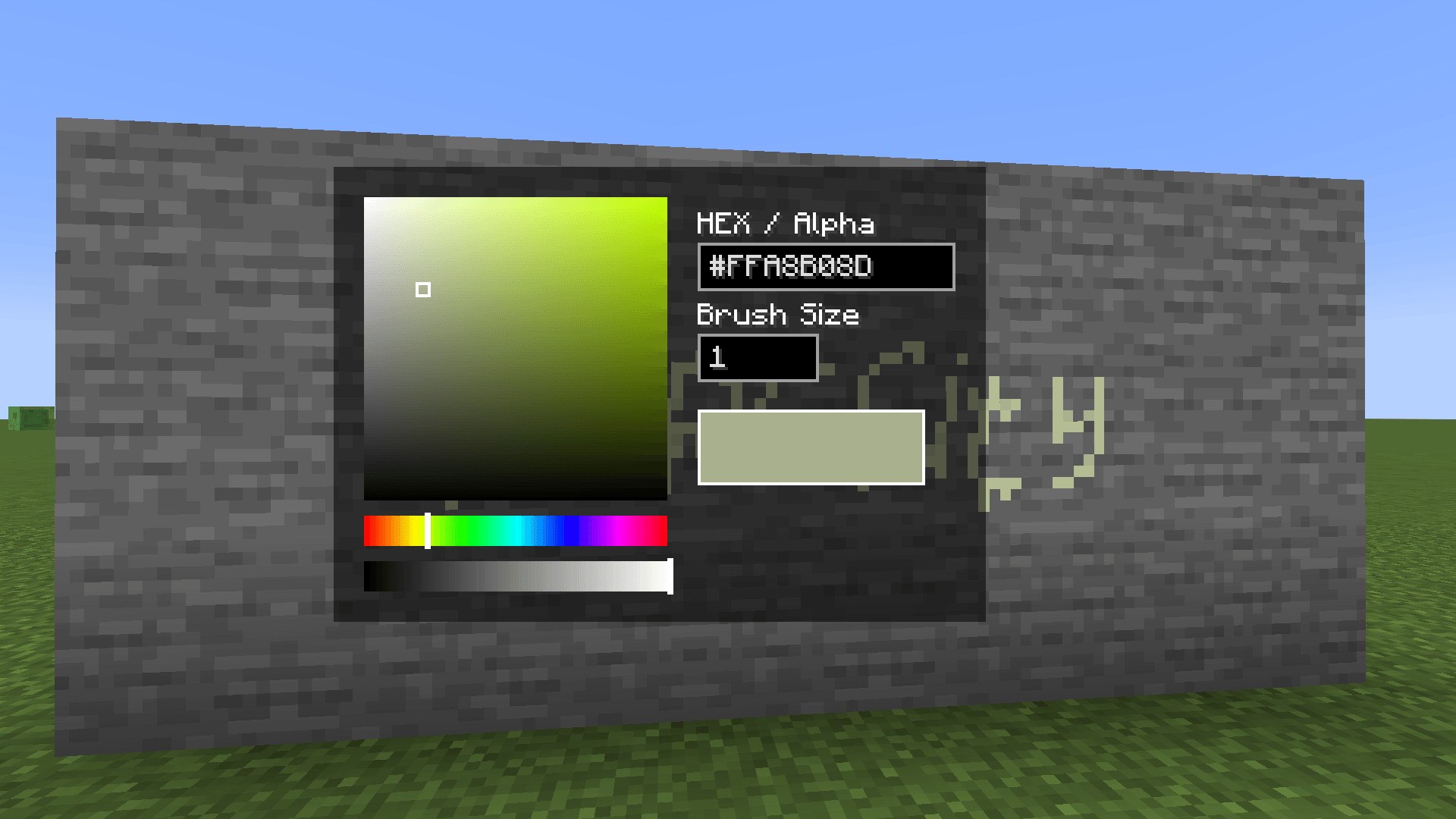
Right-Click while holding the spray can to open the Color & Settings Menu.
- Color Picker: Click the palette to select a color or adjust the Hue/Alpha sliders.
- HEX Input: Type a specific color code (e.g.,
#FF0000for Red). - Brush Size: Change how many pixels you paint at once in the input field.
3. Selecting a Tool (Hold Ctrl + A/D)
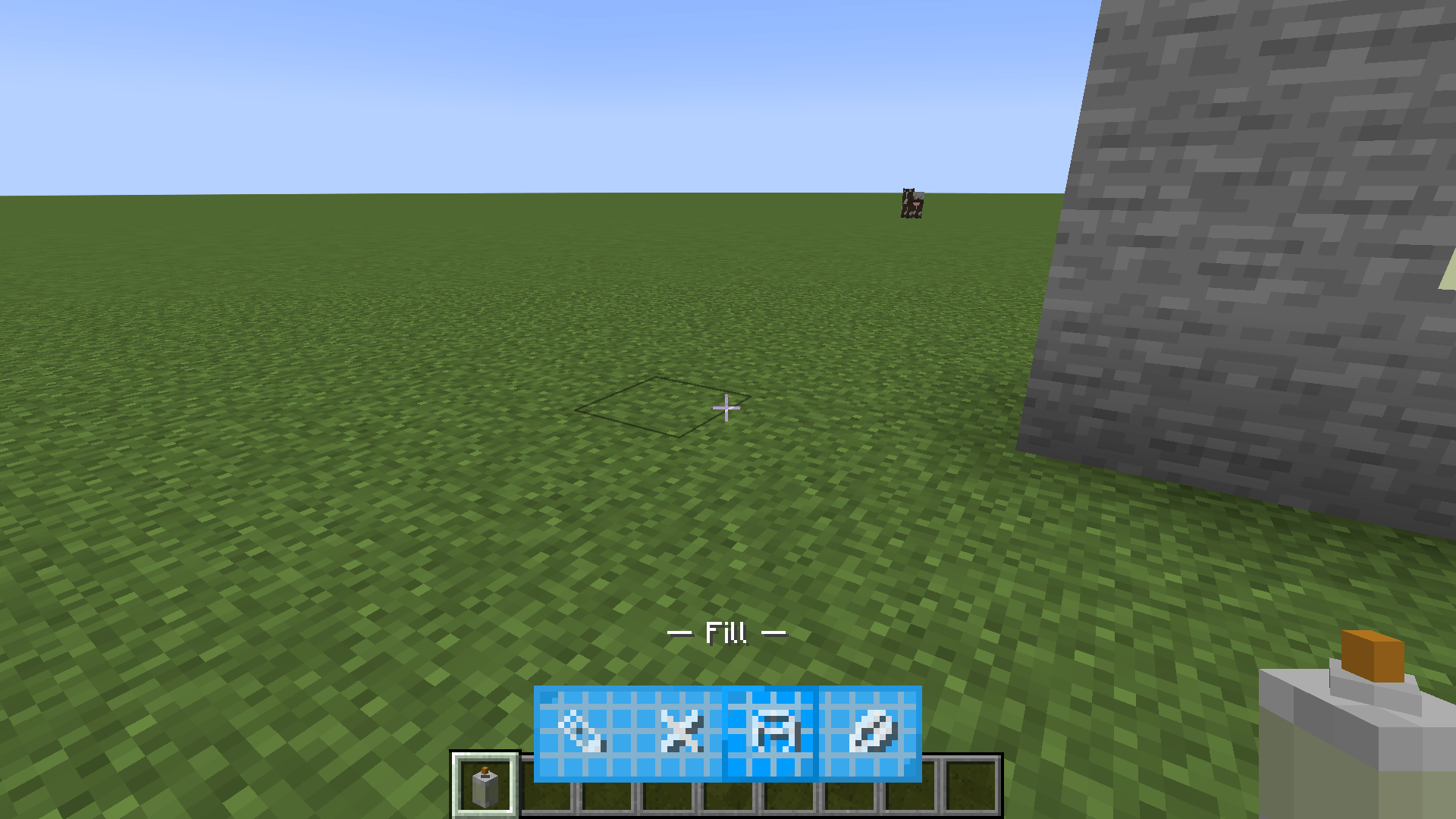
While holding the spray can, Hold Left Control and use A or D to cycle through your tools. An animated HUD will appear at the bottom:
| Icon | Tool Name | Description |
|---|---|---|
| ✎ | Pencil | Standard drawing tool. Paints pixels on a 16x16 grid. |
| ❌ | Eraser | Removes paint from the block surface. |
| 🪣 | Fill | Flood-fills a connected area with your current color. |
| ✂ | Color Picker | Left-click existing paint to copy its exact color. |
4. Painting (Left-Click)
Simply Left-Click on any block face to apply your chosen tool. You will hear a satisfying spray sound as you work!
⌨️ Controls Summary
- Right-Click: Open Color Picker / GUI.
- Left-Click: Paint / Use active tool.
- Hold Left Ctrl + A/D: Switch between tools (Pencil, Eraser, Fill, Picker).
- Edition: Minecraft Java
- File type: .jar
- Minecraft version listed: 1.21.1
- How to install: Install the matching mod loader (Forge, Fabric or NeoForge) for your Minecraft version. → Download the .jar. → Put it in the .minecraft/mods folder and launch that loader profile.
- Where to get it: Opens on CurseForge — not every file is mirrored on our own servers.
Install steps are the general flow for this file type — How to install Minecraft Java mods & modpacks walks through it step by step.
- Ships as graffiti-0.02.jar — drop this file into the mods folder
- Download size: 44 KB
- Download link checked 23 Aug 2026 — working
These come from our own check of the pack file, not from the source page.