ColorOverlay
Java mod listed for Minecraft 1.21. Download on the author's site.
A client-side mod for total visual customization. Change sky, water, clouds, sun, moon, stars, fog & torch colors. Add screen overlays with blend modes…
⬇ Download on CurseForge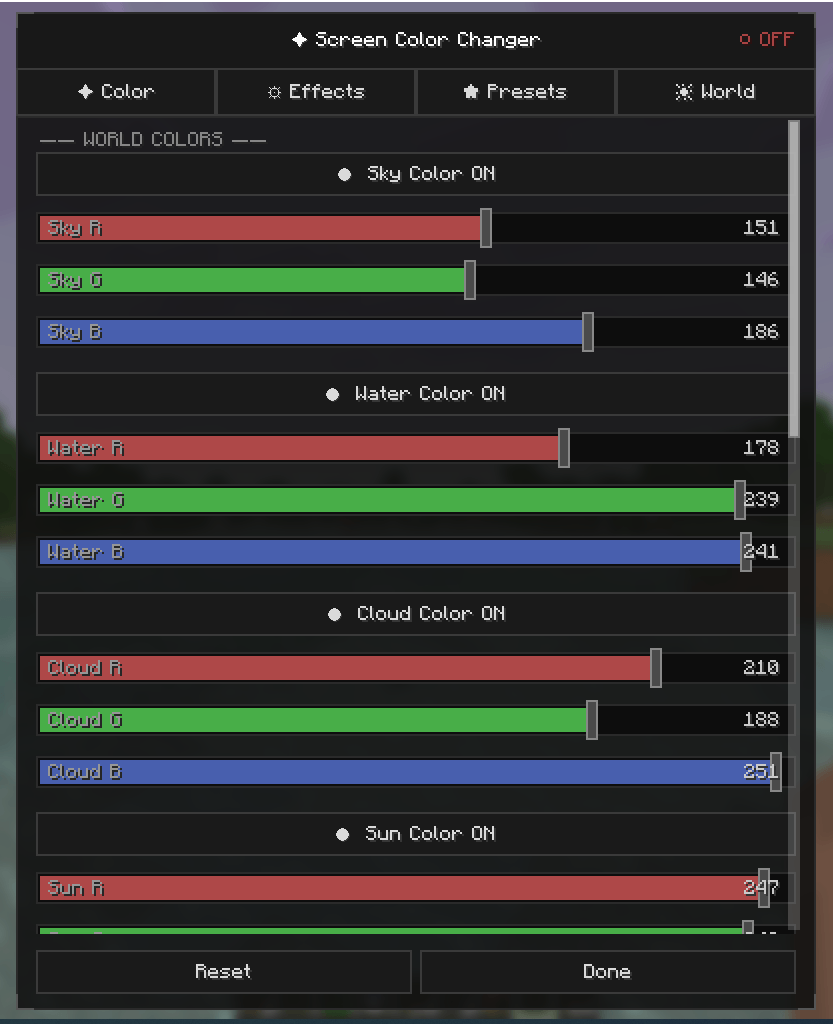
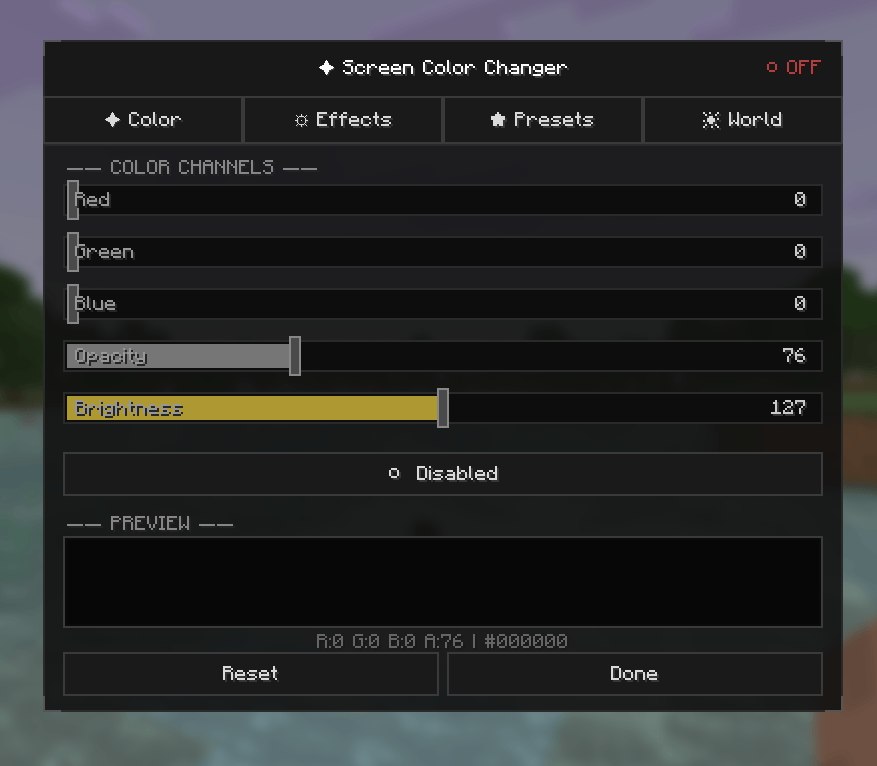
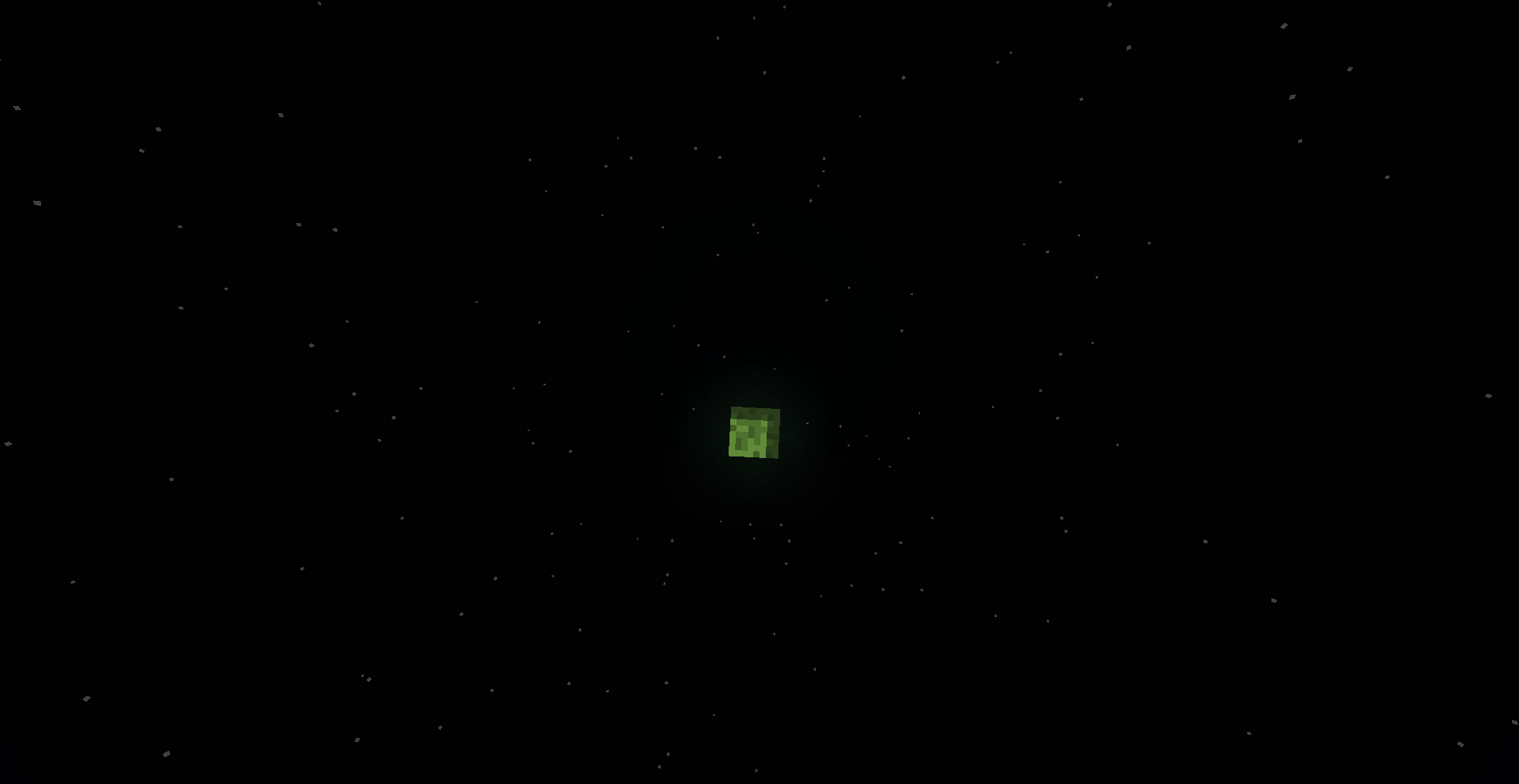
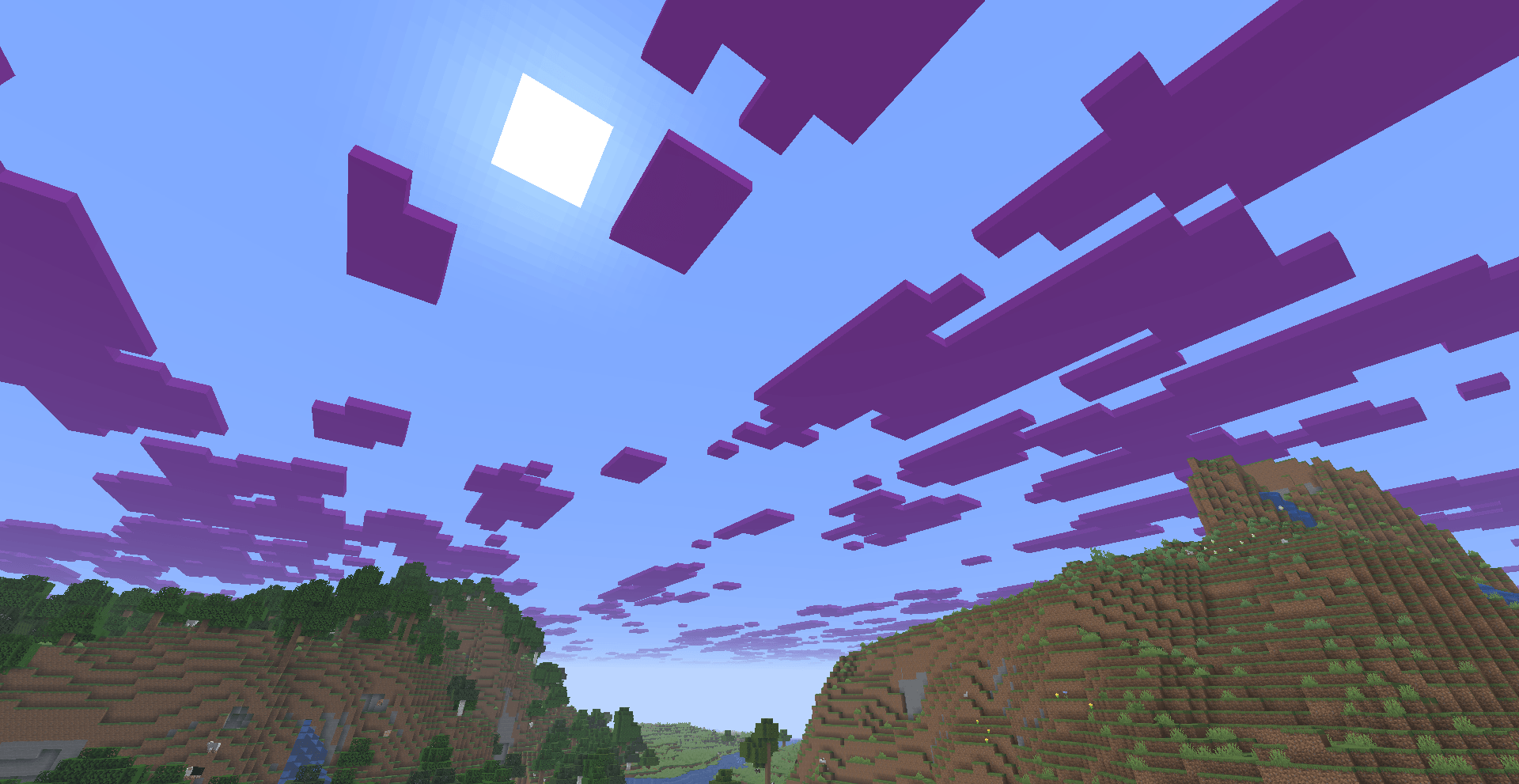
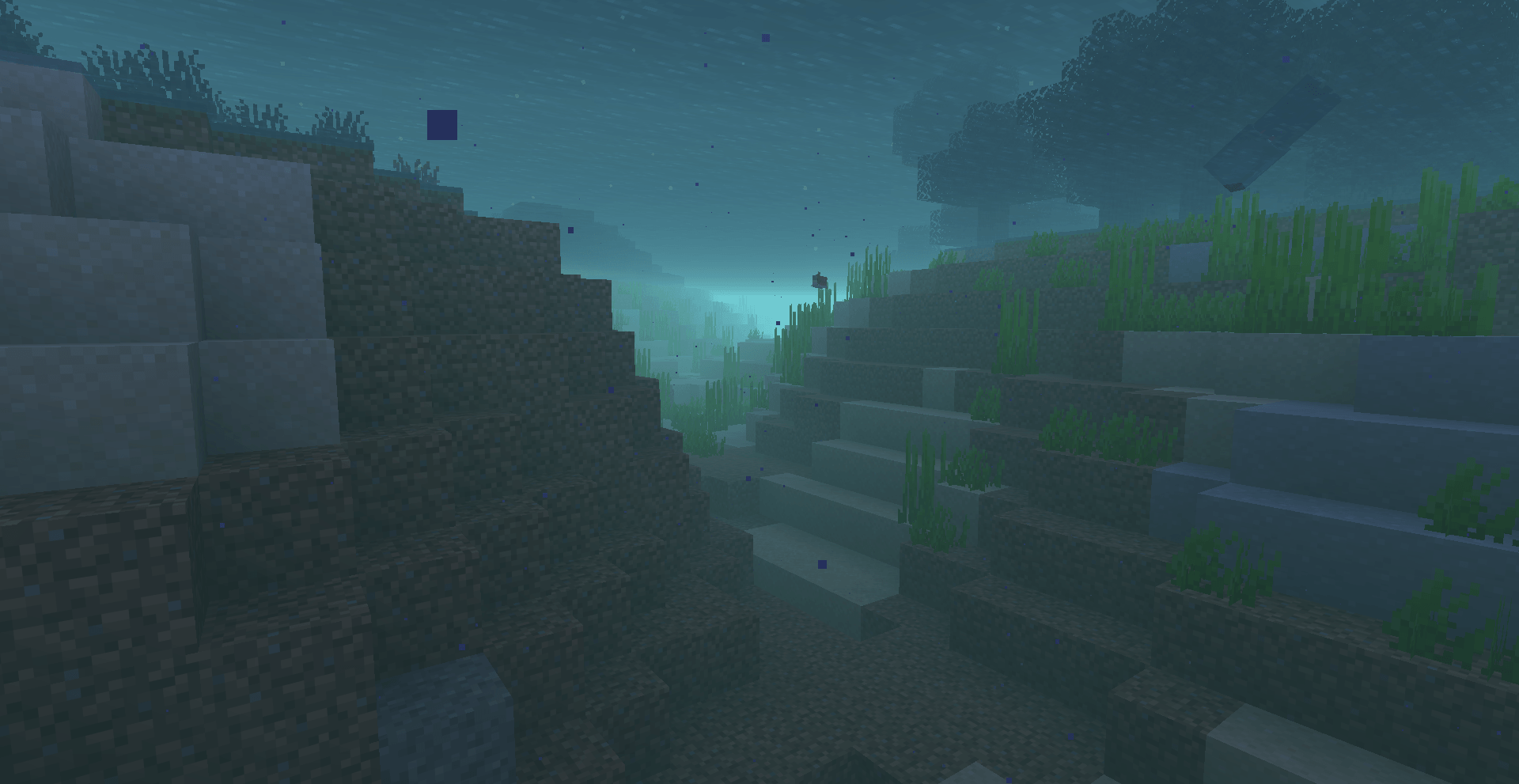
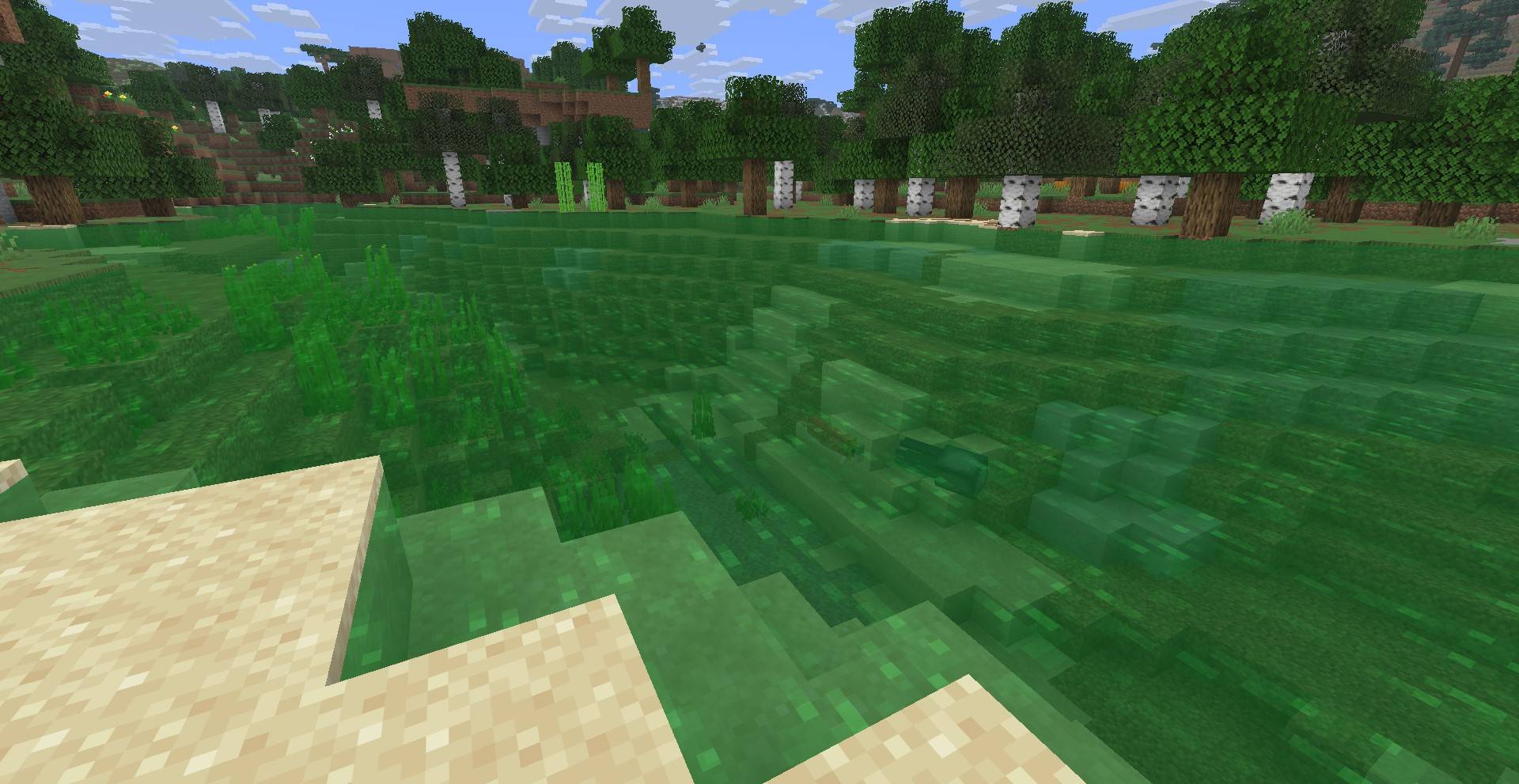
ColorOverlay - Full Visual Customization Mod
Transform your Minecraft world with complete color control! ColorOverlay is a client-side Fabric mod that lets you customize every visual element of the game in real time.
🎨 Screen Overlay
- Adjust RGBA color overlay on your entire screen
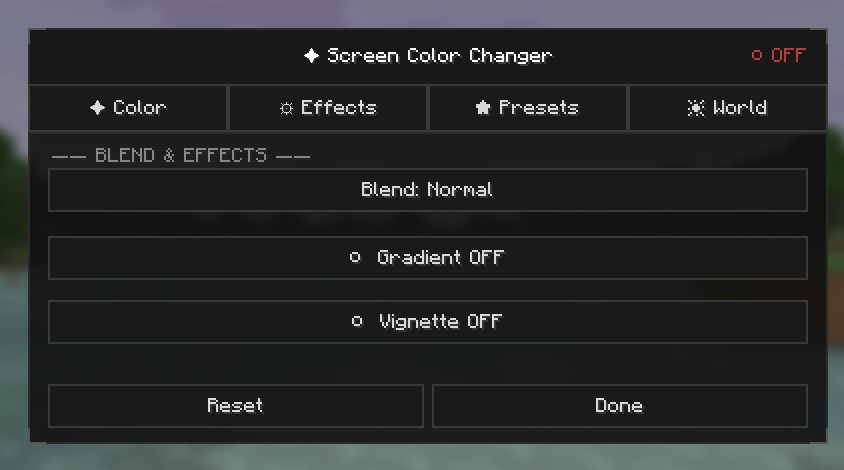
- Multiple blend modes: Normal, Multiply, Screen, Additive
- Gradient effects with customizable direction (Top-Down, Left-Right, Diagonal)
- Vignette effect with adjustable intensity
- Brightness & Saturation controls
🌍 World Colors
- Sky: Override the sky color with any RGB value
- Water: Change water color across all biomes (surface & underwater fog)
- Clouds: Customize cloud color with full ARGB control
- Sun: Tint the sun with custom colors
- Moon: Recolor the moon independently
- Stars: Adjust star colors while preserving natural brightness
- Fog: Full fog color override with independent fog intensity system
- Torch Particles: Change the color of torch flame particles
⚙️ Features
- All features default to vanilla — nothing changes until you want it to
- Every feature has its own independent toggle
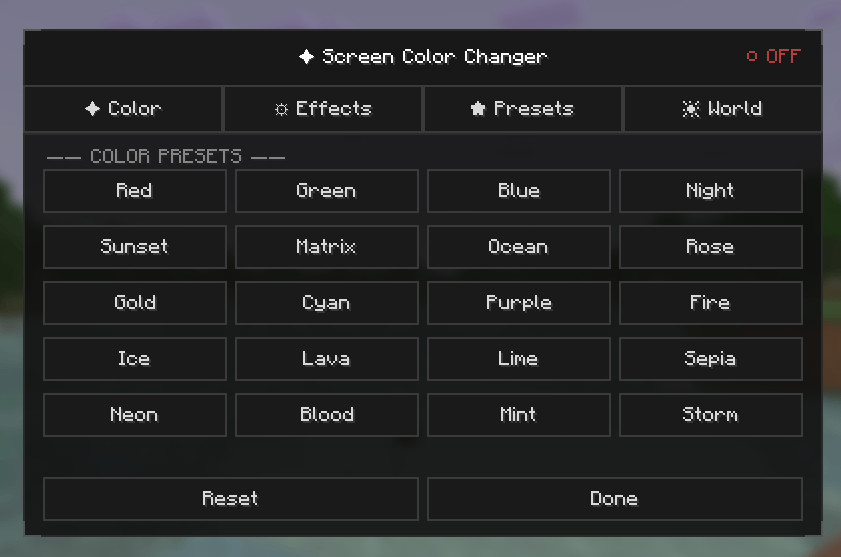
- Beautiful dark-themed UI with tabbed layout (Color, Effects, Presets, World)
- Scrollable interface for easy access to all settings
- 5 built-in presets: Warm Sunset, Cool Blue, Matrix Green, Sepia Film, Neon Purple
- Robust auto-save system — settings are never lost
- Press K to open the settings screen (configurable keybind)
🎮How to Use
- After installing the mod correctly, follow these steps:
- Launch Minecraft using Fabric Loader.
- Enter any world (Singleplayer or Multiplayer).
- Press the K key on your keyboard.
- The ColorOverlay settings screen will open instantly.
This is a purely client-side mod — no server installation needed. Safe for multiplayer!
- Edition: Minecraft Java
- File type: .jar
- Minecraft versions listed: 1.21.10, 1.21.11
- How to install: Install the matching mod loader (Forge, Fabric or NeoForge) for your Minecraft version. → Download the .jar. → Put it in the .minecraft/mods folder and launch that loader profile.
- Where to get it: Opens on CurseForge — not every file is mirrored on our own servers.
Install steps are the general flow for this file type — How to install Minecraft Java mods & modpacks walks through it step by step.
ColorOverlay is a free Minecraft Java mod. Compatible with Minecraft 1.21.10, 1.21.11. Downloaded 590 times (via CurseForge). Download it and open it directly in the game.