SCP-151, The Painting
Java mod listed for Minecraft 1.19–1.20. File opened and checked on 13 Oct 2026; downloads from the MC Java Mods app on Android.
I don't know my version or loader
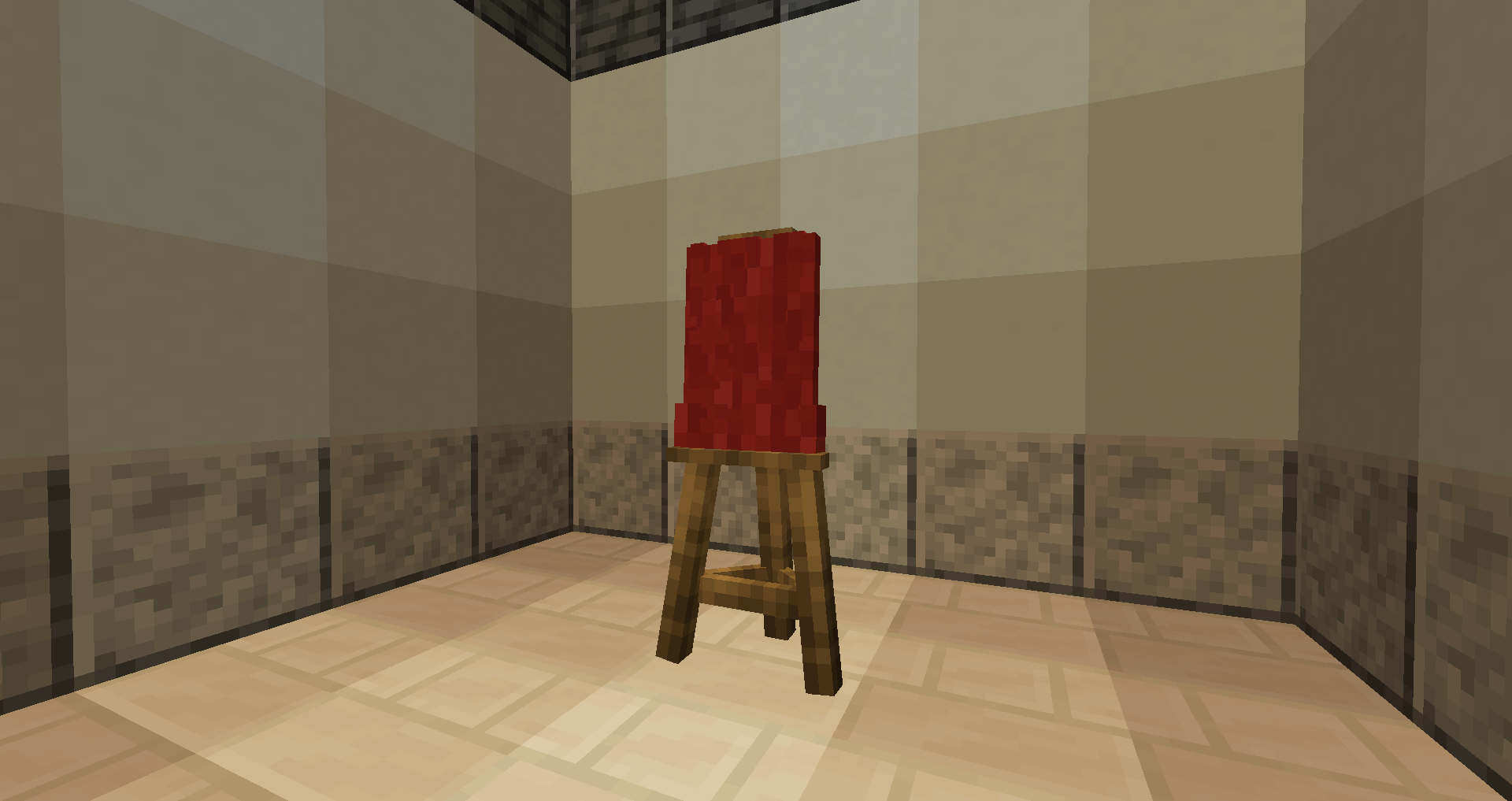
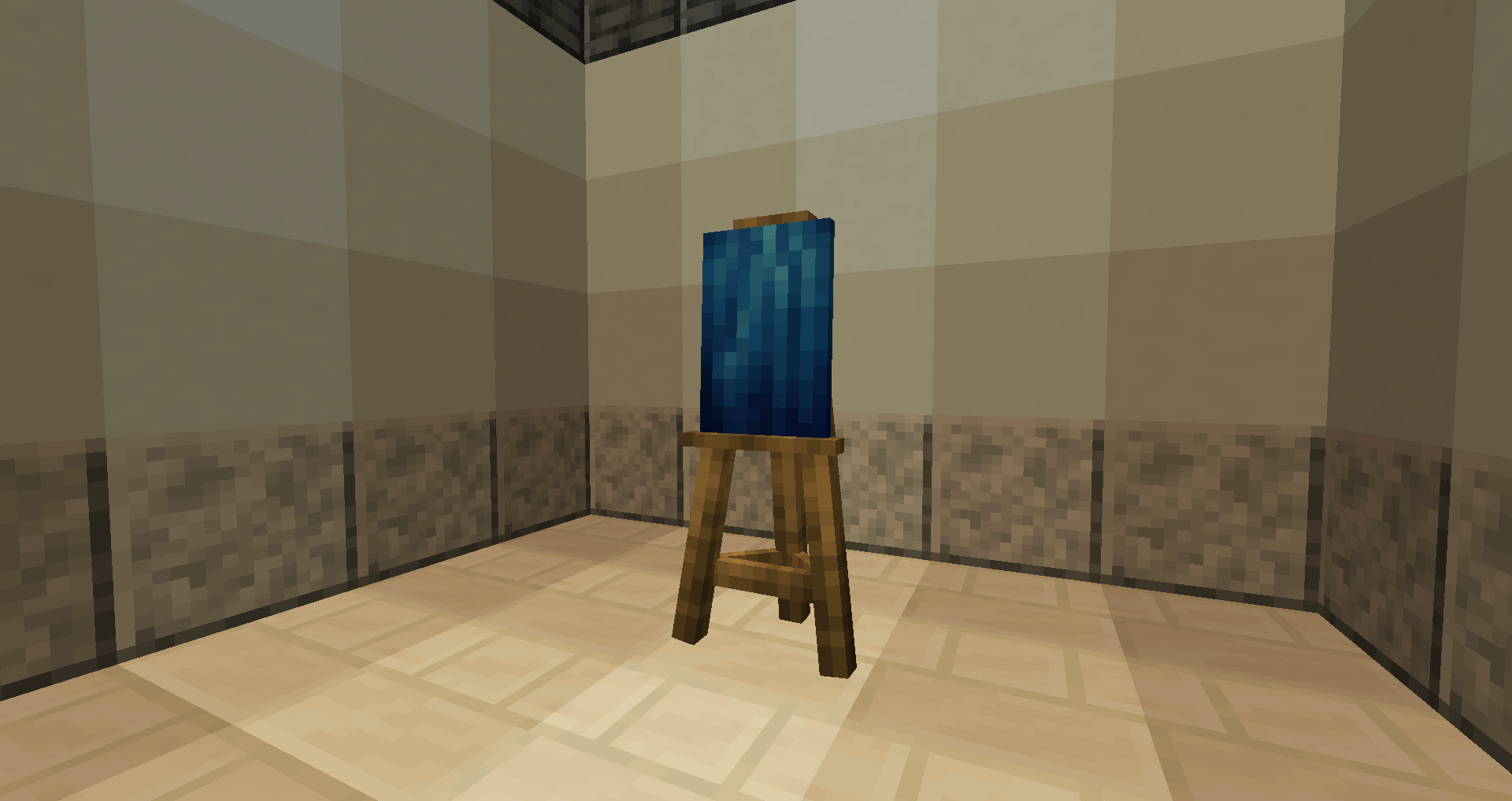

The Painting adds a new item. Its history comes from the SCP universe, where it is referred to as SCP-151, also known as The Painting.
SCP-151 can be found inside its containment chamber and interacts directly with players who observe it. Using wool, players can cover the painting to make it safe. If left uncovered, it becomes extremely dangerous. Players who observe SCP-151 uncoverd will drown within the next few minutes.
● A mod made by Zcoper
● Mod created with MCreator!
● Requires Geckolib:
GeckoLib 1.19.2 Version
GeckoLib 1.19.4 Version
GeckoLib 1.20.1 Version
● Visit my Discord Server!
https://discord.gg/akP56NtmVQ
● Important FaQ
► Why are features missing in different versions?
It is recommended to play the newest versions of higher minecraft versions.
Not all features of MCreator available or the same in different versions.
For example: Version 1.19.2 doesn't have the feature of shield, better structure generation or custom villagers, but Version 1.20.1 does have them.
► Where does SCP-151 spawn?
SCP-151 spawns in a containment chamber, usually underground in plains and meadow biomes. There may be multiple SCP-151.
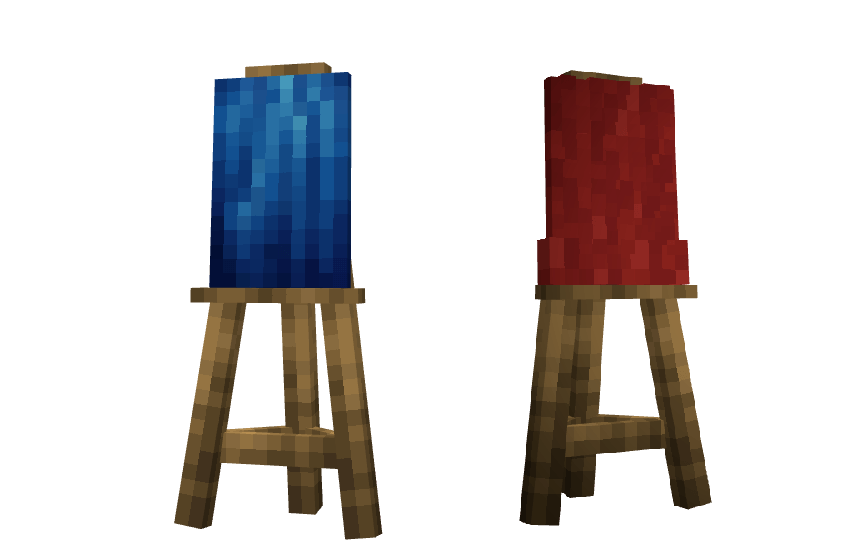
SCP-151, The Painting
SCP-151 is a blue anomalous oil painting, apparently from the perspective of someone underwater, located inside a containment chamber. Players can right-click SCP-151 using any color of wool to cover it, which prevents its anomalous effect. If SCP-151 is not covered, any player who looks directly at the painting will begin to drown, regardless of their location or whether they are in water.
● Mods Origins:
https://scp-wiki.wikidot.com/scp-151
● Config File not inculed.
● You are all allowed to use this mod in your modpacks!
● Do not port my mods without permission!
● Check out my other Mods:
https://www.curseforge.com/members/zcoperfy/projects
- Edition: Minecraft Java
- File type: .jar
- Minecraft versions listed: 1.19.2, 1.19.4, 1.20.1
- How to install: Install the matching mod loader (Forge, Fabric or NeoForge) for your Minecraft version. → Download the .jar. → Put it in the .minecraft/mods folder and launch that loader profile.
- Where to get it: Opens on CurseForge — not every file is mirrored on our own servers.
Install steps are the general flow for this file type — How to install Minecraft Java mods & modpacks walks through it step by step.
- Ships as ThePainting-forge-1.19.2-1.0.jar — drop this file into the mods folder
- Download size: 492 KB
- Download link checked 3 Oct 2026 — working
These come from our own check of the pack file, not from the source page.