Manyoo Menu
In-game admin panel for NeoForge servers with player management, inventory access, kits, and moderation tools — all in a simple GUI.
⬇ Download on CurseForgeThe author built this one for Minecraft 1.21.1 on NeoForge. On other versions it may install and then do nothing.
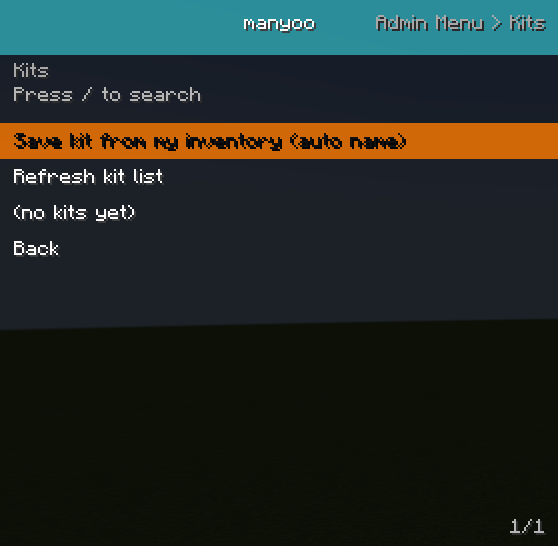
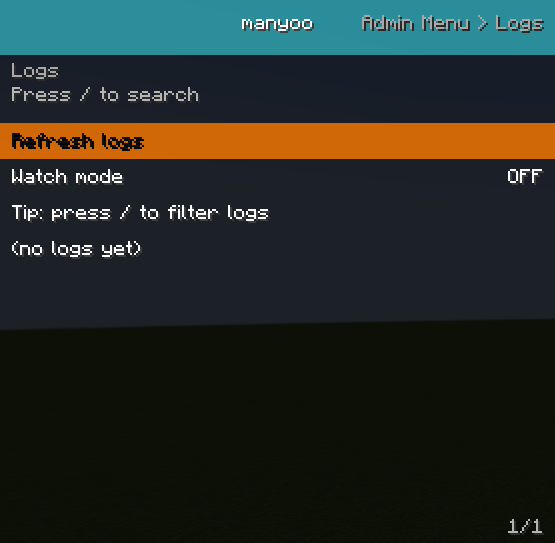
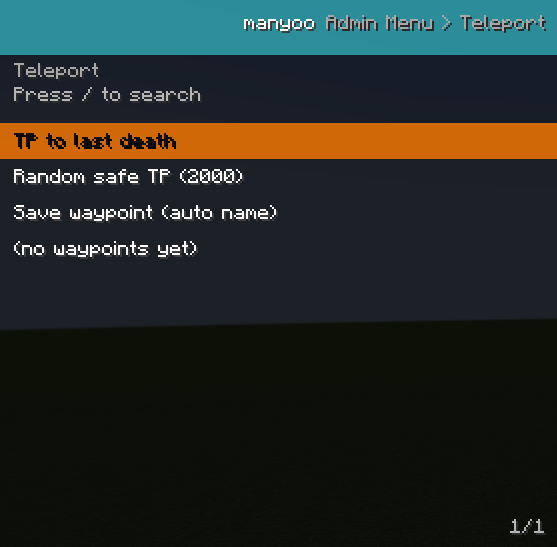
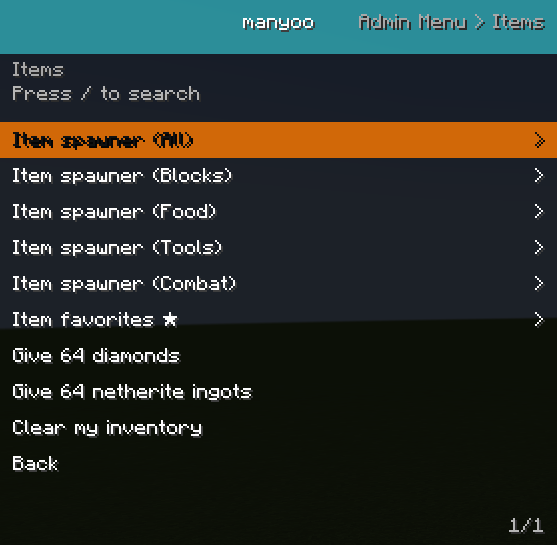
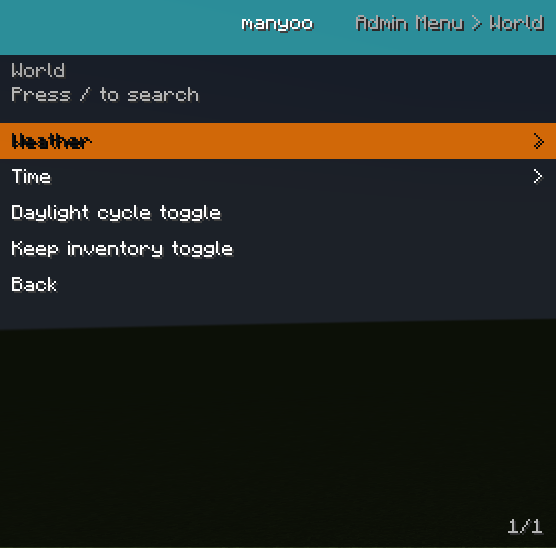
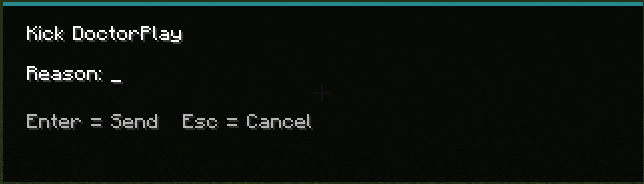
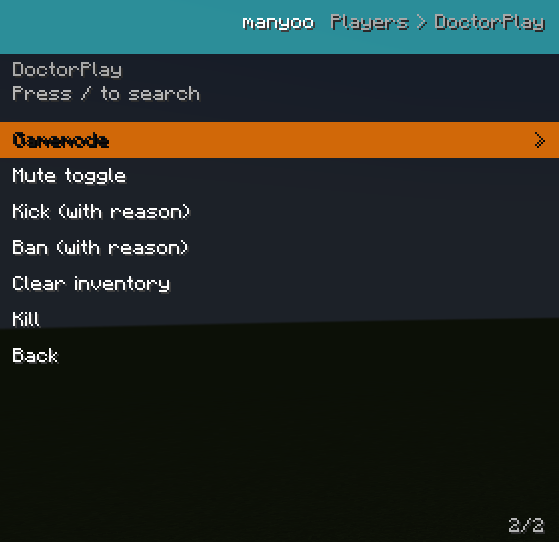
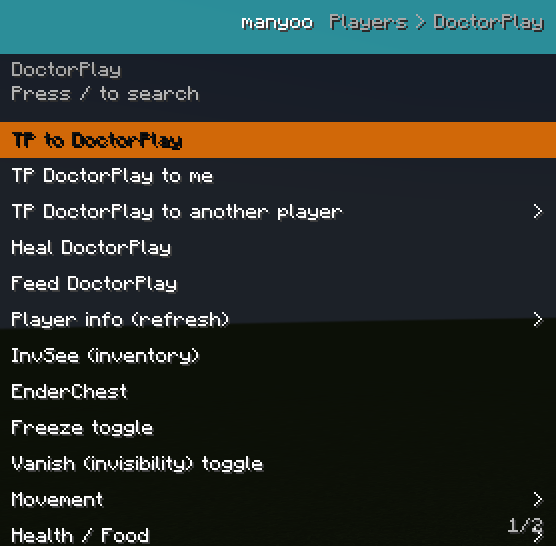
🛠️ Manyoo Menu – A complete in-game administration panel
Manyoo Menu is a mod designed to simplify Minecraft server management by providing a fully interactive graphical interface for administrators and moderators.
Instead of relying on complex commands, everything is accessible through a clear and organized in-game menu.
✨ Main Features
📋 Interactive Admin Menu
-
Full in-game GUI
-
Category-based navigation
-
Sub-menus and quick actions
-
Support for toggles, sliders, and custom actions
🎒 Player Management
-
InvSee – view and edit a player’s inventory
-
EnderSee – access a player’s ender chest
-
Player data overview
-
Quick moderation tools
🧊 Moderation Tools
-
Freeze players
-
Quick admin actions
-
Admin activity logging system
🎁 Kit System
-
Create and manage admin kits
-
Server-side kit configuration
-
Quick kit distribution via the menu
⭐ Favorites & Utilities
-
Favorite items system
-
Quick item giving menu
-
Search and filter items easily
📍 Waypoints & Client Tools
-
Client-side waypoint system
-
Customizable admin HUD
-
Persistent UI data
🔗 Network & Sync
-
Optimized client ↔ server communication
-
Real-time admin action synchronization
-
Server-side data handling
⚙️ Technical Information
-
✔️ Compatible with NeoForge 1.21.1
-
✔️ Client + Server architecture
-
✔️ Modular and extensible system
-
✔️ Multi-language support (FR / EN)
🎯 Mod Goal
The goal of Admin Menu is to provide a modern alternative to admin commands by making server management:
-
faster ⚡
-
easier 🧠
-
more visual 🎮
🚧 Future Updates
Planned improvements include:
-
Advanced permission system
-
More admin tools
-
Compatibility with other server mods
- Edition: Minecraft Java
- File type: .jar
- Minecraft version listed: 1.21.1
- How to install: Install the matching mod loader (Forge, Fabric or NeoForge) for your Minecraft version. → Download the .jar. → Put it in the .minecraft/mods folder and launch that loader profile.
- Where to get it: Opens on CurseForge — not every file is mirrored on our own servers.
Install steps are the general flow for this file type — How to install Minecraft Java mods & modpacks walks through it step by step.
- Ships as Manyoo_Menu 1.0.jar — drop this file into the mods folder
- Download size: 93 KB
- Download link checked 13 Sept 2026 — working
These come from our own check of the pack file, not from the source page.