
Tears Of Elden
Java mod listed for Minecraft 1.20. Download on the author's site.
"Adds Elden Ring-inspired Crimson Tears — the spiritual successor to the Dark Souls Estus Flask — along with the Church of Marika and the Golden Tree to…
⬇ Download on CurseForge


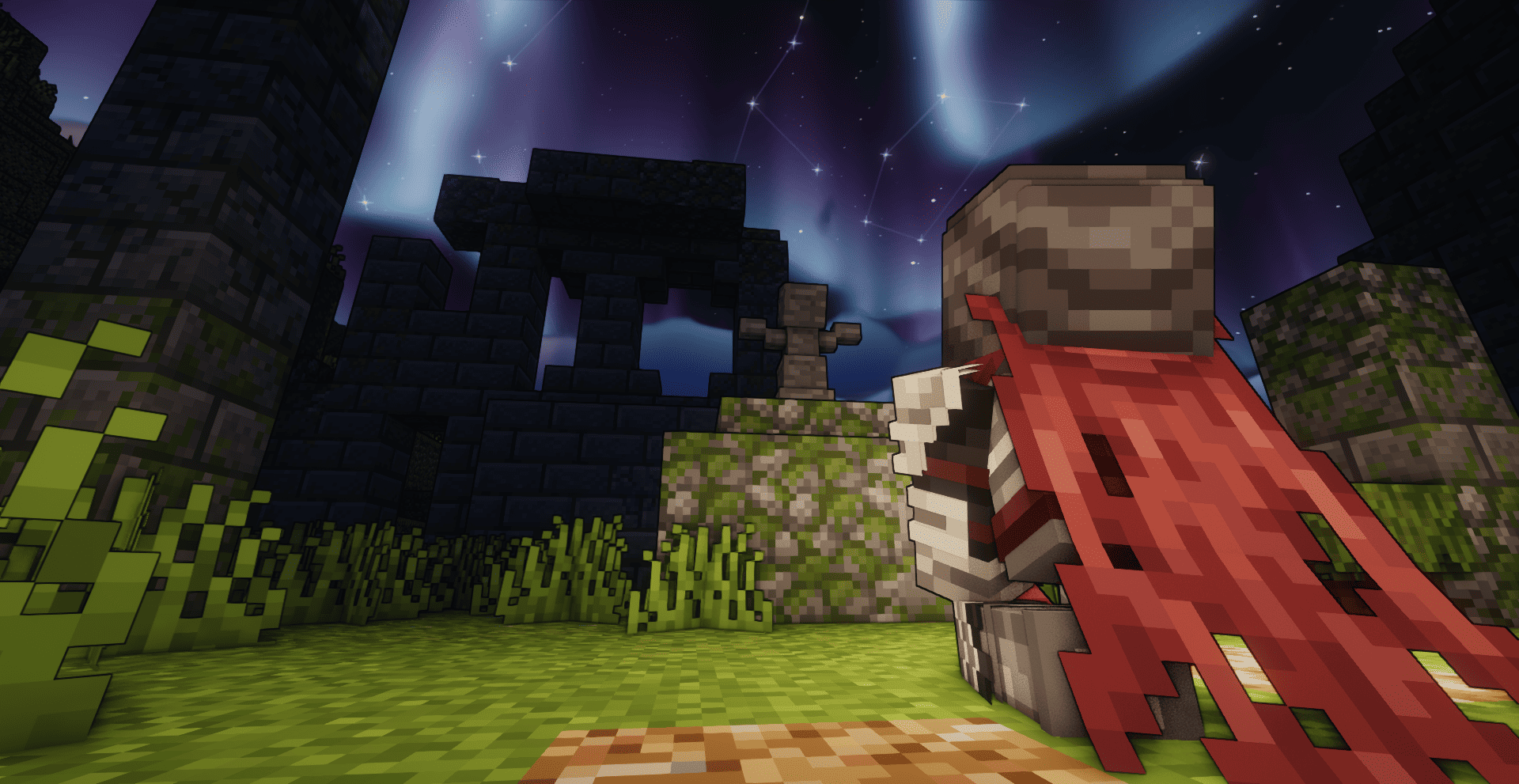


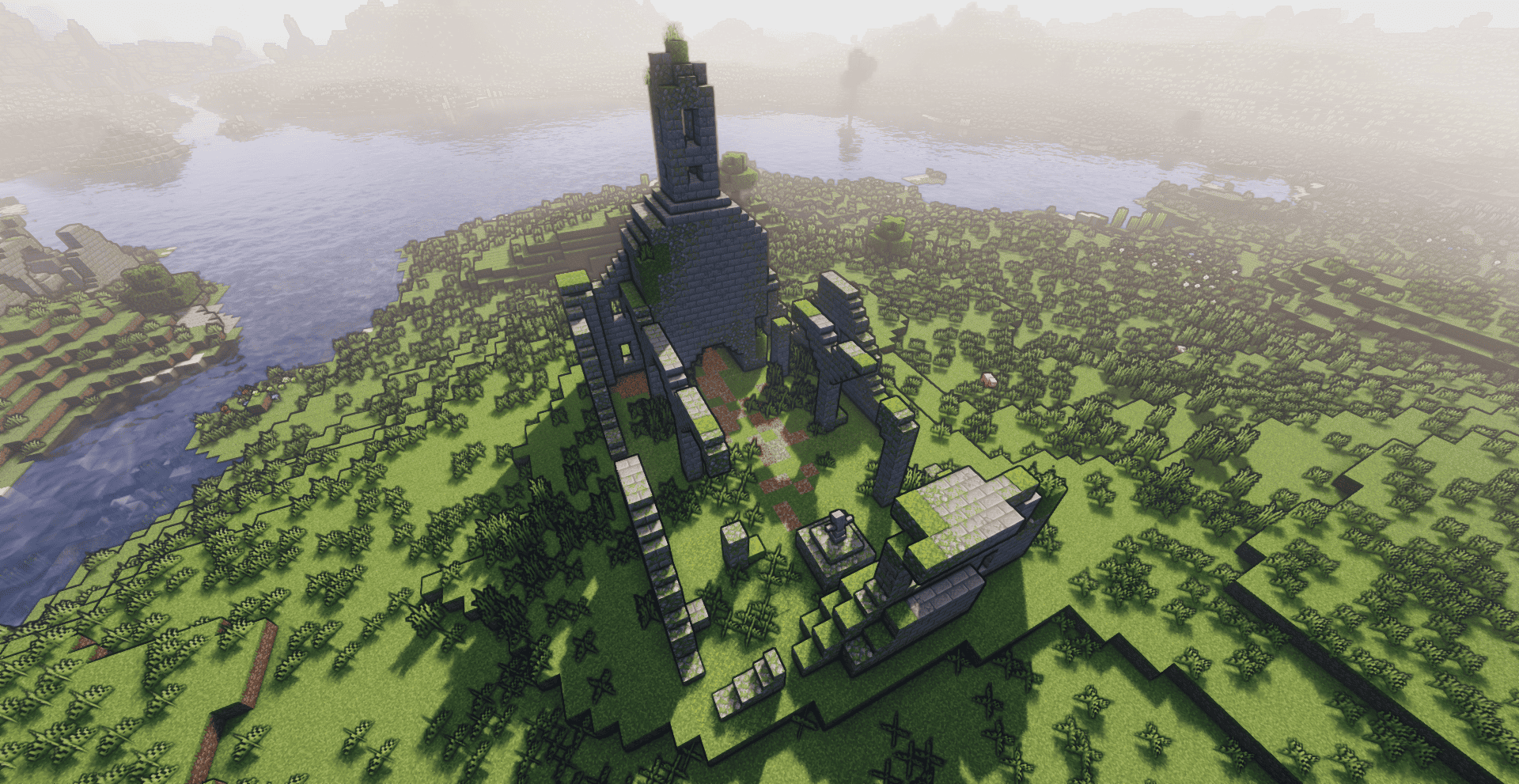
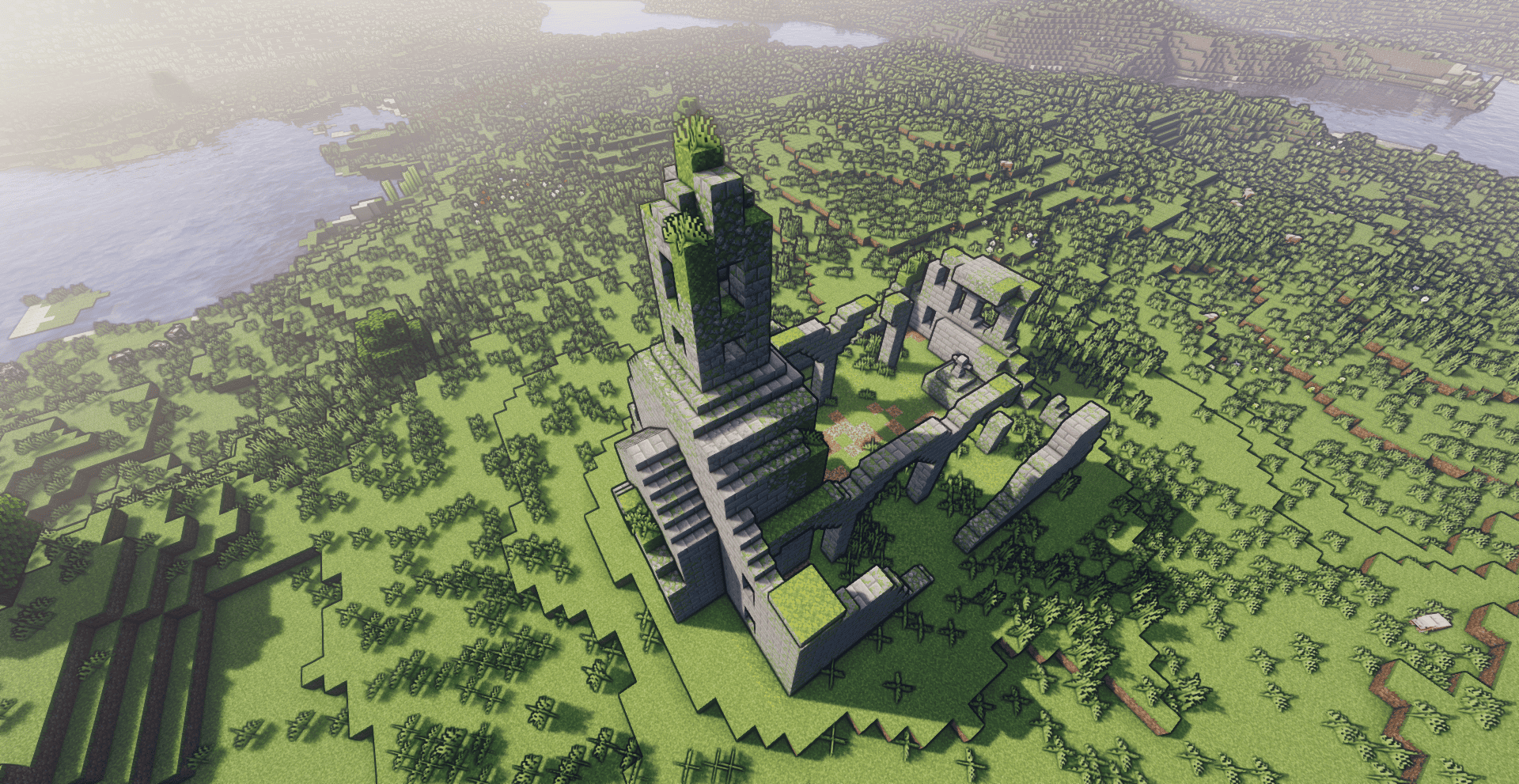
Tears of Elden brings the healing system of Elden Ring into Minecraft, transforming survival into a true RPG challenge.
Special thanks to CHRISPRO23 for the mod showcase.
✨ Features
- Flask of Crimson Tears
- A healing item inspired by Elden Ring.
- Automatically given to the player when entering the world.
- Craftable in case you lose it.
- Replenished by interacting with special structures.
- All flask statistics (charges and upgrades) are stored per player, making it useless to carry more than one Crimson Tears.
- Structures
- Site of Grace: Rest here to fully recharge your Crimson Tears.
- Statue of Marika: Strengthens your healing power, increasing recovery up to 90% of total health.
- Golden Tree: Blesses your flask, increasing its maximum charges up to 10.
⚔️ Gameplay Changes
- Natural food regeneration is disabled.
- Players must rely entirely on the Flask of Crimson Tears to survive.
- Progression is tied to exploration: find sacred structures to upgrade your healing.
📜 Changelogs
Version 1.2.1
• Compatibility with Regions Unexplored biomes.
• Compatibility with Biomes O’ Plenty biomes.
• Fixed issue where dying caused players to lose all upgrades on the Flask of Crimson Tears.
Version 1.2.2
• Fixed issue where progress with Golden Trees was lost after death.
• Fixed issue where progress with Statues was lost after death.
• Ensures upgrades and special block blessings remain consistent across player deaths.
Version 1.2.3
• Fixed: Golden Trees now correctly increase flask charges instead of healing.
• Fixed: Statues now correctly increase healing power instead of flask charges.
Version 1.2.4
• Fixed minor bugs with recharge sounds and tooltip/description updates for the Flask of Crimson Tears.
Version 1.3.0
• Site of Grace: Fully heals the player’s health on interaction.
• Site of Grace: Enemy detection radius increased from 10 → 18 (height remains 8).
• Statue of Marika: Added upgrade sound effect when granting healing bonus.
• Golden Tree: Added upgrade sound effect when granting extra Crimson Tears charges.
🛠️ Crafting Recipe
The Flask of Crimson Tears can be crafted if lost.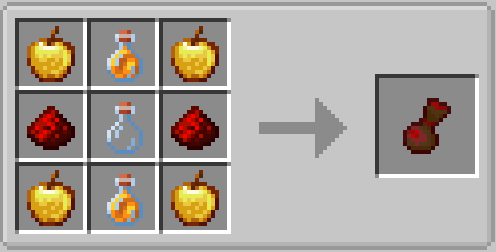
🛠️ Installation
- Download the mod file.
- Place it in your
modsfolder. - Launch Minecraft with Forge 1.20.1.
No additional dependencies are required.
🌍 Compatibility
- Designed for Forge 1.20.1.
- No external dependencies.
- version 1.2.1 now is Compatible with Regions Unexplored and Biomes O’ Plenty.
💬 Community
Feedback is welcome! Please leave comments with suggestions, bug reports, or ideas for future improvements.
License & Permissions
You are free to include it in modpacks.
☕ Support the Project
If you enjoy Tears of Elden and want to support its development, you can tip me on Ko-fi: ko-fi.com/shaneeto
Every contribution helps me keep improving the mod and chasing my dream of game development!
- Edition: Minecraft Java
- File type: .jar
- Minecraft version listed: 1.20.1
- How to install: Install the matching mod loader (Forge, Fabric or NeoForge) for your Minecraft version. → Download the .jar. → Put it in the .minecraft/mods folder and launch that loader profile.
- Where to get it: Opens on CurseForge — not every file is mirrored on our own servers.
Install steps are the general flow for this file type — How to install Minecraft Java mods & modpacks walks through it step by step.
Tears Of Elden is a free Minecraft Java mod. Compatible with Minecraft 1.20.1. Downloaded 999 times (via CurseForge). Download it and open it directly in the game.