
PotatoMode – Smart FPS Booster
Java mod listed for Minecraft 1.21. Downloads from the MC Java Mods app on Android.
This is a lightweight Fabric client mod it boosts FPS by dynamically adjusting video settings during lag. Designed for low-end PCs, it reduces stutters…
I don't know my version or loader

Love the clear, player‑friendly writeup you already have; here’s a refreshed version that matches the v2 upgrade and keeps your tone.
PotatoMode v2 – Smart FPS Booster
PotatoMode v2 is a lightweight, client‑side Fabric mod that boosts performance on low‑end systems by dynamically adjusting Minecraft’s built‑in video settings using real‑time FPS monitoring.
This mod does not replace the renderer or inject custom graphics pipelines. It simply manages vanilla options intelligently to reduce load when needed.
How It Works (Technical Explanation)
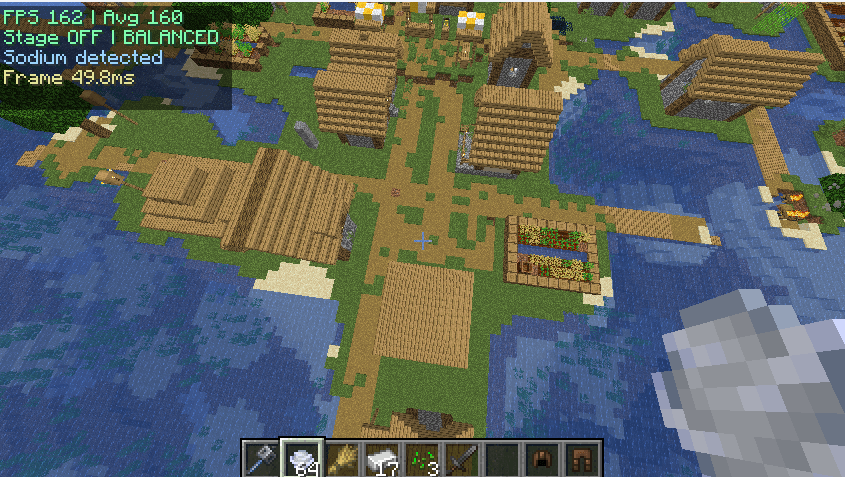
PotatoMode v2 continuously samples client FPS and frame time.
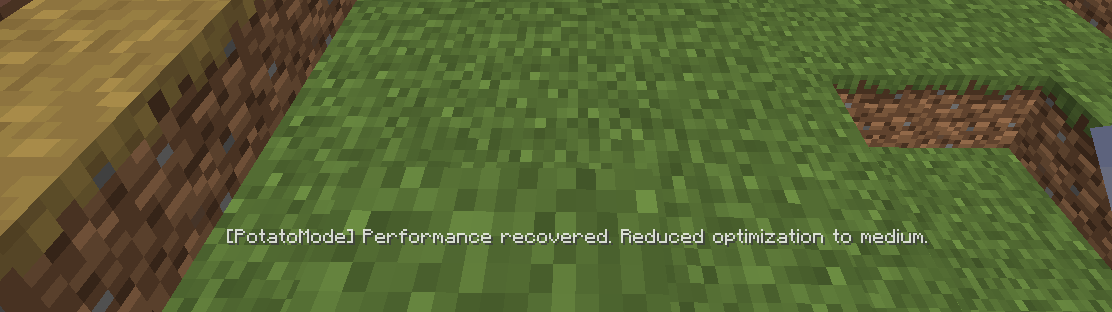
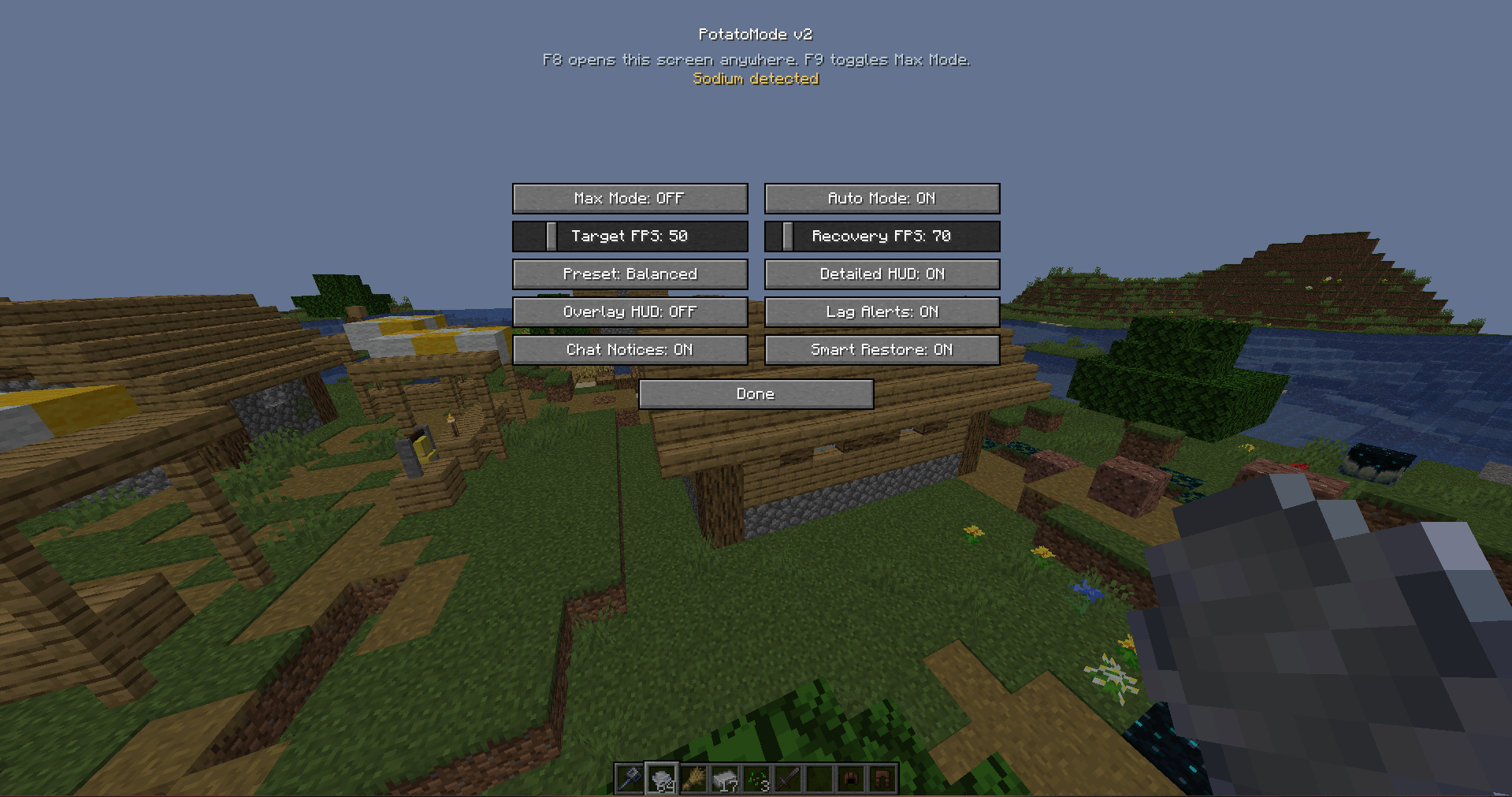
When performance drops below a configurable target, the mod applies staged optimizations in steps (Light, Medium, Heavy) instead of a single hard switch. These stages can be tuned with presets:
Balanced, Aggressive, and Extreme.
When FPS recovers above a separate Recovery FPS value, PotatoMode can gradually restore your original settings using Smart Restore.
Affected vanilla settings may include:
Render distance
Simulation distance
Particle count
Entity distance scaling
Cloud rendering
Smooth lighting
Biome blend
Mipmap levels
The mod is client‑only and never changes:
Game logic
World generation
Server performance
Renderer internals
It only modifies existing Minecraft client video settings.
Features
Staged FPS‑based optimization (Light, Medium, Heavy)
One‑click MAX FPS mode
Configurable Recovery FPS + Smart Restore
3 tuning presets: Balanced, Aggressive, Extreme
Lag spike detection
Expanded HUD with avg FPS and frame time (optional)
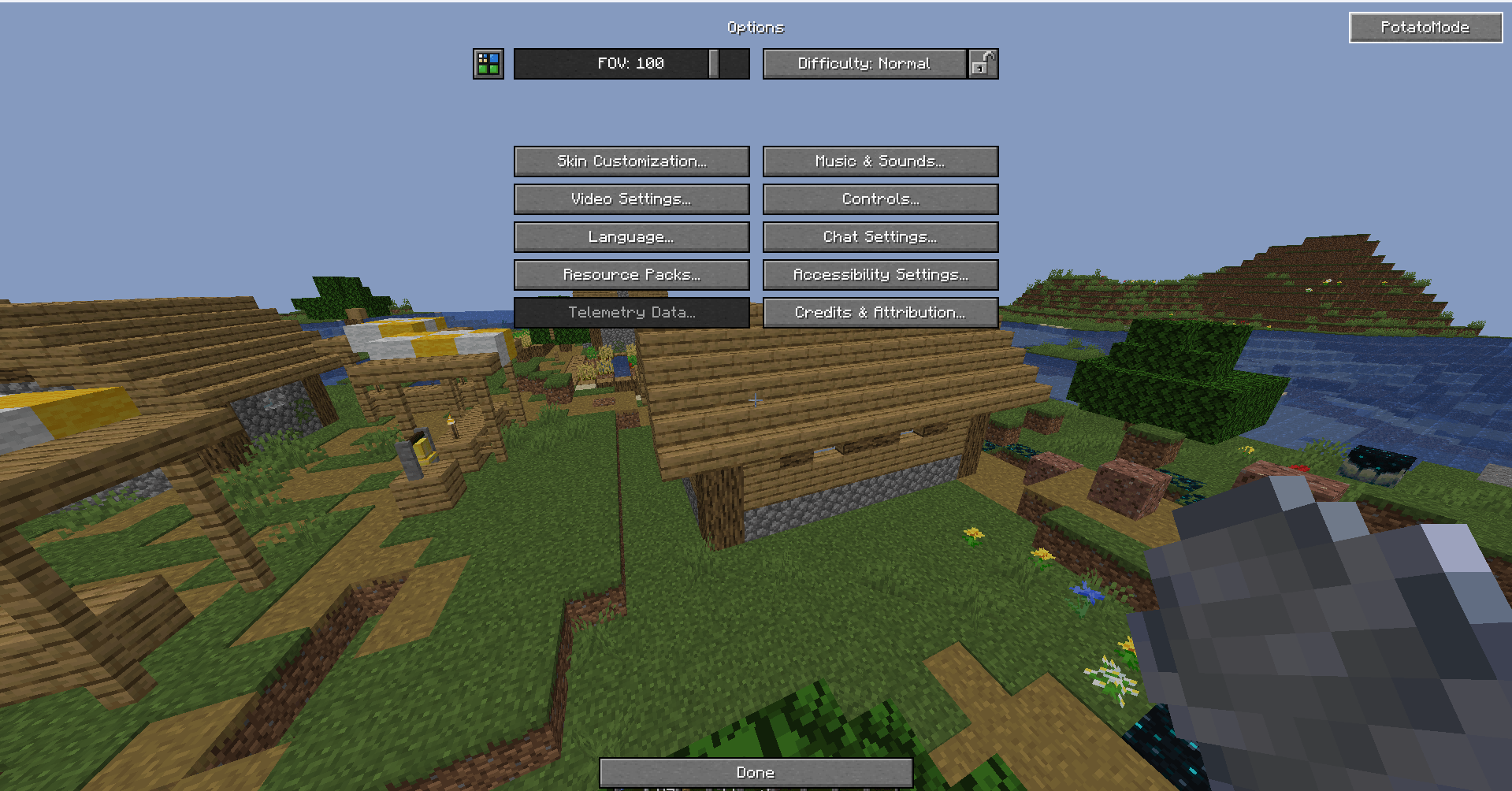
Hotkeys: F8 opens settings, F9 toggles Max Mode
Sodium‑friendly access to the config screen
Fully configurable
Intended Audience
Low‑end PCs
Integrated graphics users
Players who experience FPS drops in dense environments
Users who want automatic optimization without manual tweaking
Disclaimer
This mod does not guarantee a fixed FPS increase. Performance gains depend on hardware, installed mods, and in‑game conditions.
- Edition: Minecraft Java
- File type: .jar
- Minecraft versions listed: 1.21.11, 1.21.10, 1.21.9
- How to install: Install the matching mod loader (Forge, Fabric or NeoForge) for your Minecraft version. → Download the .jar. → Put it in the .minecraft/mods folder and launch that loader profile.
- Where to get it: Opens on CurseForge — not every file is mirrored on our own servers.
Install steps are the general flow for this file type — How to install Minecraft Java mods & modpacks walks through it step by step.
- Ships as potatomode-26.2-2.0.0.jar — drop this file into the mods folder
- Download size: 32 KB
- Download link checked 3 Oct 2026 — working
These come from our own check of the pack file, not from the source page.