DragonMine Z: Age System
Java mod listed for Minecraft 1.20. Downloads from the MC Java Mods app on Android.
⬇ Download on CurseForgeThe author built this one for Minecraft 1.20.1 on Forge. On other versions it may install and then do nothing.
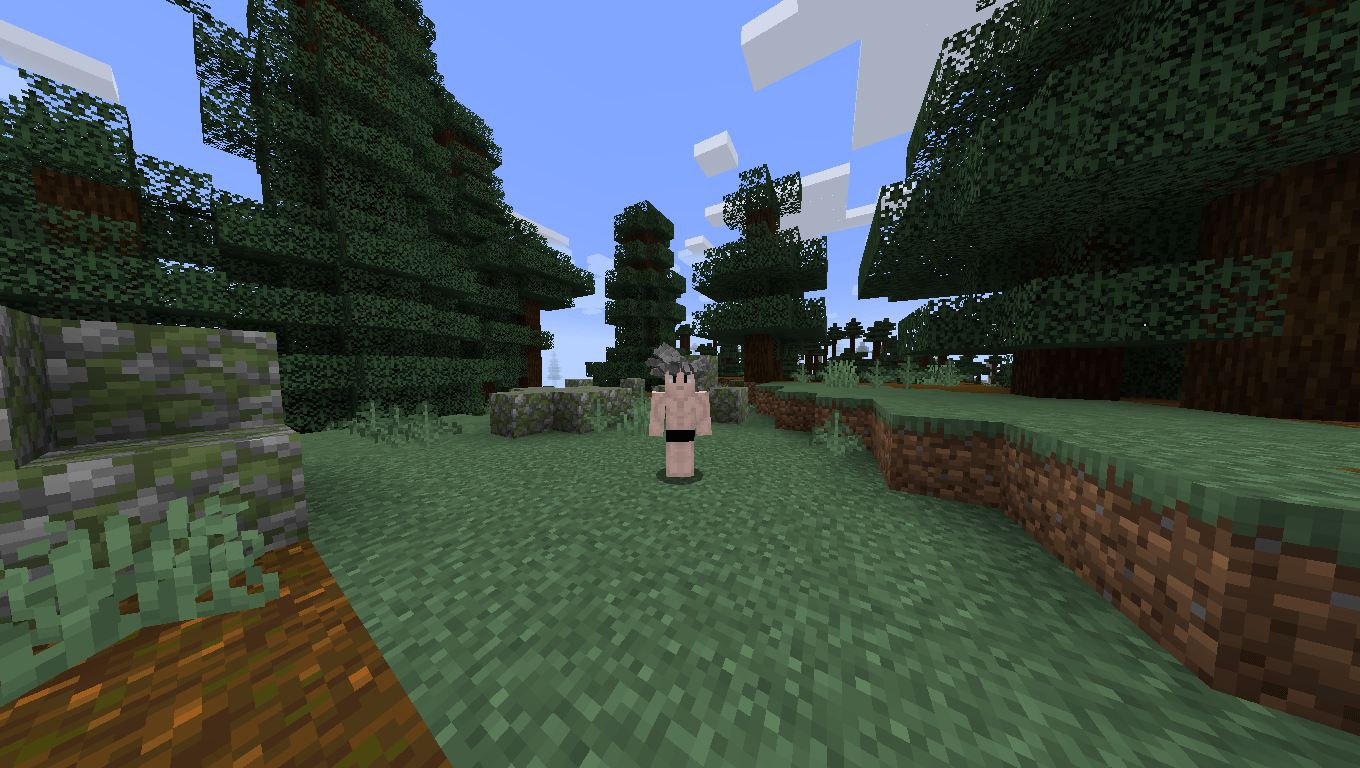
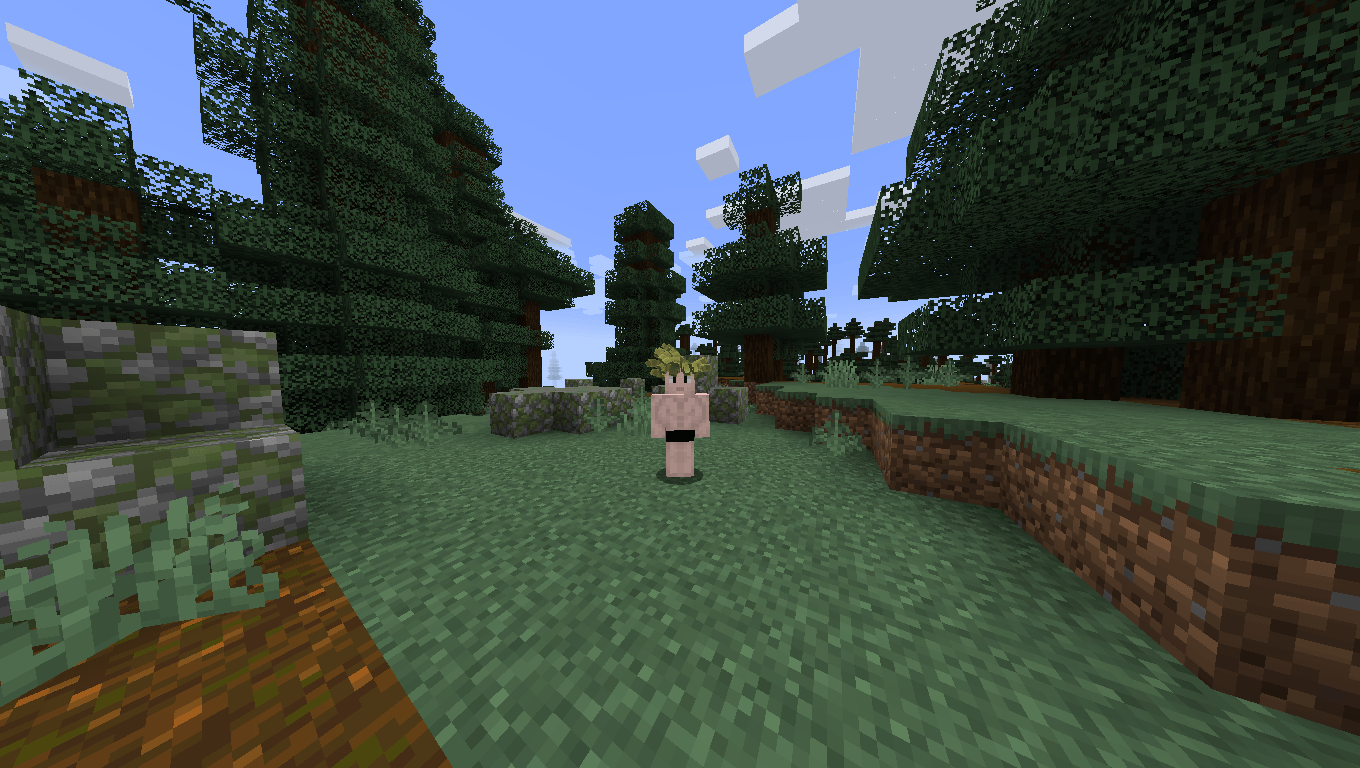
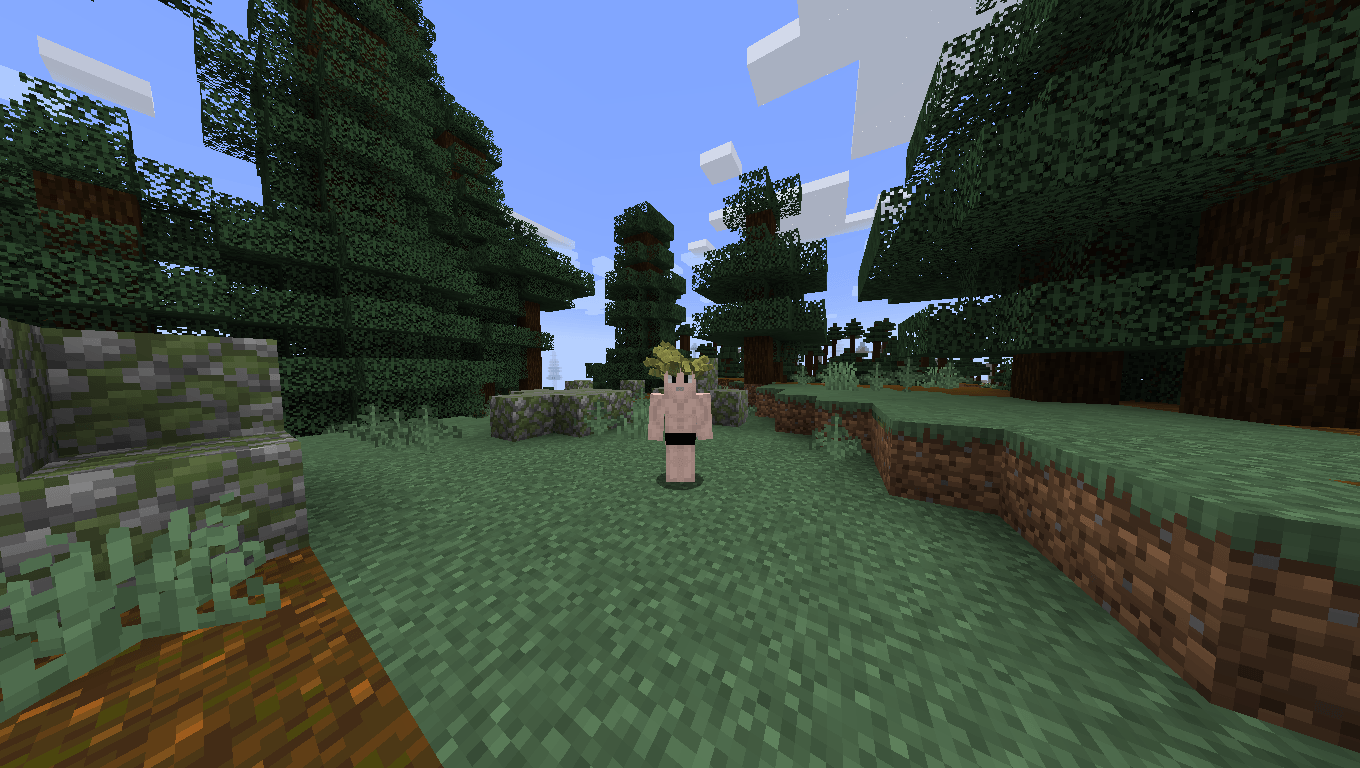
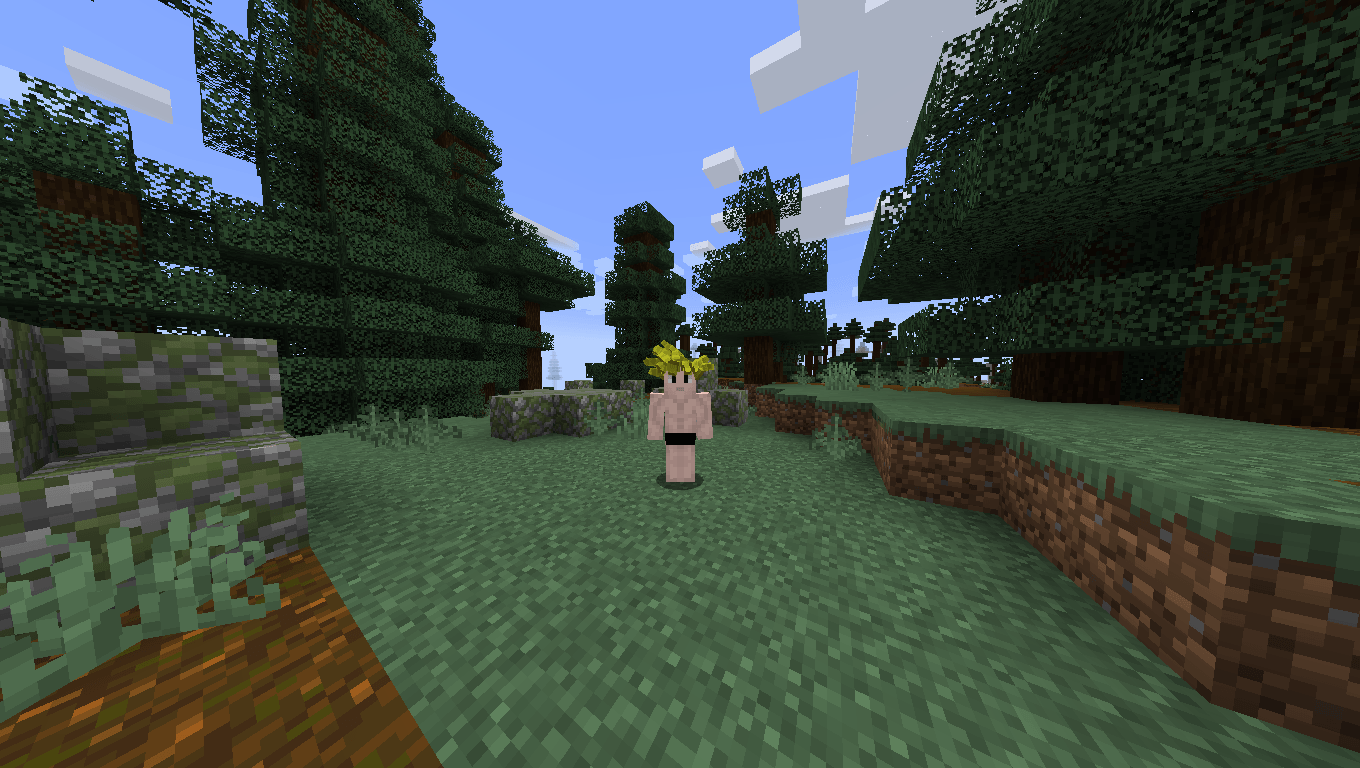
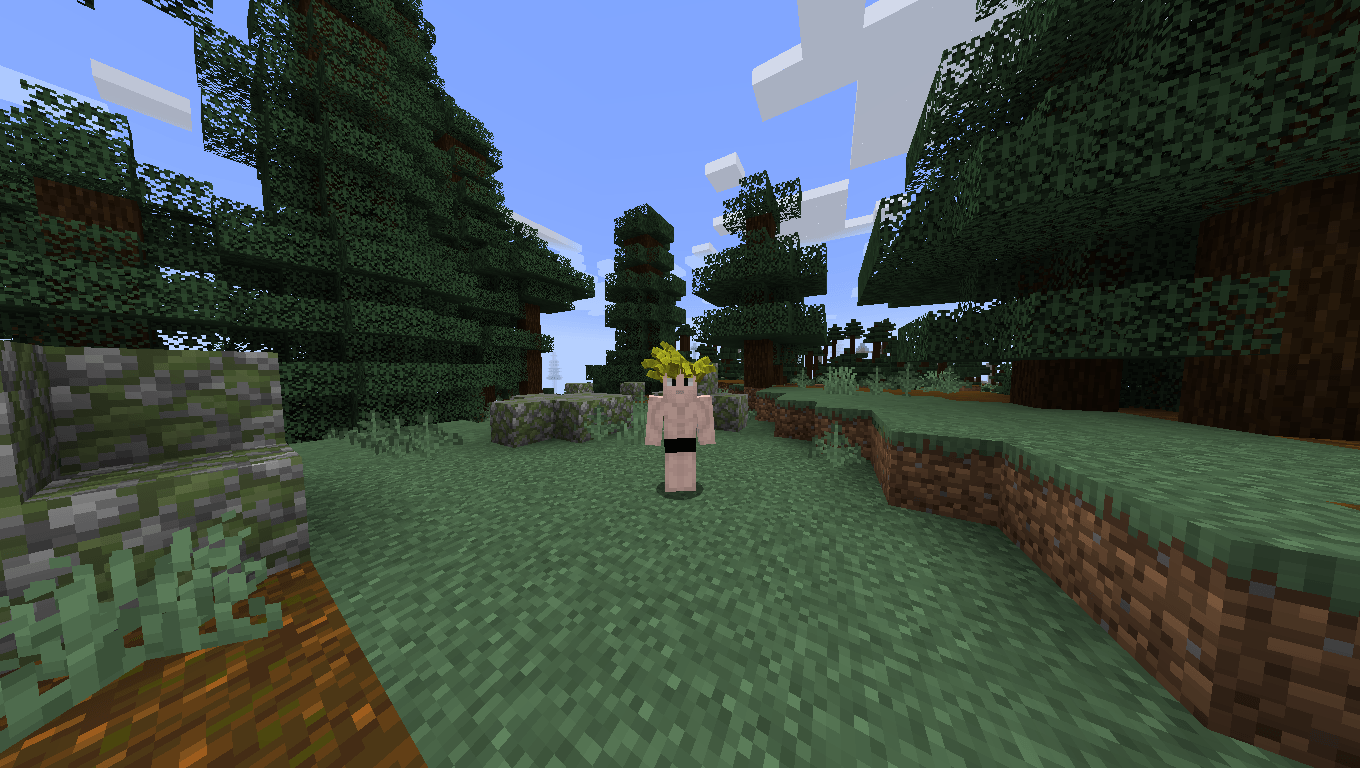
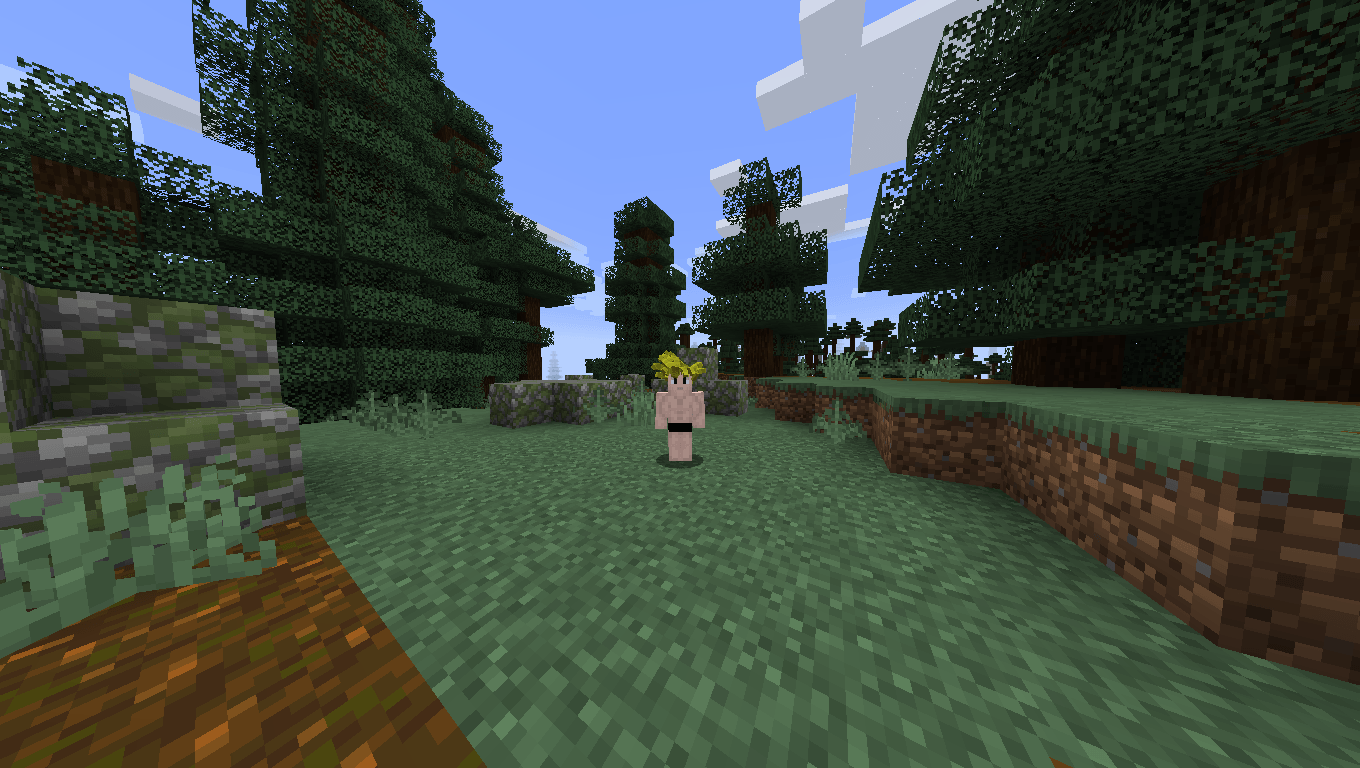
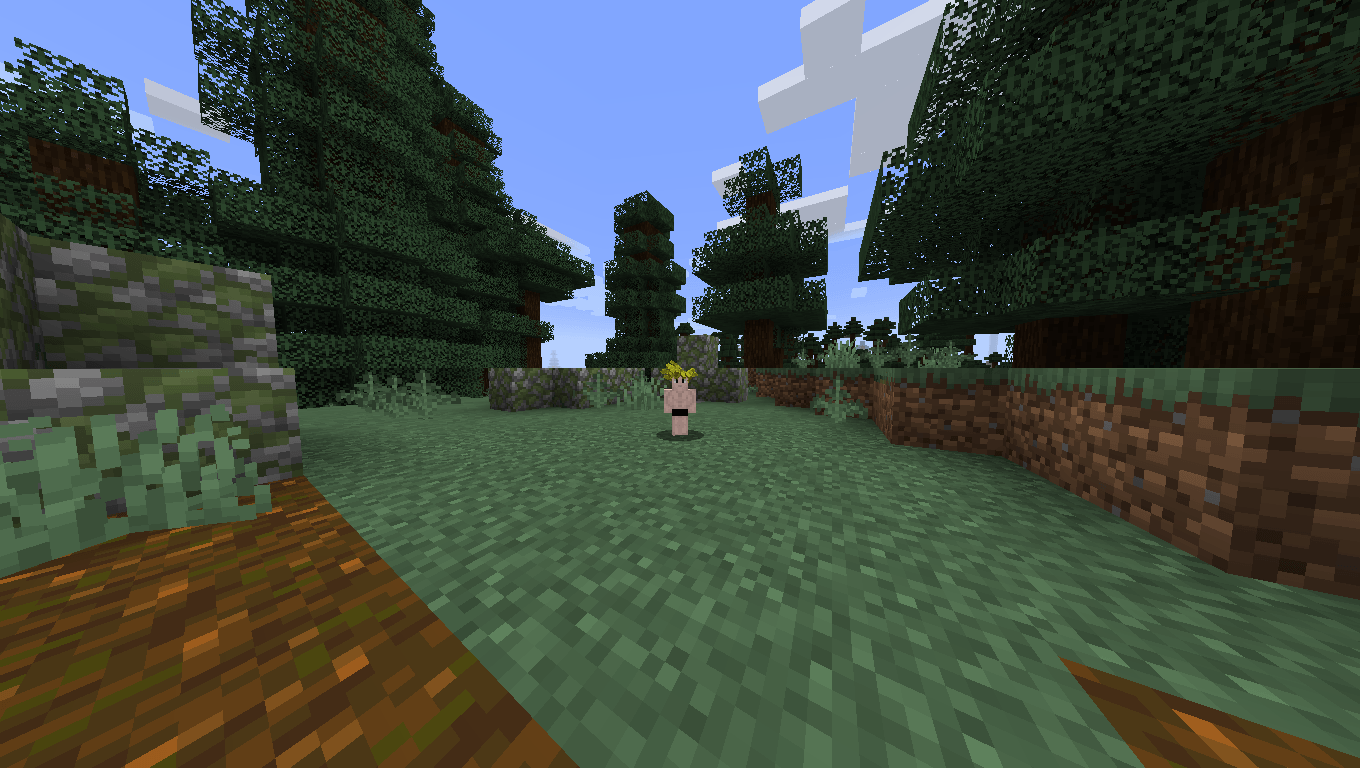

If you play DragonMine Z version 2.0.1, use version 1.1.5 or earlier. But if you play version 2.0.2, use 1.2.0.
The addon adds a TP multiplier based on age. The age/TP Multiplier relationship depends on the race: Humans have a smooth curve; Saiyans experience much more pronounced changes and have a longer training age range (as Vegeta mentions in the anime, Saiyans maintain a youthful form longer to stay ready for battle); Androids (human-based) and Bio-Androids have a constant TP Multiplier and do not age; Namekians reach their golden age at 100 years old; and finally, Frost Demons have greater longevity.
This mod also adds a penalty to the HTC: time passes faster inside it. The speed at which time flows is determined by the TP multiplier of that dimension (default: x2.5).
The mod also introduces visual changes based on age:
SIZE
- 1–10 years: size x0.5
- 11–20 years: size x0.75
- 21–40 years: size x1
- 41–60 years: size x0.95
- Over 60 years: size x0.9
HAIR COLOR
- 1–55 years: normal color
- 56–69 years: grayish tone
- Over 70 years: gray
CONFIG FILE
The config file allows you to modify how many in-game days make up a year for your character, set the age your character returns to when wishing to rejuvenate with Shenron, and add multipliers to the age-based TP multipliers.
If you enjoy the project and would like to support me, you can do so on Ko-fi. That said, there’s absolutely no obligation, since this is a non-profit project.

- Edition: Minecraft Java
- File type: .jar
- Minecraft version listed: 1.20.1
- How to install: Install the matching mod loader (Forge, Fabric or NeoForge) for your Minecraft version. → Download the .jar. → Put it in the .minecraft/mods folder and launch that loader profile.
- Where to get it: Opens on CurseForge — not every file is mirrored on our own servers.
Install steps are the general flow for this file type — How to install Minecraft Java mods & modpacks walks through it step by step.
- Ships as dmzage-1.4.0.jar — drop this file into the mods folder
- Download size: 70 KB
- Download link checked 3 Oct 2026 — working
These come from our own check of the pack file, not from the source page.