Compact Ores port
Java mod listed for Minecraft 1.19–1.21. Downloads from the MC Java Mods app on Android.
I don't know my version or loader
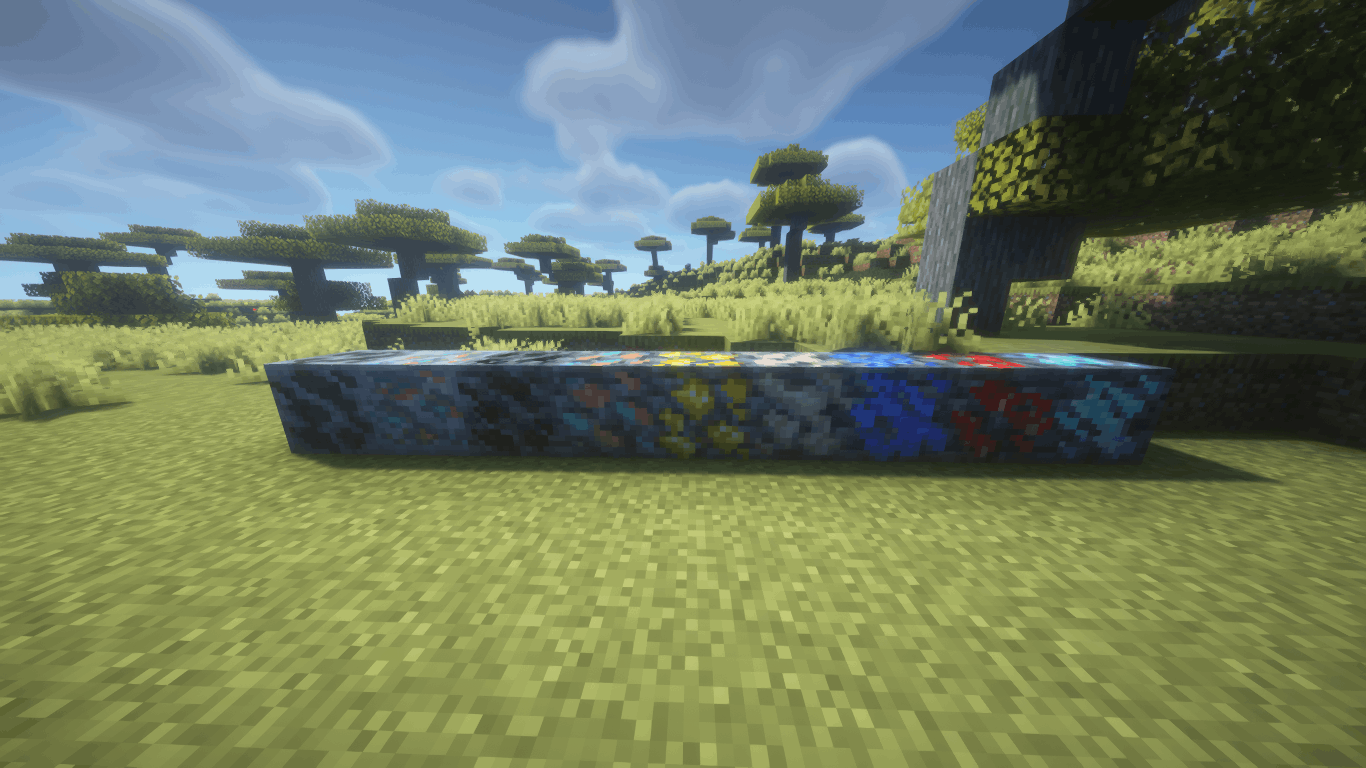
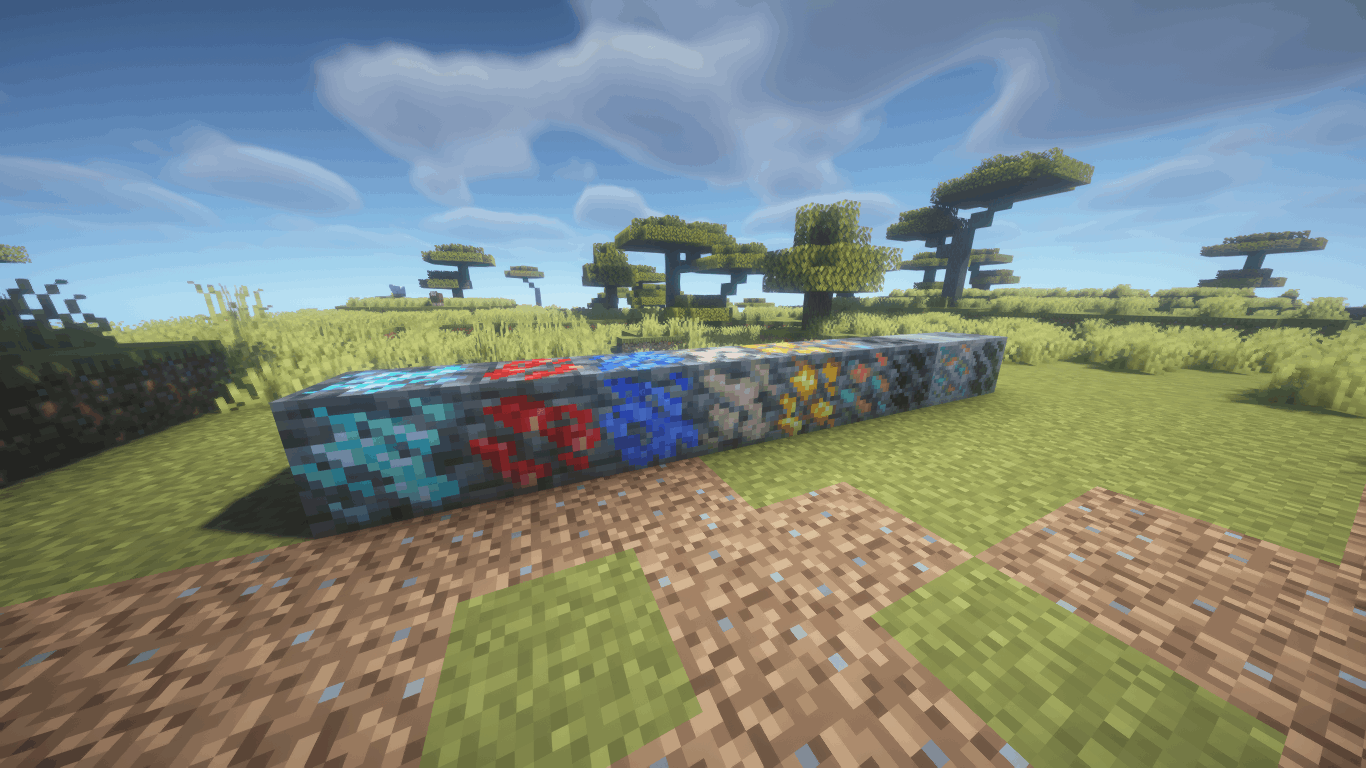
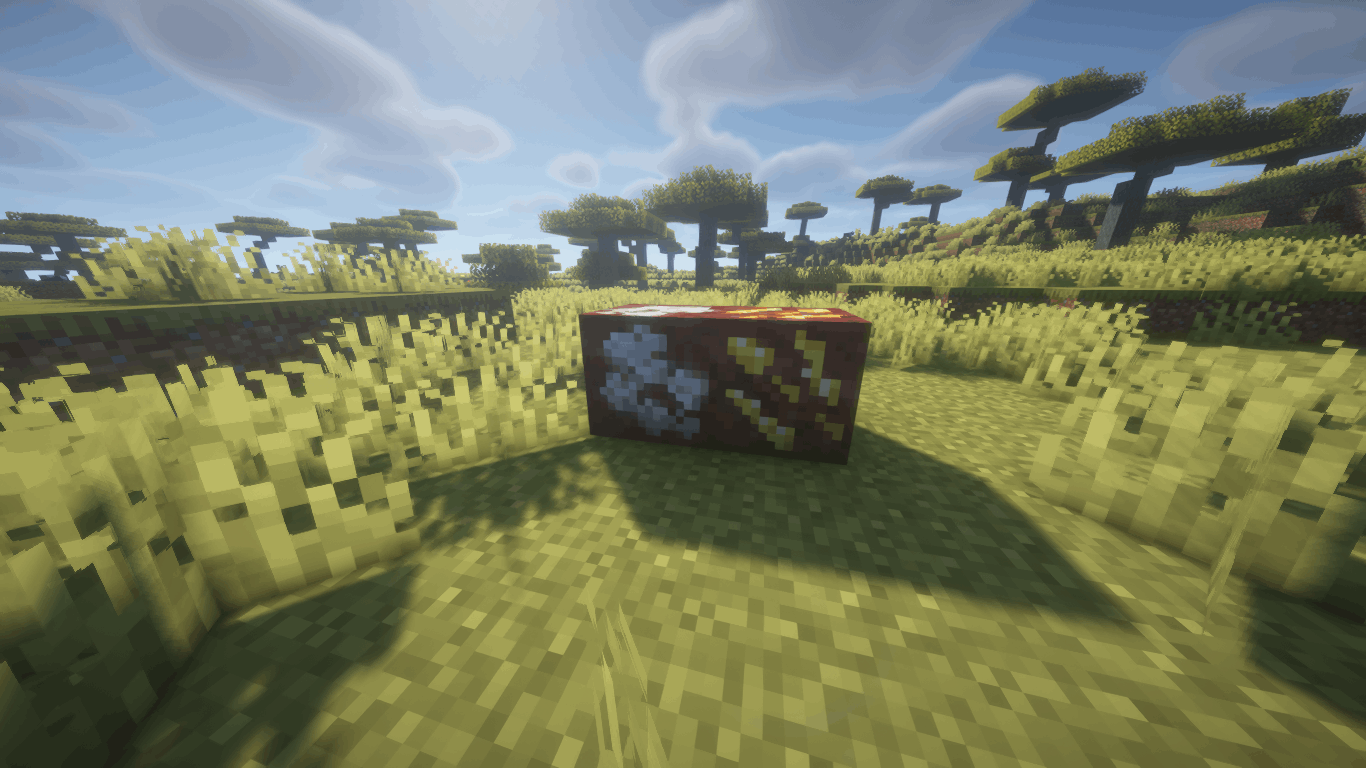
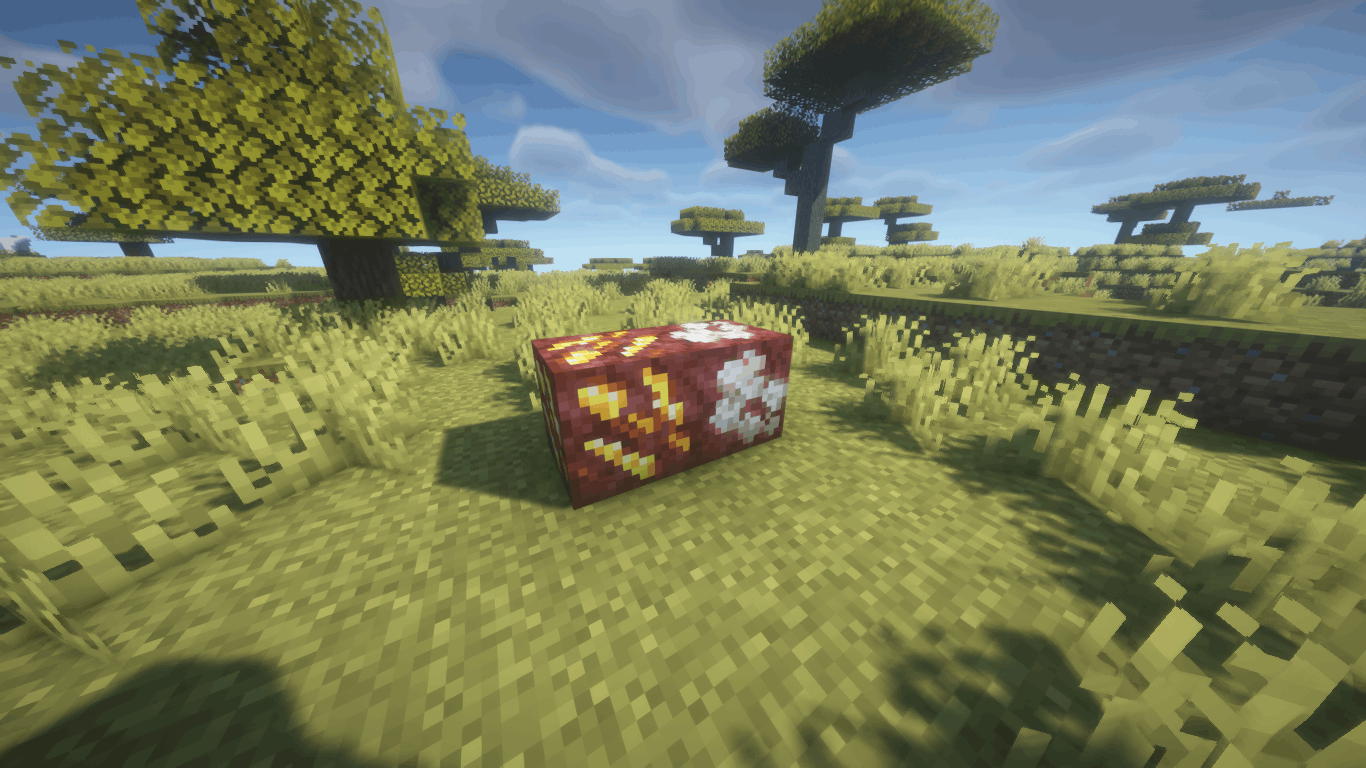
[Unofficial] Port of DoubleNegation's Compact Ores Mod for Newer Versions of Minecraft
📖 Description
Compact Ores Port adds compact ores to the world — rare variants of regular ores that drop 3–5× more resources when mined. They generate naturally alongside their base ores and are visually distinct thanks to auto-generated textures.
The mod faithfully recreates the original's functionality and is compatible with any modded ores through configuration files. Both Forge and Fabric versions are available.
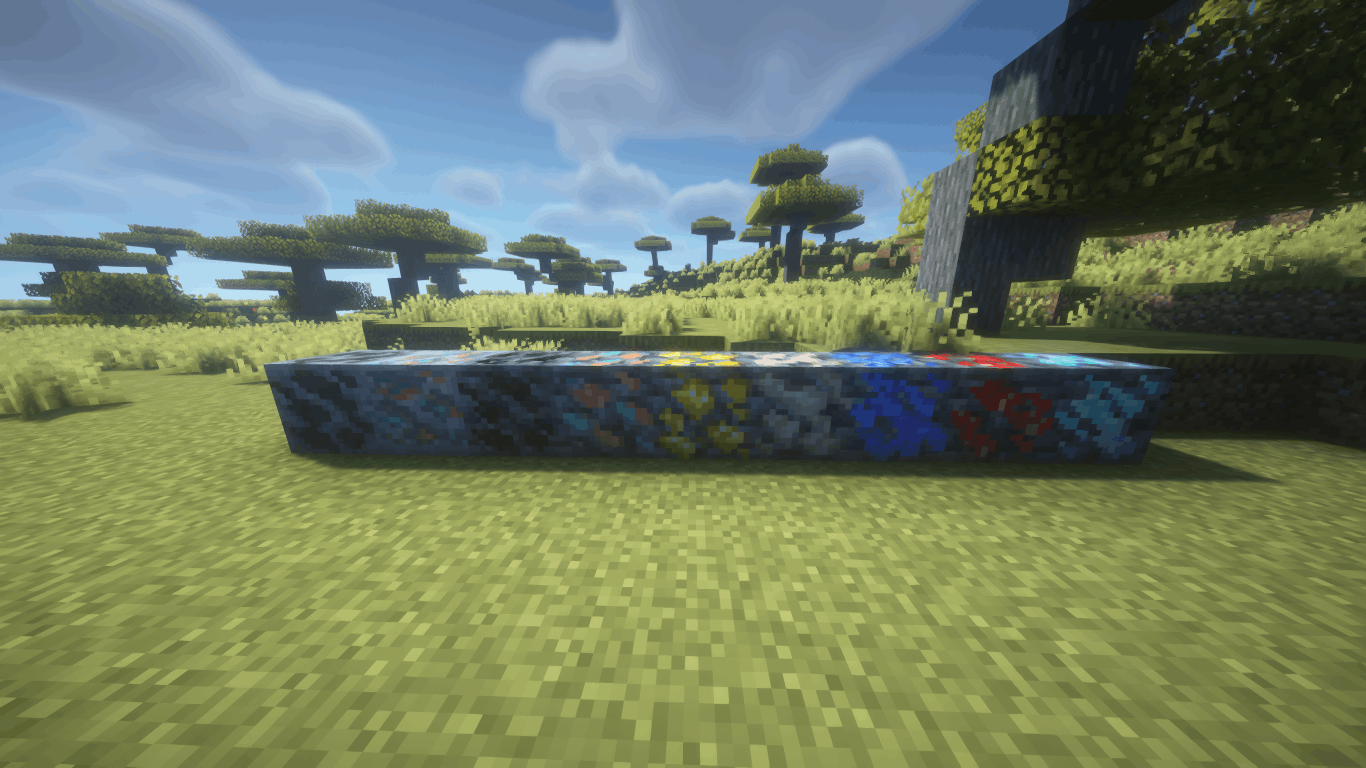
✨ Features
- 🪨 Compact Ores — rare ore variants with increased drops (×3–5 by default)
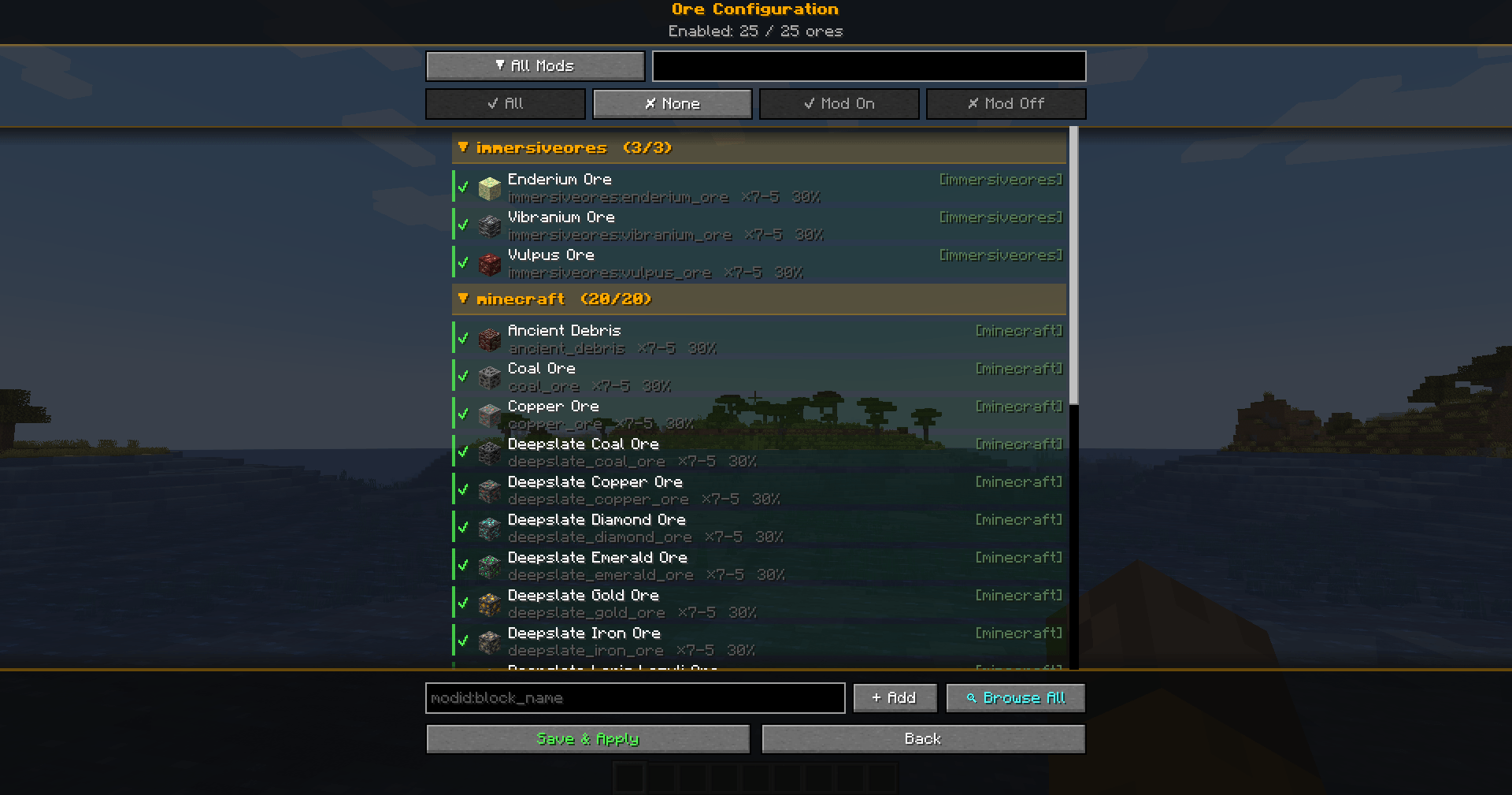
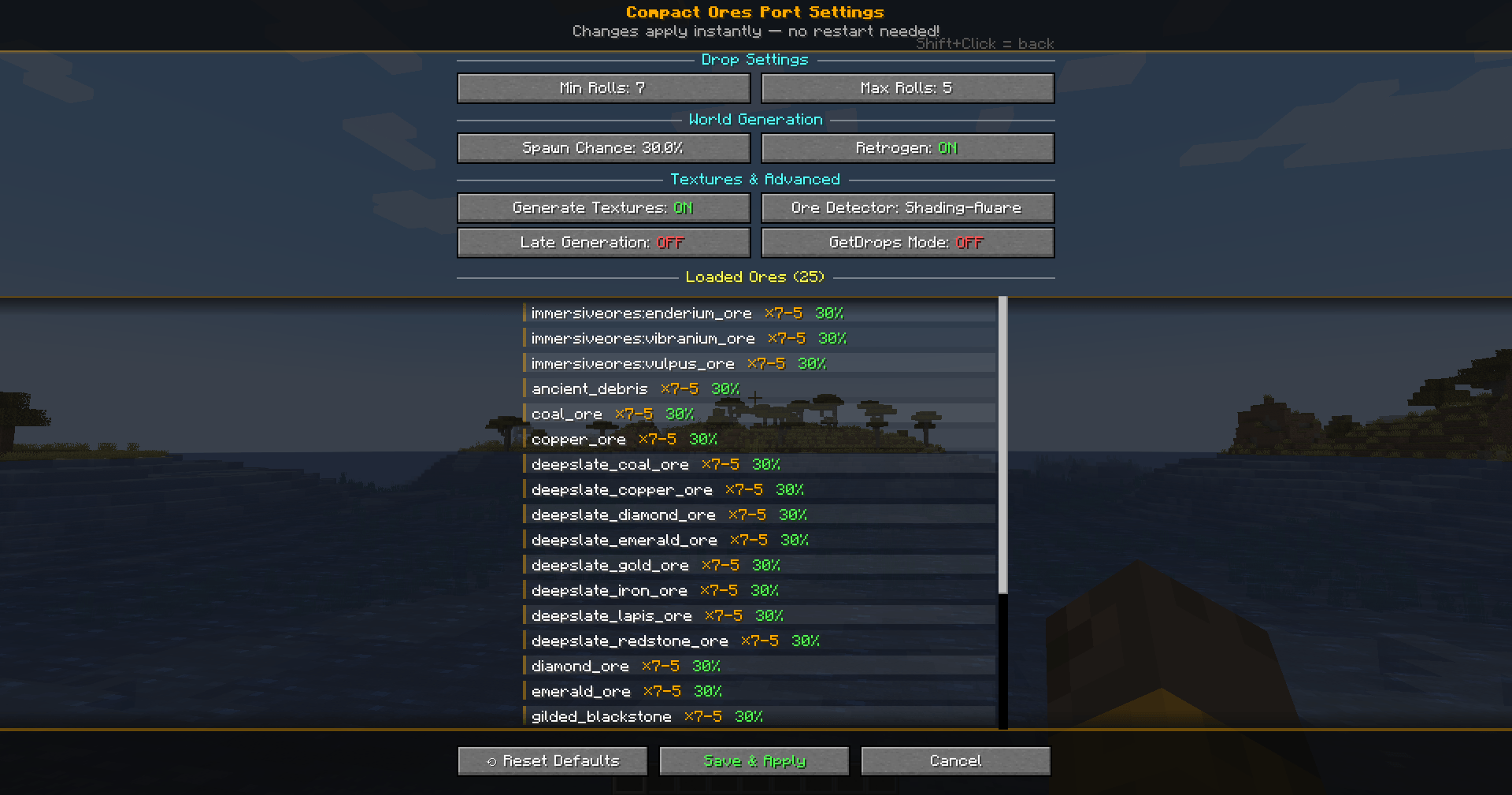
- ⚙️ In-Game Config Screen — full settings GUI with tooltips (Mods → Compact Ores Port → Config)
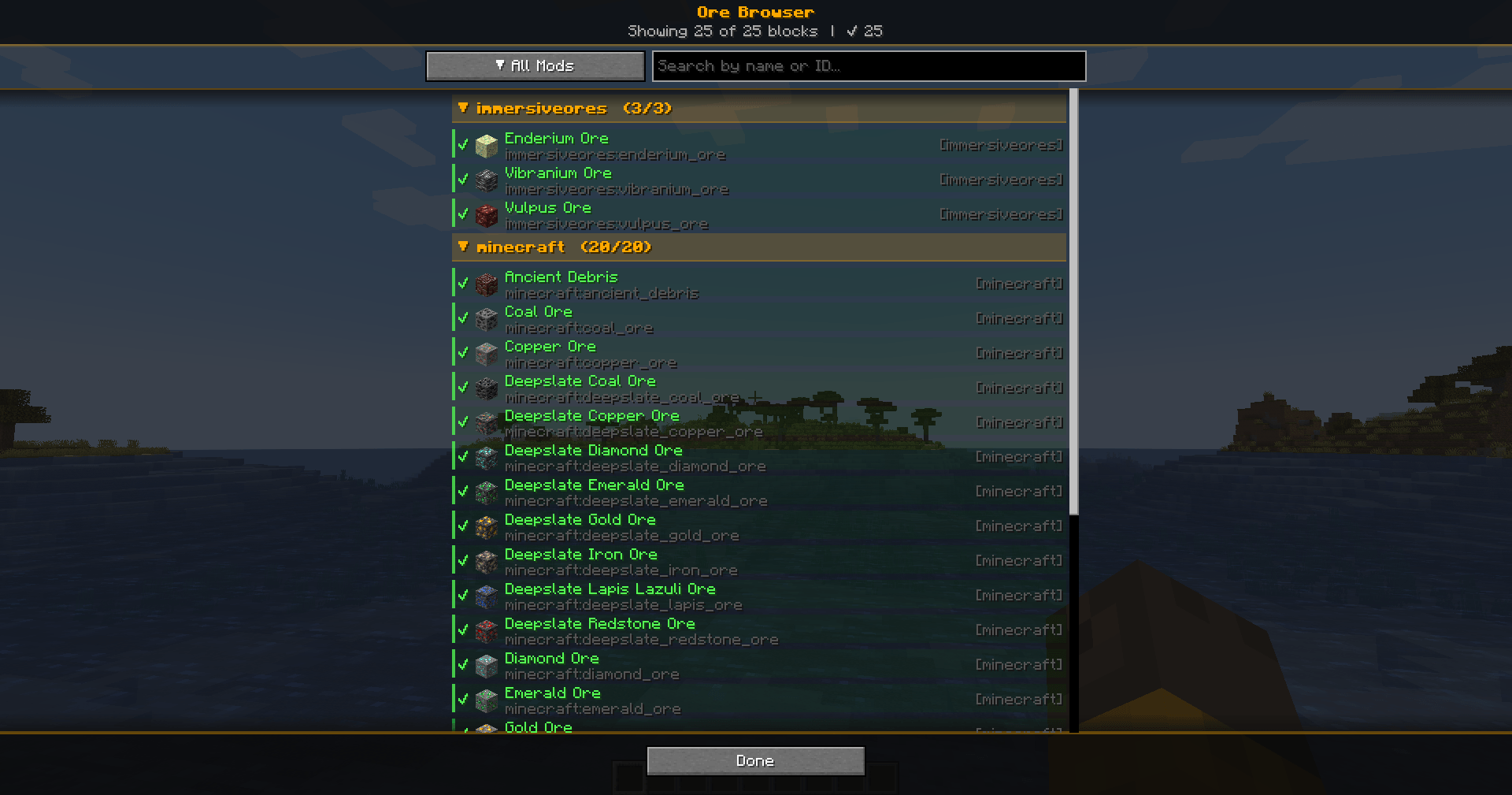
- 🔍 Ore Browser - View and add blocks from any mod as compact ore directly in the game by pressing the (K) key.
- 🔄 Hot Reload — changes apply instantly via
/compactores reload, no restart needed - 🎨 Automatic Texture Generation — the mod creates textures for all compact ores at startup
- 🌍 Retro Generation — compact ores appear even in already-explored chunks
- 📦 Modded Ore Support — works with any mod that adds ores; auto-discovers ores from installed mod JARs
- 🏷️ Creative Tab — a dedicated tab in the creative menu with all registered compact ores
- 🌐 Localization — full Russian and English language support
🔧 Configuration
All settings are accessible through the in-game config screen with hover tooltips:
| Setting | Description | Default |
|---|---|---|
| Min Rolls | Minimum drop multiplier | 3 |
| Max Rolls | Maximum drop multiplier | 5 |
| Spawn Probability | Chance for an ore to be replaced by compact variant | 10% |
| Generate Textures | Automatically create compact ore textures | ON |
| Retro Generation | Generate compact ores in existing chunks | ON |
| Color Difference Mode | Texture generation algorithm (Shading-Aware) | ON |
| Late Generation | For ores added by worldgen after the standard phase | OFF |
| Use GetDrops | Alternative drop calculation method | OFF |
Individual ores can be enabled/disabled, and new ores can be added from any installed mod via the Ore Browser screen.
📂 Supported Versions
| Minecraft | Forge | Fabric |
|---|---|---|
| 1.19.2 | ✅ | ✅ |
| 1.20.1 | ✅ | ✅ |
| 1.21.1 | ✅ | ✅ |
| 1.21.4 | ✅ | ✅ |
| 1.21.8 | ✅ | ✅ |
| 1.21.10 | ✅ | ✅ |
| 1.21.11 | ✅ | ✅ |
📥 Installation
- Install Forge or Fabric (+ Fabric API) for your Minecraft version
- Download the matching mod JAR file
- Place it in the
.minecraft/mods/folder - Launch the game — compact ores will generate automatically
💡 Tips
- Use
/compactores reloadto apply config changes without restarting - Open the Ore Config screen to enable/disable specific ores or adjust per-ore settings
- The Ore Browser lets you add ores from any installed mod with one click
- Config files are stored in
.minecraft/config/compactores/as TOML — editable by hand if needed
- Edition: Minecraft Java
- File type: .jar
- Minecraft versions listed: 1.21.11, 1.21.10, 1.21.8
- How to install: Install the matching mod loader (Forge, Fabric or NeoForge) for your Minecraft version. → Download the .jar. → Put it in the .minecraft/mods folder and launch that loader profile.
- Where to get it: Opens on CurseForge — not every file is mirrored on our own servers.
Install steps are the general flow for this file type — How to install Minecraft Java mods & modpacks walks through it step by step.
- Ships as compactores-1.0.0-Alpha.jar — drop this file into the mods folder
- Download size: 62 KB
- Download link checked 3 Oct 2026 — working
These come from our own check of the pack file, not from the source page.