
Chat colors
Java mod listed for Minecraft 1.21. Downloads from the MC Java Mods app on Android.
I don't know my version or loader
Chat colors
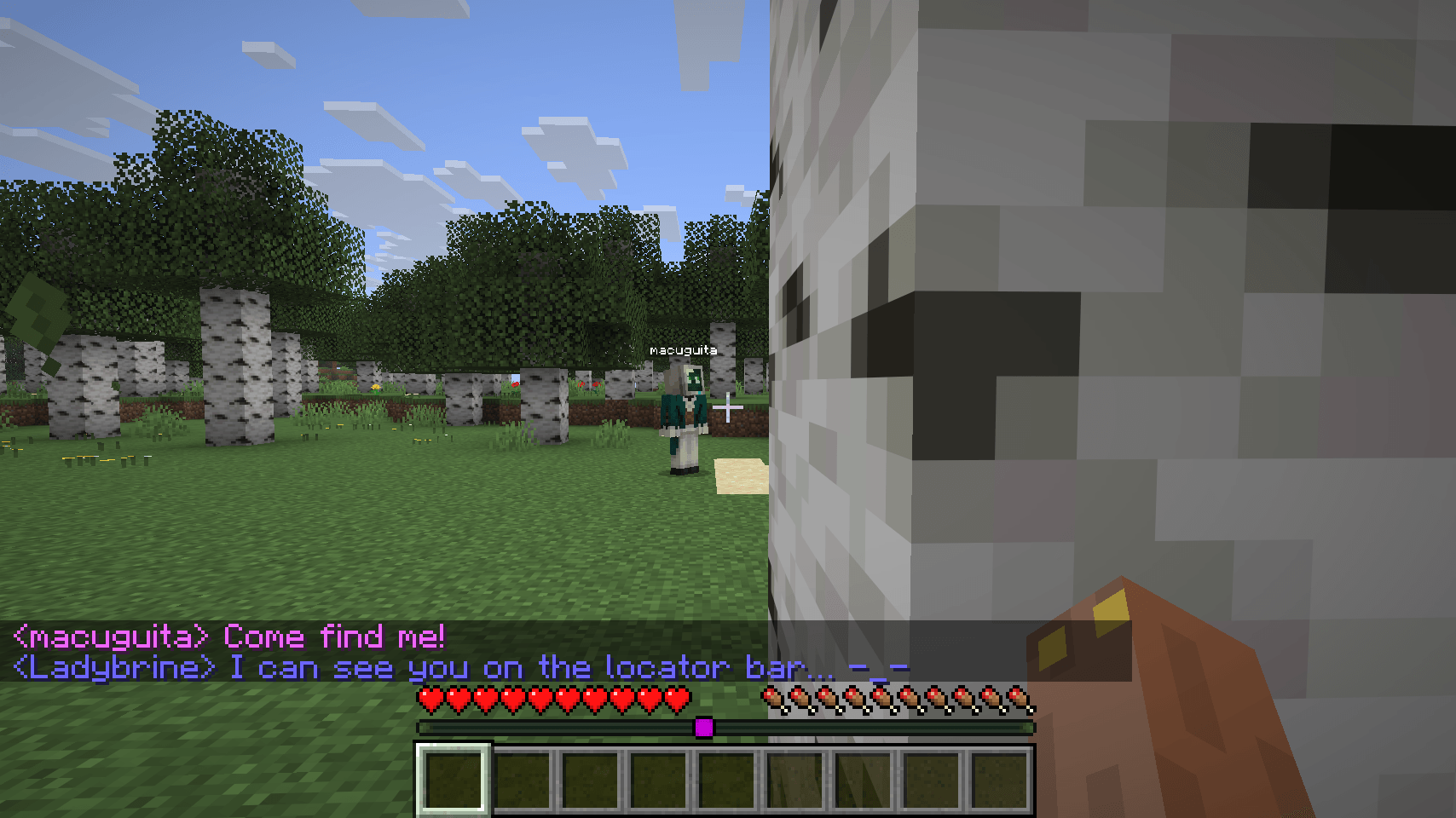
💬🌈 Brings some color into the Minecraft chat! 🌈💬
This mod colors every player's messages for easier reading! the colors persist between sessions
Features
Colors player's names, preferably uses the locator's bar colors

You can disable coloring player's names to distinguishing them better from the body of the message

The locator bar colors can be disabled to use the mod's custom algorithm that allows for more colors (255 colors in total!)

You can disable chat coloring for yourself so you can see your own messages with the server's default colors

Support
If you encounter any issues or have suggestions, feel free to:
Open an issue on GitHub.
Send me a DM on Discord @macuguita
You are free to use this mod in any Modpack in this platform
Credits
Developer: macuguita
FormatUtils.java developer: TerminalMC
- Edition: Minecraft Java
- File type: .jar
- Minecraft version listed: 1.21.11
- How to install: Install the matching mod loader (Forge, Fabric or NeoForge) for your Minecraft version. → Download the .jar. → Put it in the .minecraft/mods folder and launch that loader profile.
- Where to get it: Opens on CurseForge — not every file is mirrored on our own servers.
Install steps are the general flow for this file type — How to install Minecraft Java mods & modpacks walks through it step by step.
- Ships as chatcolors-1.0.0+26.1-neoforge.jar — drop this file into the mods folder
- Download size: 289 KB
- Download link checked 3 Oct 2026 — working
These come from our own check of the pack file, not from the source page.