Logical Torches
Java mod listed for Minecraft 1.20–1.21. Downloads from the MC Java Mods app on Android.
I don't know my version or loader
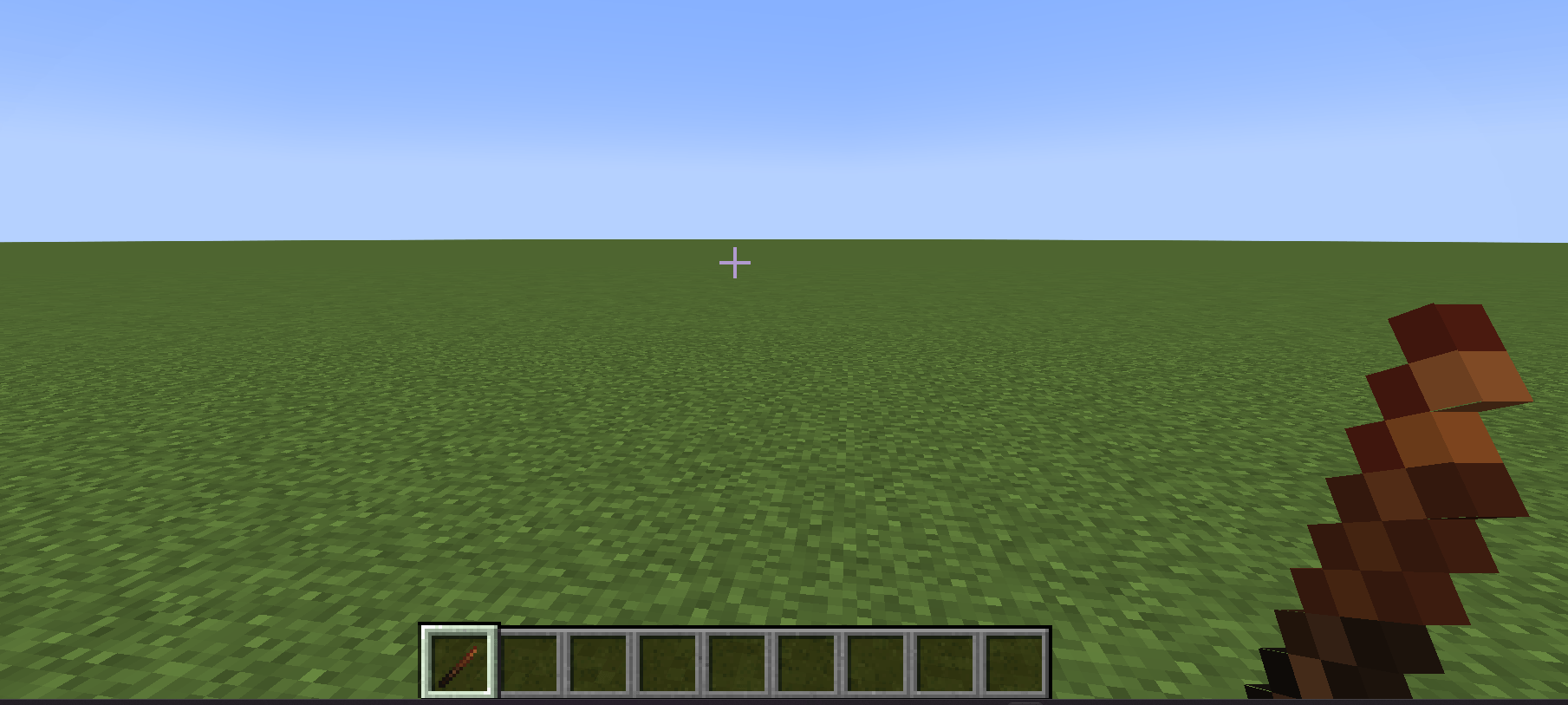
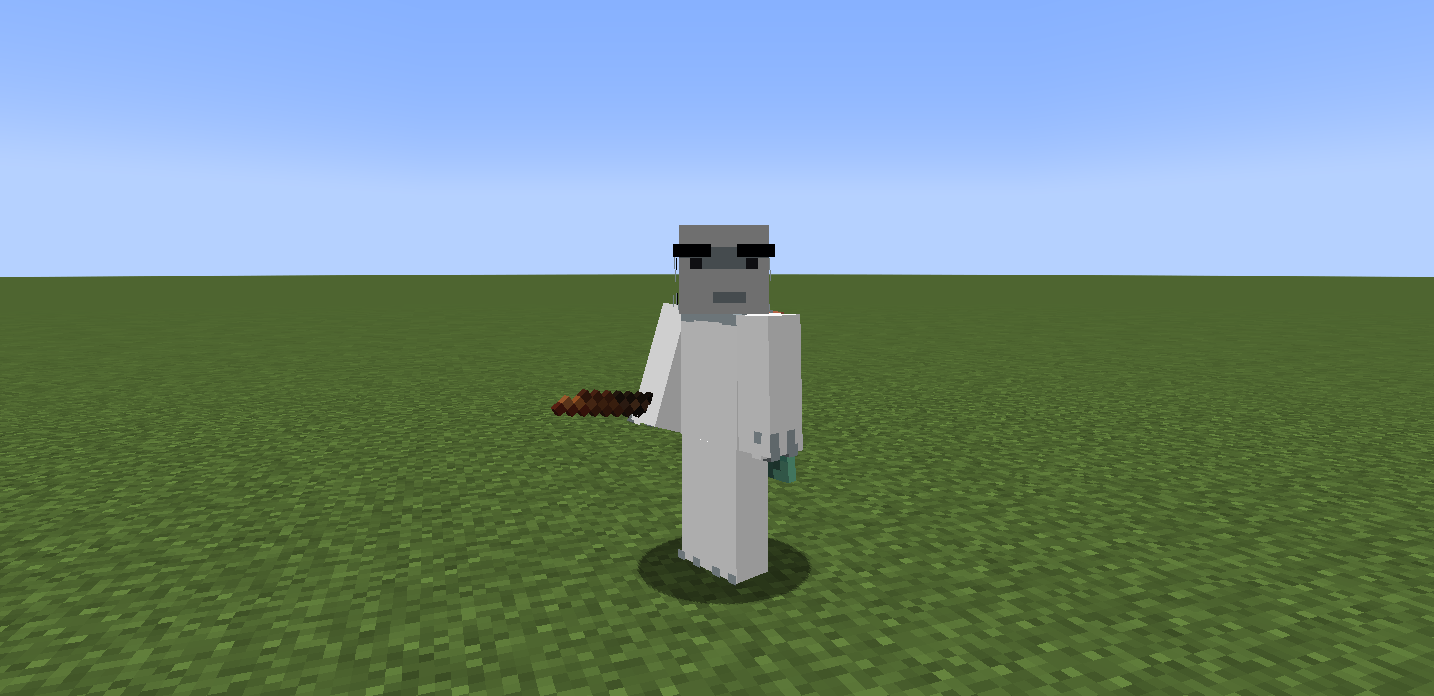

Logical Torches is a lightweight Vanilla+ mod that overhauls how torches work in Minecraft. That mod adds logical ways to obtain a torch if you don't have a stick and charcoal with you or if you want more variety.
Improved Off-hand Logic - Torches held in the off-hand (shield slot) can no longer be placed by right-clicking. This prevents accidental torch placement while you are placing blocks or fighting.
Dynamic Lighting Mechanics Ignite from Blocks: Right-click a Stick on any active heat source to turn it into a Torch. Supported blocks include: Torches & Wall Torches Active Furnaces, Smokers, and Blast Furnaces Campfires Fire block & Soul Fire Redstone Block
Manual Ignition: Hold a Stick in your main hand and a Flint and Steel or Fire Charge in your off-hand. Right-click to craft a torch instantly with custom sound effects.
Lava Charring: Right-clicking Lava with a stick won't light it—instead, the extreme heat turns it into a Burnt Stick.
Interacting with heat sources isn't "free." To keep the game balanced, the following rules apply:
Fuel Consumption: Right-clicking a Furnace, Smoker, or Blast Furnace 6 times will consume 1 unit of its current fuel.
Source Depletion: Right-clicking a Torch or Redstone Block 6 times will cause the block to break/burn out.
Extinguishing Fires: Using a Campfire as a light source 6 times will extinguish the fire, requiring you to relight it.
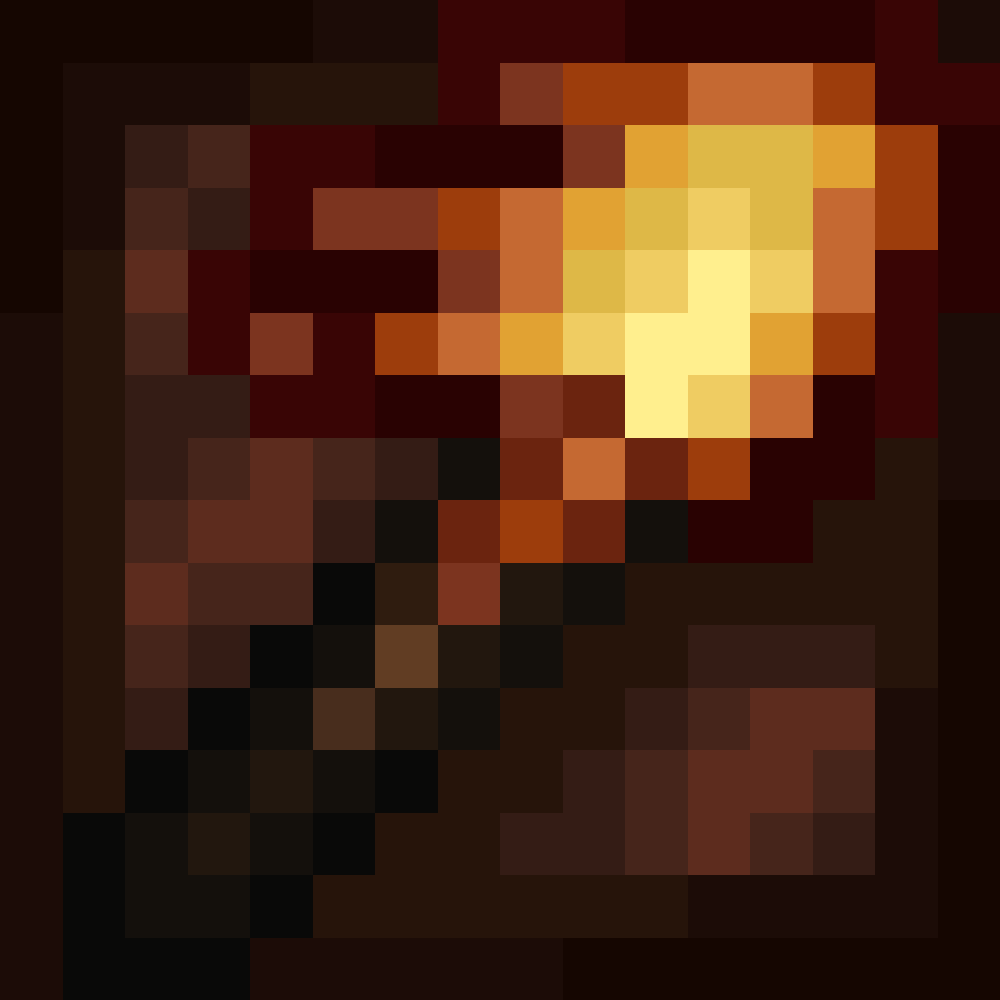
New Item: Burnt Stick Obtained by clicking a stick on Lava. Can be placed in a crafting grid to produce 1 Charcoal, making it a primitive way to get fuel.
- Edition: Minecraft Java
- File type: .jar
- Minecraft versions listed: 1.21.1, 1.20.1
- How to install: Install the matching mod loader (Forge, Fabric or NeoForge) for your Minecraft version. → Download the .jar. → Put it in the .minecraft/mods folder and launch that loader profile.
- Where to get it: Opens on CurseForge — not every file is mirrored on our own servers.
Install steps are the general flow for this file type — How to install Minecraft Java mods & modpacks walks through it step by step.
- Ships as torchmod-1.1.1.jar — drop this file into the mods folder
- Download size: 13 KB
- Download link checked 3 Oct 2026 — working
These come from our own check of the pack file, not from the source page.