
Athy's CobbleShops
The author built this one for Minecraft 1.21.1 on NeoForge. On other versions it may install and then do nothing.
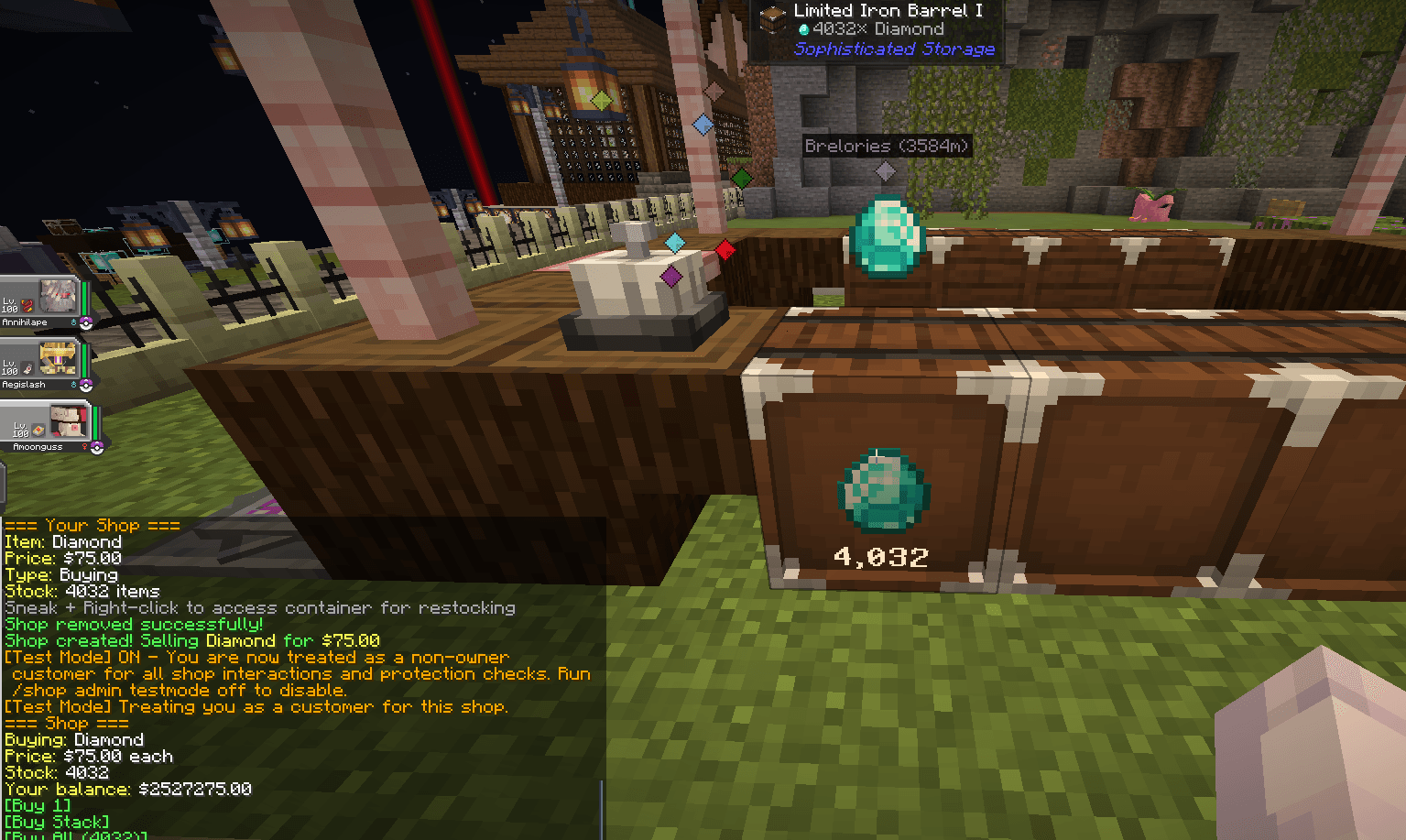
CobbleShop — Player Guide
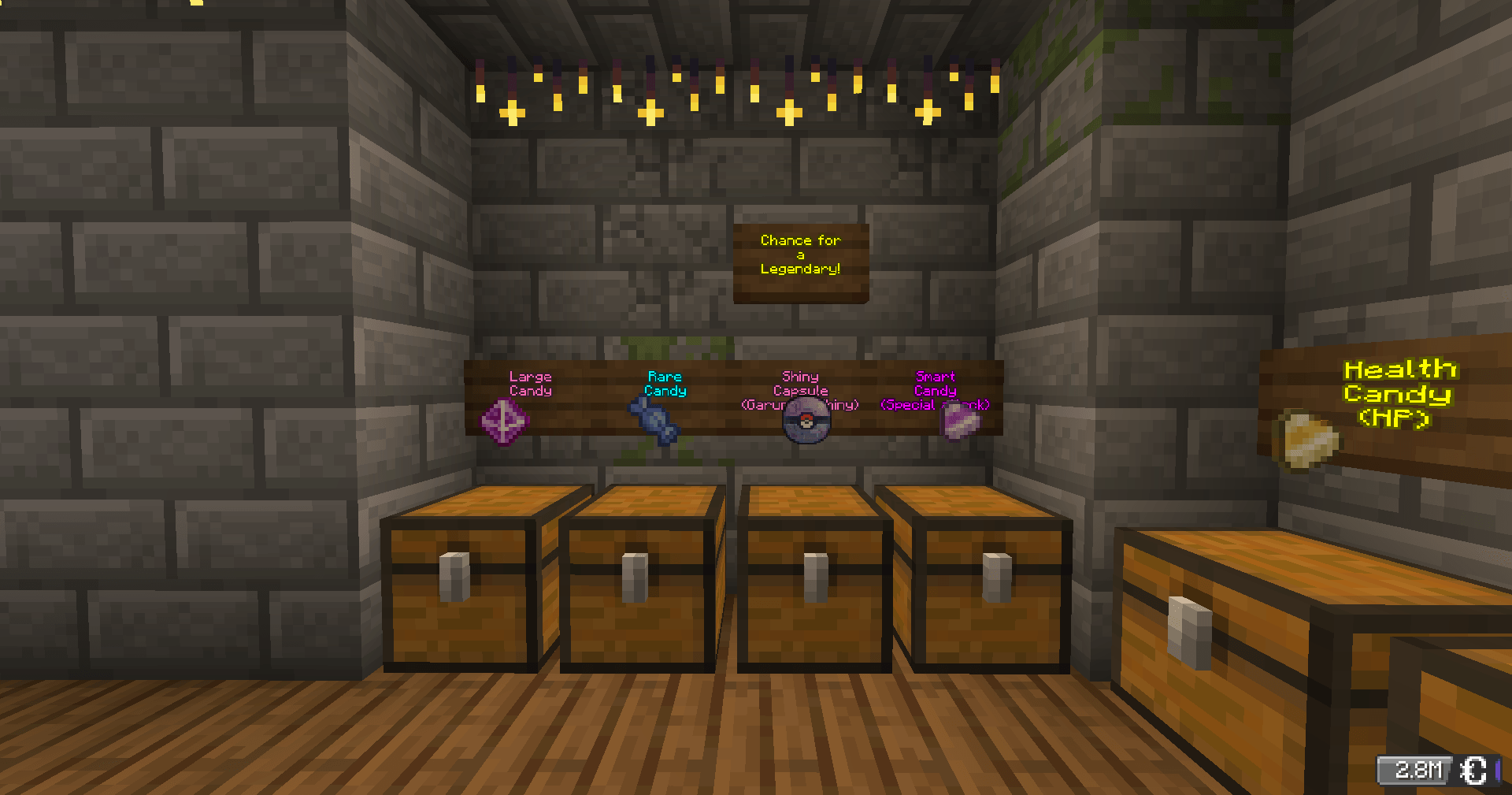
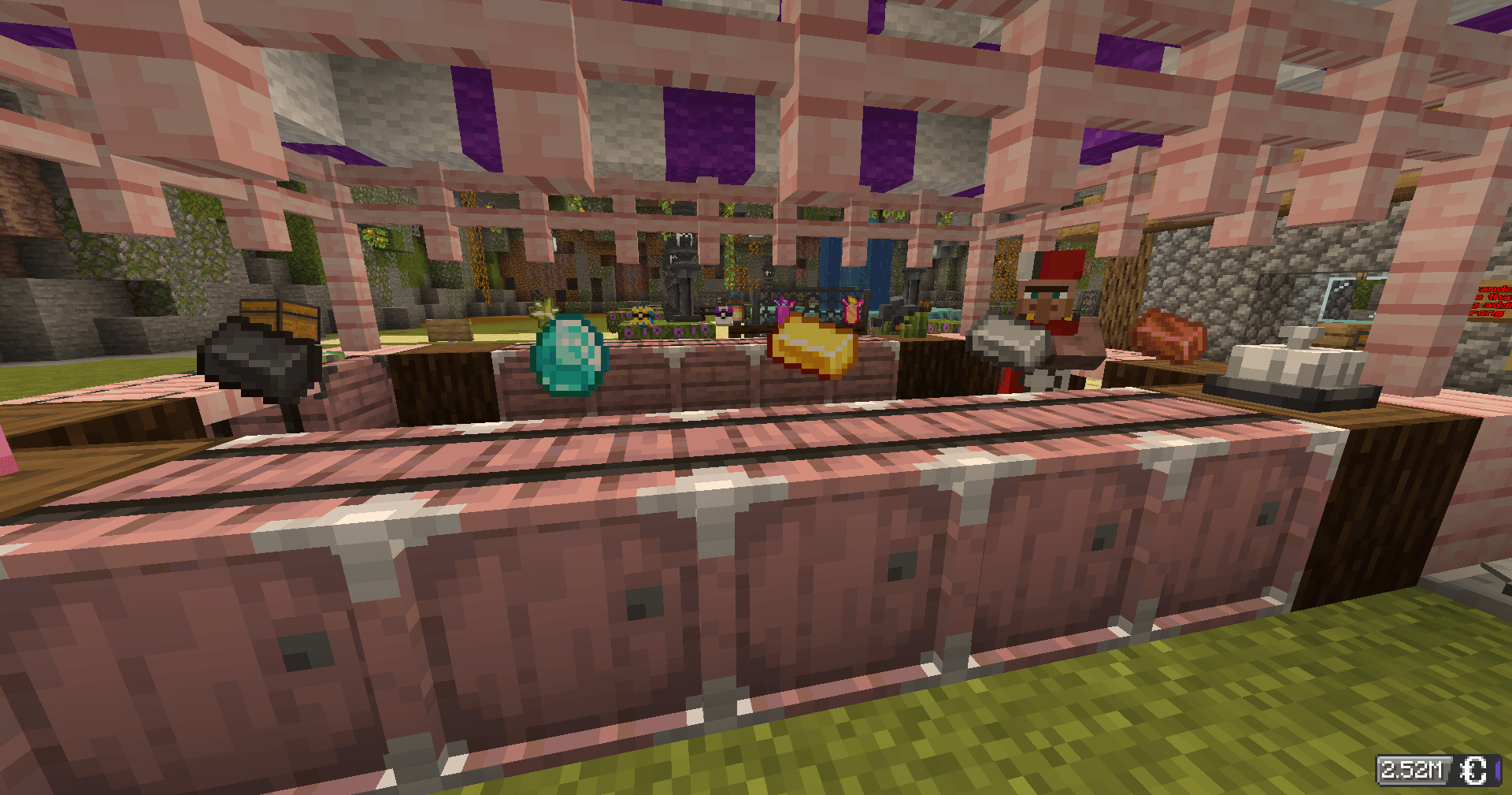
Turn any chest into a shop. Other players can buy from you automatically, even while you're offline. All payments use CobbleDollars.
Creating a Shop
Point at a chest and run a command:
| Type | Hand | Command |
|---|---|---|
| 🛒 Selling — players buy from you | Hold the item to sell | /shop create selling <price> |
| 💰 Buying — you buy from players | Hold the item you want | /shop create buying <price> |
| 🎲 Mystery — random item each time | Empty hand | /shop create random <price> |
Buying & Selling at Shops
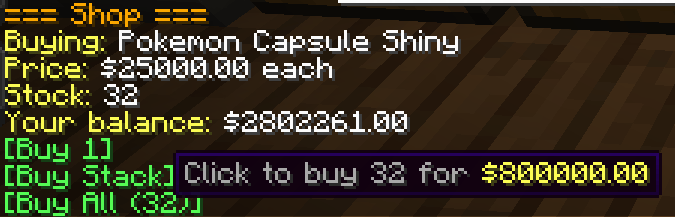
Right-click any shop chest — the shop panel appears in chat with clickable buttons.
- Selling shop → click [Buy 1], [Buy Stack], or [Buy All]
- Buying shop → click [Sell 1] or [Sell Stack]
- Mystery shop → click [Buy Random Item] — no peeking!
If your inventory is full or the owner can't afford to pay you, the transaction cancels automatically. Nothing is lost.
Managing Your Shop
All commands require you to be looking at your shop chest.
| Command | What it does |
|---|---|
/shop price <amount> |
Update the price |
/shop remove |
Delete the shop (items stay in chest) |
/shop display on|off |
Toggle the floating item display |
/shop info |
View shop details |
/shop search <item> |
Find shops selling something |
/shop balance |
Check your CobbleDollars |
/shop help |
Full command list |
Restock: Hold Shift + right-click your chest to open it.
Expand: Place a second chest next to yours for a 54-slot double chest.
Tips
- Sales happen while you're offline — money is waiting when you log back in
/qsis a shortcut for/shop- You cannot buy from your own shop
- For mystery shops, more item variety = more fun. Duplicate items increase their drop chance
Right-click a chest. That's all it takes.
- Edition: Minecraft Java
- File type: .jar
- Minecraft version listed: 1.21.1
- How to install: Install the matching mod loader (Forge, Fabric or NeoForge) for your Minecraft version. → Download the .jar. → Put it in the .minecraft/mods folder and launch that loader profile.
- Where to get it: Opens on CurseForge — not every file is mirrored on our own servers.
Install steps are the general flow for this file type — How to install Minecraft Java mods & modpacks walks through it step by step.
- Ships as cobbleshop-1.1.0.jar — drop this file into the mods folder
- Download size: 63 KB
- Download link checked 13 Sept 2026 — working
These come from our own check of the pack file, not from the source page.