Cobblemon Leaderboards
I don't know my version or loader

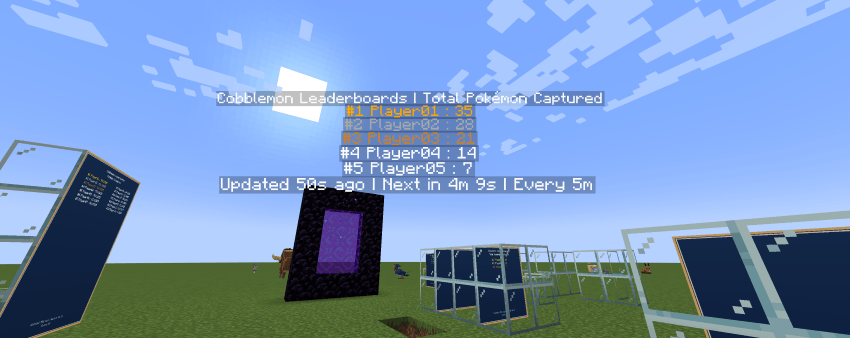
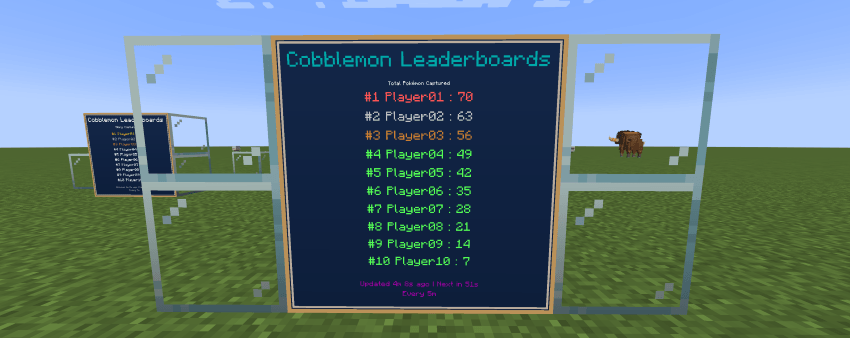
Cobblemon Leaderboards
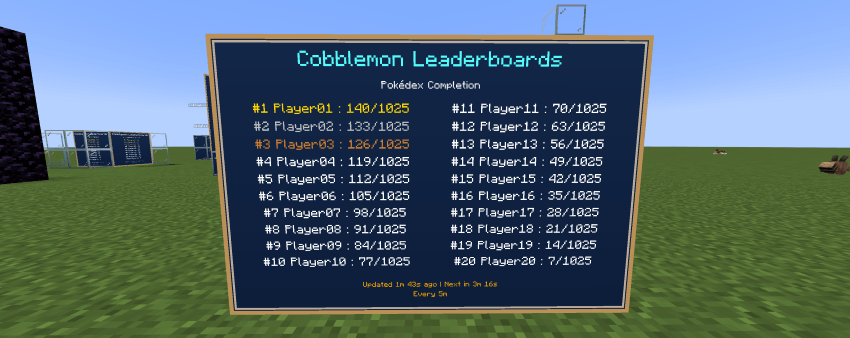
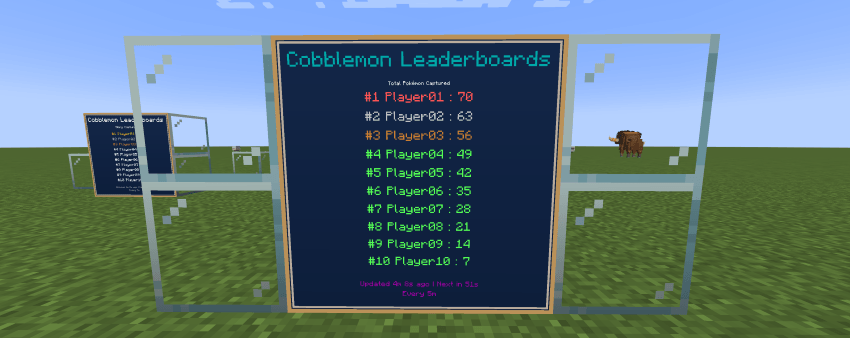
Cobblemon Leaderboards adds powerful, immersive, and fully in-world leaderboards to your Cobblemon server.
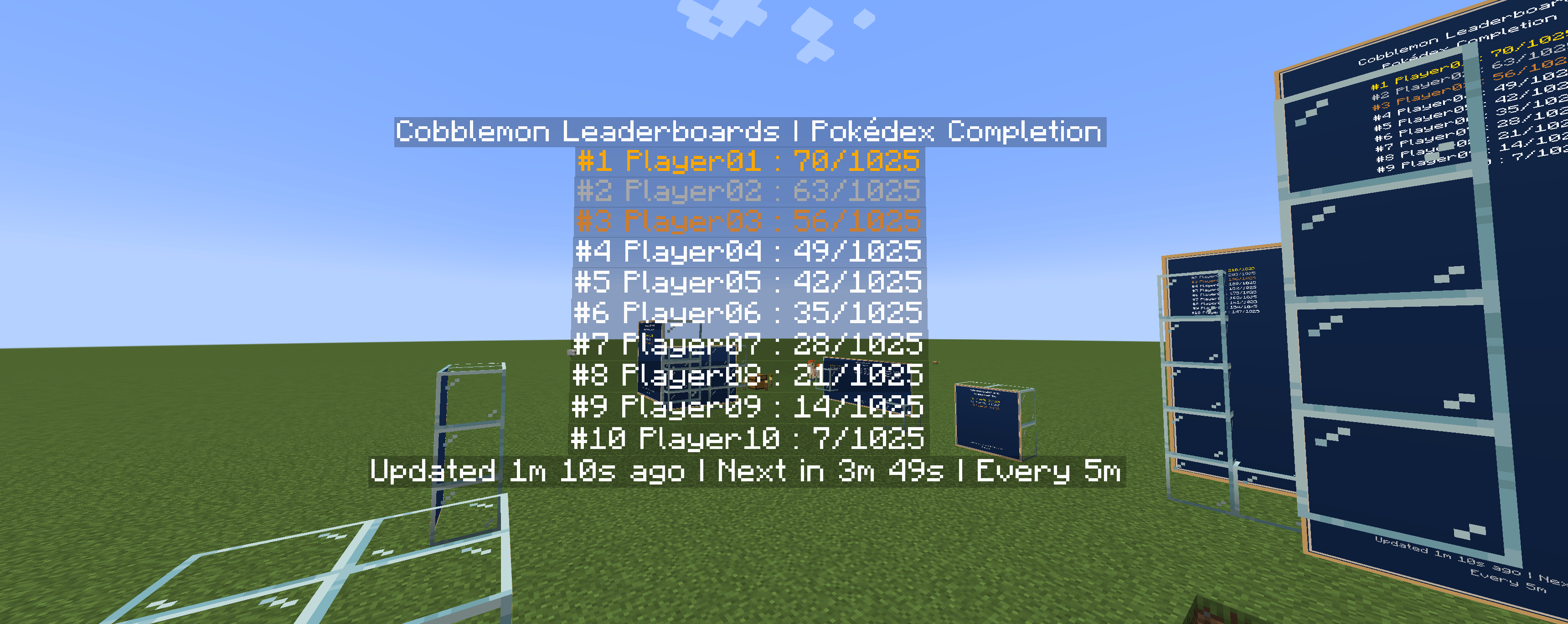
Show your best trainers with physical wall boards or floating holograms, complete with automatic refresh, live timers, admin tools, styling options, multilingual support, and modpack-ready preset placement files.
Built for multiplayer Cobblemon servers, this mod helps turn progression into part of the world itself, from Pokédex completion and shiny hunting to PvP success, breeding milestones, rare collections, and long-term trainer achievements.
Features
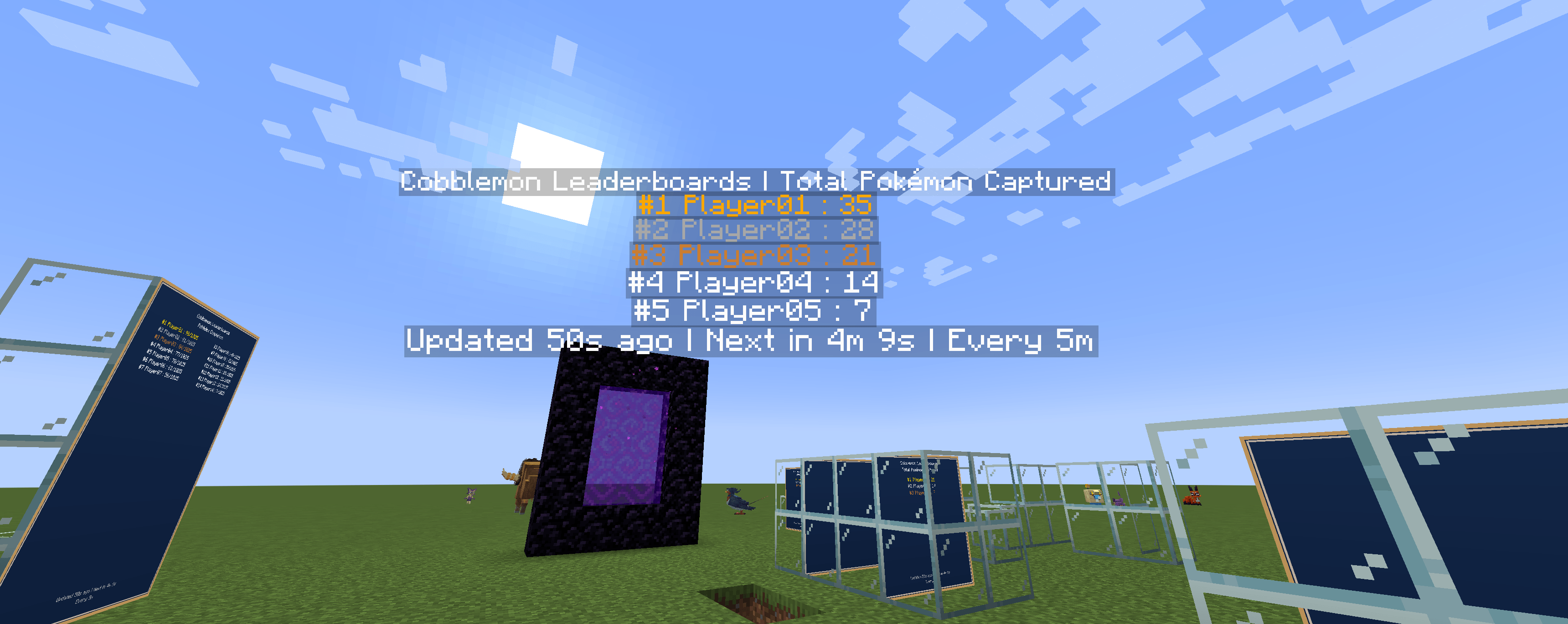
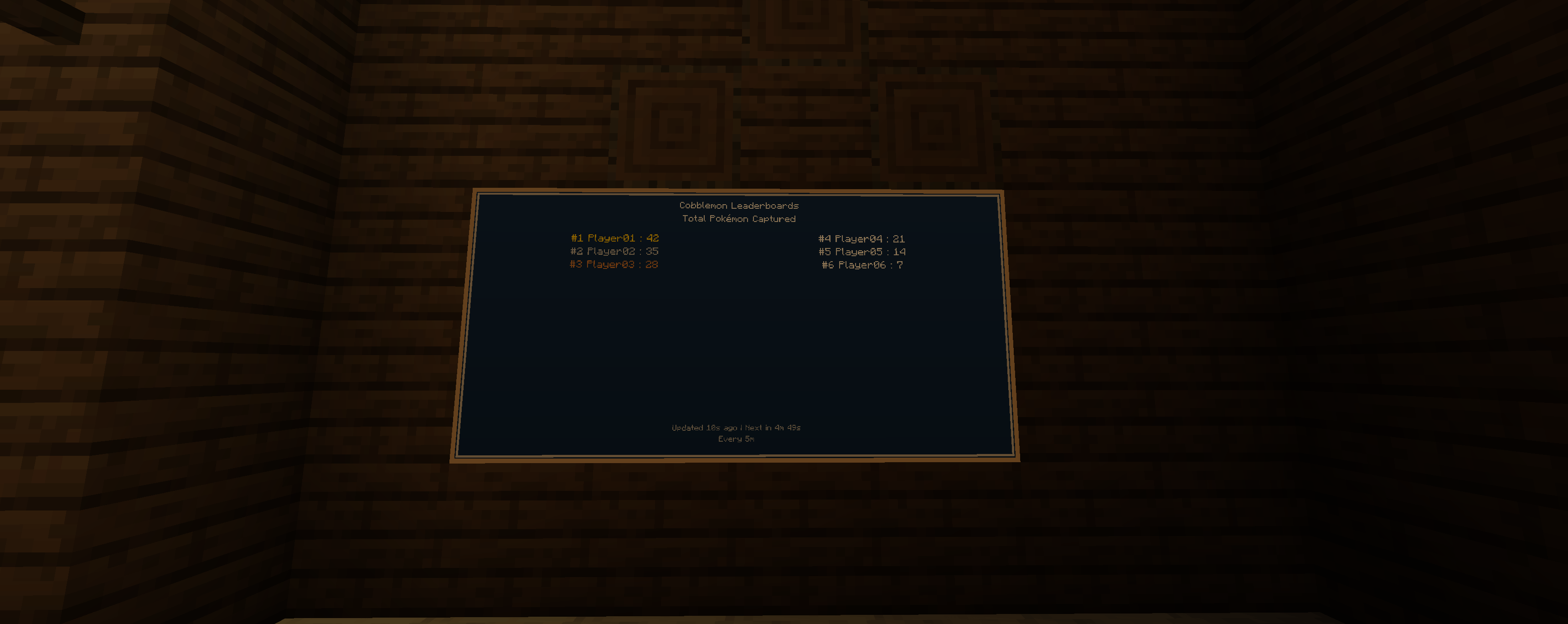
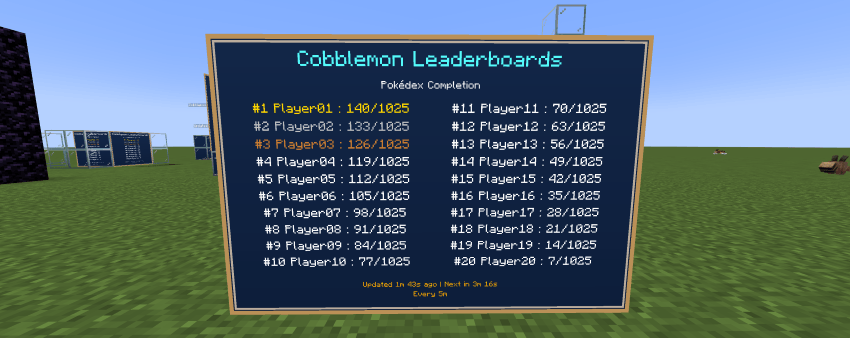
- Display player leaderboards in-game as boards or holograms
- Automatic leaderboard refresh system
- Live board footer timer showing the last update and next refresh
- Create and manage multiple leaderboards across your server
- Adaptive board capacity based on board size
- Improved board layout that properly uses the full board area
- Support for larger boards displaying more players
- Adjustable hologram line count with compact multi-column hologram layout
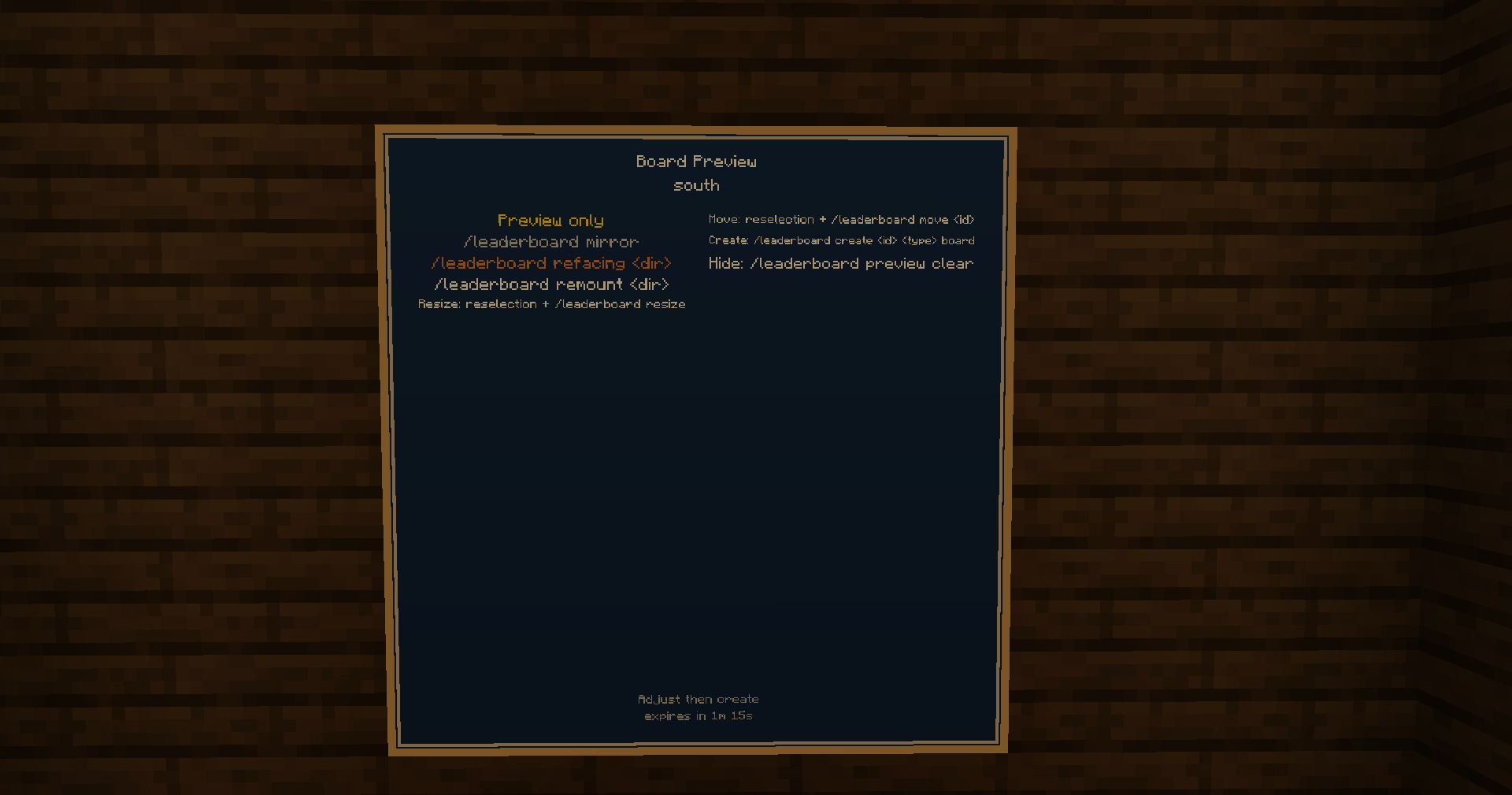
- Preview board placement before creating it
- Move, resize, clone, mirror, remount, refresh, or remove existing leaderboards at any time
- Built-in selection wand for faster setup
- Immediate player feedback for valid and invalid board selections
- Customizable board title scale and subtitle scale
- Customizable board colors using Minecraft color names
- Customizable colors for title, subtitle, body text, footer, and Top 3 entries
- Highlight the Top 3 with custom color support
- JSON export support for placed leaderboard data
- Built-in multilingual support for board-facing text
- Modpack-friendly preset leaderboard system
- Debug fake entries mode for testing displays before going live
- Designed specifically for Cobblemon multiplayer servers
- Supports both Fabric and NeoForge
Included Leaderboard Types
Core Progression
- Top Pokédex completion
- Most Pokémon caught
- Top shiny hunters
- Most battles won
- Most eggs hatched
Advanced Collection
- Unique Forms Collected
- Shiny Forms Registered
- Regional Forms Collected
- Paradox Pokémon Collected
- Alpha Pokémon Owned
- Legendary Pokémon Owned
- Mythical Pokémon Owned
- Ultra Beast Pokémon Owned
- Total Shiny Pokémon Owned
- Total Level 100 Pokémon Owned
- Highest Level Pokémon Owned
- Total Pokémon Owned
Breeding and Quality
- Perfect IV Pokémon Bred
- Highest IV Total Pokémon Owned
- Highest IV Average Pokémon Owned
- Hidden Ability Pokémon Bred
- Shiny Pokémon Bred
Battles and Encounters
- PvP Battles Won
- Trainer Battles Won
- Wild Battles Won
- Pokémon Fainted
- Best Win Streak
- Legendary Encounters
- Shiny Encounters
- First-Time Encounters
Trainer Activity
- Pokémon Nicknamed
- Pokémon Traded
- Pokémon Released
Admin Tools
Cobblemon Leaderboards is designed to give server owners full control over how rankings are displayed in the world.
You can:
- Create leaderboards in board or hologram mode
- Select custom wall areas for board displays
- Preview placements before final creation
- Move leaderboards after placement
- Resize board displays directly with dimensions
- Clone existing boards
- Change board facing and mounted direction
- Adjust hologram line count
- Customize board title scale, subtitle scale, and colors
- Refresh one leaderboard or all leaderboards instantly
- Reload config in-game
- Test layouts with fake debug entries
This makes the mod ideal for:
- Spawn ranking halls
- Gym or PvP ranking areas
- Pokédex challenge walls
- Shiny hunter showcases
- Seasonal or competitive server events
- Staff-managed progression displays
Preset Leaderboards for Modpacks
Cobblemon Leaderboards supports preset leaderboard files from the config folder.
This lets modpack creators or server owners ship default leaderboard placements that automatically load into worlds.
Config folder
Place preset files here:
config/cobblemon_leaderboards/preset_leaderboards/
Use one file per dimension, for example:
minecraft<span style="text-decoration: underline;">overworld.jsonminecraft</span>the_nether.json
Example preset
File:
config/cobblemon_leaderboards/preset_leaderboards/minecraft__overworld.json
Content:
{
  "dimension": "minecraft:overworld",
  "version": "1.0",
  "leaderboards": [
    {
      "key": "spawn_pokedex",
      "type": "POKEDEX_COMPLETION",
      "mode": "BOARD",
      "facing": "south",
      "mountedFacing": "north",
      "min": { "x": 10, "y": 64, "z": 20 },
      "max": { "x": 13, "y": 61, "z": 20 }
    }
  ]
}
How preset versions work
- If the preset version stays the same, it is not reapplied
- If a player removes a preset leaderboard and the version did not change, it stays removed
- If you increase the preset
version, the preset file is applied again - When a new version is applied, old preset content is replaced by the new file content
- If a leaderboard existed in the old preset but no longer exists in the new version, it is removed automatically
World storage
Preset-managed leaderboards are exported separately inside the world:
<world>/data/cobblemon_leaderboards/preset_leaderboards/
Manually created in-game leaderboards still use:
<world>/data/cobblemon_leaderboards/placed_leaderboards/
Commands
Main command:
/leaderboard
Available tools include:
/leaderboard wand/leaderboard pos1/leaderboard pos2/leaderboard create <id> <type> <board|hologram>/leaderboard list/leaderboard info <id>/leaderboard move <id>/leaderboard resize <width> <height>/leaderboard clone <new_id>/leaderboard remove <id>/leaderboard remove/leaderboard refresh/leaderboard refresh looked/leaderboard reload/leaderboard preview/leaderboard preview clear/leaderboard mirror/leaderboard refacing <direction>/leaderboard remount <direction>/leaderboard holo lines <id> <3-20>/leaderboard style <id>/leaderboard style <id> title_scale <value>/leaderboard style <id> subtitle_scale <value>/leaderboard style <id> title_color <minecraft_color>/leaderboard style <id> subtitle_color <minecraft_color>/leaderboard style <id> body_color <minecraft_color>/leaderboard style <id> footer_color <minecraft_color>/leaderboard style <id> first_color <minecraft_color>/leaderboard style <id> second_color <minecraft_color>/leaderboard style <id> third_color <minecraft_color>/leaderboard debug fake_entries on/leaderboard debug fake_entries off
Compatibility
- Minecraft 1.21.1
- Cobblemon 1.7+
- Multiplayer / server friendly
- Supports Fabric and NeoForge
- Requires the mod on both client and server for board rendering
Planned Features
- More statistic types
- More display customization
- Additional integrations with Cobblemon systems
- Expanded leaderboard configuration options
- More advanced preset and styling options
Links
Our Story Network
Patreon: https://www.patreon.com/c/OurStoryCollection
- Edition: Minecraft Java
- File type: .jar
- Minecraft version listed: 1.21.1
- How to install: Install the matching mod loader (Forge, Fabric or NeoForge) for your Minecraft version. → Download the .jar. → Put it in the .minecraft/mods folder and launch that loader profile.
- Where to get it: Opens on CurseForge — not every file is mirrored on our own servers.
Install steps are the general flow for this file type — How to install Minecraft Java mods & modpacks walks through it step by step.
- Ships as cobblemon-leaderboards-neoforge-2.1.jar — drop this file into the mods folder
- Download size: 1.5 MB
- Download link checked 13 Sept 2026 — working
These come from our own check of the pack file, not from the source page.