wd's Selling Bin
Java mod listed for Minecraft 1.20–1.21. Downloads from the MC Java Mods app on Android.
I don't know my version or loader

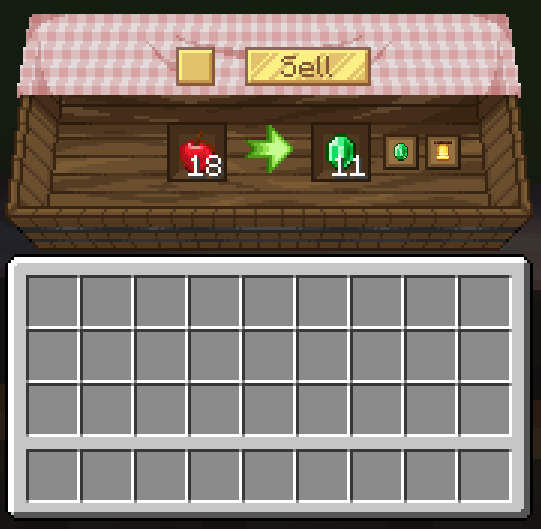
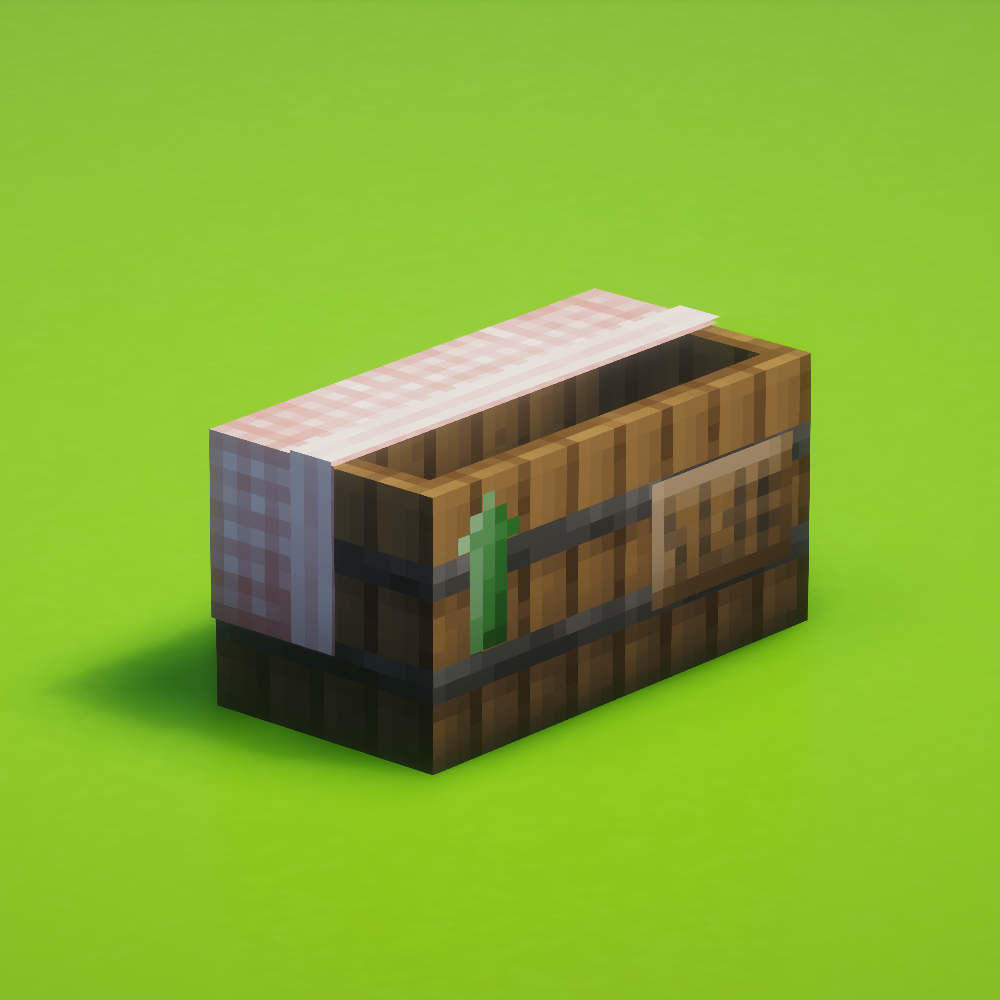
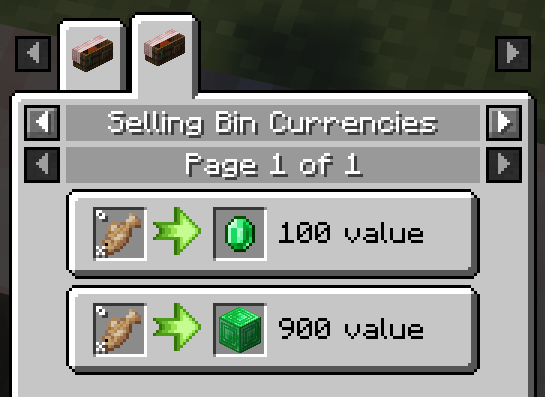
wd's Selling bin adds a way for players to exchange their items for different currencies. 💵
[❗] 👷♀️ This mod does not include any trades by default! Scroll down or check the wiki for built-in datapacks you can use and instructions on how to make your own.
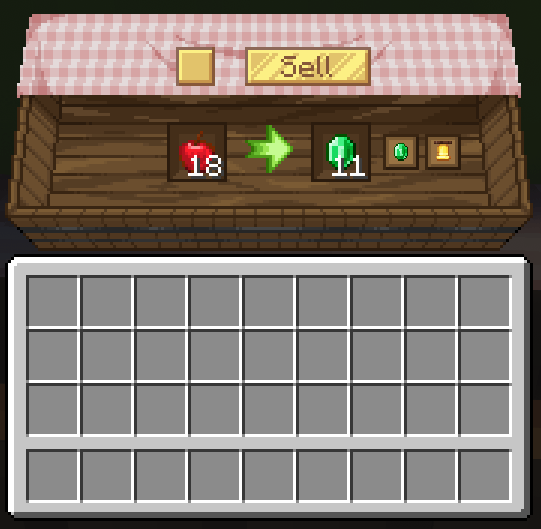
Leftover from selling is stored inside the bin so nothing is lost!
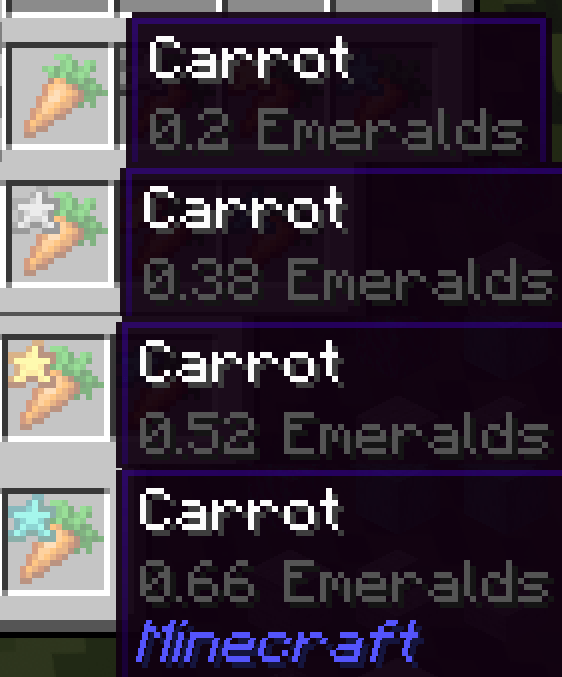
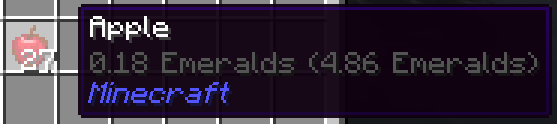
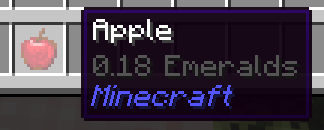
Price Tooltips
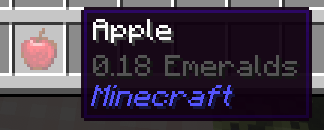
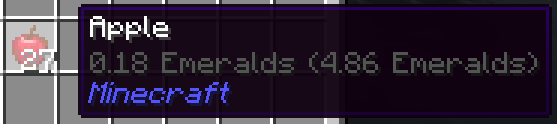
- To view the price of an item you can simply hover the item and hold shift. 💸 This behaviour can be changed in the config accessible in-game in
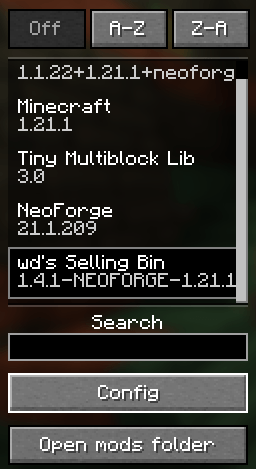
Mods > wd's Selling Bin > Config
Automation
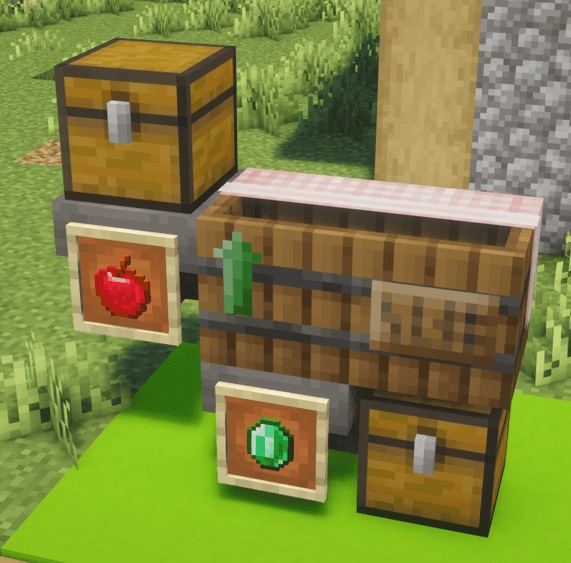
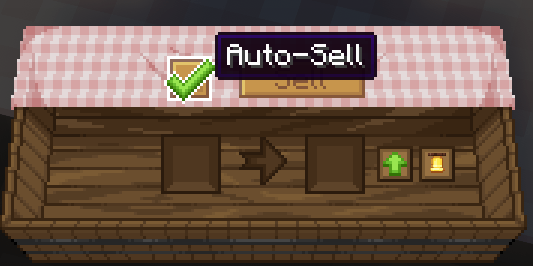
- The selling bin has an auto-sell toggle and supports the use of hoppers & modded pipes to deposit items and remove the currency selected!
EMI & JEI Support
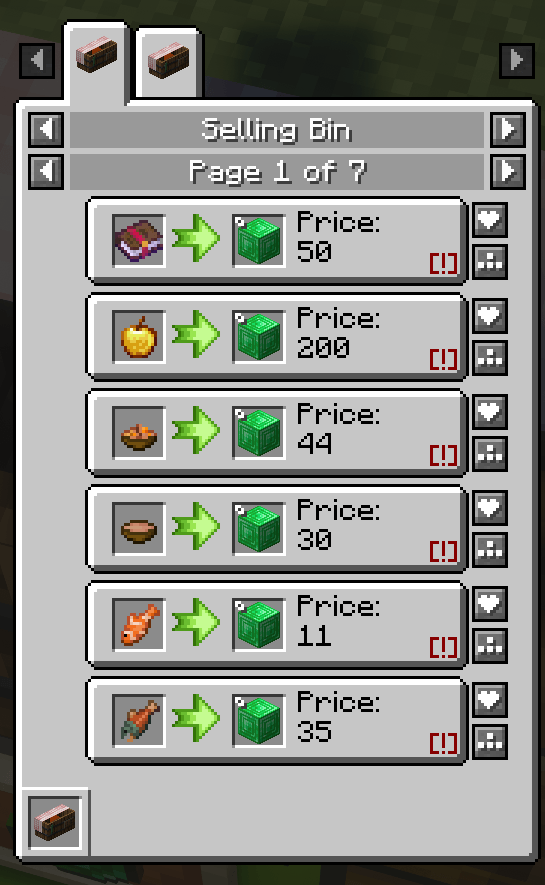
- wd's Selling Bin has support for EMI & JEI! Simply check the uses for the selling bin and you can see all the sellable items & currencies registered by the server 💰
Built-in Datapacks
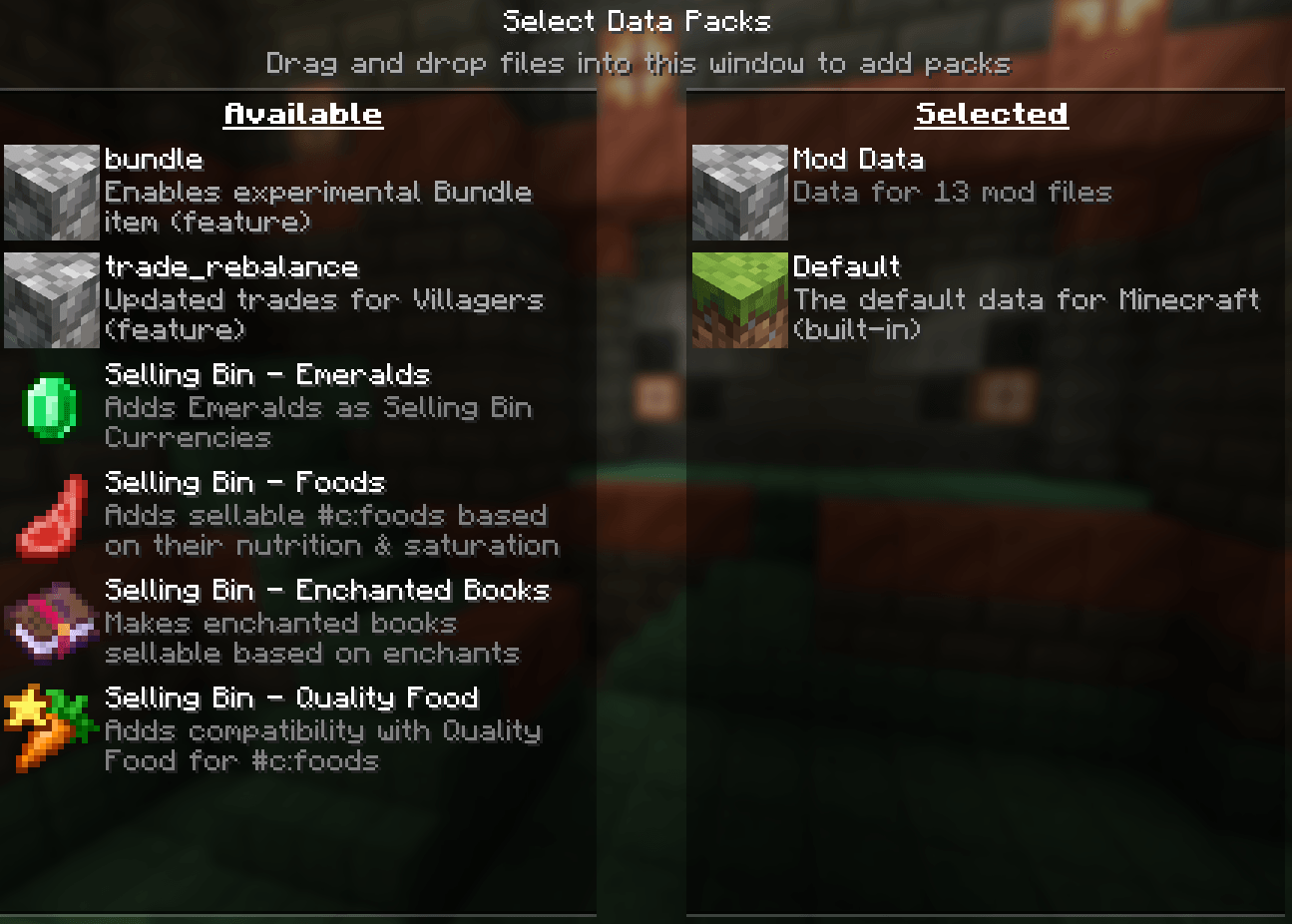
There are a few built-in datapacks you can select right from the world creation screen, under the Data Packs area!
You can also use the /datapack enable command inside the world
Mod Support & Customization (processors)
The price of an item is calculated using processors. Processors allow for nbt-based valueing, for example, if an item is damaged or has an enchantment.
Built-in Mod Support
- Create: Numismatics bank cards can be used to automatically transfer the sales to your bank account
- Optional datapack for Create: Numismatics coins as currency
- Optional datapack for Lightman's Currency's coins as currency
- Optional datapack for Quality Food using a custom processor
- Optional datapack for [Let's Do] Brewery beers using a custom processor
- Optional datapack for [Let's Do] Vinery wines using a custom processor
- Optional datapack for Starcatcher's fishes size, weight, percentile & golden values
Got a compatibility suggestion? Let me know on discord 💸
Custom Processors
Check the wiki for the list of processors you can use directly in the datapack jsons and their properties.
Config
wd's Selling bin also features a global sales multiplier, in case you want to use one of the built-in datapacks but think the prices across the board are too high/low.
Simply access the mod menu and click config on the bottom left.
For editing the available trades please refer to the wiki.
Wiki
Please reference the wiki when making a datapack https://github.com/wdiscute/Selling-Bin/wiki
🌸 Join the discord! 🌸 https://discord.gg/tCs89QTuzn
- made by wd with lots of love
- Edition: Minecraft Java
- File type: .jar
- Minecraft versions listed: 1.20.1, 1.21.1
- How to install: Install the matching mod loader (Forge, Fabric or NeoForge) for your Minecraft version. → Download the .jar. → Put it in the .minecraft/mods folder and launch that loader profile.
- Where to get it: Opens on CurseForge — not every file is mirrored on our own servers.
Install steps are the general flow for this file type — How to install Minecraft Java mods & modpacks walks through it step by step.
- Ships as selling_bin-1.4.1-NEOFORGE-26.1.2.jar — drop this file into the mods folder
- Download size: 301 KB
- Download link checked 3 Oct 2026 — working
These come from our own check of the pack file, not from the source page.