
Lively Lighting! 🔦
The author built this one for Minecraft 1.20.1 on Forge. On other versions it may install and then do nothing.
⚠️ NOTICE:
Lively Lighting is still in early development. Features will be refined in future releases. With it being in beta, you can expect bugs. Please report all bugs on the GitHub issues tracker or my Discord server.
❓How It Works
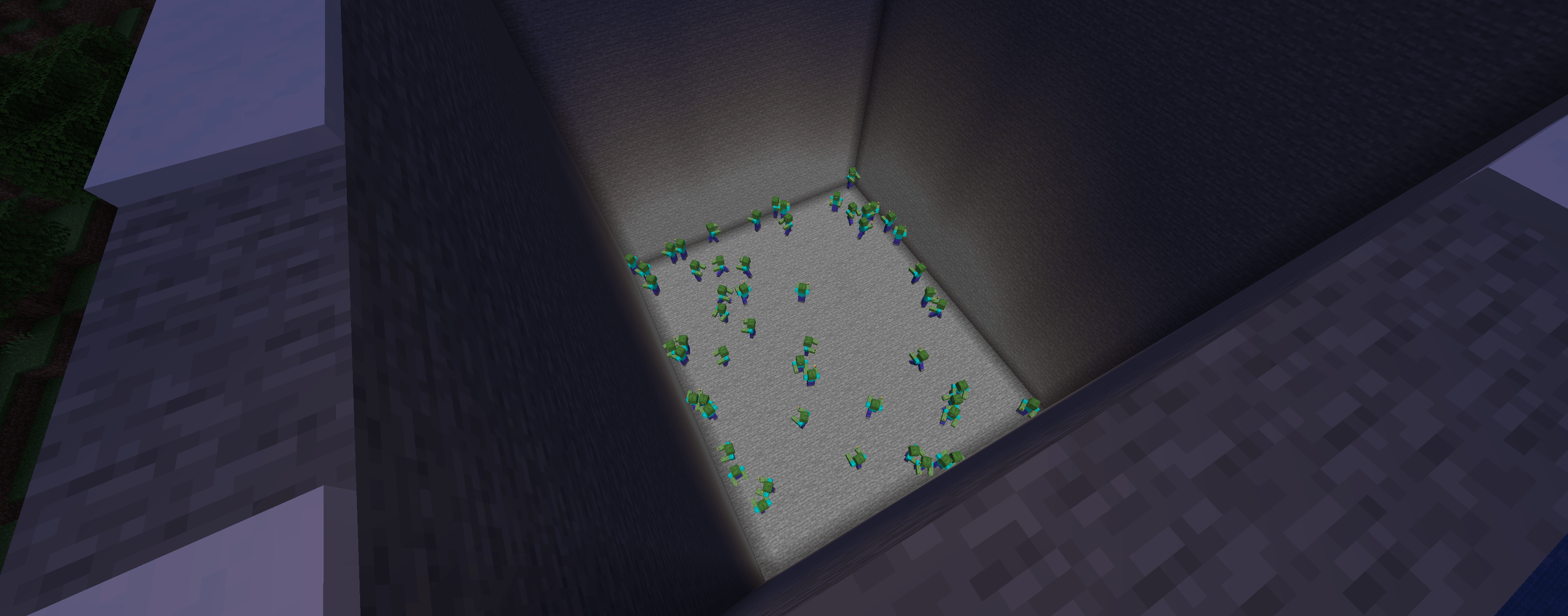
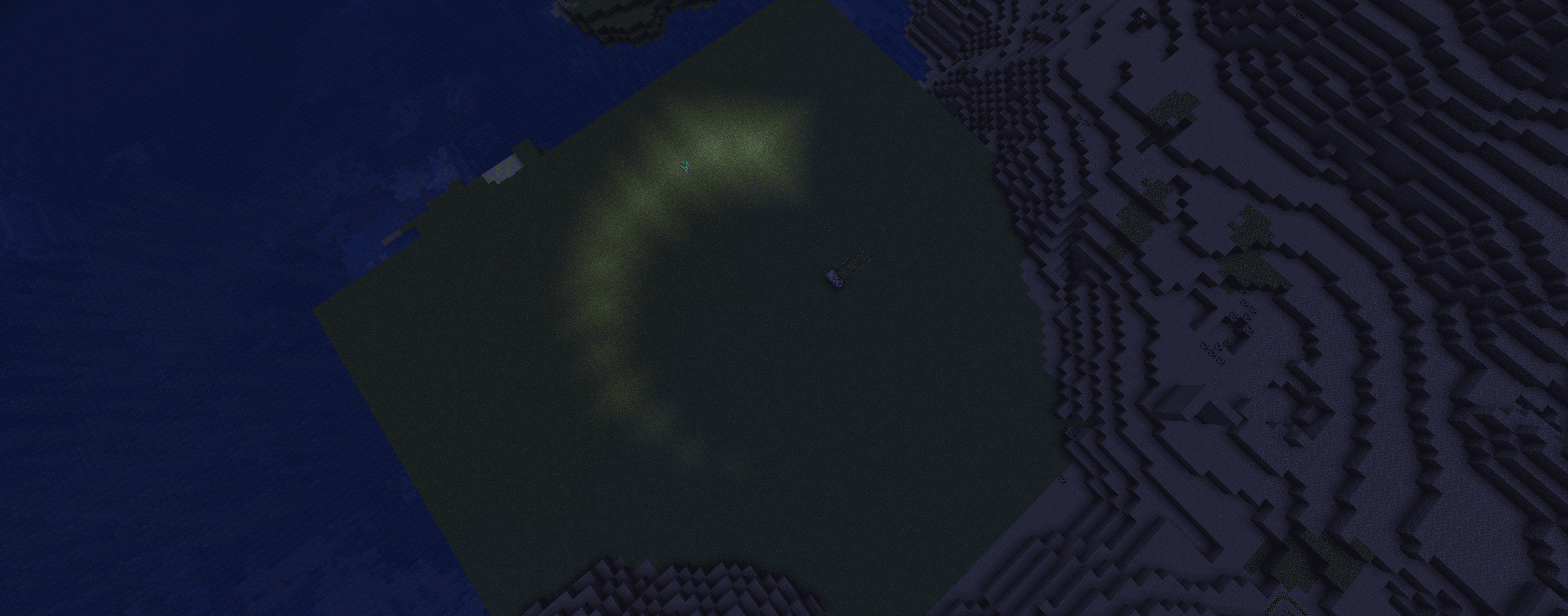
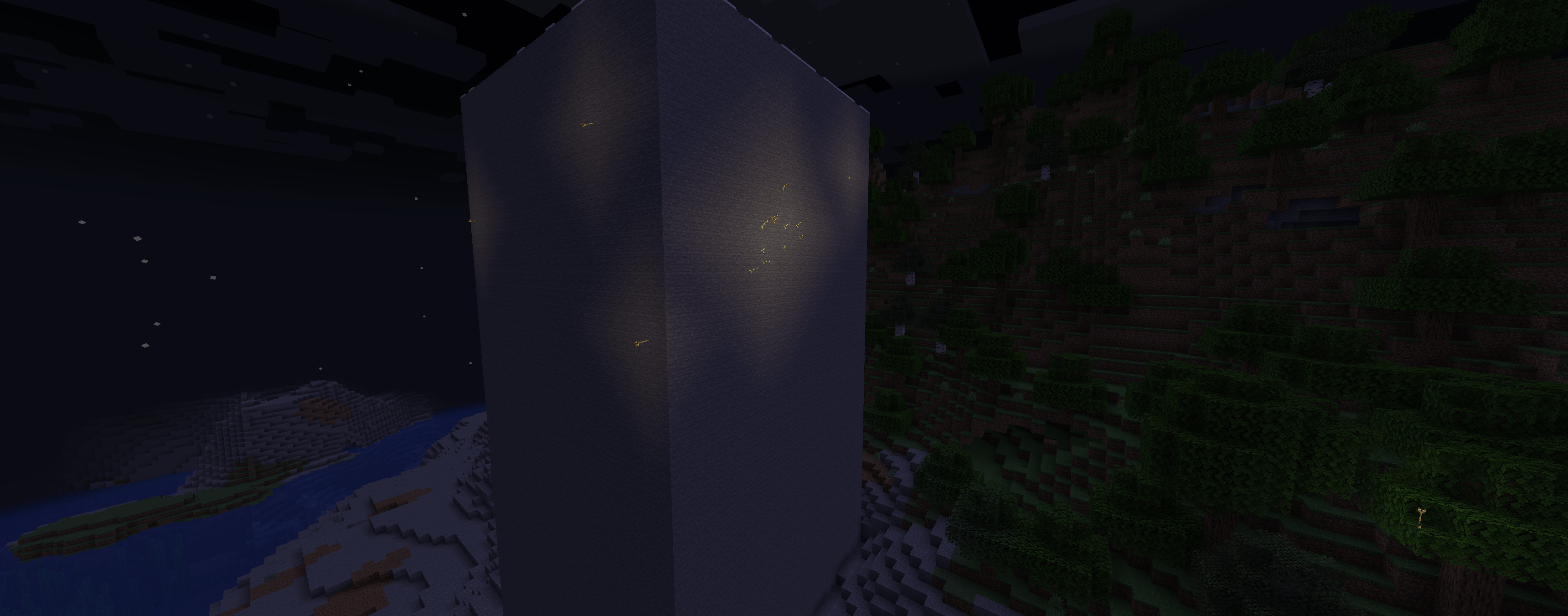
Lively Lighting uses Light Blocks to simulate dynamic lighting. Since the lighting is from Light Blocks, the light will interact with the world (i.e. melt ice or prevent mob spawning)
✨ Features
- Dynamic Lighting for held items
- Dynamic Lighting for specific entities
- Mobs can spawn holding torches
- Light Clustering
- Light Smoothing
- Light Fade-in and Fade-out
- In-game commands to change config on the fly
- TONS of configurable options
🔗 Mod compatibility
- Valkyrien Skies Support: Lively Lighting has native support for Valkyrien Skies. The current beta version is broken, and it is not recommended for use in your survival world. In the future, light will propagate onto ships using the light block, and ships will be able to support dynamic lighting as they move around.
- Colorful Lighting (Sodium Compat): Dynamic Lighting works with Colored Light
This project was inspired by Tschipcraft's Dynamic Lights Datapack
- Edition: Minecraft Java
- File type: .jar
- Minecraft version listed: 1.20.1
- How to install: Install the matching mod loader (Forge, Fabric or NeoForge) for your Minecraft version. → Download the .jar. → Put it in the .minecraft/mods folder and launch that loader profile.
- Where to get it: Opens on CurseForge — not every file is mirrored on our own servers.
Install steps are the general flow for this file type — How to install Minecraft Java mods & modpacks walks through it step by step.
- Ships as livelylighting-0.3.1.jar — drop this file into the mods folder
- Download size: 154 KB
- Download link checked 13 Sept 2026 — working
These come from our own check of the pack file, not from the source page.