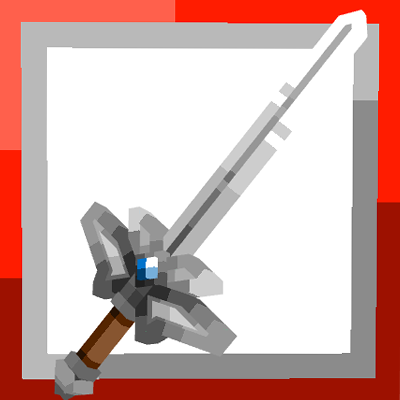
Epic Fight: Project Babylon - Weapons
Java mod listed for Minecraft 1.20. Downloads from the MC Java Mods app on Android.
⬇ Download on CurseForgeThe author built this one for Minecraft 1.20.1 on Forge. On other versions it may install and then do nothing.
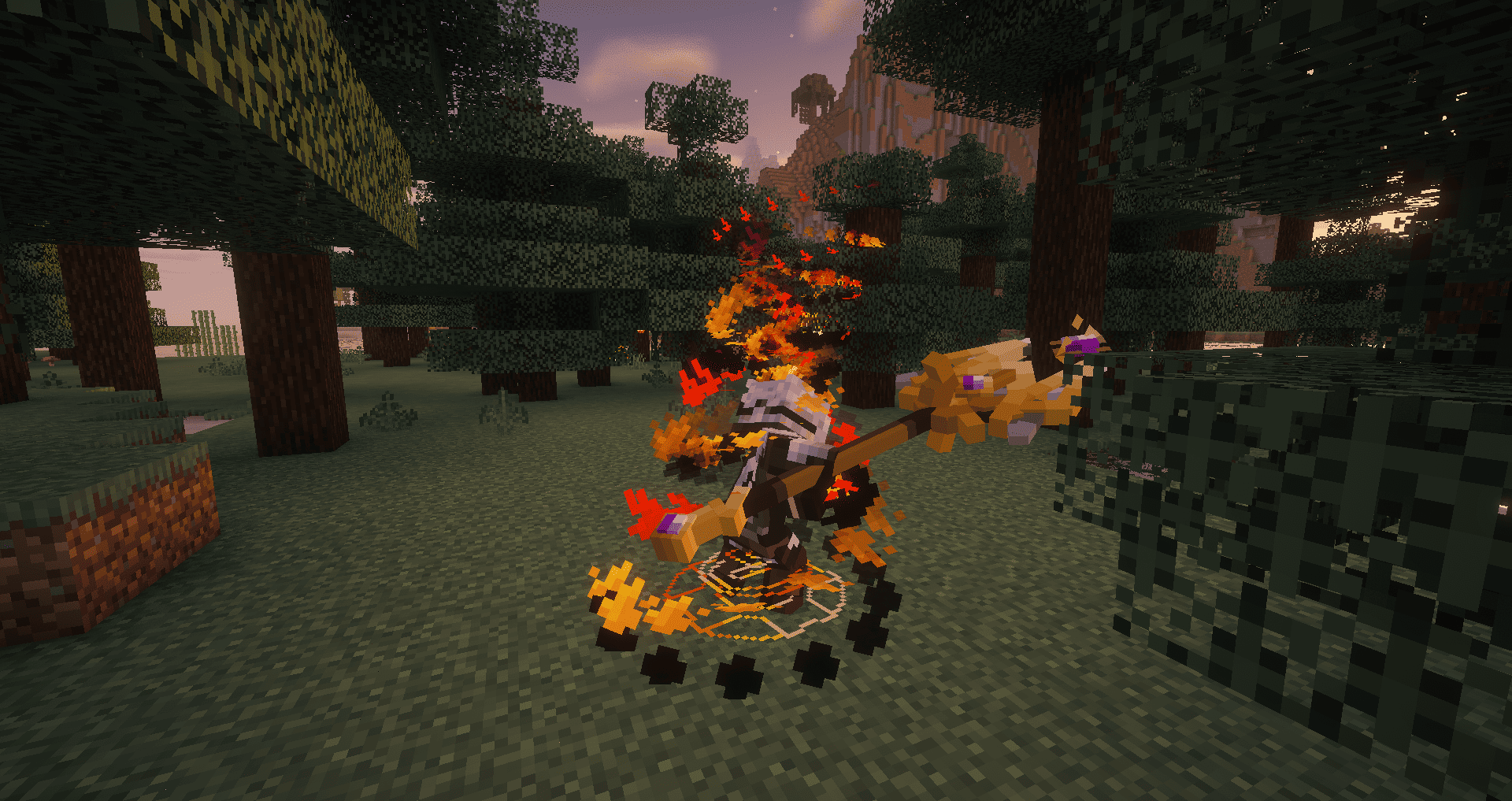
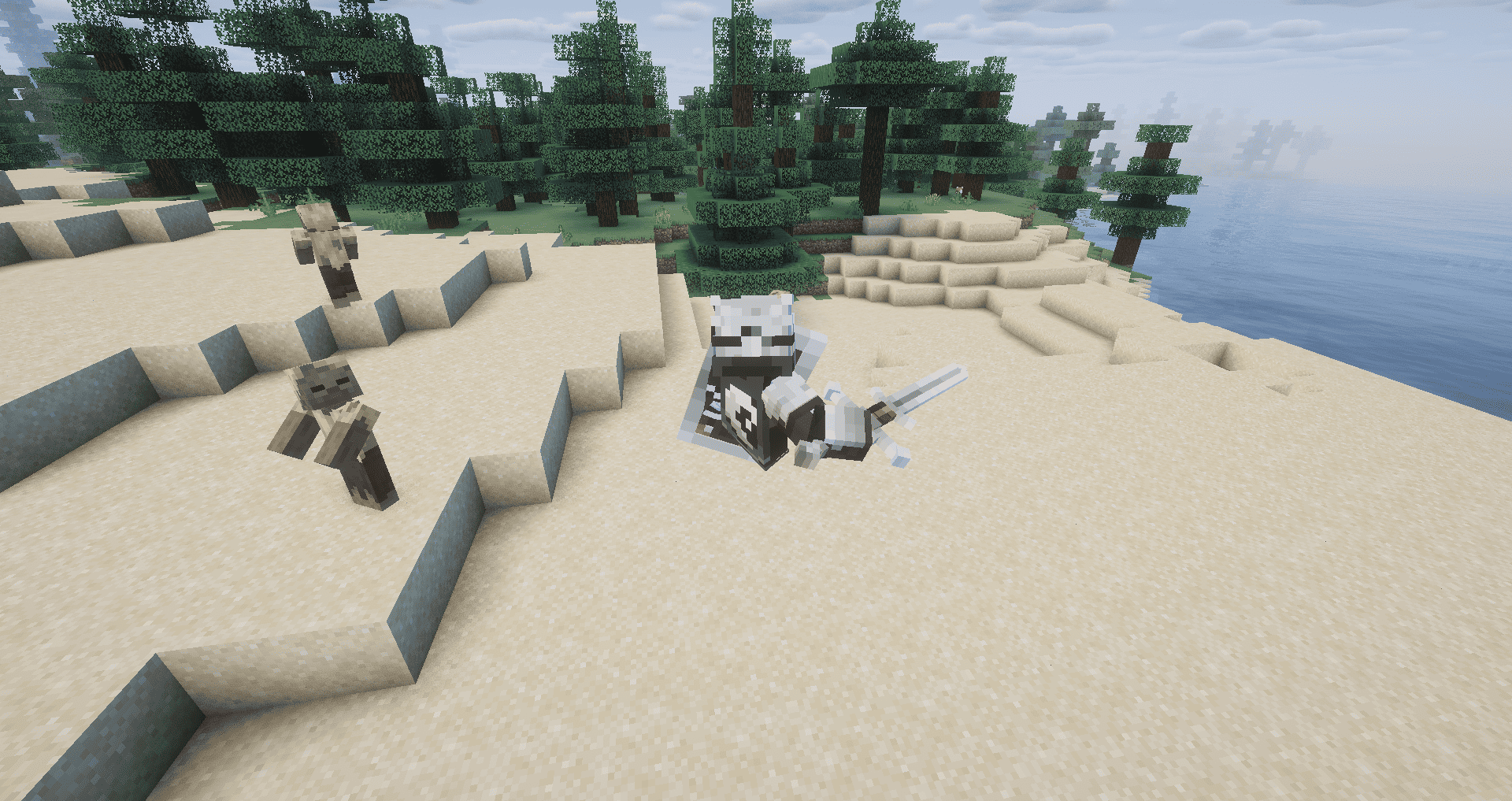
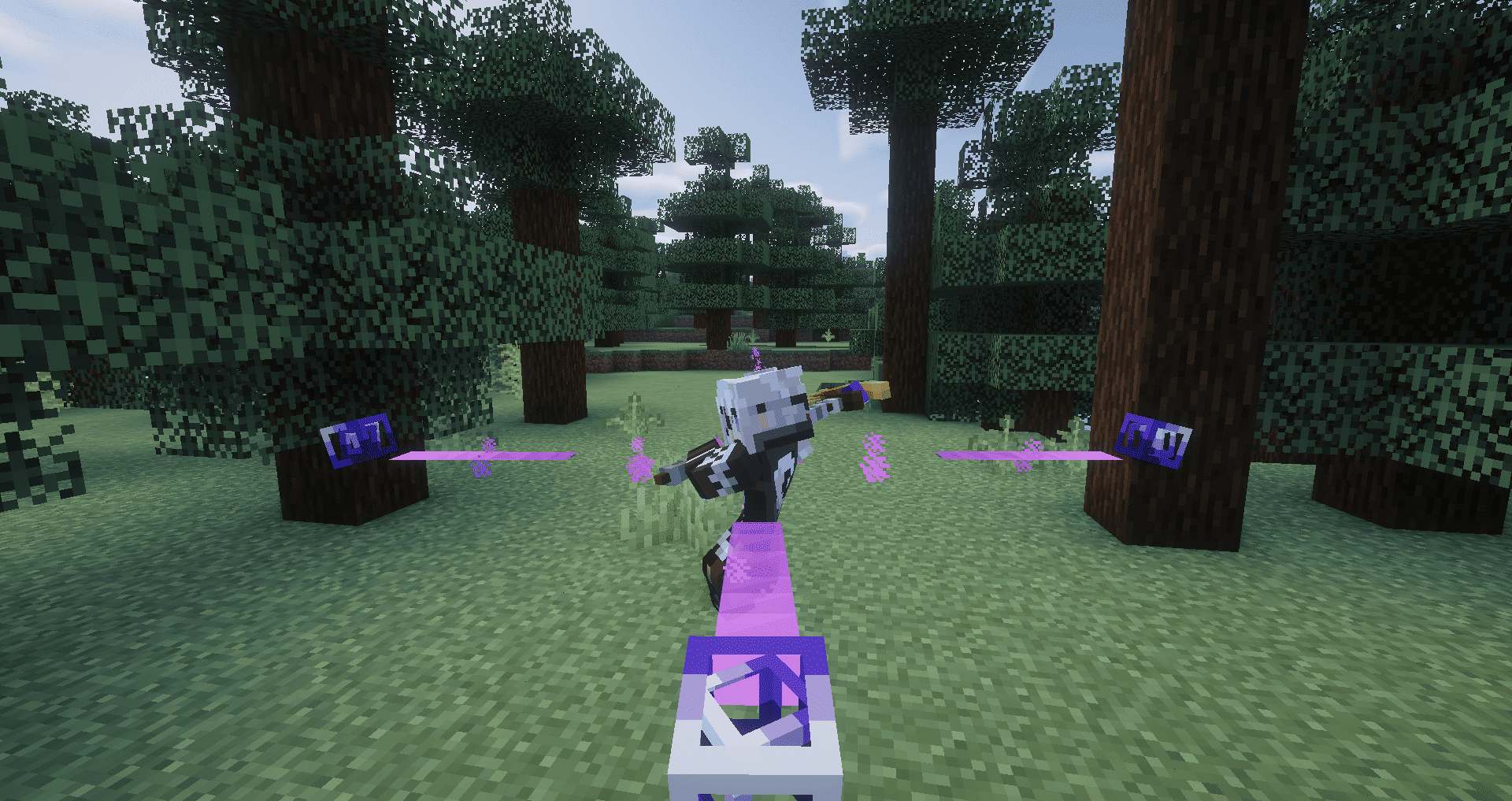
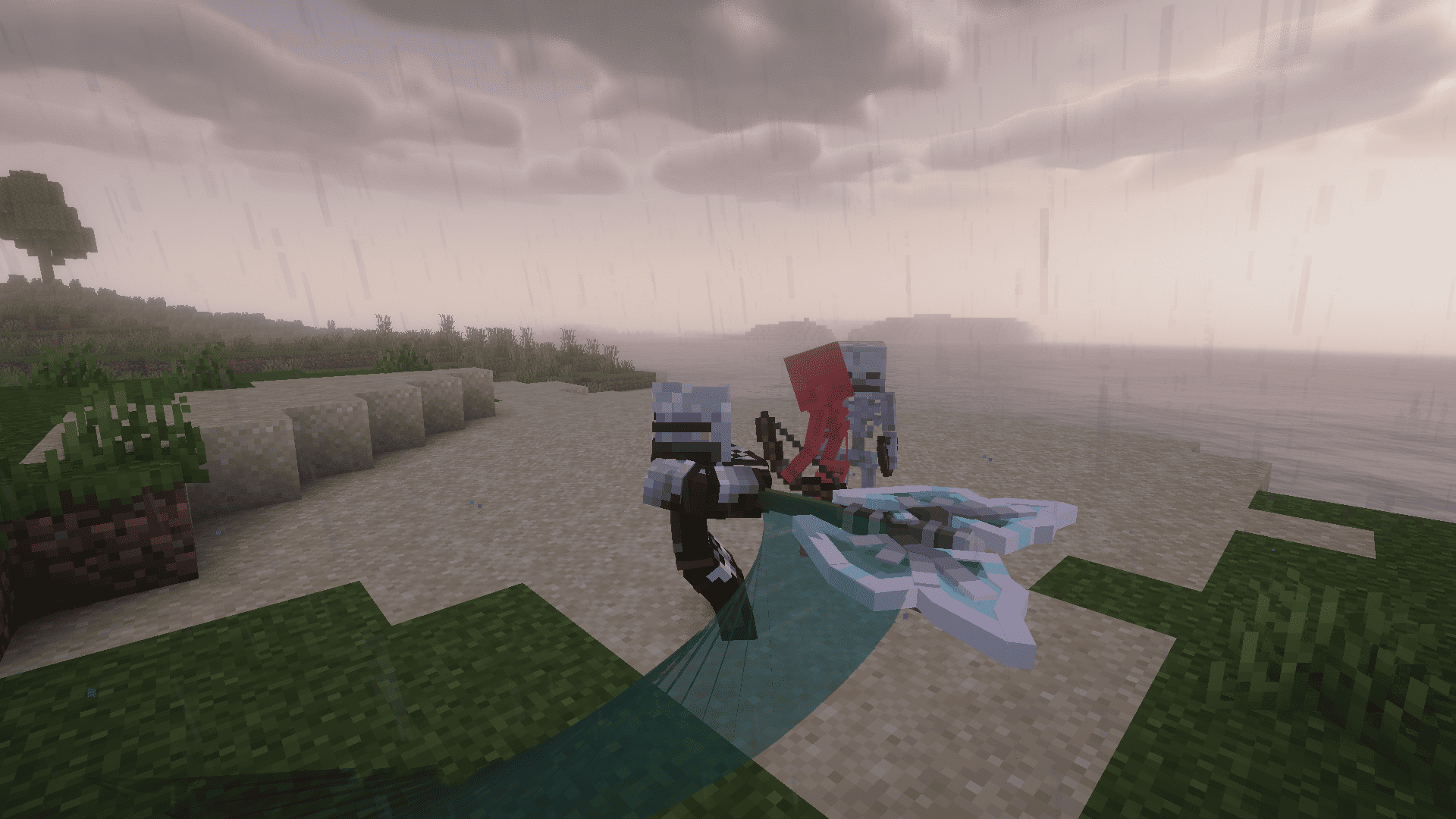
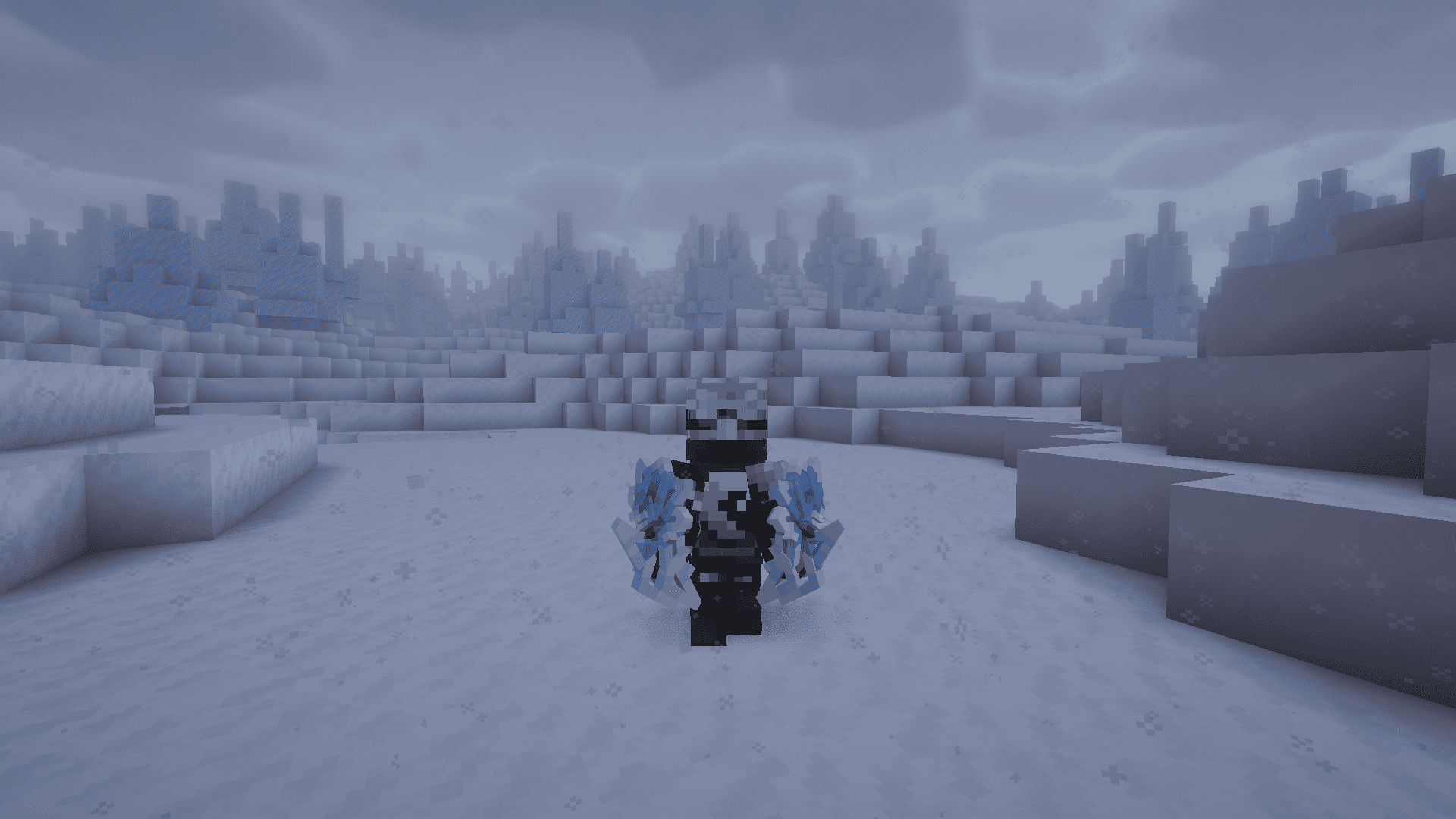
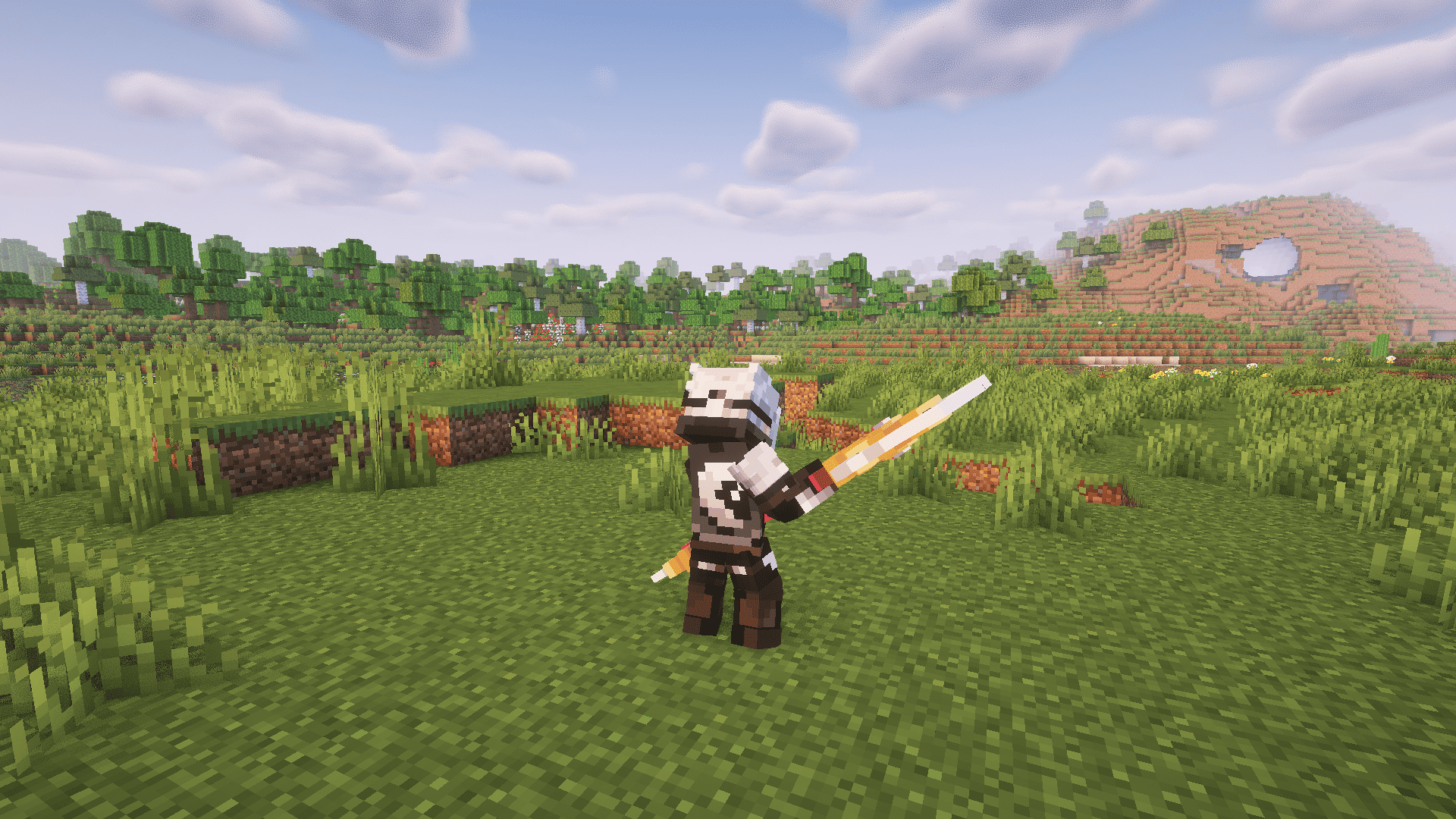
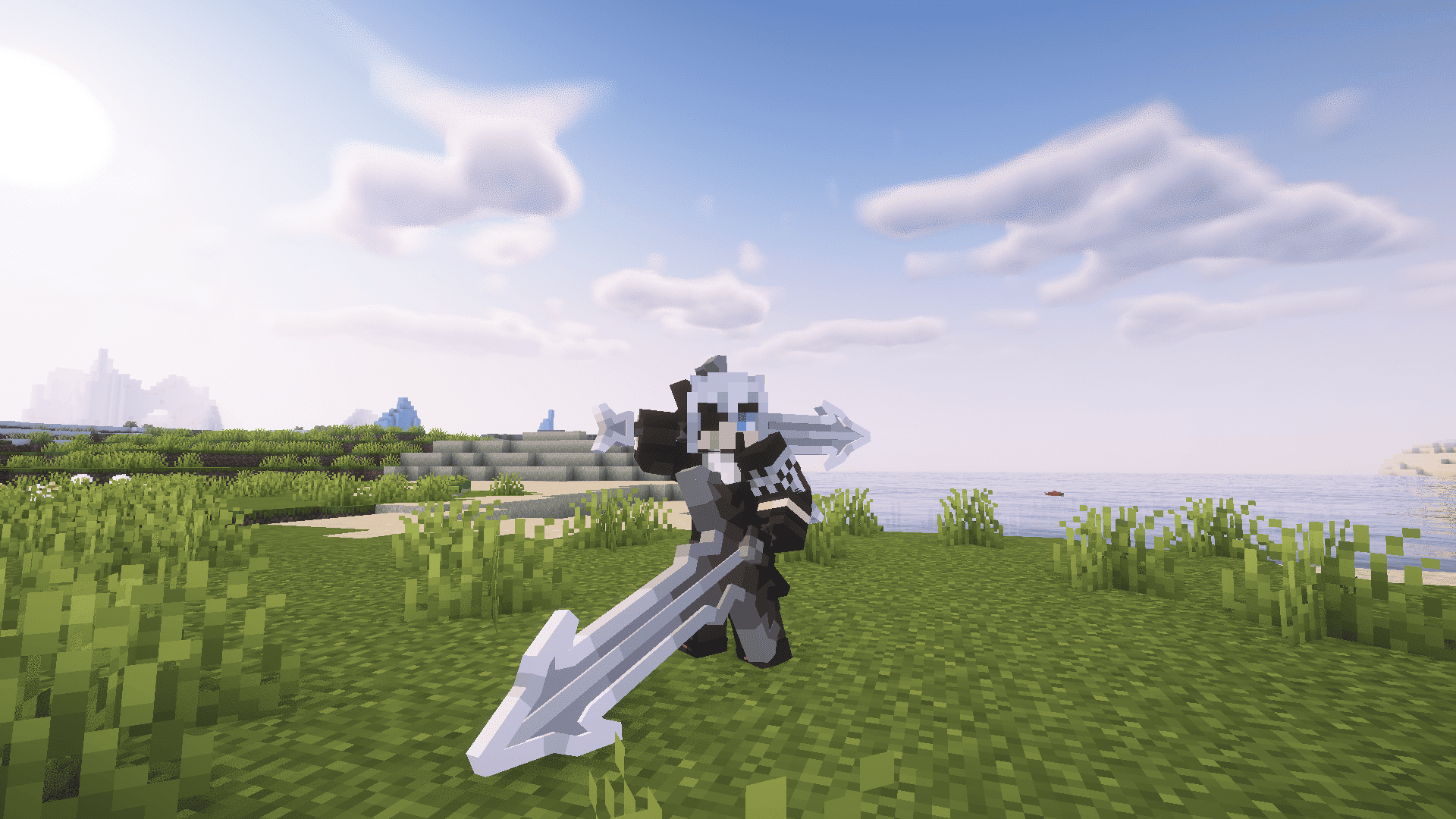
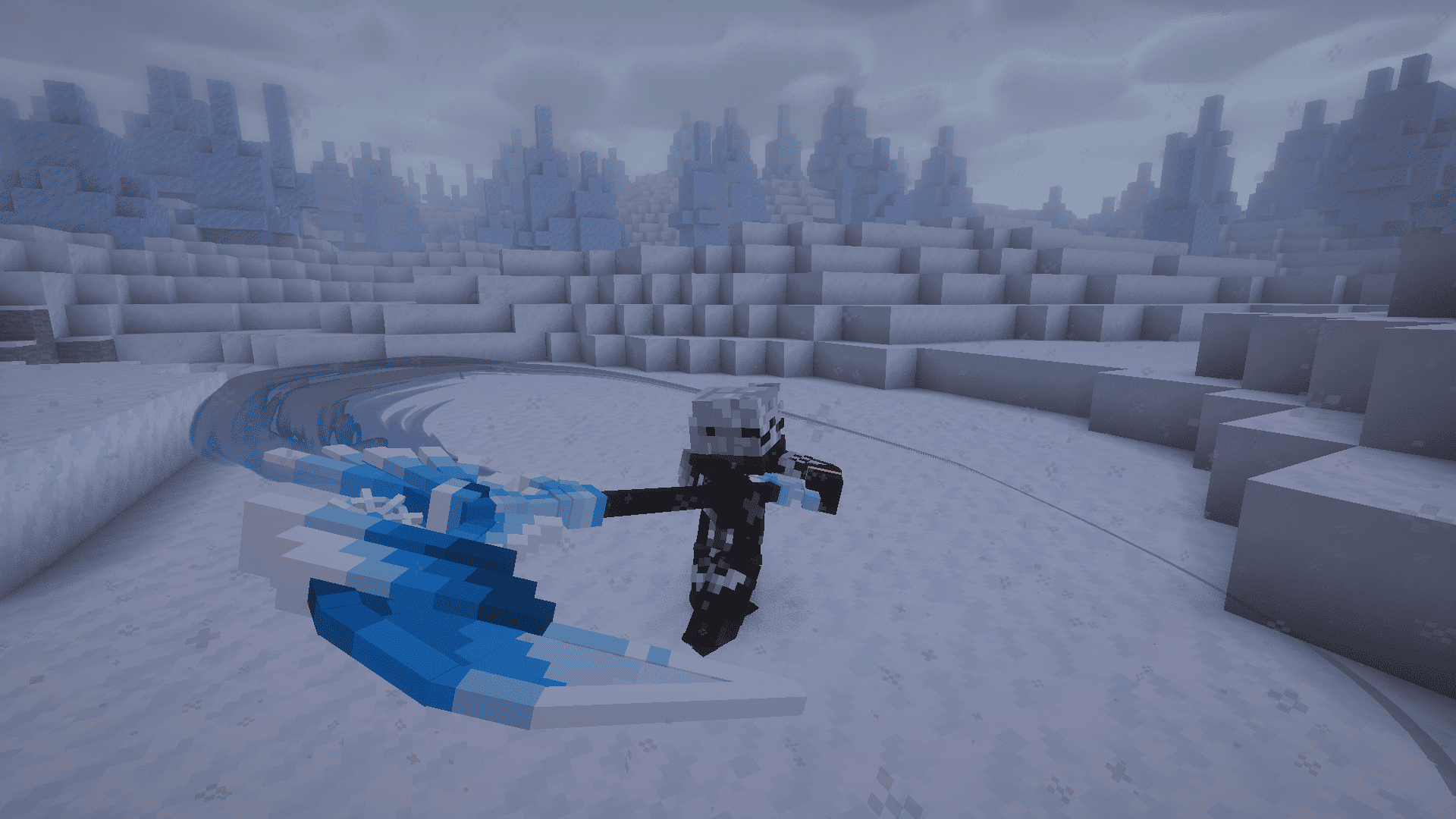
Project Babylon - Is a mod series, that tries to create an RPG ecosystem that works together. Weapons is an Epic Fight addon that expand the arsenal and provide some new movesets.
What this mod adds?
14 Weapon Types with a custom 3d handmade models for each vanilla and custom material.
10 New Effects.
11 New Weapon Skills.
2 Weapon Movesets.
Weapon Passive System.
100+ Models for you to use.
Examples:
Battle Wand.
Battle Wand is a magic weapon, that shoots magical projectiles when used. Different magic wands can deal different Iron's Spellbooks damage, and have different skills.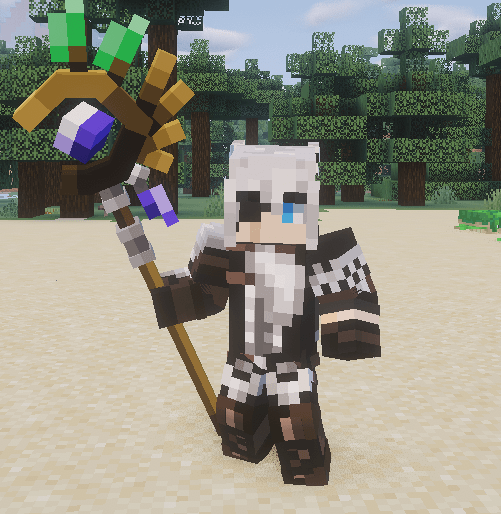
Arclight(W.I.P):
Arclight is a unique sword with a new moveset. Right now its highly W.I.P.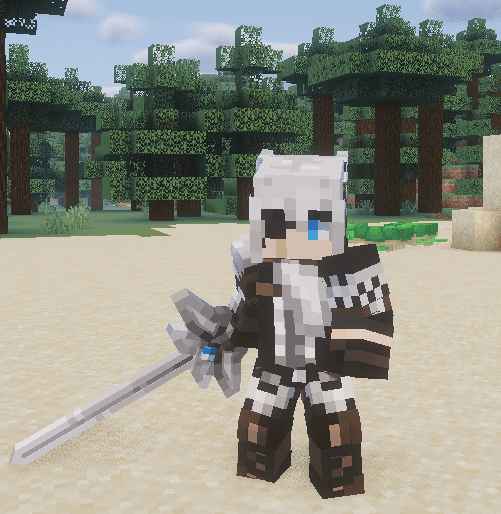
EVERY MOD IN HARD AND SOFT DEPENDANCY NEED TO BE DOWNLOADED IN ORDER FOR THE MOD TO FUNCTION AS INTENDED.
HARD Dependancies:
- Project Babylon - Materials.
- Epic Fight Mod.
- Iron's Spells and Spellbooks.
- Geckolib.
- ACG Battlescythe - Revived.
- EpicFight Ressurection.
SOFT Dependancies:
Check out EpicFight Rapier Addon made by a friend of mine for more models and content!
Check out Ascendra Modpack and Horyzen Modpack made by a great people.
Check out this cool server shop mod, made by a friend of mine!
Where is armor showed in the trailer? Its HERE :D
1.21.1 Please? Someday maybe.
Backport Please? Same answer as above.
Lite Version? Maybe in the future.

For Bug Reports Message Here:
https://discord.com/channels/955784714264932362/1482312386139652248
Or Here:
https://discord.com/channels/1481294346933375100/1481325691718078484
Epic Fight Team for making such an amazing mod and api.
Yonchi Chikito, Unitei, MoNHiN for support.
The Epic Fight Community, which made this mod a reality.
- Edition: Minecraft Java
- File type: .jar
- Minecraft version listed: 1.20.1
- How to install: Install the matching mod loader (Forge, Fabric or NeoForge) for your Minecraft version. → Download the .jar. → Put it in the .minecraft/mods folder and launch that loader profile.
- Where to get it: Opens on CurseForge — not every file is mirrored on our own servers.
Install steps are the general flow for this file type — How to install Minecraft Java mods & modpacks walks through it step by step.
- Ships as project_babylon_weapons-1.5.0.jar — drop this file into the mods folder
- Download size: 17.5 MB
- Download link checked 3 Oct 2026 — working
These come from our own check of the pack file, not from the source page.