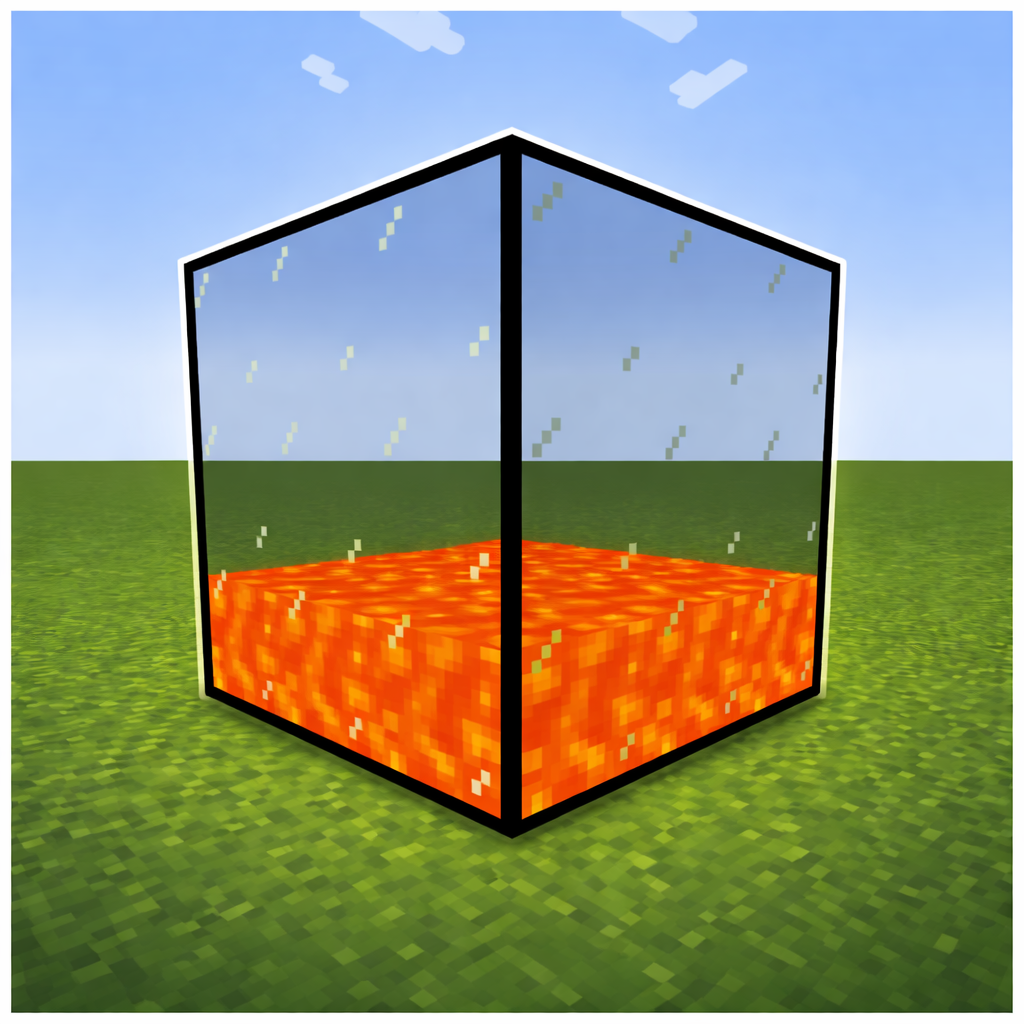
Multiblock Fluid Tank
Java mod listed for Minecraft 1.20–1.21. Downloads from the MC Java Mods app on Android.
I don't know my version or loader
Multiblock Fluid Tanks
Multiblock Fluid Tanks adds simple yet powerful fluid storage to your world. Place tanks next to each other and they automatically connect forming a single, shared storage network of any shape or size.
Features
Three tank sizes — Small, Medium and Large, each with a different fluid capacity
Automatic multiblock — Tanks connect in any direction (up, down, north, south, east, west), forming networks of any shape and size
Shared fluid storage — All connected tanks of the same tier act as one large tank, fluid is distributed evenly from bottom to top
Fluid conflict prevention — Tanks with different fluids cannot be connected, keeping your storage safe
Bucket support — Fill and empty tanks directly with buckets
Light emission — Tanks glow based on the fluid inside (e.g. lava)
GUI — Right-click any tank to see the fluid type, total capacity, network size and flow rate
How to use
- Craft a tank and place it down
- Place more tanks of the same tier next to it — they connect automatically
- Fill them using a bucket, a pipe or any other fluid handler
- Right-click to open the GUI and inspect your network
Compatibility
NeoForge
1.21.1, 1.20.1
I have added some more Versions but they are Beta for now.
- Edition: Minecraft Java
- File type: .jar
- Minecraft versions listed: 1.21.1, 1.20.1, 1.21.10
- How to install: Install the matching mod loader (Forge, Fabric or NeoForge) for your Minecraft version. → Download the .jar. → Put it in the .minecraft/mods folder and launch that loader profile.
- Where to get it: Opens on CurseForge — not every file is mirrored on our own servers.
Install steps are the general flow for this file type — How to install Minecraft Java mods & modpacks walks through it step by step.
- Ships as multiblockfluidtanks-1.0.1.jar — drop this file into the mods folder
- Download size: 68 KB
- Download link checked 3 Oct 2026 — working
These come from our own check of the pack file, not from the source page.