ModsJava
Totem Morph
Java mod listed for Minecraft 1.21. Downloads from the MC Java Mods app on Android.
⬇ Download on CurseForgeThe author built this one for Minecraft 1.21.11 on Fabric. On other versions it may install and then do nothing.
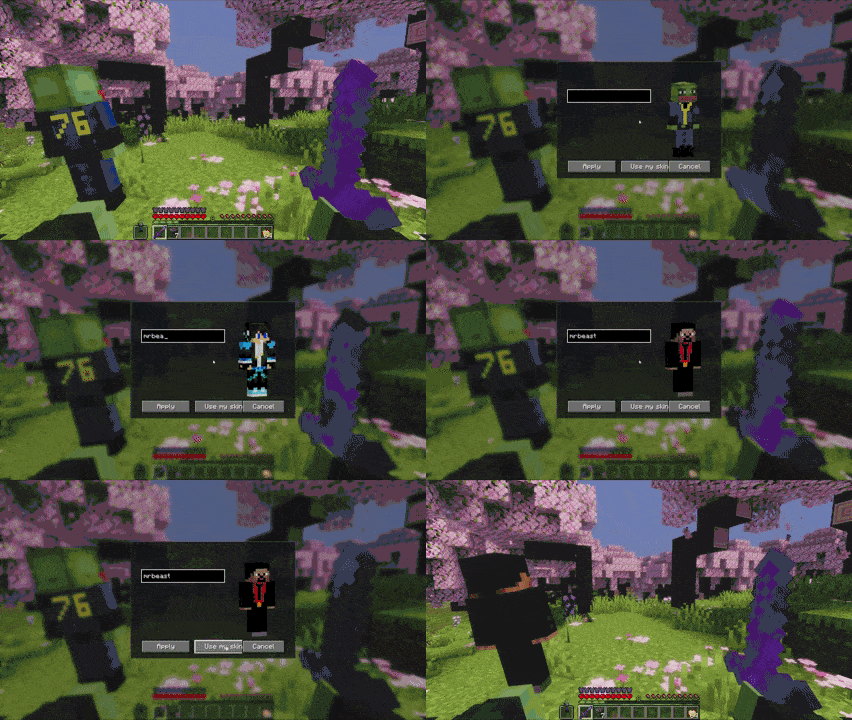
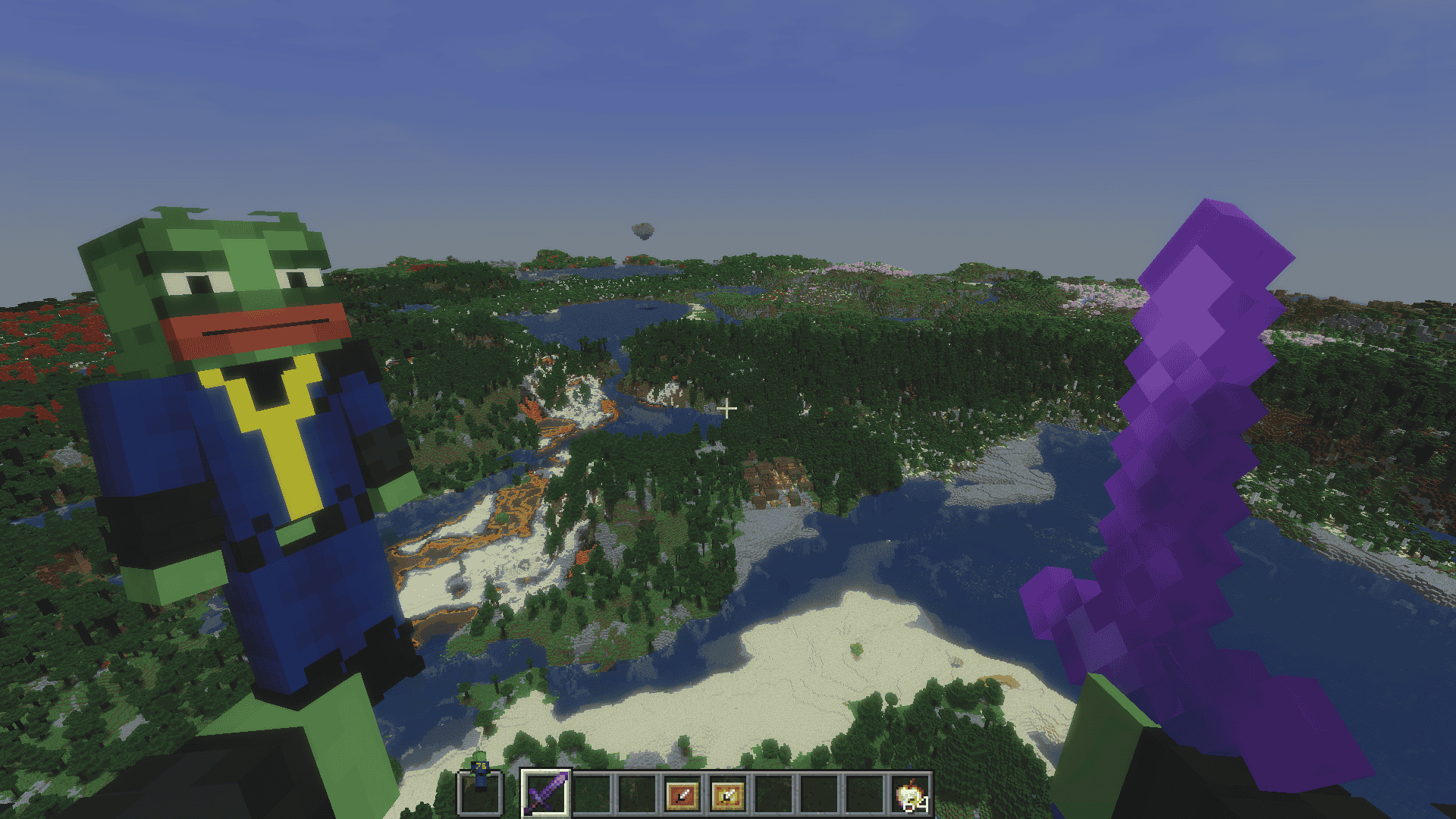
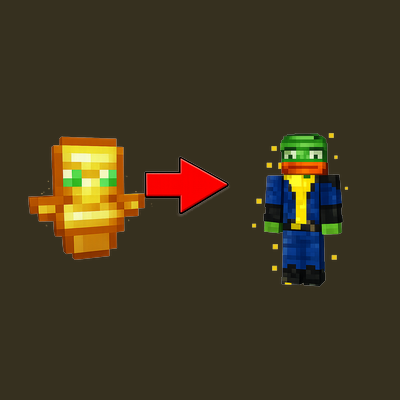
Totem Skin replaces the Totem of Undying with a custom Minecraft player model based on any username you choose.
(
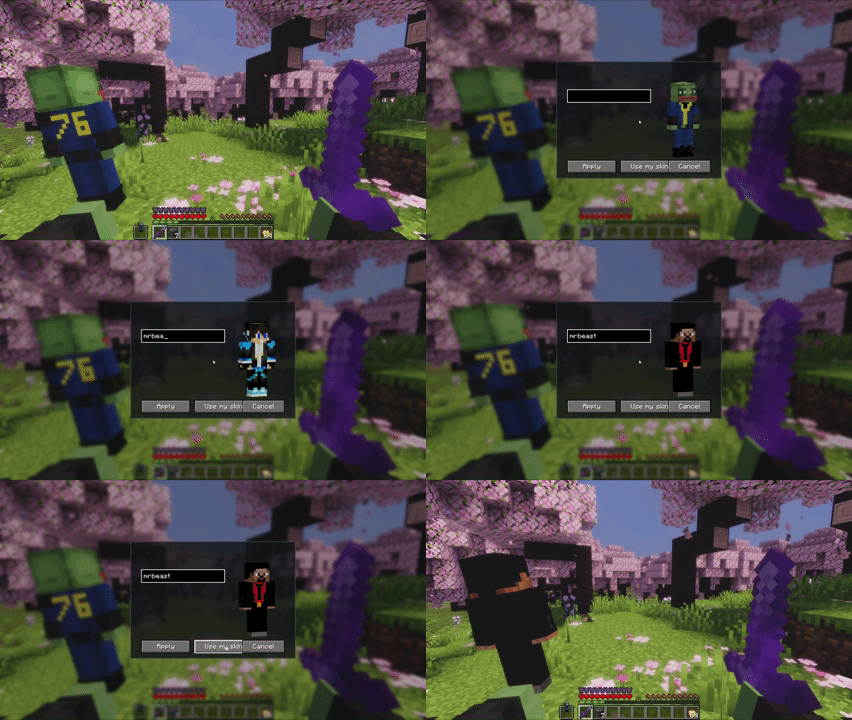
Instead of the default totem texture, the item is rendered as a small player using the selected skin. You can change the appearance at any time through the in-game menu.
How to use
- Install the mod and launch the game
- Hold a Totem of Undying
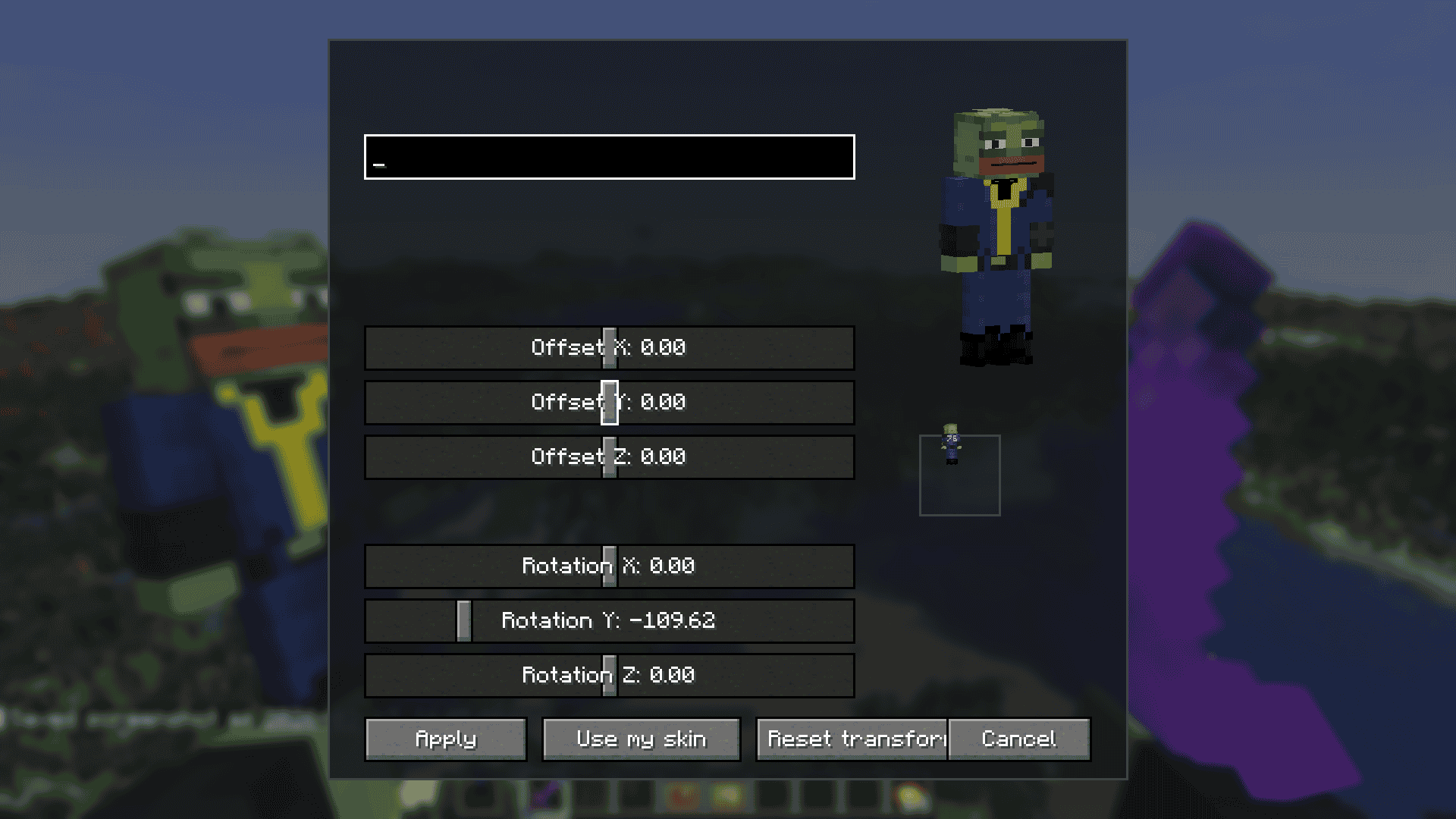
- Press K to open the skin menu
- Enter a Minecraft username
- Save to apply that skin to the totem
- Leave the field empty to use your own skin
Features
- Replaces the Totem of Undying with a player-skin model
- Custom skin selection by username
- In-game menu for quick changes
- Uses your own skin by default if no username is set
Important
- Client-side only
- Other players will only see it if they also use the mod
- Designed for Minecraft Java Edition skins
Quick facts
- Edition: Minecraft Java
- File type: .jar
- Minecraft version listed: 1.21.11
- How to install: Install the matching mod loader (Forge, Fabric or NeoForge) for your Minecraft version. → Download the .jar. → Put it in the .minecraft/mods folder and launch that loader profile.
- Where to get it: Opens on CurseForge — not every file is mirrored on our own servers.
Install steps are the general flow for this file type — How to install Minecraft Java mods & modpacks walks through it step by step.
File checked by MCModsHub
- Ships as totem-morph-2.0.jar — drop this file into the mods folder
- Download size: 55 KB
- Download link checked 3 Oct 2026 — working
These come from our own check of the pack file, not from the source page.