AIT TARDIS Controller
🚀 AIT TARDIS Control (Menu & HUD) This addon adds a complete control interface for your TARDIS in Adventure in Time . Instead of using only the in-world…
⬇ Download on CurseForgeThe author built this one for Minecraft 1.20.1 on Forge. On other versions it may install and then do nothing.
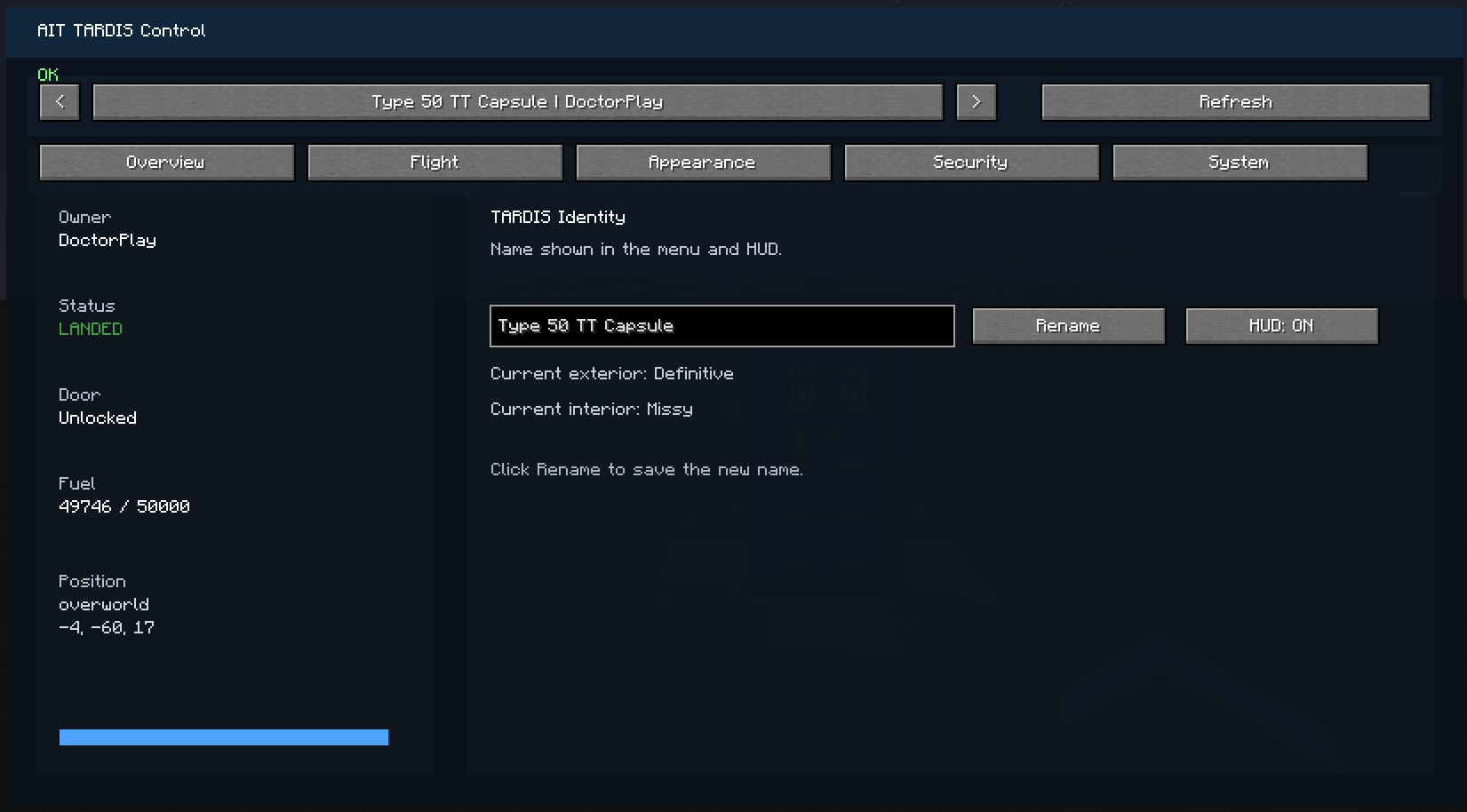
🚀 AIT TARDIS Control (Menu & HUD)
This addon adds a complete control interface for your TARDIS in Adventure in Time.
Instead of using only the in-world console, you can now manage your TARDIS directly from a clean in-game menu and HUD.
✨ Features
🖥️ Control Menu
-
Select any existing TARDIS (yours or others)
-
Rename your TARDIS
-
View key information:
-
Owner
-
Status (landed, in flight, etc.)
-
Position
-
Fuel level
-
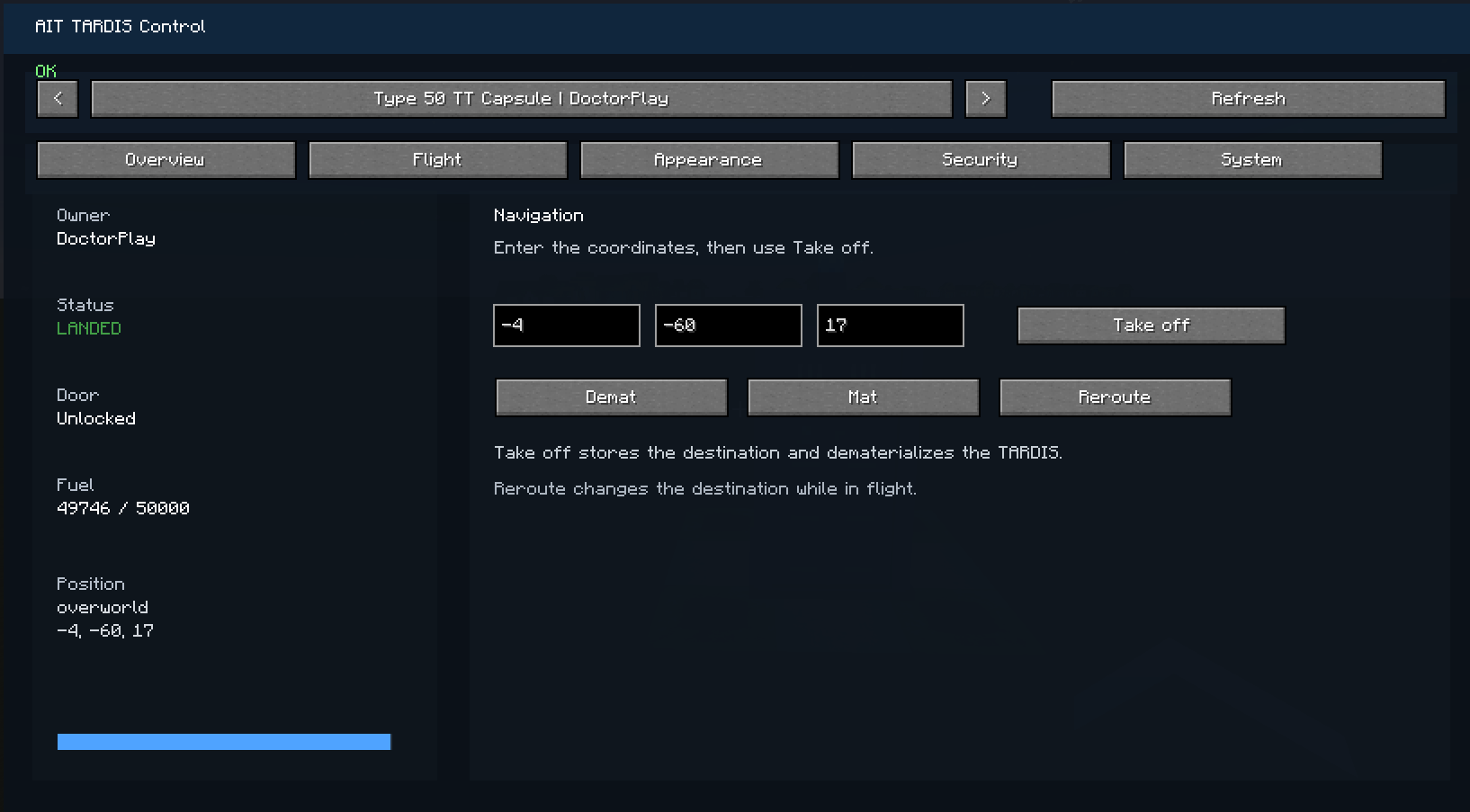
🧭 Navigation
-
Set destination coordinates (X, Y, Z)
-
One-click Take Off system
-
Reroute while in flight
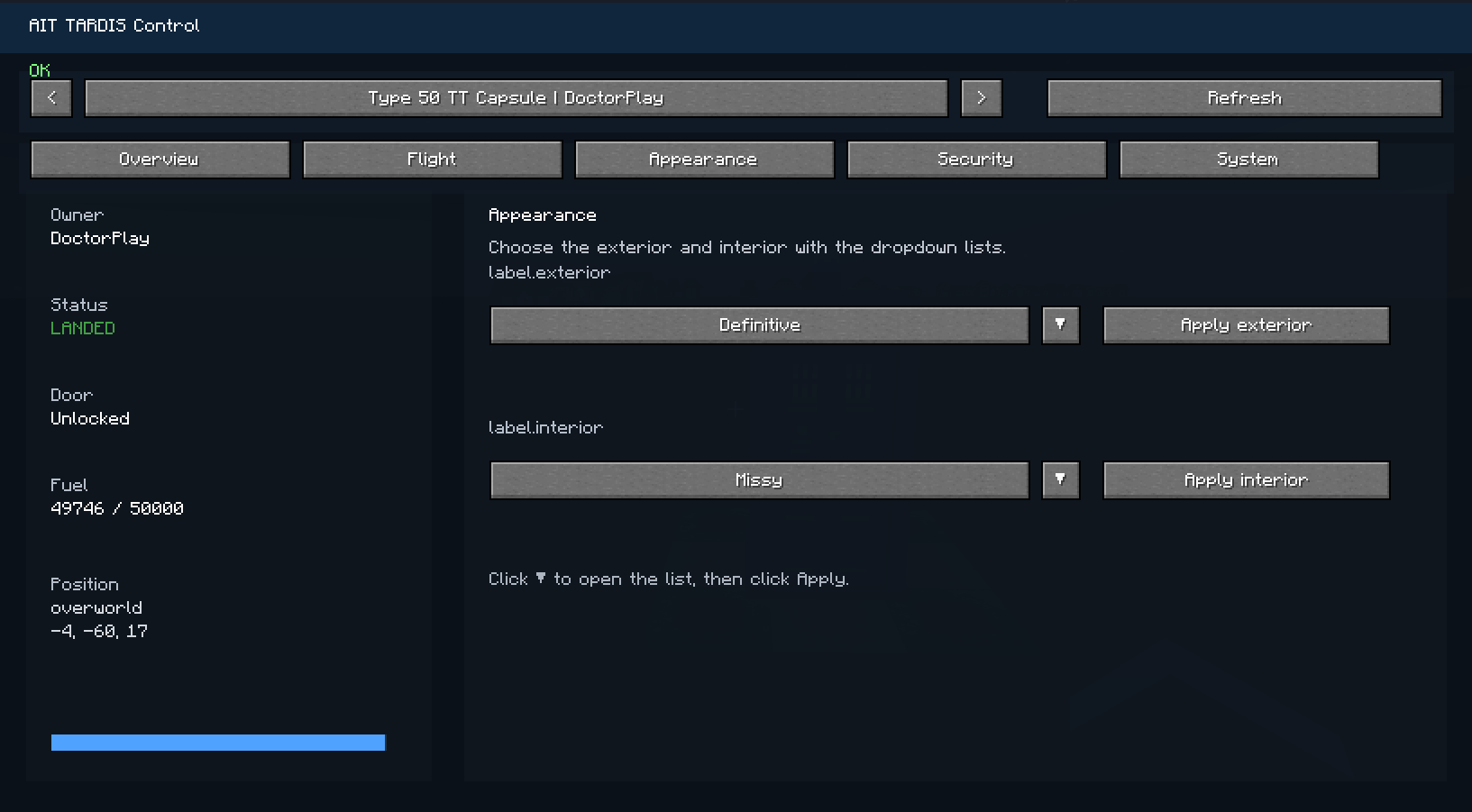
🎨 Customization
-
Change TARDIS exterior
-
Change TARDIS interior
-
Easy selection with dropdown menus
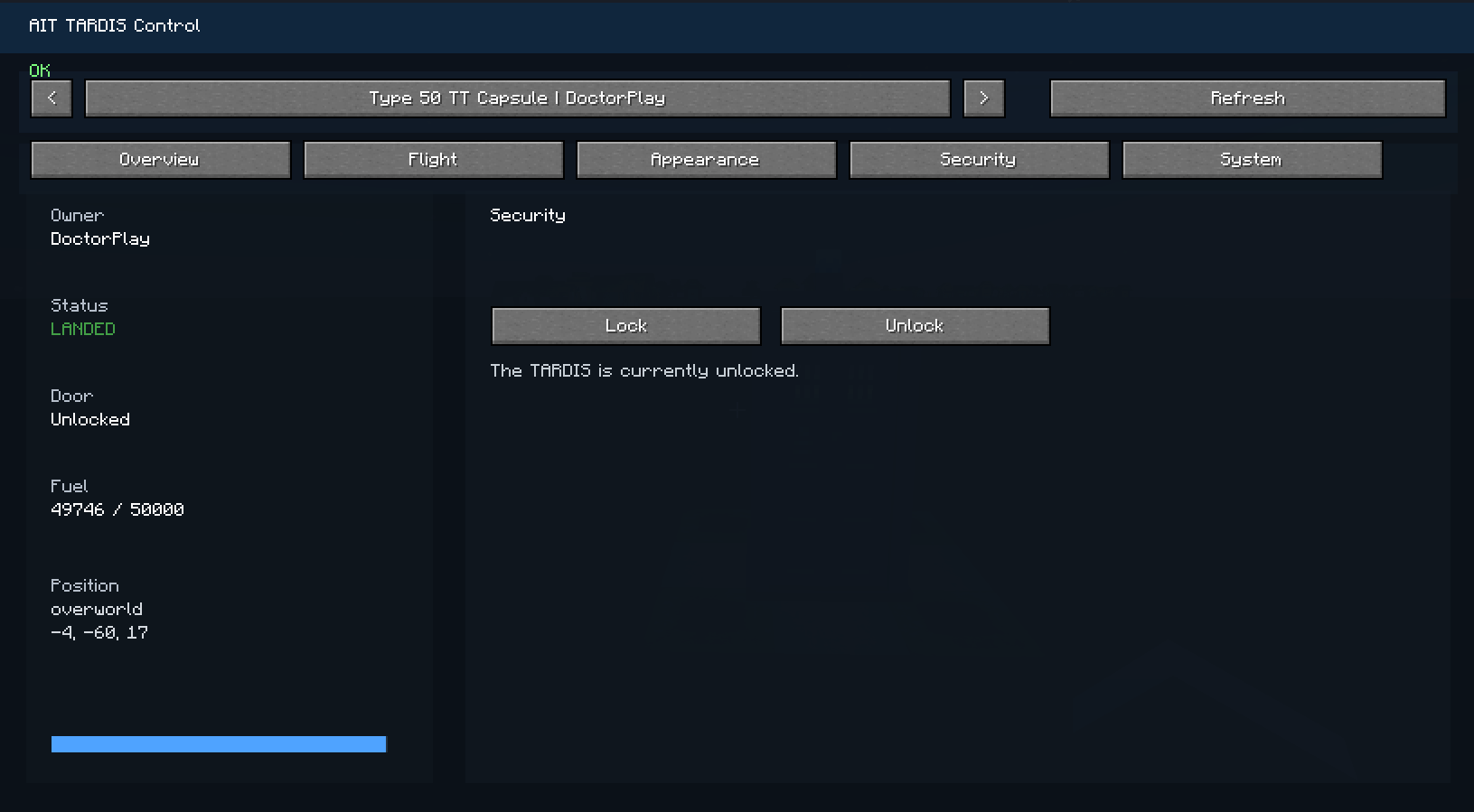
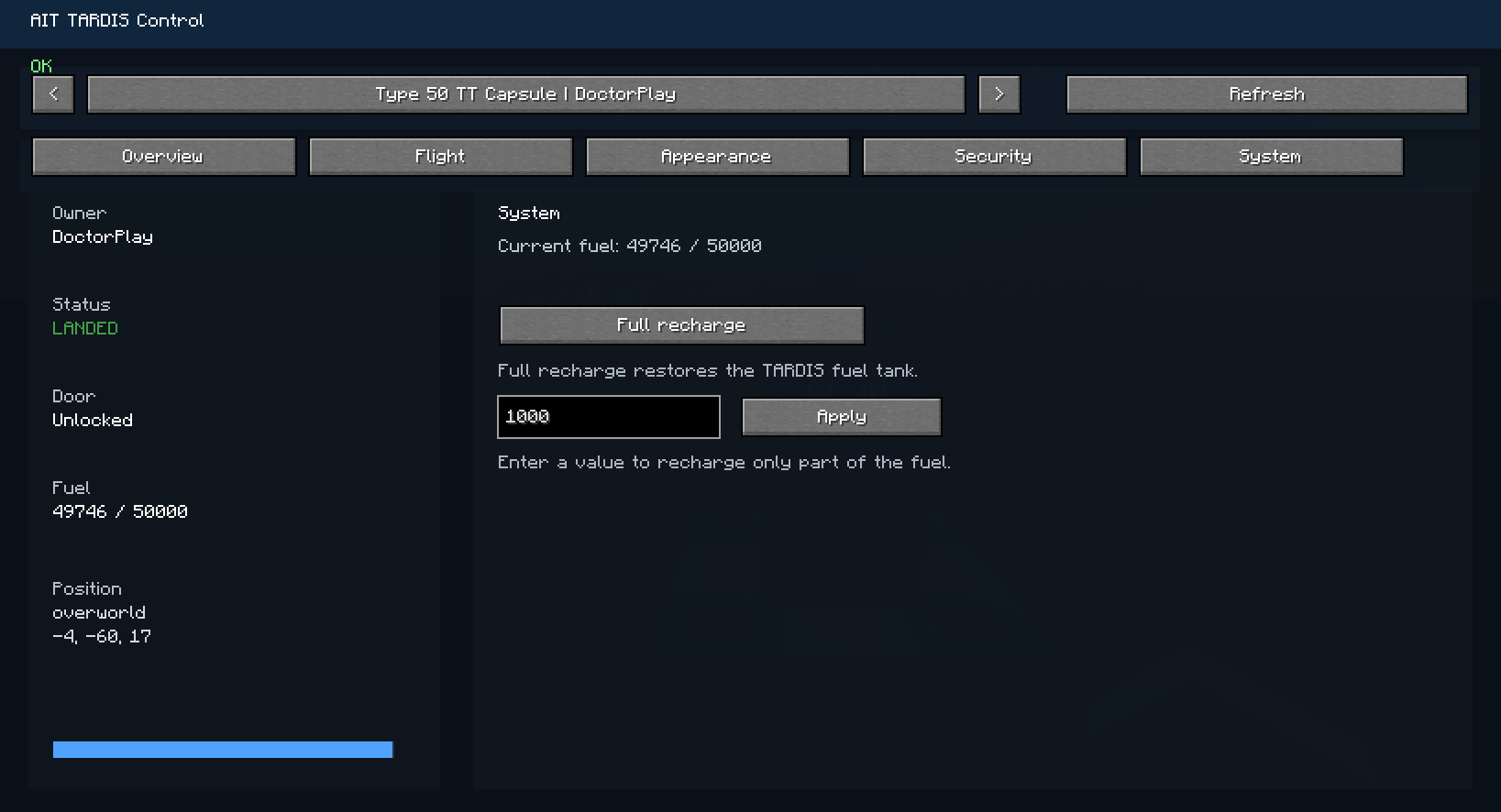
🔐 Security & System
-
Lock / Unlock doors
-
Recharge the TARDIS
-
Quick status overview
📊 HUD (In-game display)
-
TARDIS name
-
Status
-
Fuel
-
Position
-
Lock state
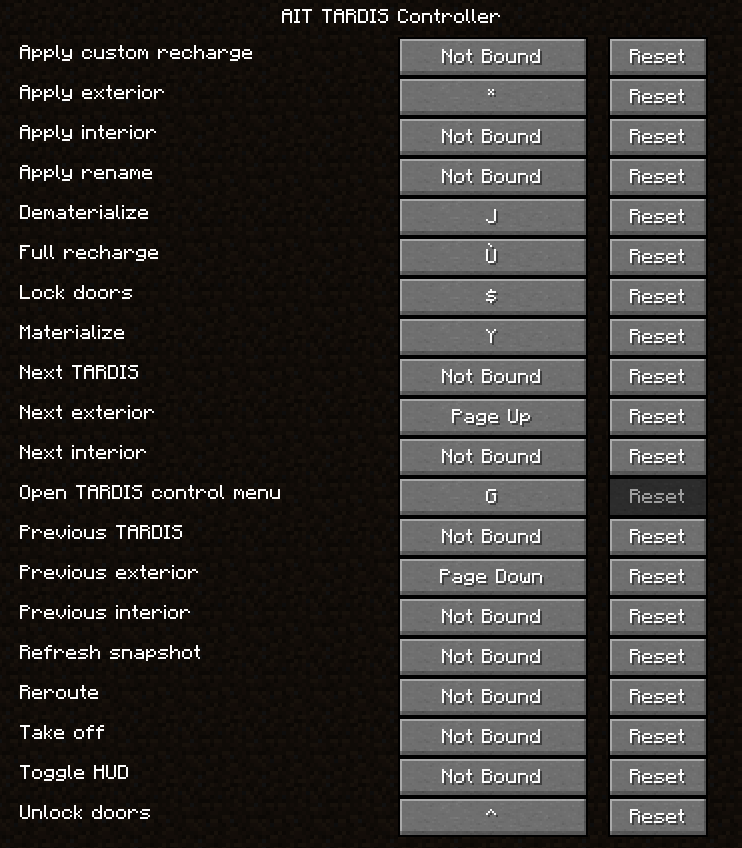
🎮 Controls
-
Press G to open the TARDIS control menu
⚠️ Requirements
-
Minecraft 1.20.1
-
Forge
-
Adventure in Time (AIT)
💡 Notes
-
This is an addon, not a standalone mod
-
Some features depend on AIT internal systems (fuel, permissions, etc.)
🔮 Future Updates
-
Improved visuals
-
Advanced HUD
-
More immersive TARDIS interface
- Edition: Minecraft Java
- File type: .jar
- Minecraft version listed: 1.20.1
- How to install: Install the matching mod loader (Forge, Fabric or NeoForge) for your Minecraft version. → Download the .jar. → Put it in the .minecraft/mods folder and launch that loader profile.
- Where to get it: Opens on CurseForge — not every file is mirrored on our own servers.
Install steps are the general flow for this file type — How to install Minecraft Java mods & modpacks walks through it step by step.
- Ships as aitaddon-1.0.3.jar — drop this file into the mods folder
- Download size: 55 KB
- Download link checked 13 Sept 2026 — working
These come from our own check of the pack file, not from the source page.