Dojutsu Slot || AHZNB's Naruto ShinobiCraft
Minecraft Java mod. Download on the author's site.
⬇ Download on CurseForge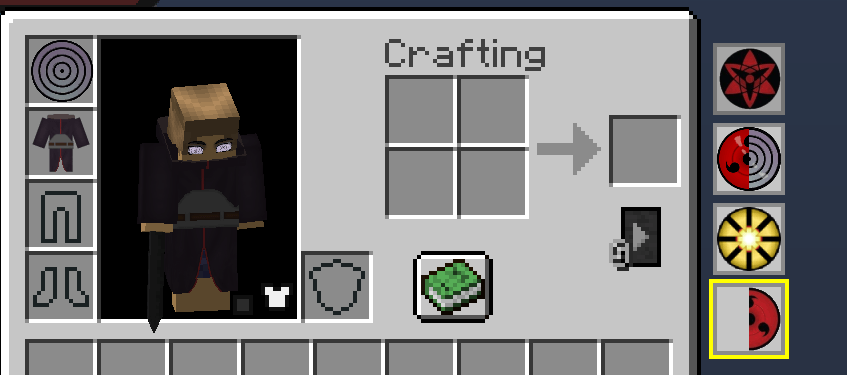
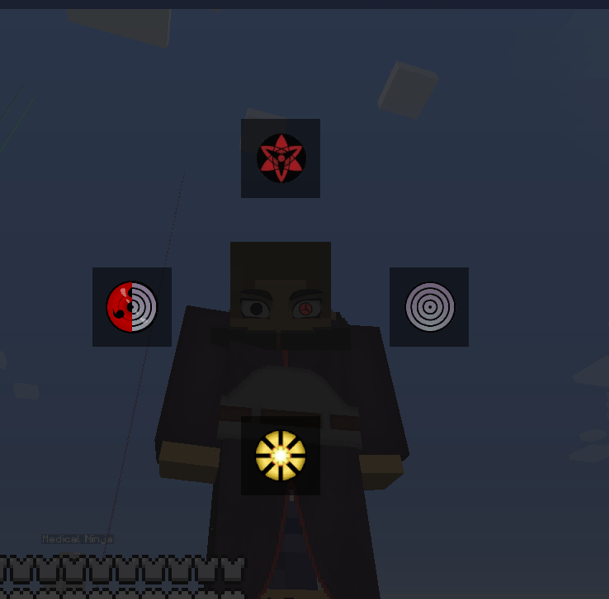
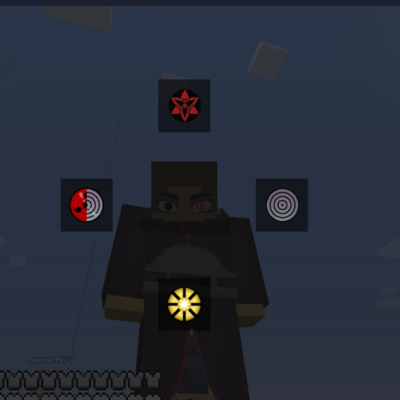
Dojutsu Slot is a quality-of-life and utility mod that adds 4 extra custom head slots to your inventory, allowing you to quickly cycle through helmets or head-wearable items using a custom radial menu.
Update 1.1
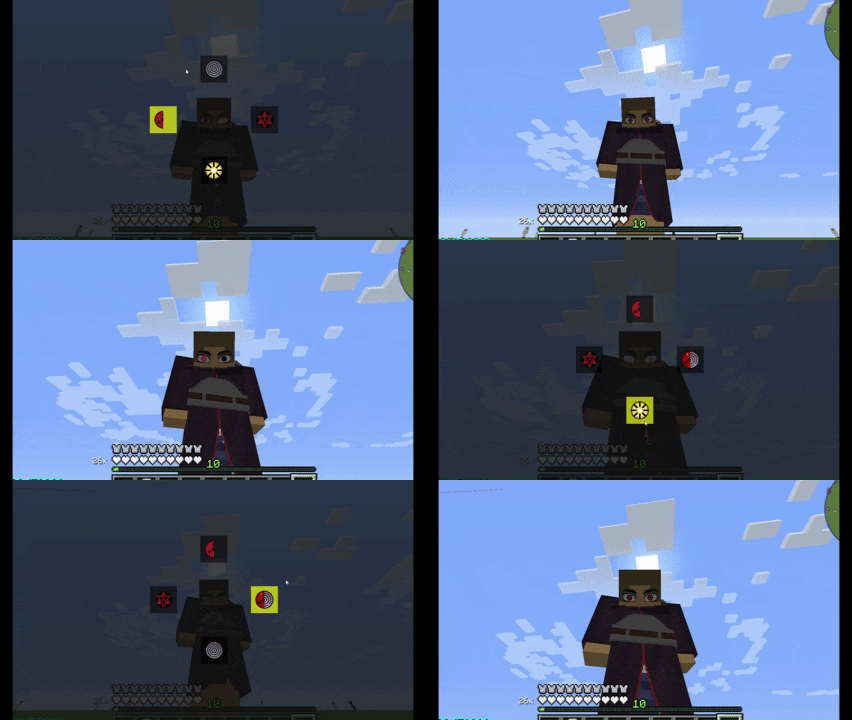
Added /slotconfig command to customize slot positions
Added button to show/hide slot bar
⚠️ Important Notes Before Downloading:
Personal Project: I created this mod strictly out of a personal need for my own gameplay. I decided to publish it here in case anyone else finds it useful, but please note that I do not know if I will continue updating or maintaining it in the future.
AHZNB's Naruto Mod Compatibility: This mod was specifically designed to be used alongside AHZNB's Naruto Mod. However, it does NOT require AHZNB's mod to work! You can use this mod completely standalone to swap vanilla helmets or gear from any other mods.
Why would you use this to switch between helmets from other mods? Good question… I honestly don’t know either. But since it’s here, feel free to use it however you want.
Features:
Extra Inventory Slots: Adds 4 dedicated head slots right next to your standard survival inventory.
Quick Swap Radial Menu: Hold down the V key (configurable) to open a radial menu. Hover your mouse over the desired dojutsu/helmet and release the key to instantly equip it.
- Edition: Minecraft Java
- File type: .jar
- How to install: Install the matching mod loader (Forge, Fabric or NeoForge) for your Minecraft version. → Download the .jar. → Put it in the .minecraft/mods folder and launch that loader profile.
- Where to get it: Opens on CurseForge — not every file is mirrored on our own servers.
Install steps are the general flow for this file type — How to install Minecraft Java mods & modpacks walks through it step by step.
Dojutsu Slot || AHZNB's Naruto ShinobiCraft is a free Minecraft Java mod. Downloaded 14,896 times (via CurseForge). Download it and open it directly in the game.