Better Snowy Leaves
Java mod listed for Minecraft 1.20–1.21. Downloads from the MC Java Mods app on Android.
I don't know my version or loader
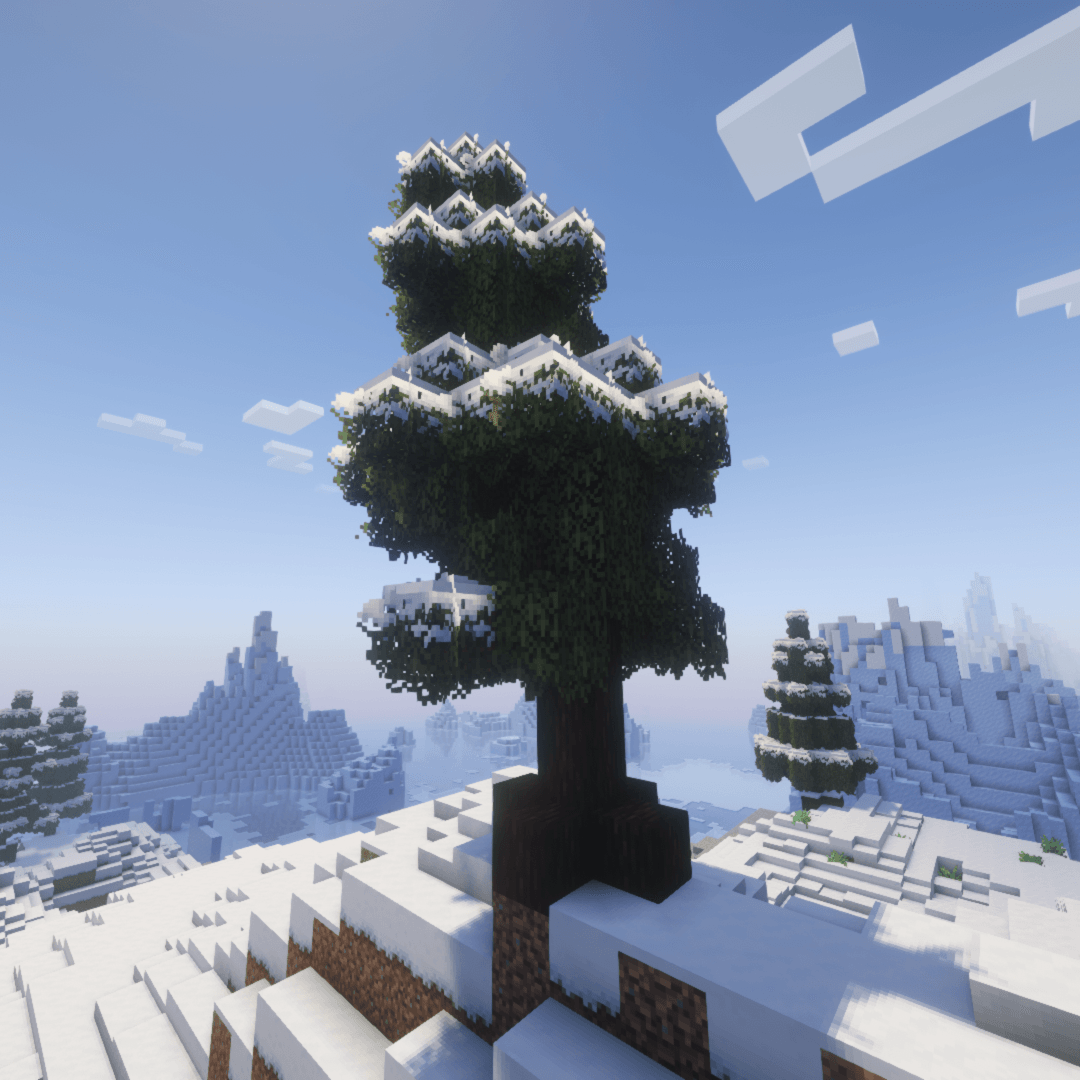
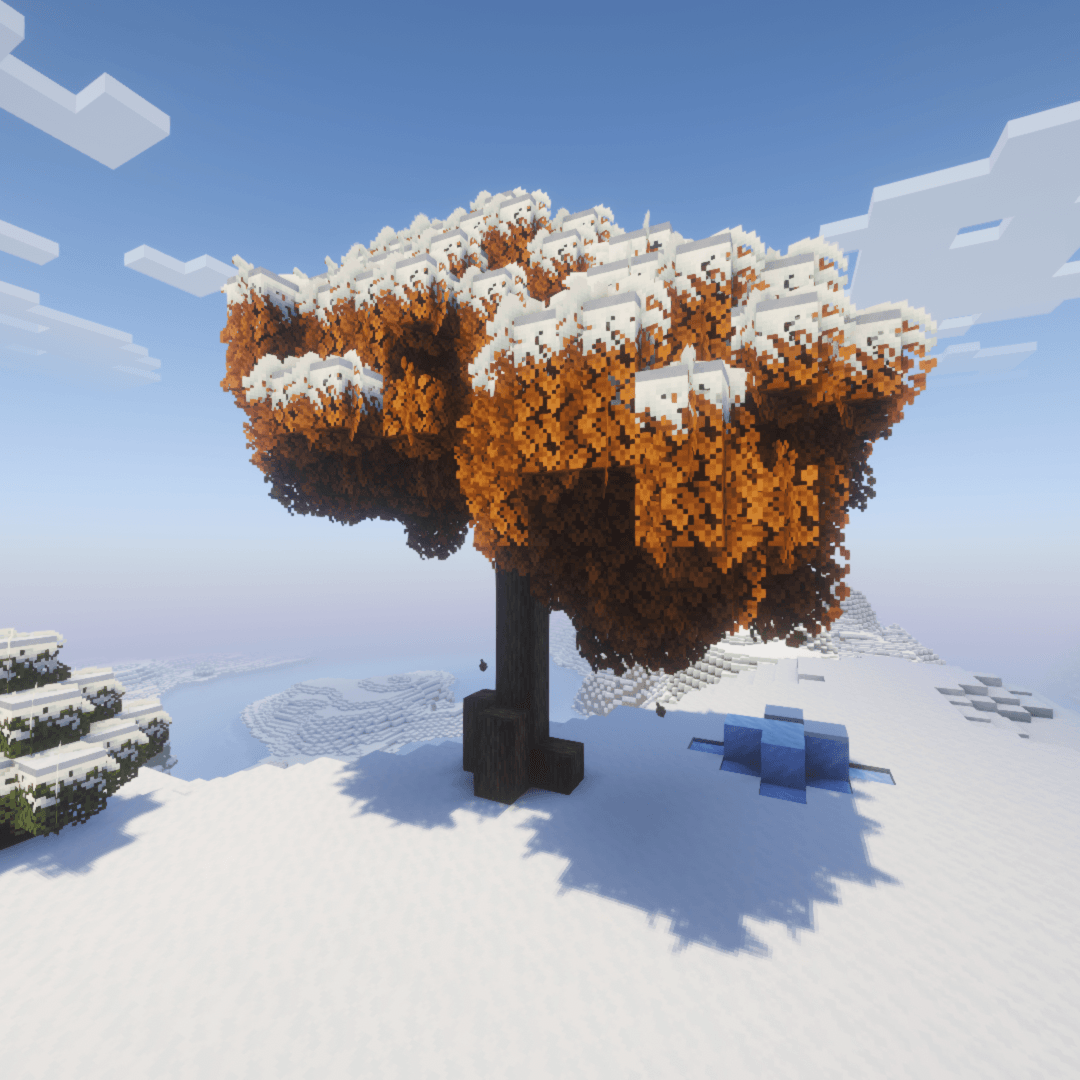
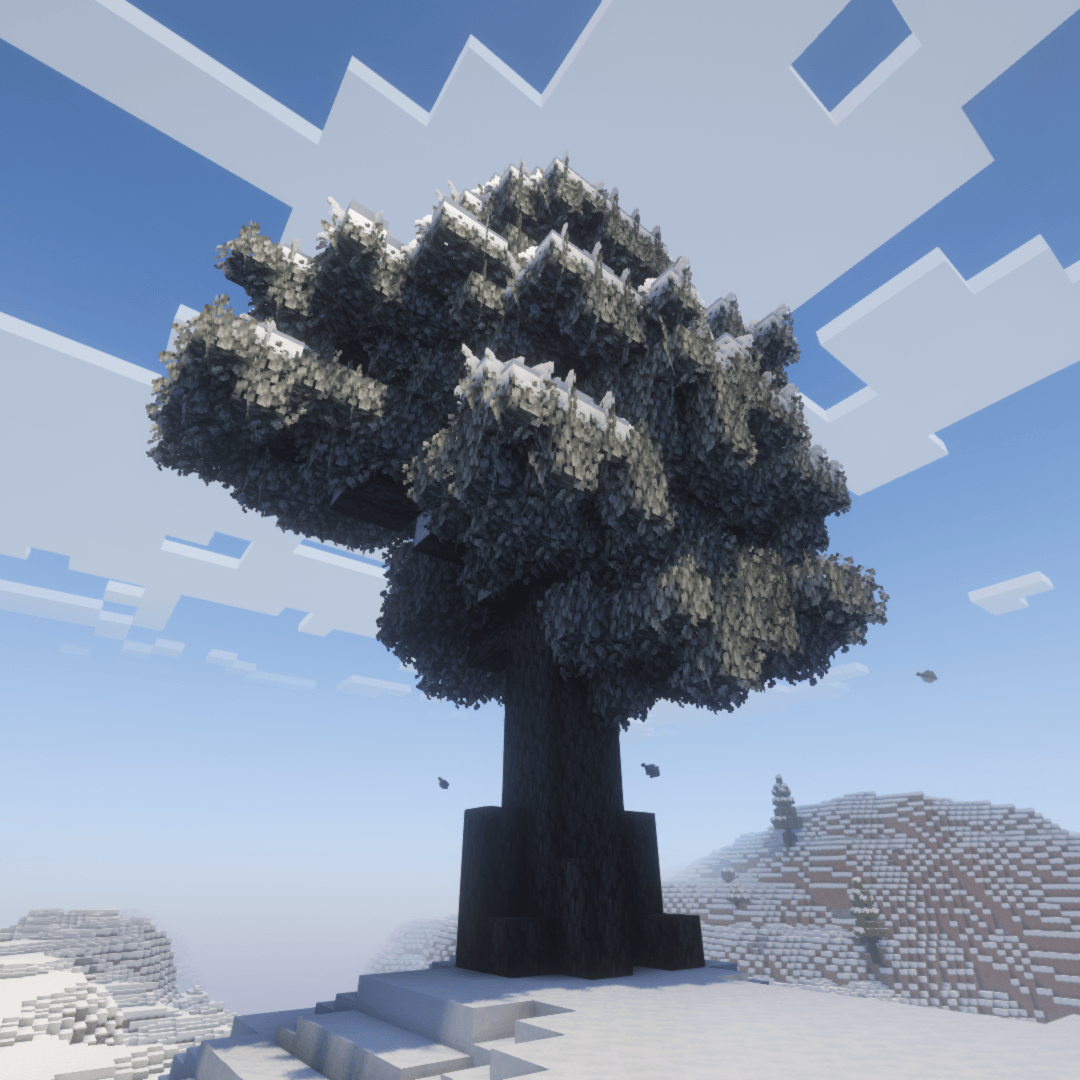
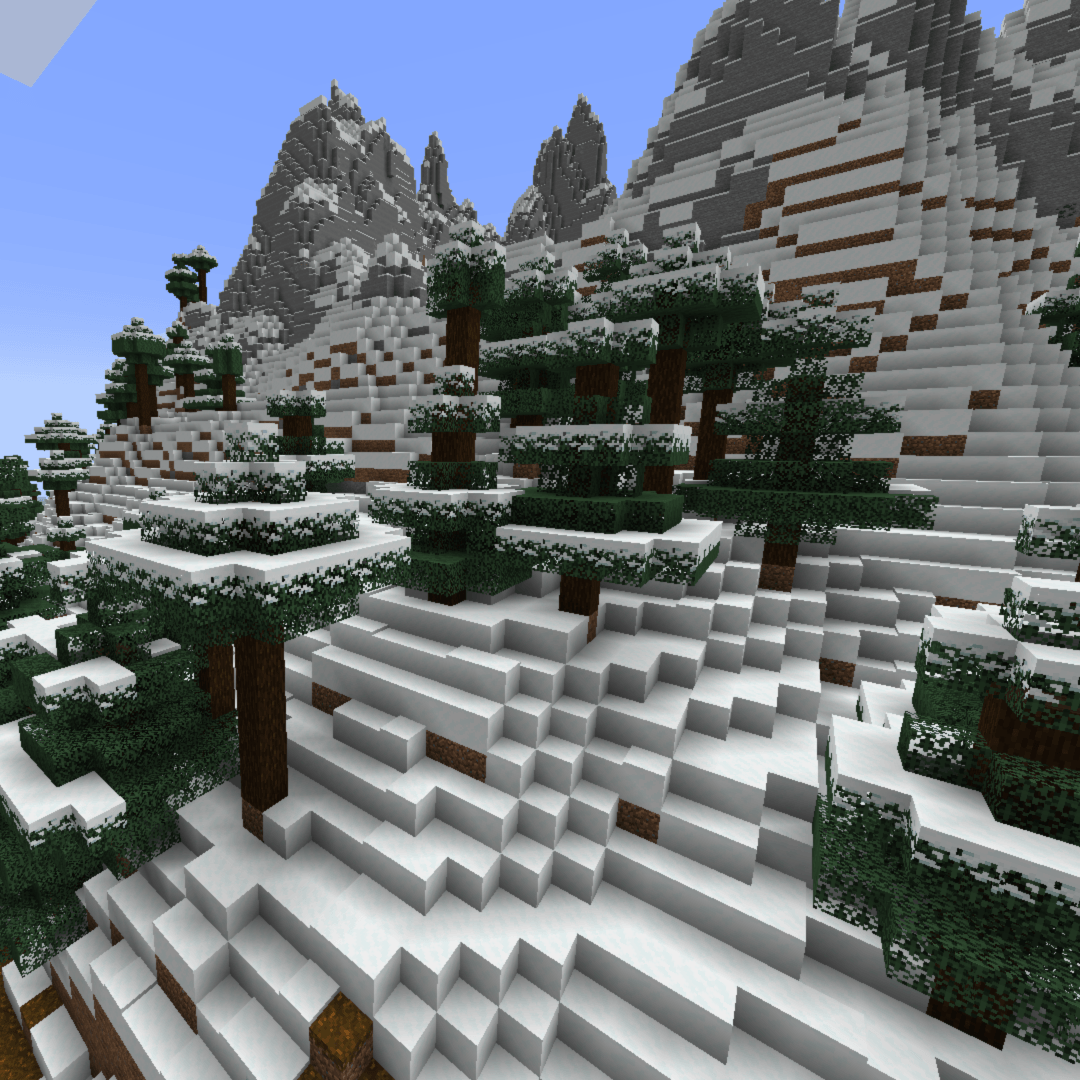
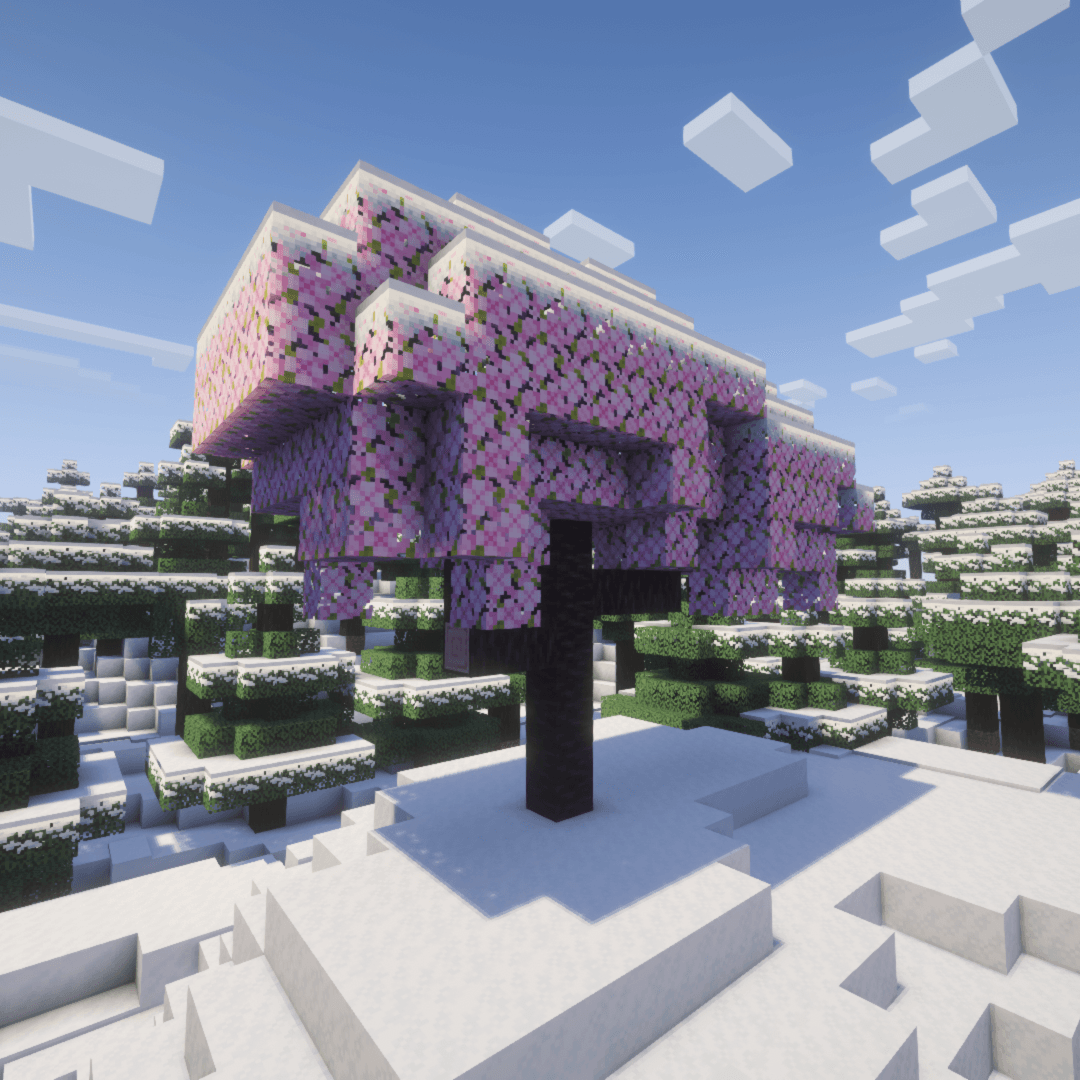
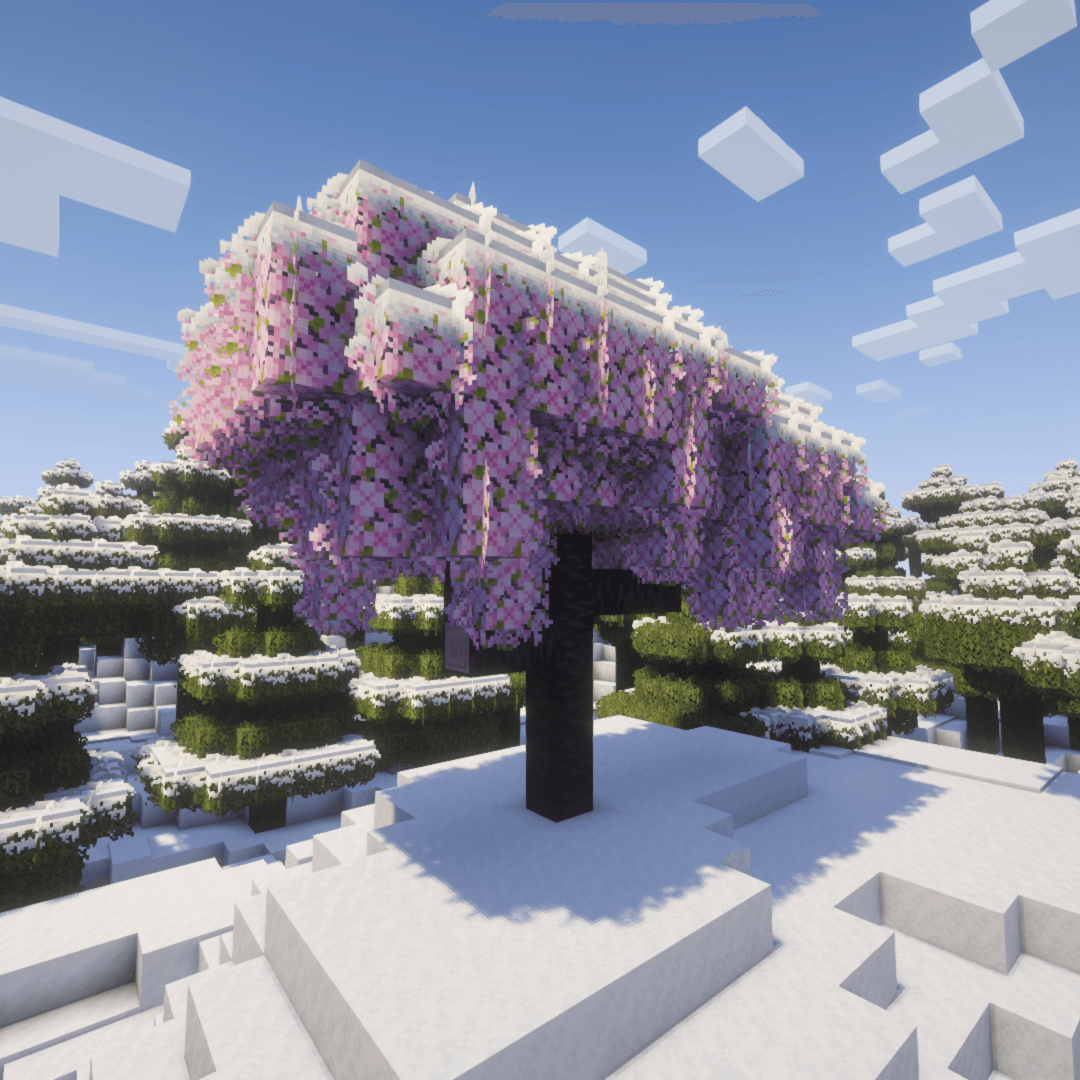
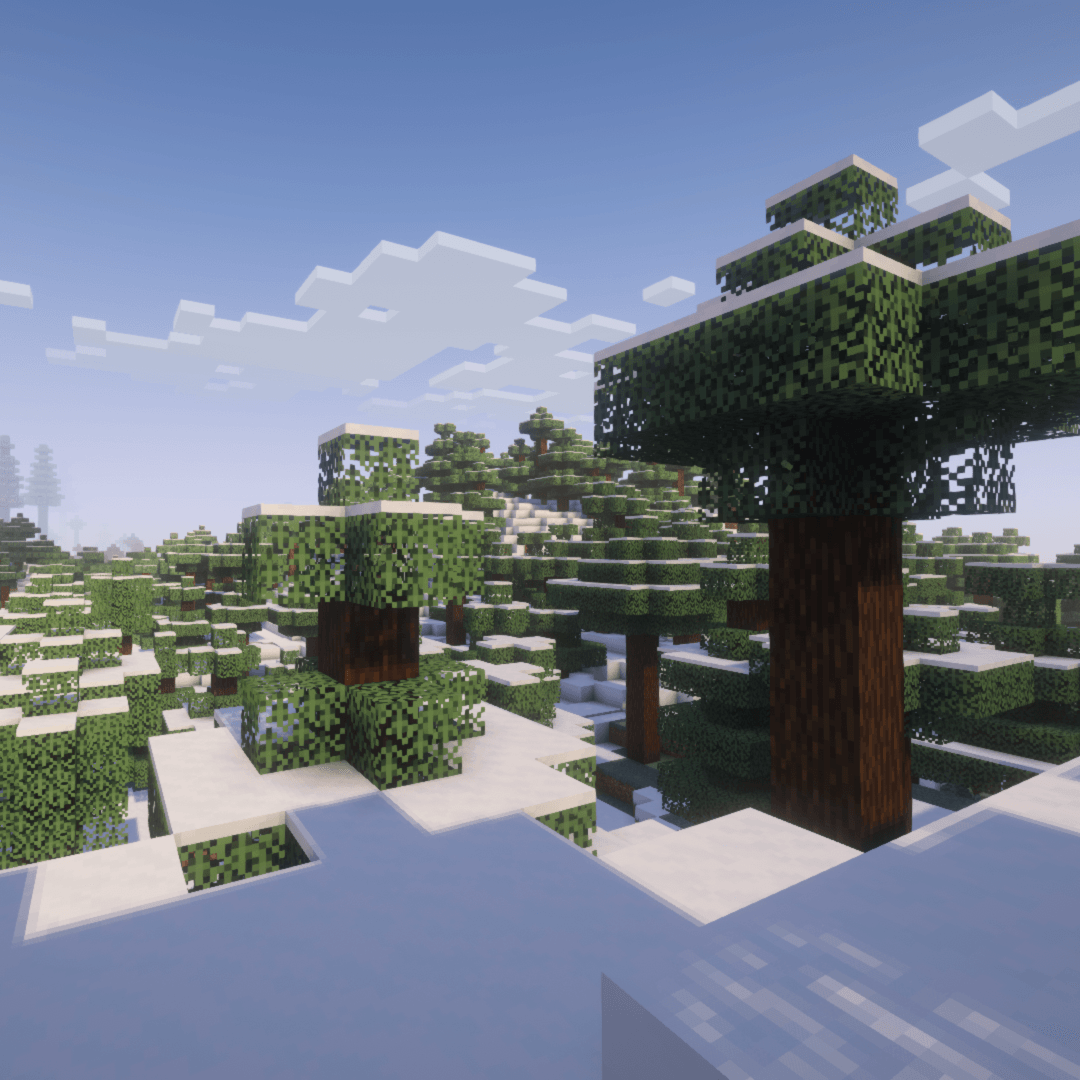
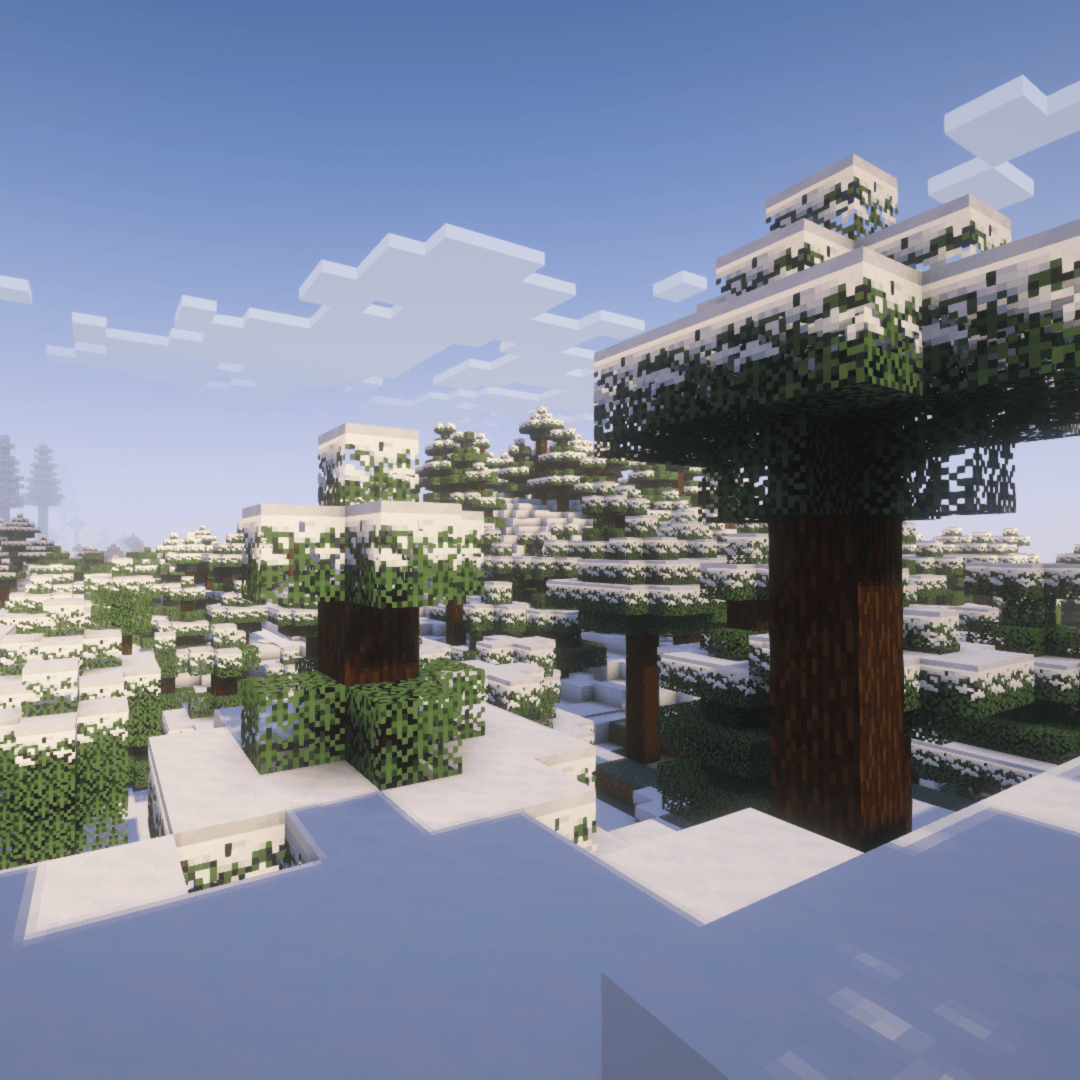
Better Snowy Leaves is a lightweight mod that aims to tweak one subtle visual: foliage snow cover; making snowy trees in Minecraft look more natural by adding new textures that overlay snow onto leaves. This mod is designed for anyone who appreciates a dash of natural environmental detail while keeping vanilla gameplay untouched.
About
Better Snowy Leaves is so simple because it does one thing: add a new #snowy blockstate to foliage blocks, similar to the grass block. That way, temperate and tropical biomes display the original foliage textures, just as expected, while embellishing the foliage in cold, snowy biomes.
Compatibility
Better Snowy Leaves is designed to feel like a natural extension to vanilla Minecraft, which means:
- No gameplay changes
- No new blocks or items
- Optimized and performance-friendly implementation
This mod should be 100% compatible with other mods and datapacks that modify foliage behavior. Any existing world or server should also be able to add Better Snowy Leaves without issue, and the mod can be removed while keeping worlds and servers intact.
Included in the mod are built-in resources for compatibility with the resource packs listed below. Simply move the respective resource pack above the Default Snowy Leaves resource pack.
- Stay True
- rainbow's foliage: polytone (currently only vanilla leaves; parity with supported mods is planned)
Better Snowy Leaves does not currently include resources for modded leaves, but support is planned. If you would like to see support for another mod with custom foliage, reach out on GitHub!
Note: Resource packs that modify foliage textures or models may interfere with the visual features of this mod.
- Edition: Minecraft Java
- File type: .jar
- Minecraft versions listed: 1.20.1, 1.21.1, 1.21.11
- How to install: Install the matching mod loader (Forge, Fabric or NeoForge) for your Minecraft version. → Download the .jar. → Put it in the .minecraft/mods folder and launch that loader profile.
- Where to get it: Opens on CurseForge — not every file is mirrored on our own servers.
Install steps are the general flow for this file type — How to install Minecraft Java mods & modpacks walks through it step by step.
- Ships as snowyleaves-1.2.2-beta-fabric+1.20.1.jar — drop this file into the mods folder
- Download size: 91 KB
- Download link checked 3 Oct 2026 — working
These come from our own check of the pack file, not from the source page.