RailSpeed
Java mod listed for Minecraft 1.20–1.21. Downloads from the MC Java Mods app on Android.
Boost your rail network! This lightweight datapack increases Minecart top speeds, making them a viable, high-speed alternative to Blue Ice and Elytras.
I don't know my version or loader
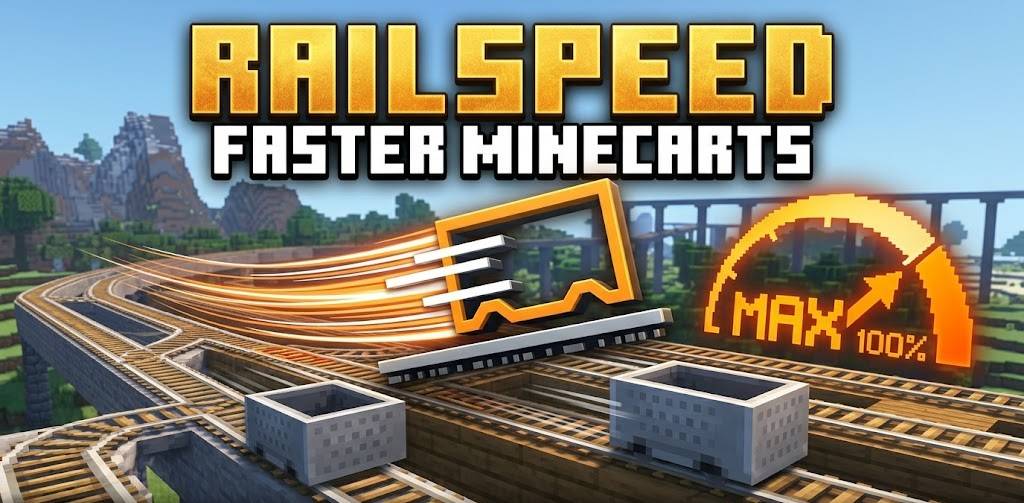
Revolutionize Your Rails
Tired of Minecarts feeling like a relic of the past? RailSpeed transforms your rail infrastructure into a true high-speed transit system. No more waiting minutes to travel between bases—get there in seconds with optimized, high-velocity Minecarts.
✨ Key Features
-
Increased Speed: Boosts the default minecart speed.
-
Vanilla Compatible: Works with standard Power Rails. No custom blocks or complex machinery required.
-
Performance Friendly: Built using optimized functions to ensure zero impact on server TPS (Ticks Per Second).
-
Automatic Scaling: Safely handles corners and slopes to prevent "derailing" (jankiness) often found in older speed mods.
🚀 Why use this?
In the current meta, Elytras and Blue Ice highways dominate travel. This datapack brings the "Mine" back to Minecraft by making rail networks competitive again. It’s perfect for:
-
Large Scale Servers: Create a functional subway system for your community.
-
Early-Game Logistics: Move items and players quickly before you have an Elytra.
-
Aesthetic Builds: Finally use those beautiful rail designs for more than just decoration.
🛠️ How to Install
-
Download the
.zipfile. -
Drop it into the
datapacksfolder of your world save. -
In-game, type
/reload. -
(Optional) If the speed doesn't change automatically, use
/gamerule minecartMaxSpeed [YourSpeed]to fine-tune your experience!
Compatibility
-
Version: Minecraft 1.20.x and above.
-
Multiplayer: Fully compatible with Fabric, Quilt, and Paper/Spigot servers.
-
Mod Compatibility: Works alongside most world-gen and utility mods.
- Edition: Minecraft Java
- File type: .jar
- Minecraft versions listed: 1.21, 1.20.2, 1.21.8
- How to install: Install the matching mod loader (Forge, Fabric or NeoForge) for your Minecraft version. → Download the .jar. → Put it in the .minecraft/mods folder and launch that loader profile.
- Where to get it: Opens on CurseForge — not every file is mirrored on our own servers.
Install steps are the general flow for this file type — How to install Minecraft Java mods & modpacks walks through it step by step.
- Ships as spaces-faster-minecarts-1.21.11.jar — drop this file into the mods folder
- Download size: 10 KB
- Download link checked 3 Oct 2026 — working
These come from our own check of the pack file, not from the source page.