ModsJava
Quantum Hitbox
Java mod listed for Minecraft 1.21. File opened and checked on 15 Oct 2026; downloads from the MC Java Mods app on Android.
Mod that gives you total control over entity hitboxes. Featuring real-time RGBA customization, smooth Chroma cycling, and advanced visibility filters…
I don't know my version or loader
Open the Minecraft launcher and look at the profile you play on — it names both, like fabric-loader-1.21.4. The version also shows in the bottom-right corner of the game's main menu.
No loader in the profile name? Then it's plain Minecraft, and these mods won't run — you need Fabric or NeoForge installed first.
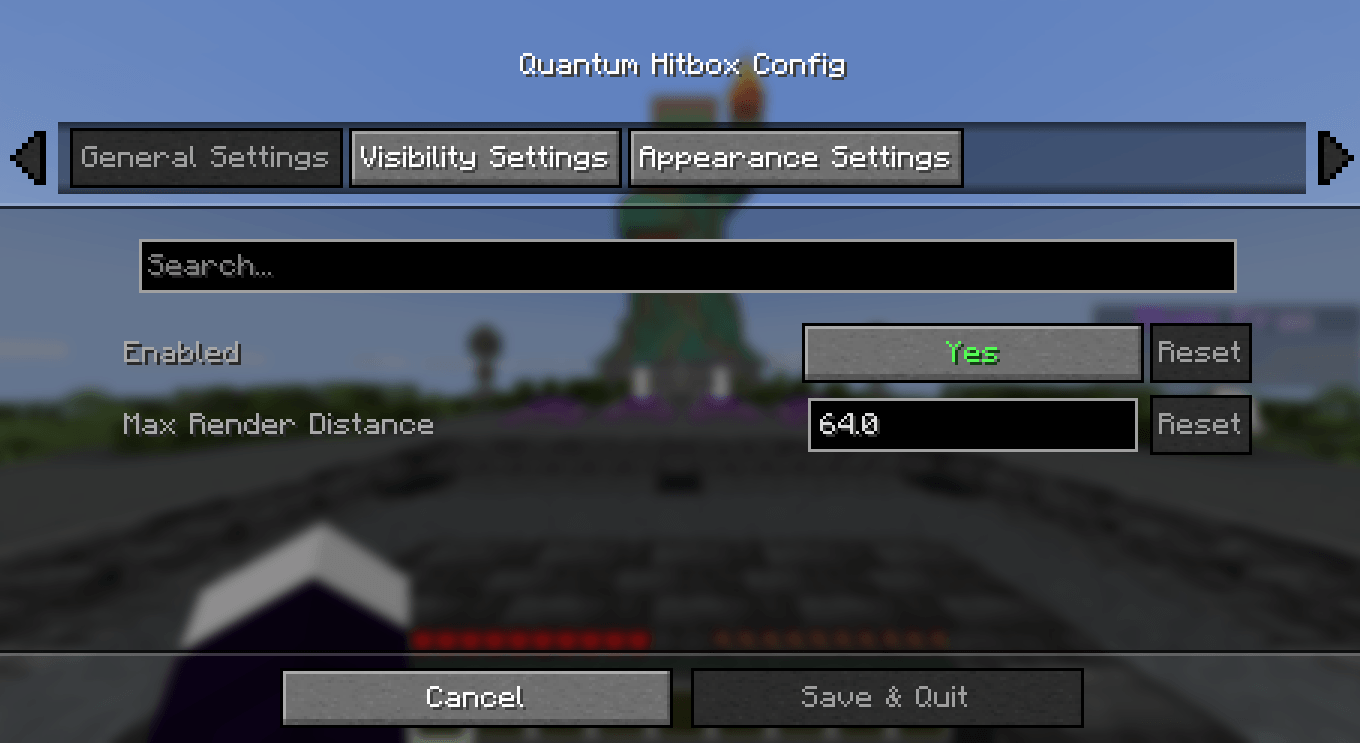
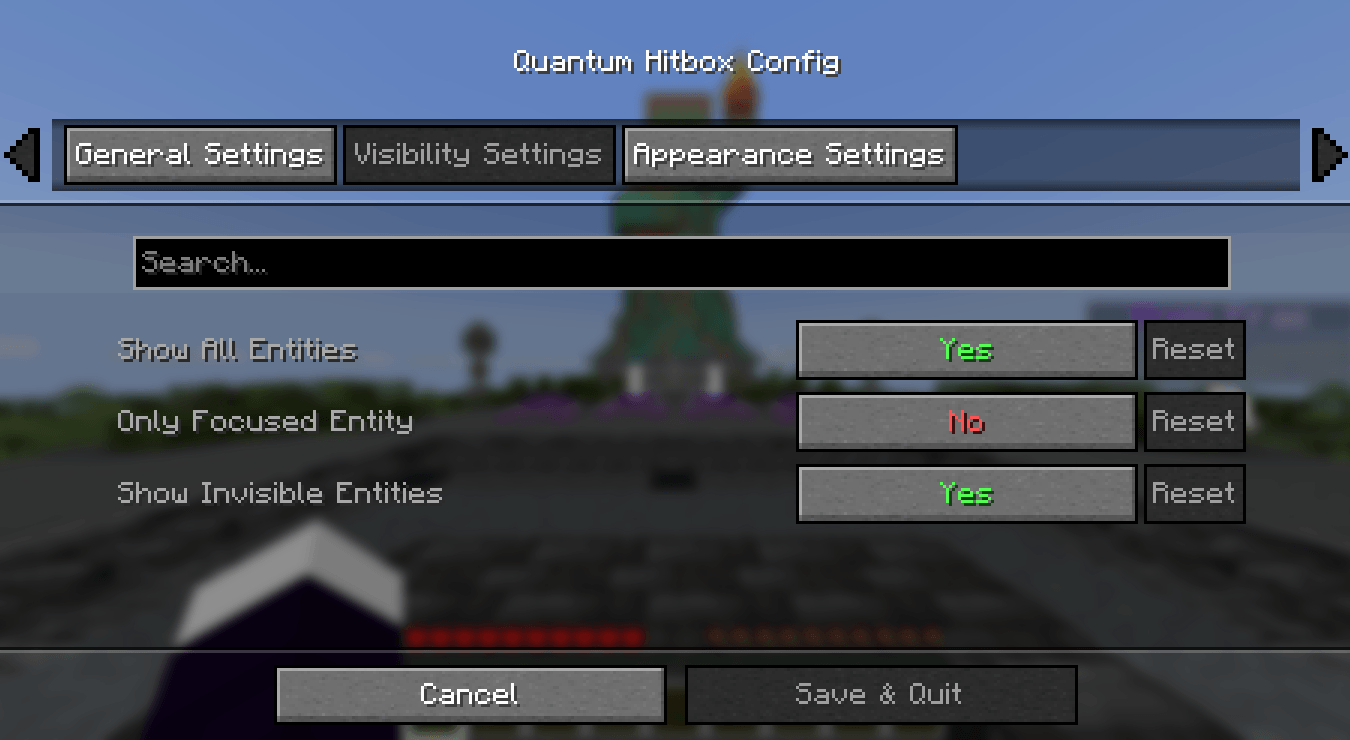
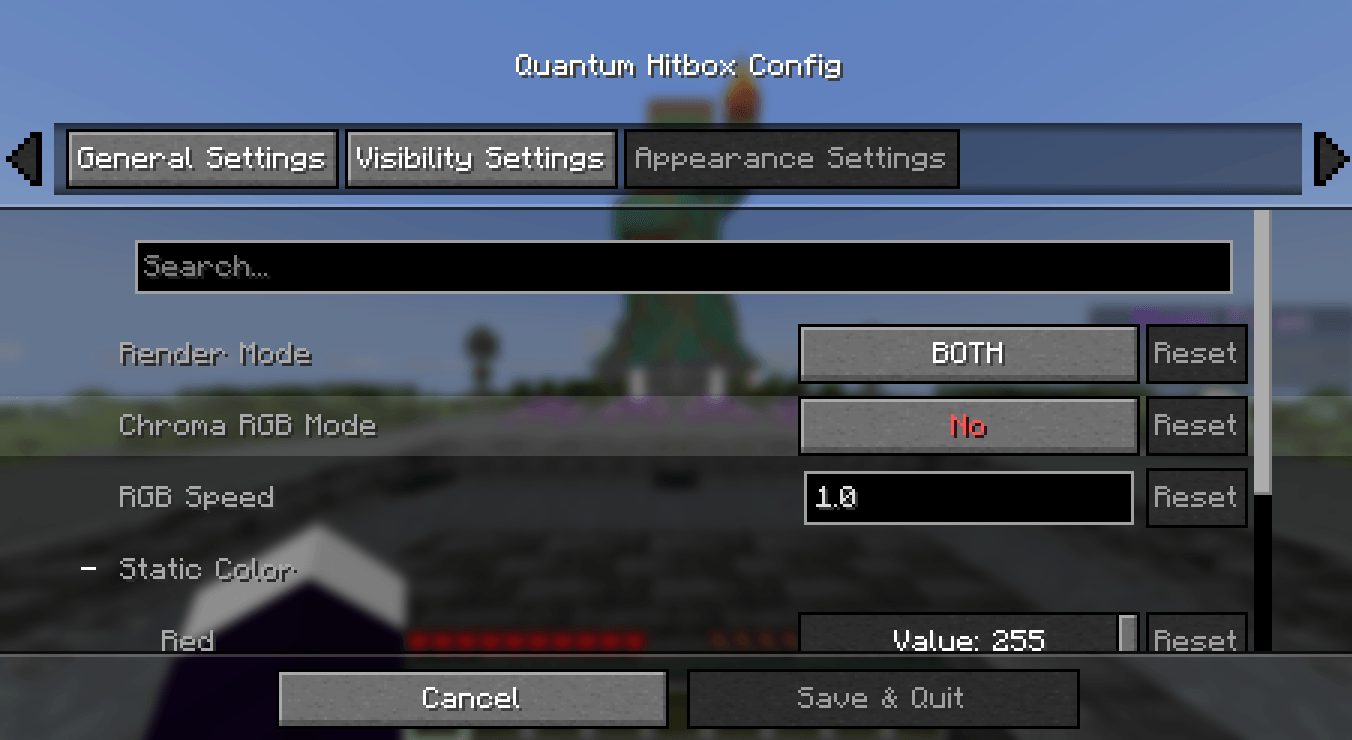
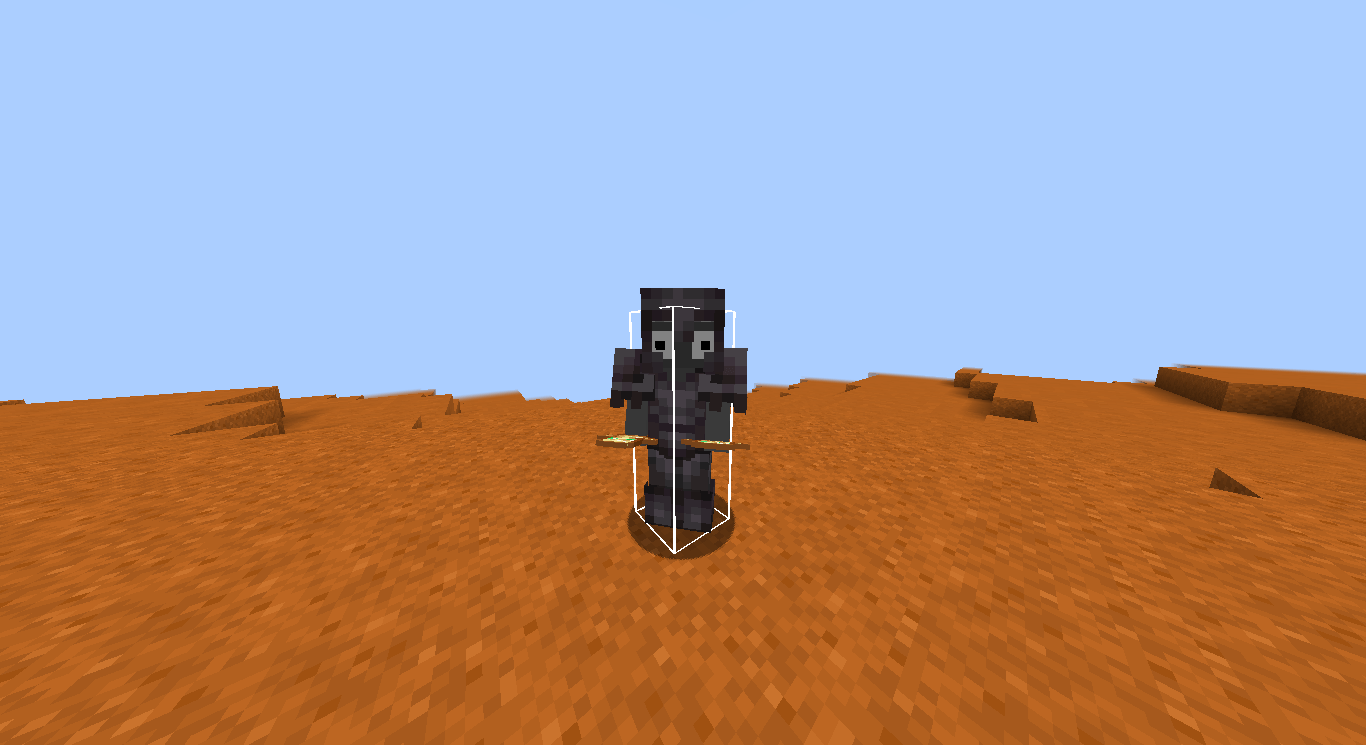
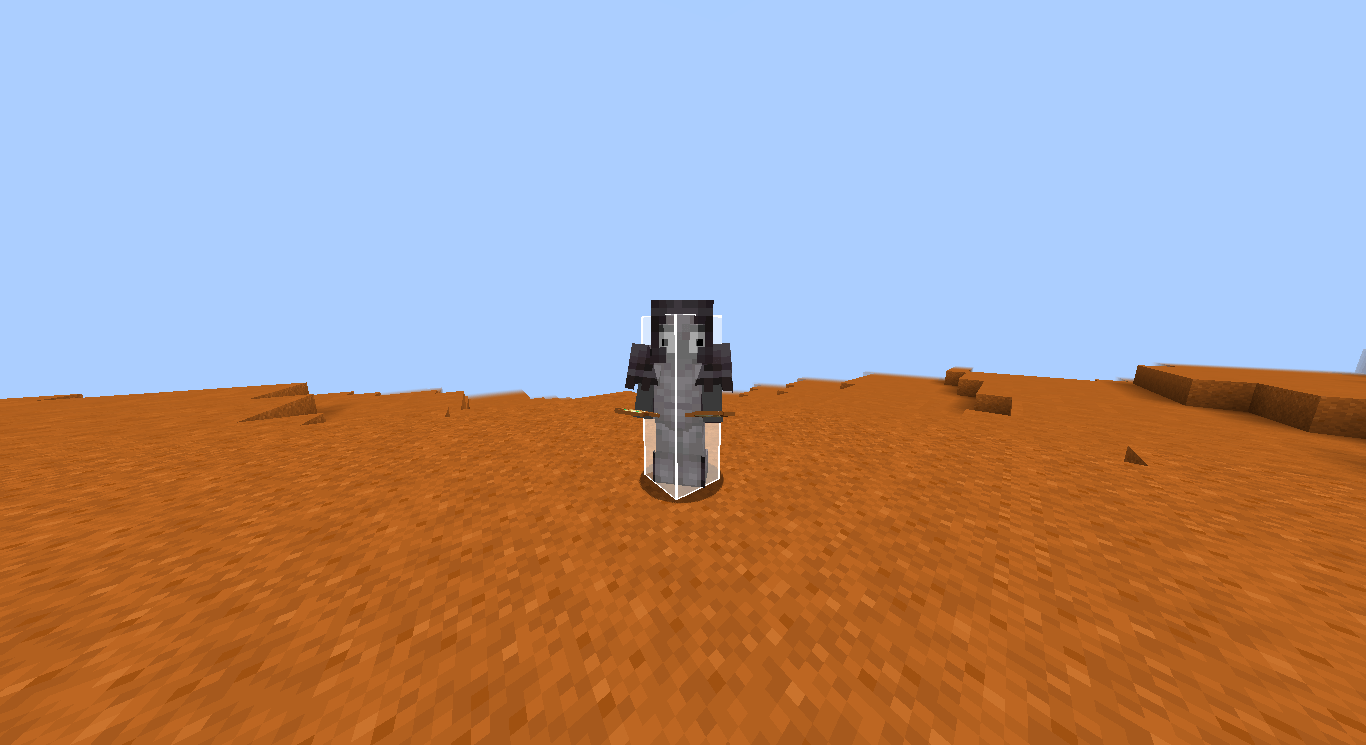
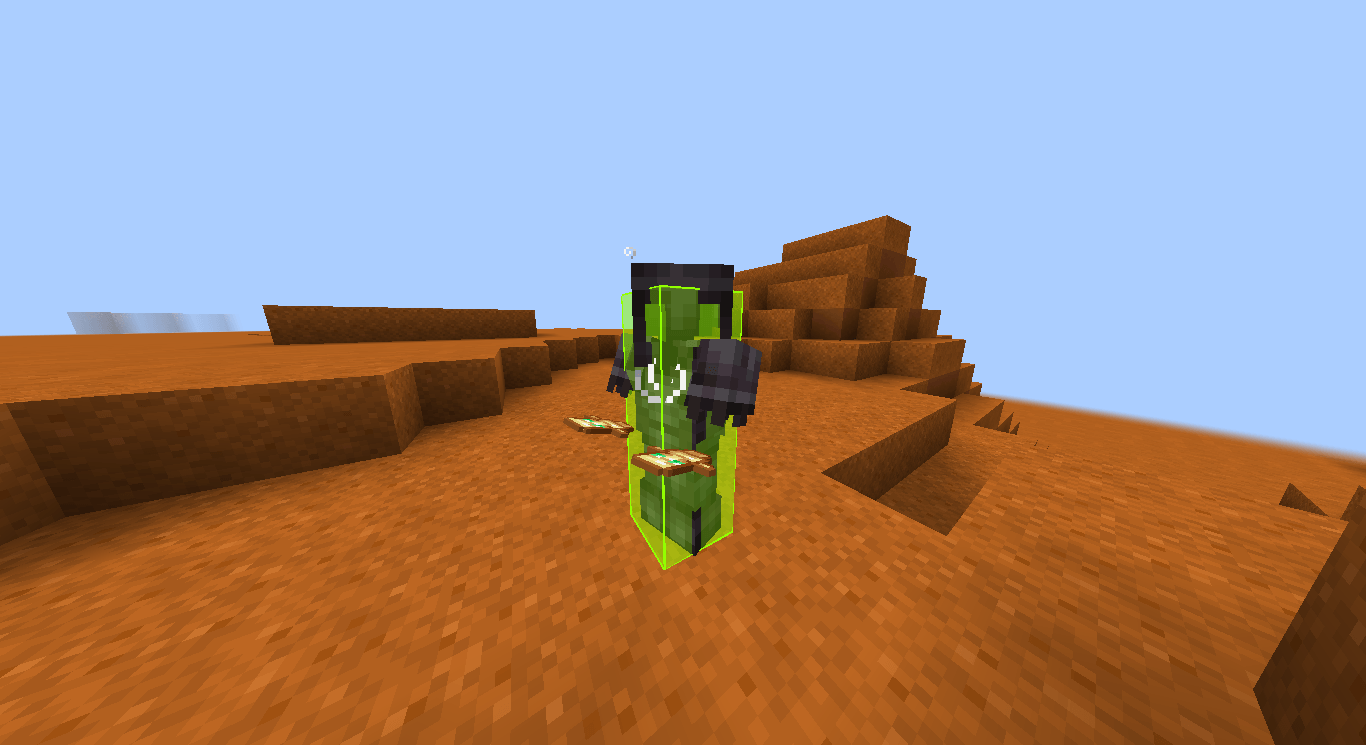
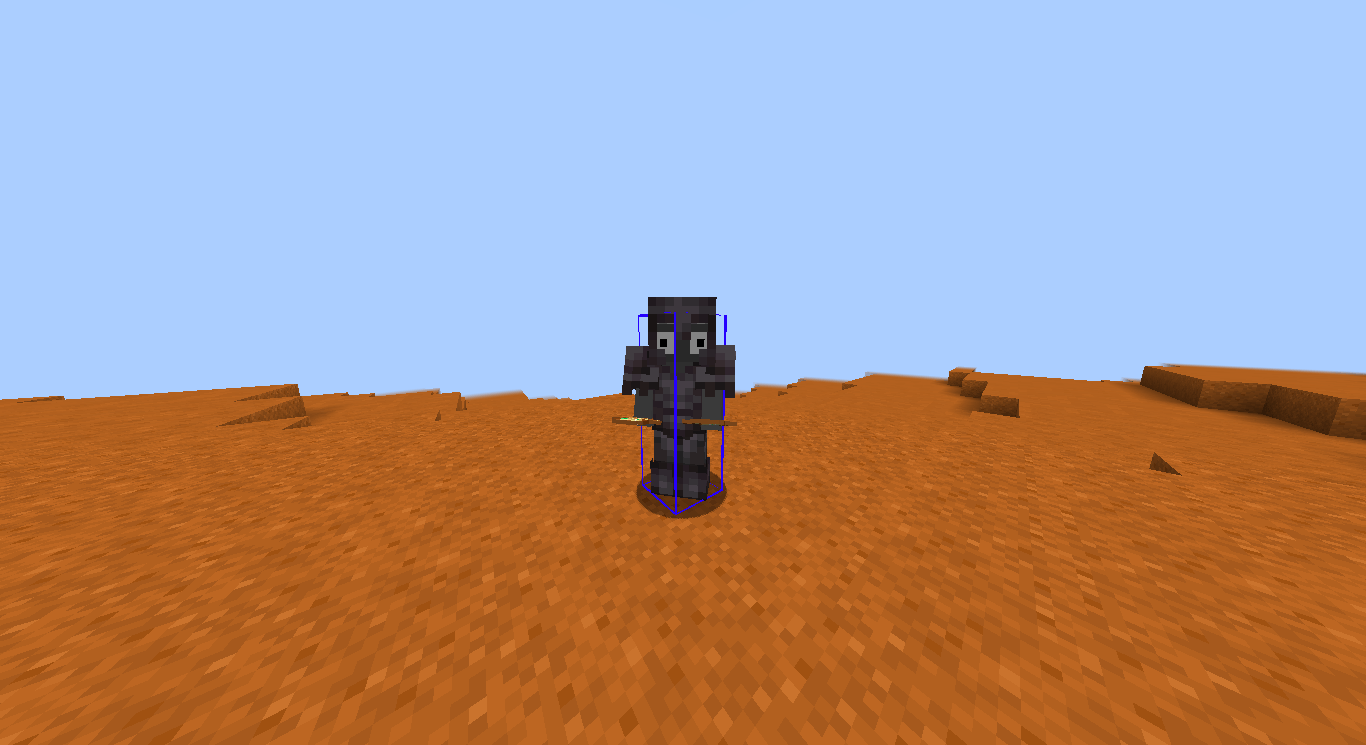
✨ Quantum Hitbox Features
- Real-time RGBA Customization – Use intuitive sliders to pick any color and transparency level. Watch the changes happen instantly in the world as you move the bars!
- Smooth Chroma (RGB) Mode – Enable dynamic color cycling with adjustable speed for a vibrant, animated hitbox experience.
- Multiple Render Modes – Choose between a solid Fill, a sleek Outline, or Both to match your preferred visual style.
- Advanced Visibility Filters – Fine-tune what you see: toggle hitboxes for all entities, only the one you're looking at (crosshair), or even invisible entities.
- Self-Hitbox Hiding – Intelligently hides your own hitbox in first-person view to keep your screen clear while maintaining full visibility of others.
- Native & Professional UI – A clean, intuitive configuration menu that integrates seamlessly via Mod Menu & Cloth Config.
- Persistent Config – Your settings are automatically saved to a JSON file and reloaded every time you launch the game.
🎮 How to use
- Install the mod and launch Minecraft.
- Open the config screen via Mod Menu or using your assigned keybinding (Check "Controls" to set your favorited key).
- Adjust the Red, Green, and Blue sliders to find your perfect color.
- Use the Alpha slider to set the transparency (affects both fill and outline!).
- Toggle Chroma for a rainbow effect or change the Render Mode to switch between solid and outline looks.
- Click Done to save. Your changes are visible instantly!
🐛 Bug reports & suggestions
Send me a DM on Discord: marcellesa
Quick facts
- Edition: Minecraft Java
- File type: .jar
- Minecraft versions listed: 1.21.11, 1.21, 1.21.8
- How to install: Install the matching mod loader (Forge, Fabric or NeoForge) for your Minecraft version. → Download the .jar. → Put it in the .minecraft/mods folder and launch that loader profile.
- Where to get it: Opens on CurseForge — not every file is mirrored on our own servers.
Install steps are the general flow for this file type — How to install Minecraft Java mods & modpacks walks through it step by step.
File checked by MCModsHub
- Ships as quantum_hitbox-1.0.3.jar — drop this file into the mods folder
- Download size: 1.4 MB
- Download link checked 3 Oct 2026 — working
These come from our own check of the pack file, not from the source page.