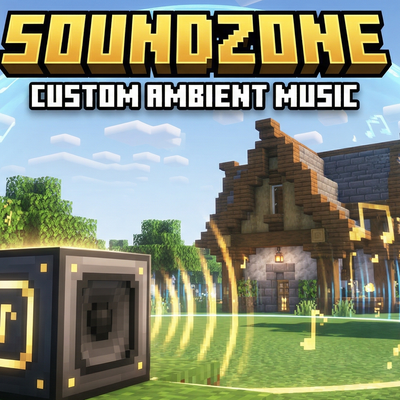
SoundZone: Custom Ambient Music
SoundZone is the perfect tool for map creators, server owners, and atmosphere enthusiasts. This mod adds a dedicated speaker block to the game, allowing…
⬇ Download on CurseForgeThe author built this one for Minecraft 1.20.1 on Forge. On other versions it may install and then do nothing.
✨ Key Features:
-
🎧 Your Music: Supports
.oggand.wavformats. Just drop your audio files into the/soundzone_music/folder in your game directory. -
📐 Flexible Zone Setup: * Choose your coverage shape: Sphere (Cylinder) or Cube (Box).
-
Adjust Radius and Height independently to make the sound fit your building perfectly.
-
-
🔊 Smooth Fading: The volume decreases smoothly as you move away from the source. No more abrupt sound cut-offs!
-
⚙️ Full Minecraft Integration:
-
Speaker volume is synced with your in-game audio settings.
-
It responds to both Master Volume and Ambient/Environment sliders.
-
Settings are individual for every player!
-
-
🌌 Visual Control: While holding the Speaker item, you see beautiful particles that mark the exact boundaries of your sound zone.
-
🖥️ User-Friendly Interface: A simple and intuitive GUI allows you to configure all parameters and select tracks from a list in just a few clicks.
- Edition: Minecraft Java
- File type: .jar
- Minecraft version listed: 1.20.1
- How to install: Install the matching mod loader (Forge, Fabric or NeoForge) for your Minecraft version. → Download the .jar. → Put it in the .minecraft/mods folder and launch that loader profile.
- Where to get it: Opens on CurseForge — not every file is mirrored on our own servers.
Install steps are the general flow for this file type — How to install Minecraft Java mods & modpacks walks through it step by step.
- Ships as soundzone-1.0.jar — drop this file into the mods folder
- Download size: 26 KB
- Download link checked 13 Sept 2026 — working
These come from our own check of the pack file, not from the source page.