Simple Logistics
Java mod listed for Minecraft 1.21. Downloads from the MC Java Mods app on Android.
An automation mod focused on simplicity and performance, redefining the way you transport items and gather resources. Compatible with Create.
⬇ Download on CurseForgeThe author built this one for Minecraft 1.21.1 on NeoForge. On other versions it may install and then do nothing.
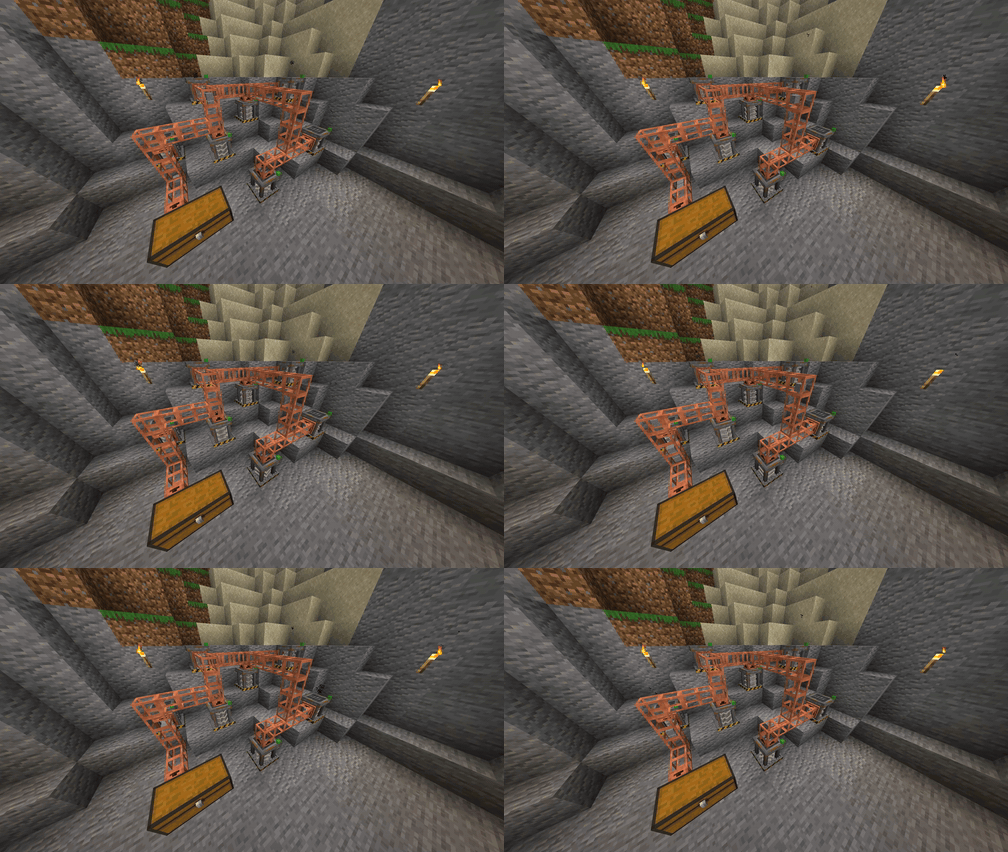
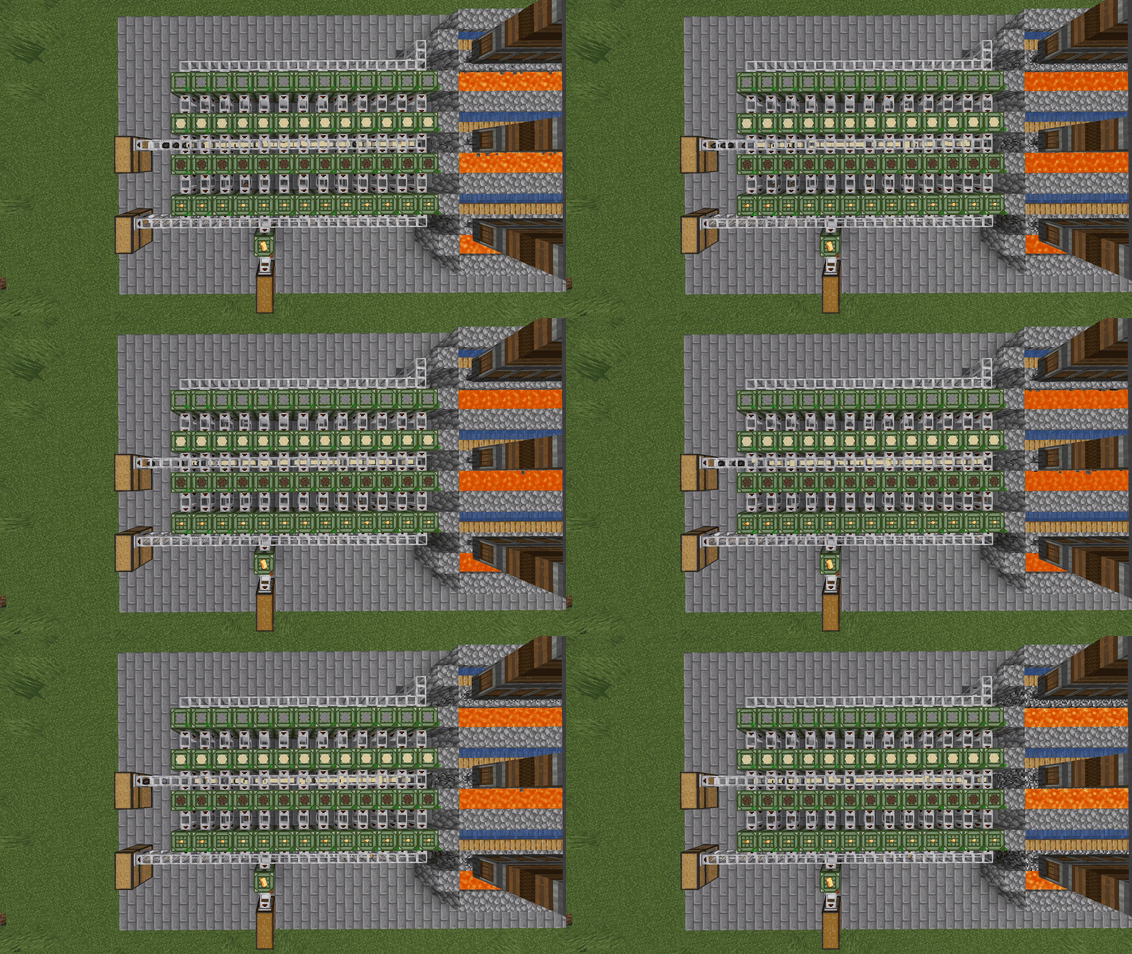
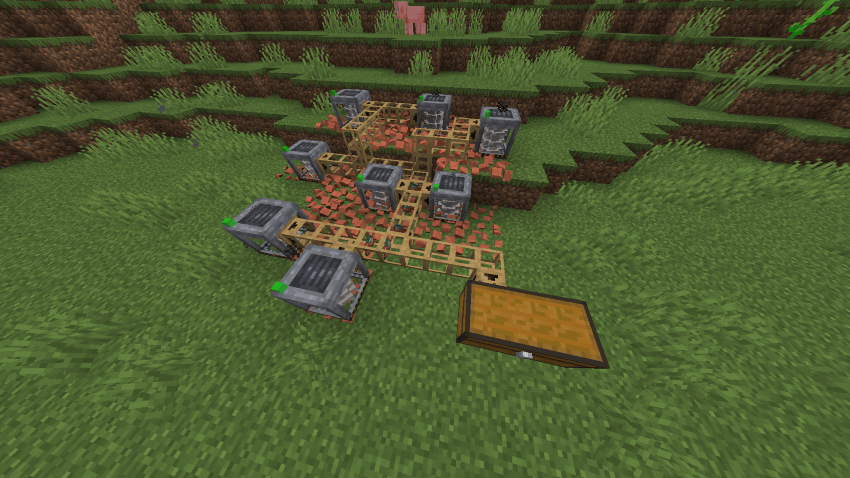
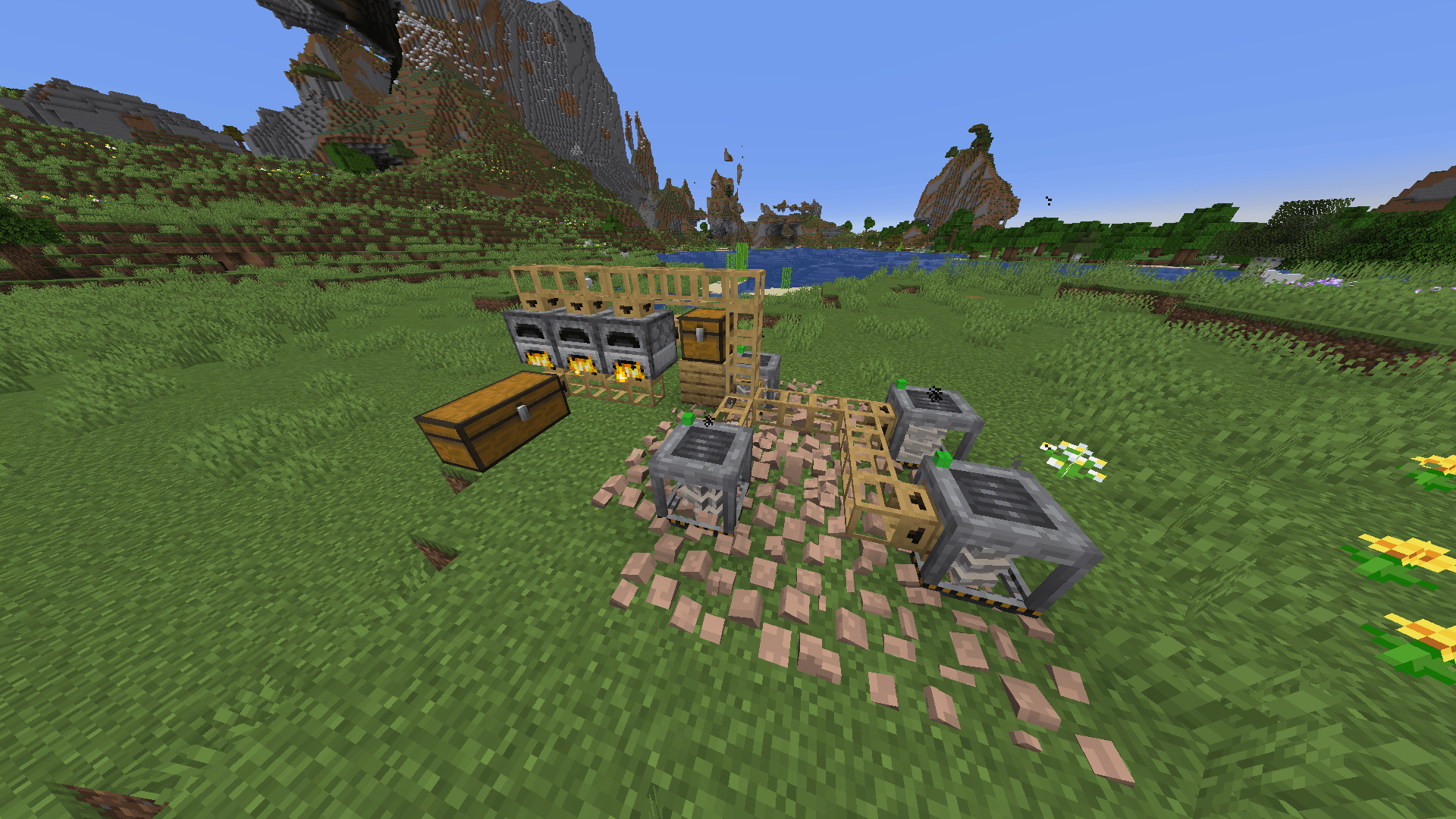
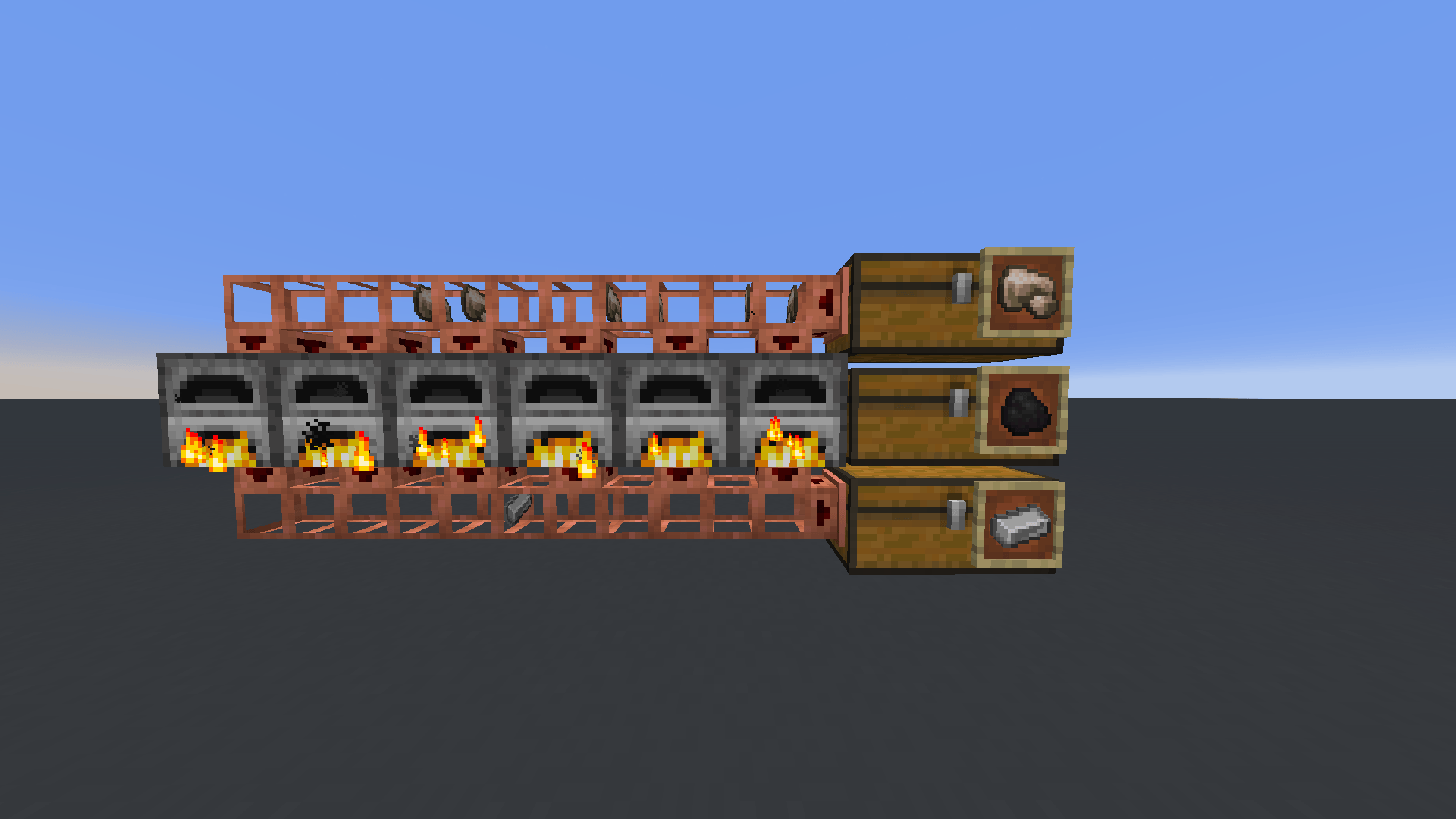
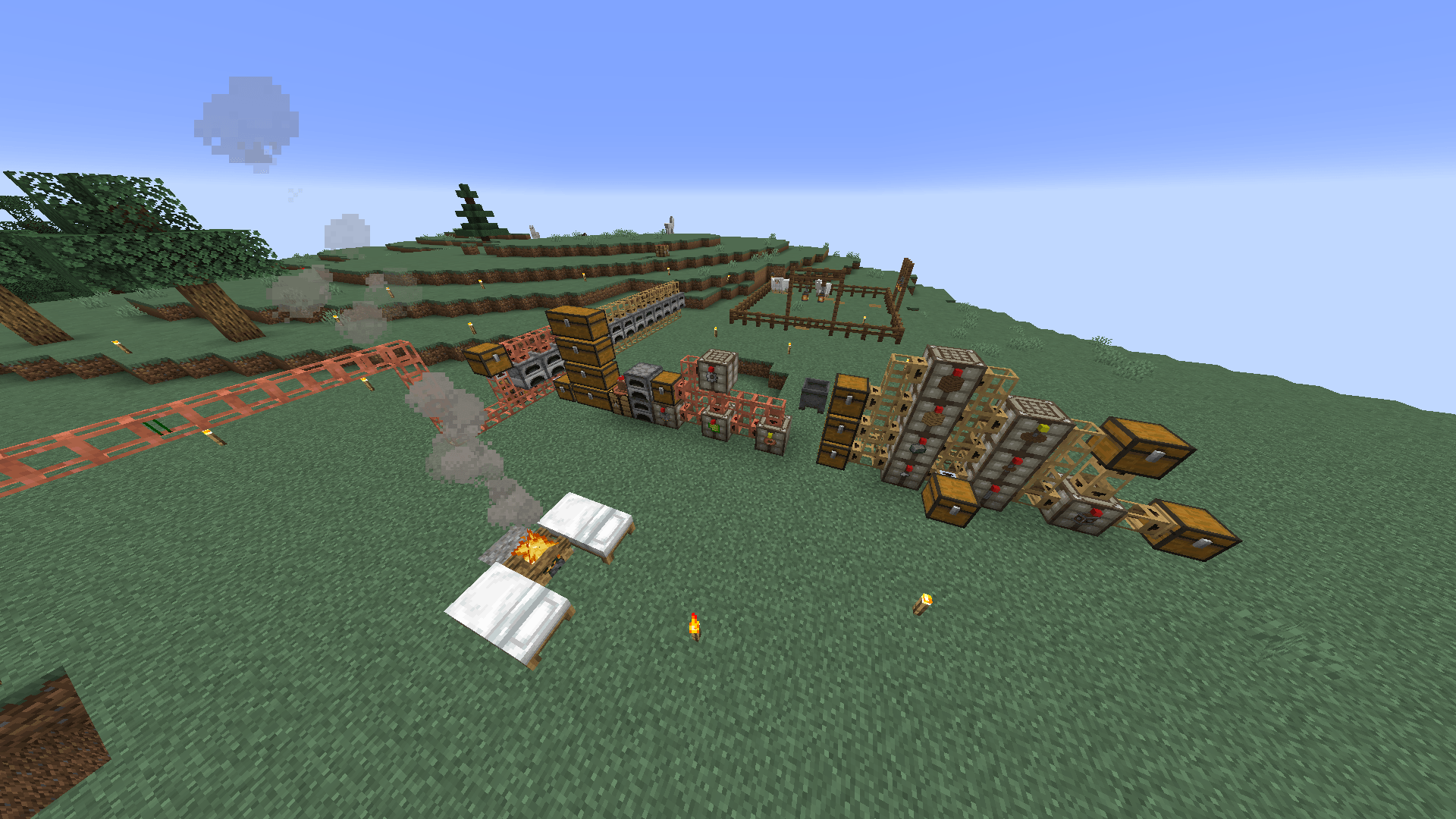
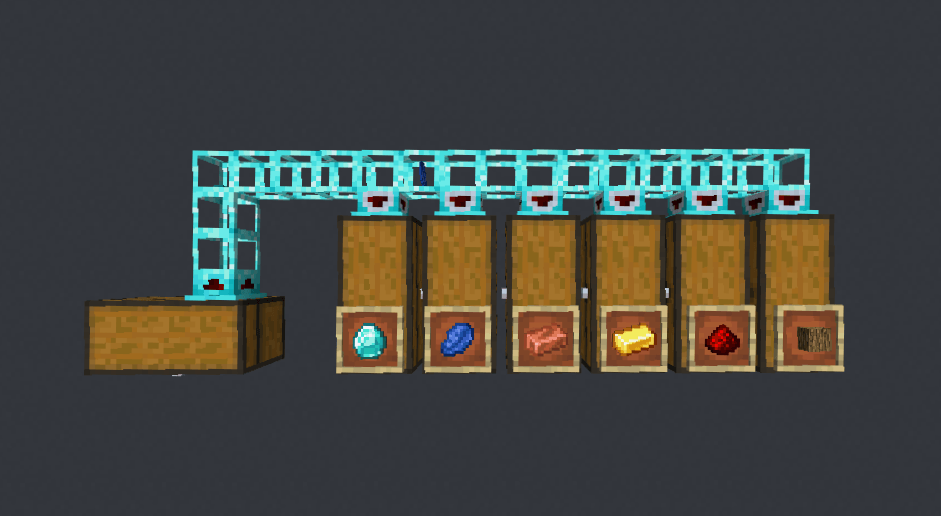
Simple Logistics is an automation mod focused on simplicity and performance. This mod adds several blocks that allow you to easily transport items, obtain resources, automate crafting, defend your base, monitor distant locations, or force-load chunks in an easy and controlled way.
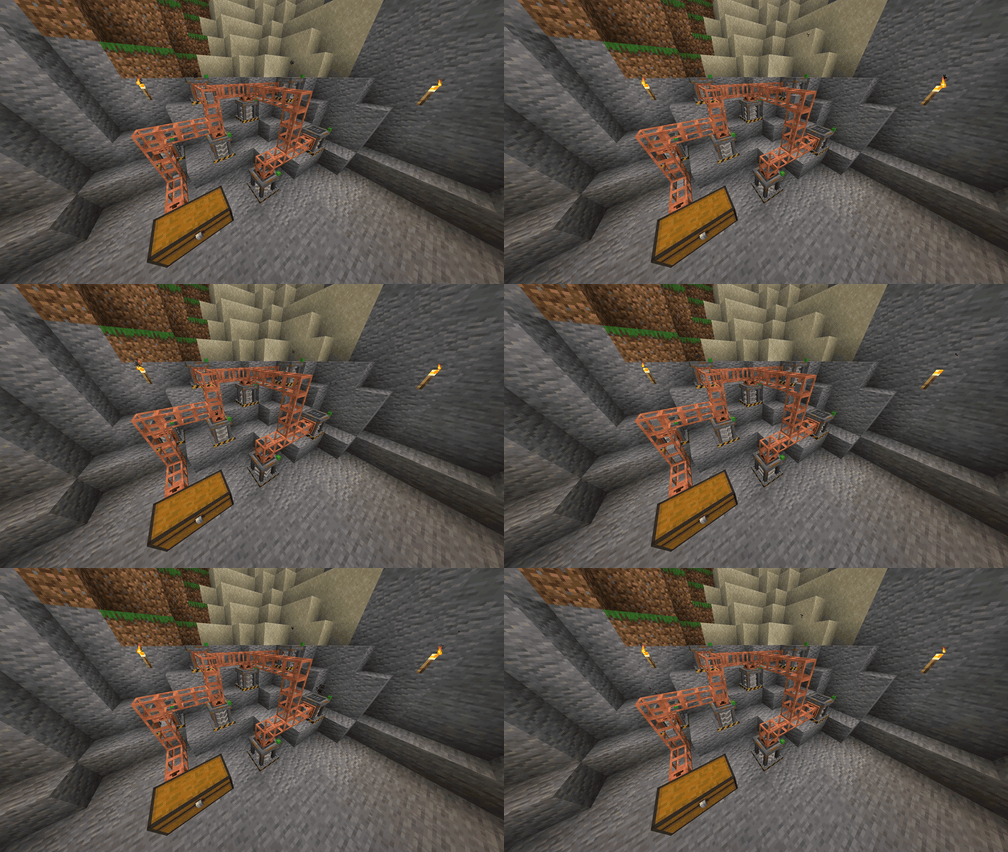
Pipes
The mod adds simple yet smart pipes to transport your items. Unlike most item transport mods, Simple Logistics pipes don't send an item to a destination blindly; they only send the item if they know it will fit upon arrival. Additionally, items follow automatic routes to their destinations, so you don't need to worry about an item ending up in the wrong place or popping out of the pipes.
Simple Logistics pipes can move items through unloaded chunks thanks to their internal graph system, as long as the source and destination are loaded.
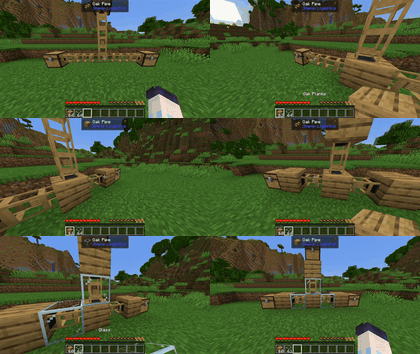
Placing the pipes is as simple as putting them in the world, and they will connect to each other and to inventories. By clicking on a pipe's face, you can toggle between extracting and inserting.
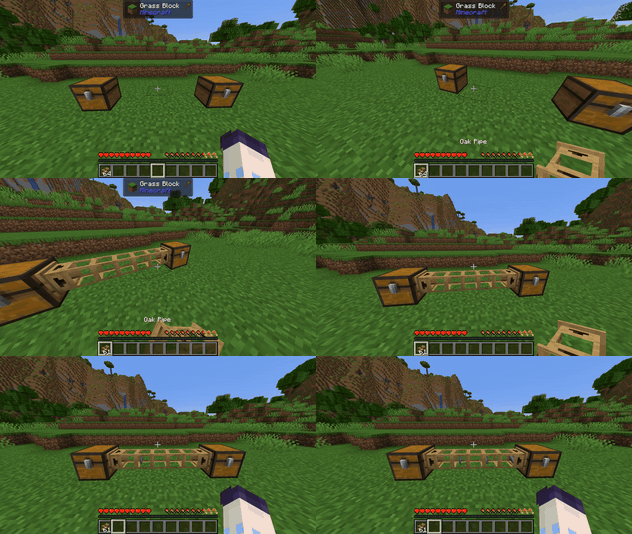
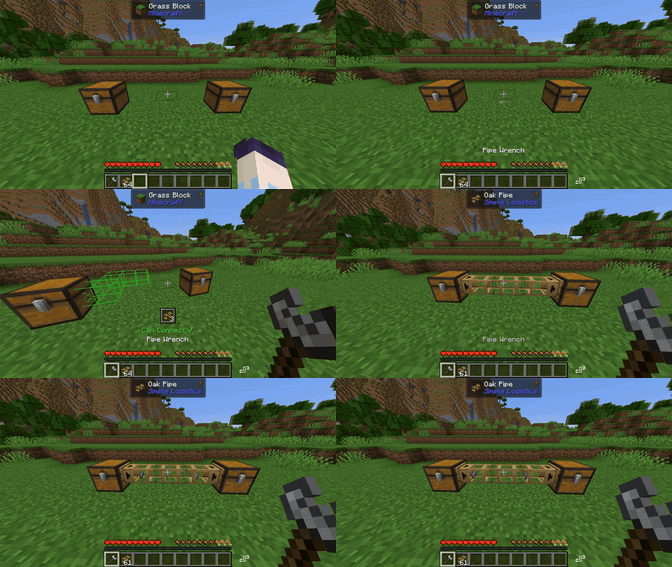
You can also use the pipe wrench to quickly place pipes from point A to point B.
Pipes can also be covered with blocks to camouflage them.
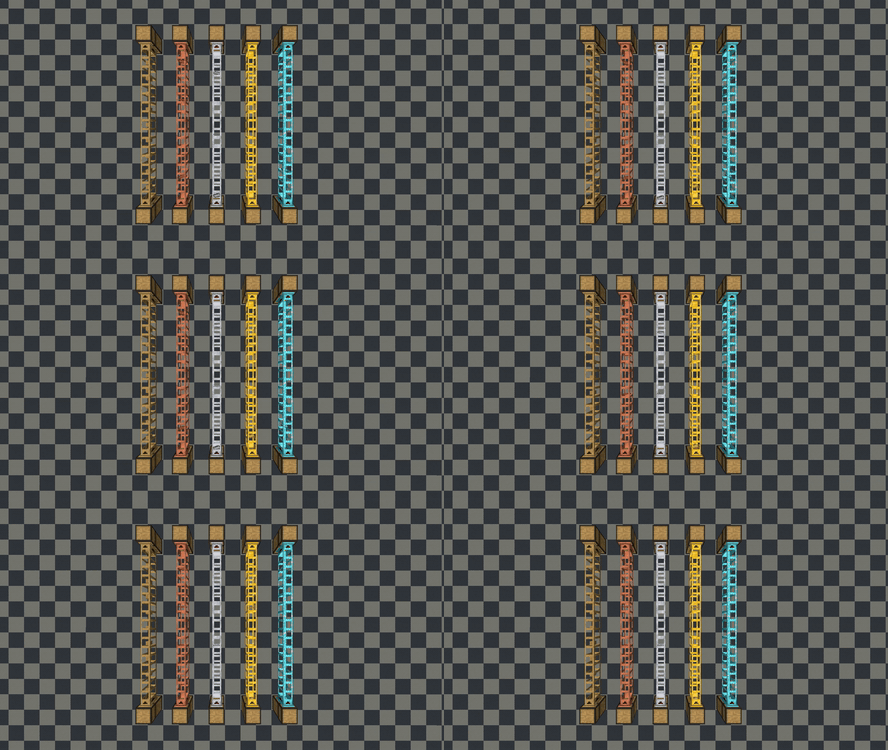
Simple Logistics offers 5 tiers of pipes, each faster than the previous one, allowing you to extract more items at once.
By default, pipes can extract or insert any item from an inventory. If you want them to only extract certain items, or only be able to insert certain items, you can filter the pipes by face. To open the filter menu, you must crouch right-click on the face you want to filter.
In this same menu, you can change how an extraction pipe distributes the items it extracts to their destinations; by default, it uses round-robin.
Autocrafters
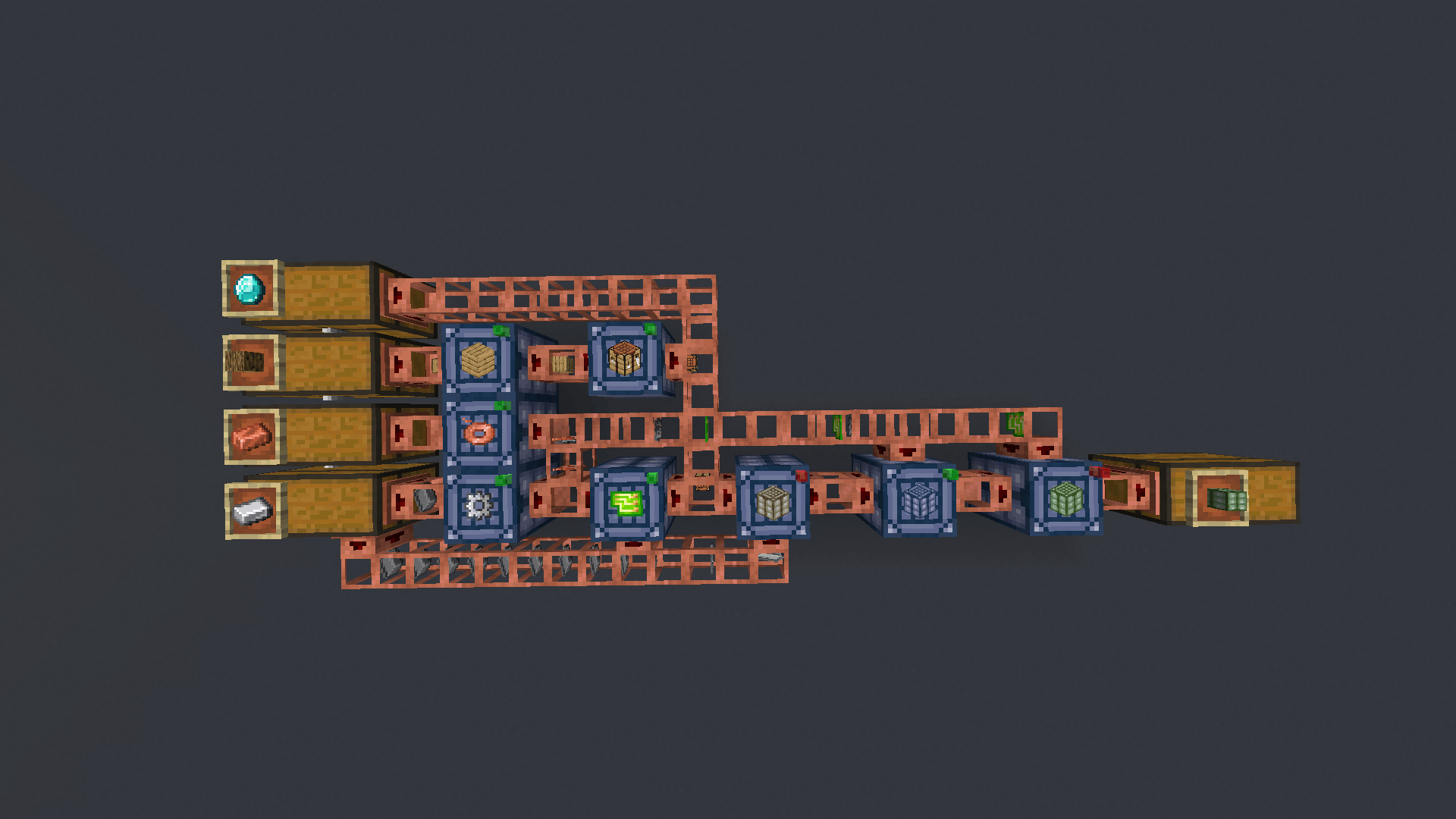
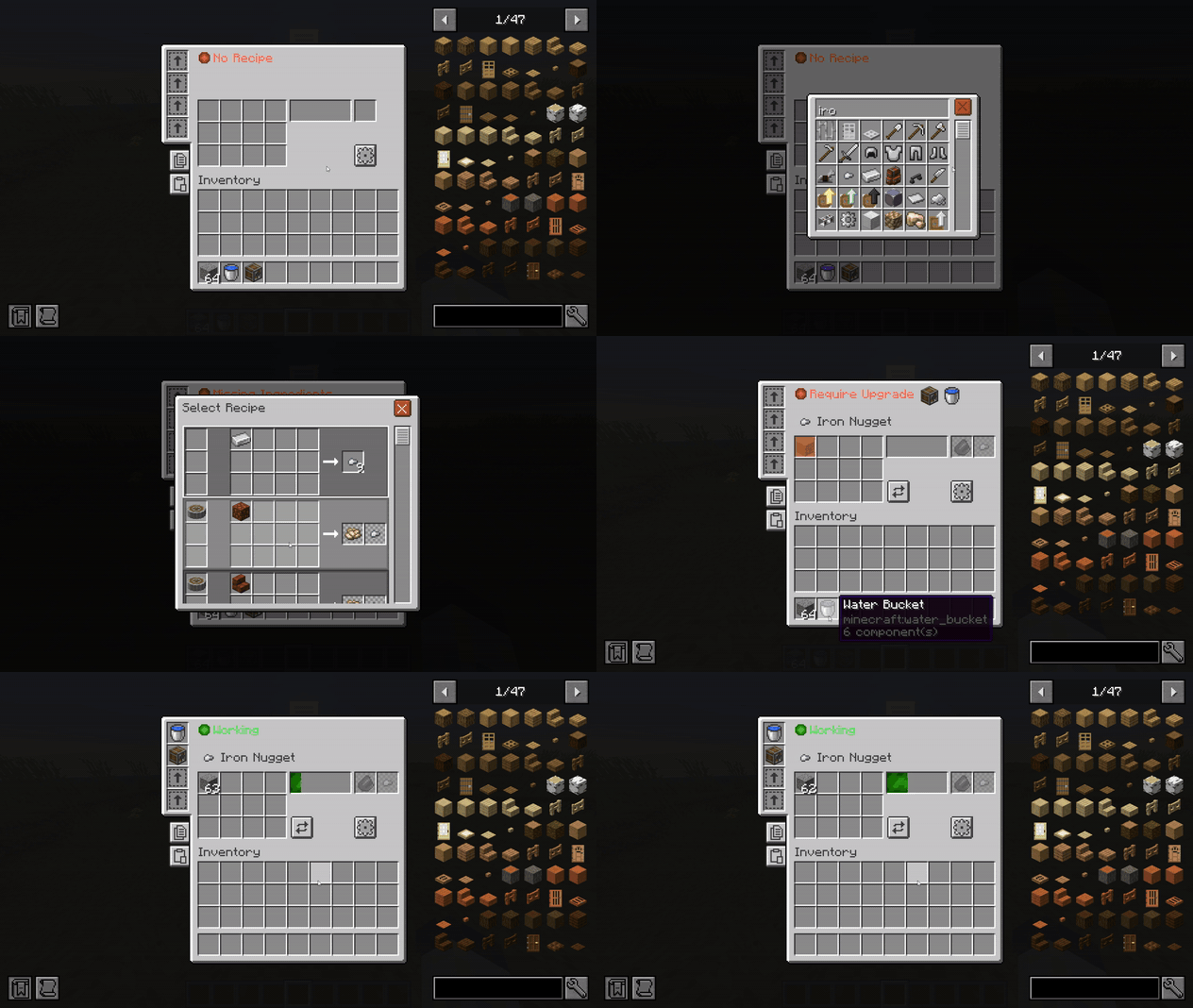
The mod adds an autocrafter with an intuitive interface that allows you to add any recipe in the game to automate it. You can use pipes to add the ingredients automatically and extract the output. The autocrafter allows you to craft any crafting table recipe or even recipes from other mods like Create and Farmer's Delight if you add the necessary workbench or machine into the upgrades.
Example of an autocrafter with a Create mod recipe:
Drill
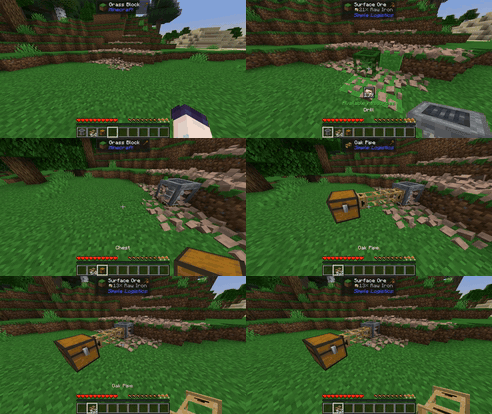
The drill allows you to extract resources from the surface ores that generate on the surface; these can be automatically extracted by a pipe.
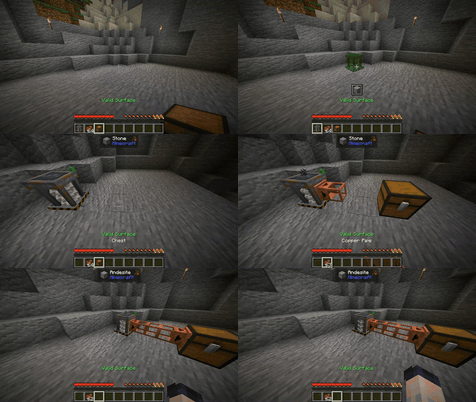
Excavator
The Excavator allows you to extract certain resources directly from the ground (such as dirt, gravel, andesite, etc.) without removing blocks from the world, providing an infinite supply as long as there are at least 256 connected blocks of the same type..
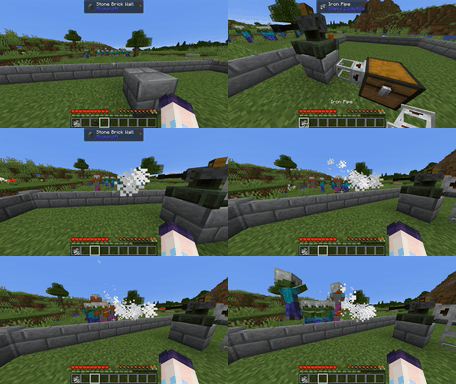
Turrets
Turrets allow you to defend your base from mobs or even hostile players as long as they have ammunition. They can use 3 different types of ammo for different purposes, such as area-of-effect damage or penetration. Ammo can be fed to them through a pipe.
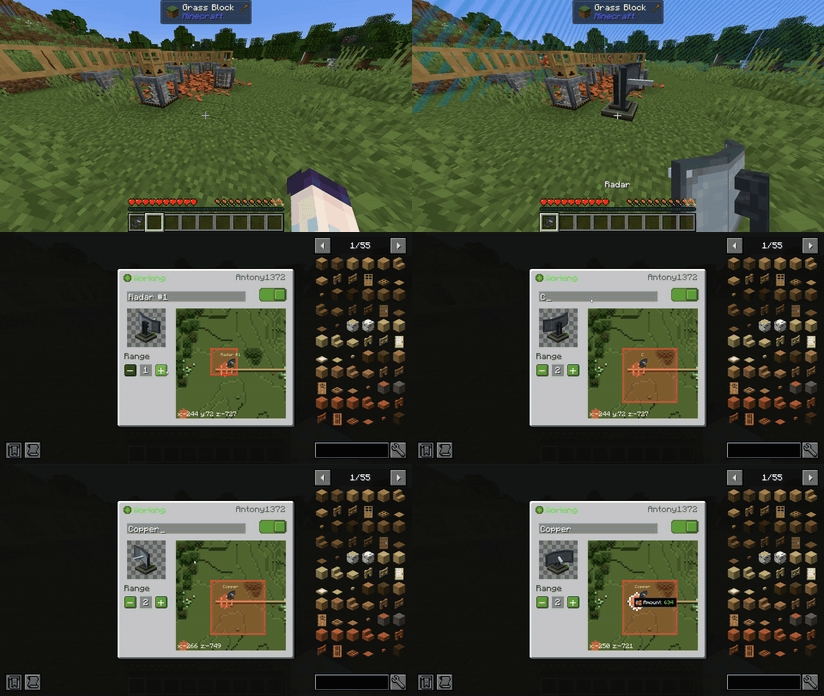
Radar
Radars allow you to keep chunks loaded in an area around them. They can be toggled on or off, or have their range changed. They feature a preview showing which chunks will be loaded around them. Additionally, they work on Create mod contraptions and sable sub-levels; when placed on top of either of the latter two, they will automatically load the chunks occupied by its area in the world, in addition to the range of chunks configured.
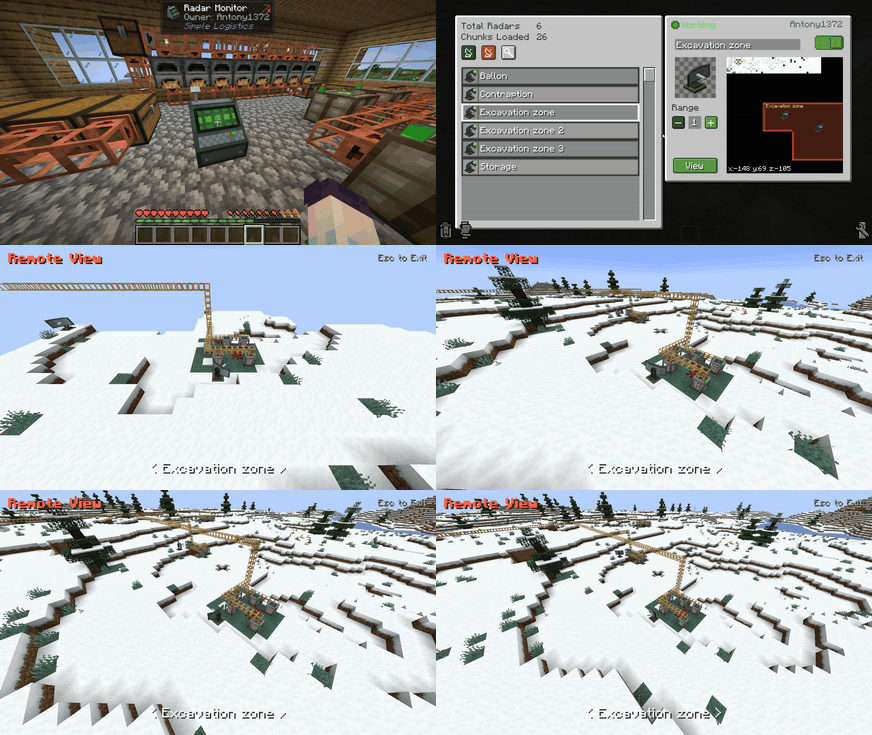
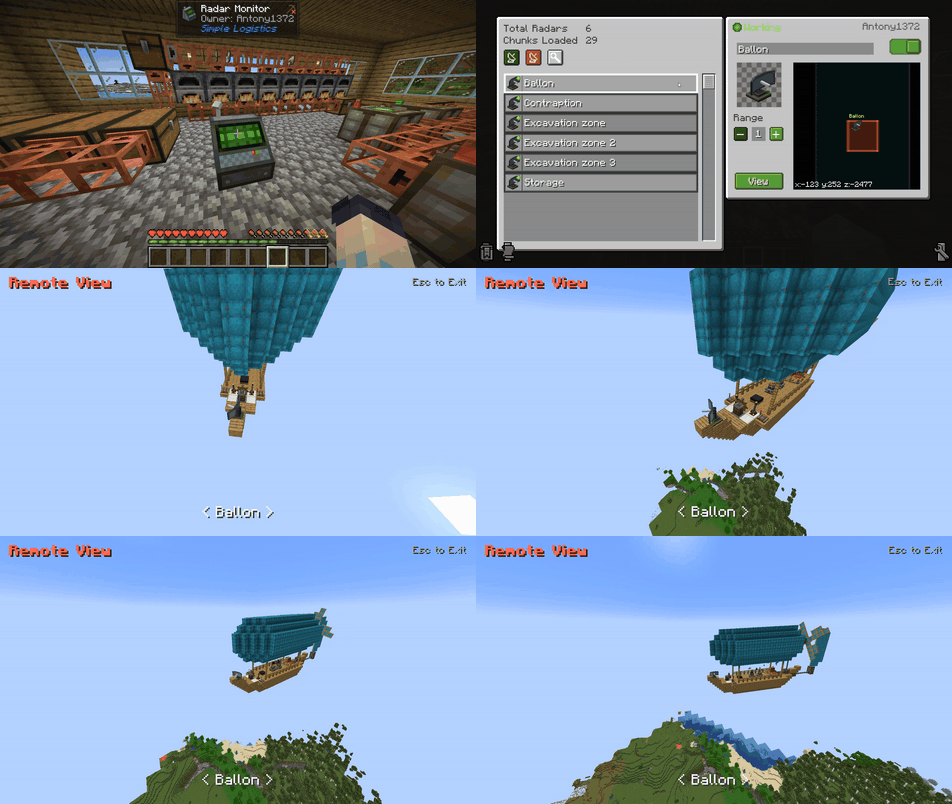
Radar Monitor
It allows you to see a list of all the player's radars in the world, regardless of the distance. From here, you can configure the radar remotely, toggle them on or off, or even see through them remotely.
Any questions, comments, suggestions, or issues are welcome in the comments.
- Edition: Minecraft Java
- File type: .jar
- Minecraft version listed: 1.21.1
- How to install: Install the matching mod loader (Forge, Fabric or NeoForge) for your Minecraft version. → Download the .jar. → Put it in the .minecraft/mods folder and launch that loader profile.
- Where to get it: Opens on CurseForge — not every file is mirrored on our own servers.
Install steps are the general flow for this file type — How to install Minecraft Java mods & modpacks walks through it step by step.
- Ships as simplelogistics-1.21.1-1.2.12.jar — drop this file into the mods folder
- Download size: 1.7 MB
- Download link checked 3 Oct 2026 — working
These come from our own check of the pack file, not from the source page.