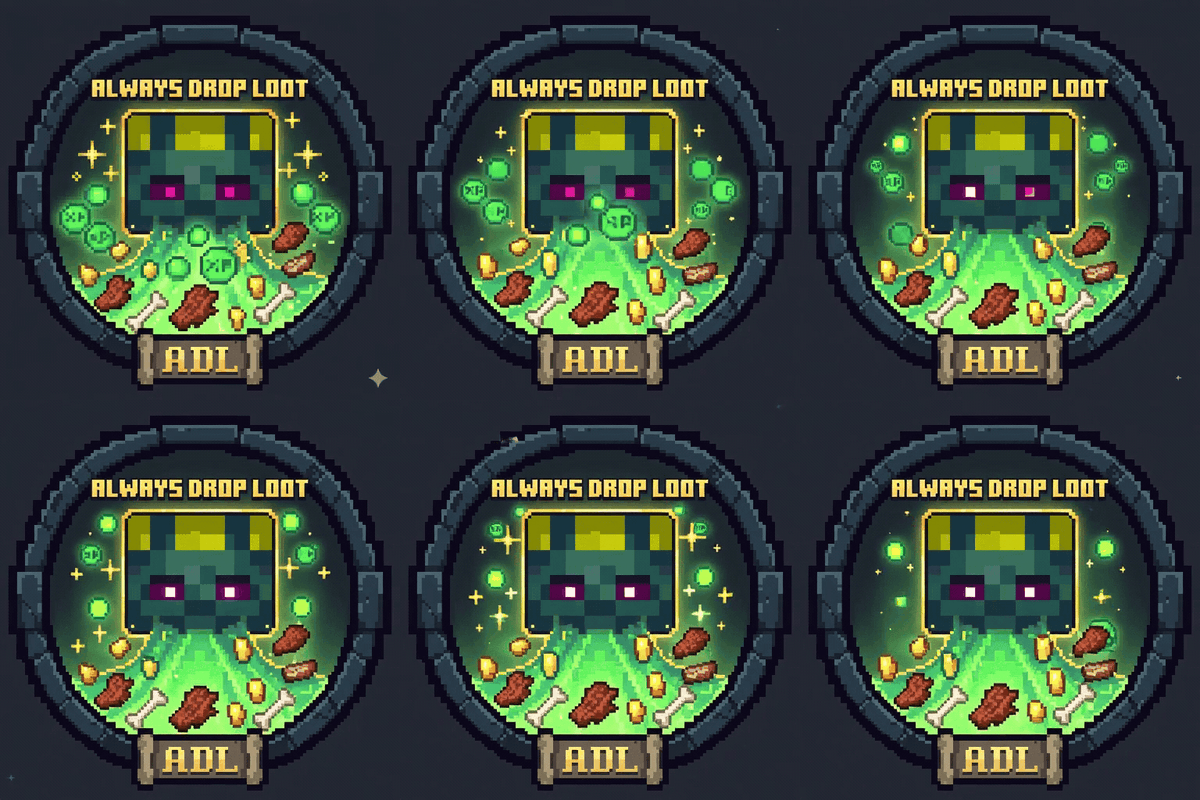
Always Drop Loot (update)
Java mod listed for Minecraft 1.20–1.21. Downloads from the MC Java Mods app on Android.
I don't know my version or loader
Always Drop Loot
An unofficial Fabric update of Always Drop Loot for the full Minecraft 1.21.x line, including 1.21 through 1.21.11.
In vanilla Minecraft, many mobs only drop experience and some loot-table results when they are considered to have been killed by a player. That means falls, lava, suffocation, campfires, drowning, entity cramming, and other environmental deaths often reduce or remove rewards.
This mod changes that behavior so passive farms and automation setups can still receive the drops you would normally expect from a player kill.
What the mod does
- Makes mobs able to drop XP even when they die without a direct player kill.
- Lets you control how much XP non-player kills should give.
- Lets you control how the
killed_by_playerloot condition behaves. - Works in singleplayer and on Fabric servers.
- Stores configuration per world through gamerules instead of a config screen.
In practice, this means farms based on fall damage, lava blades, environmental traps, or other automatic kill methods can still drop XP and loot depending on the rules you choose.
Version compatibility
Each supported loader/series combination is distributed as one runtime JAR. For example, the Forge 1.21 JAR declares compatibility with the whole 1.21.x series; a separate JAR is not required for every patch release.
| Minecraft series | Fabric | Forge | NeoForge |
|---|---|---|---|
| 1.16.x | Not available | Not available | Not available |
| 1.17.x | Not available | Not available | Not available |
| 1.18.x | Not available | Not available | Not available |
| 1.19.x | Not available | Not available | Not available |
| 1.20.x | 1.20–1.20.6 |
1.20–1.20.6 |
1.20.1–1.20.6 |
| 1.21.x | 1.21–1.21.11 |
1.21–1.21.11 |
1.21–1.21.11 |
| 26.1.x | >=26.1 <26.2 |
>=26.1 <26.2 |
>=26.1 <26.2 |
| 26.2.x | >=26.2 <26.3 |
>=26.2 <26.3 |
>=26.2 <26.3 |
Not available means that this repository does not provide a mod build for that series. NeoForge support in the 1.20 line starts at 1.20.1.
The ranges above are the compatibility ranges declared by each artifact. Each project uses one representative Minecraft version per series, listed below.
Project matrix
| Loader | Series | Build target | Loader/API target | Java bytecode / target runtime |
|---|---|---|---|---|
| Fabric | 1.20 | 1.20.6 | Loader 0.16.10 / API 0.100.8 | 17 / version-dependent |
| Fabric | 1.21 | 1.21 | Loader 0.15.11 / API 0.100.4 | 21 / 21 |
| Fabric | 26.1 | 26.1 | Loader 0.18.4 / API 0.144.0 | 22 / 25 |
| Fabric | 26.2 | 26.2 | Loader 0.19.3 / API 0.154.2 | 25 / 25 |
| Forge | 1.20 | 1.20.6 | Forge 50.2.10 | 17 / version-dependent |
| Forge | 1.21 | 1.21 | Forge 51.0.33 | 21 |
| Forge | 26.1 | 26.1 | Forge 62.0.2 | 25 |
| Forge | 26.2 | 26.2 | Forge 65.1.1 | 25 |
| NeoForge | 1.20 | 1.20.6 | NeoForge 20.6.139 | 17 / version-dependent |
| NeoForge | 1.21 | 1.21 | NeoForge 21.0.167 | 21 |
| NeoForge | 26.1 | 26.1.2 | NeoForge 26.1.2.95 | 25 |
| NeoForge | 26.2 | 26.2 | NeoForge 26.2.0.59 | 25 |
Source projects are under Fabric, Forge, and NeoForge. The current mod version is 5.6.0.
Installation
- Install Fabric Loader for your Minecraft version.
- Install Fabric API for the same version.
- Put the mod jar in your
modsfolder. - Start the game or server.
This mod is server-side in practice, so it is useful both in singleplayer and on dedicated servers.
Configuration
The mod is configured with gamerules. Because they are world-specific, each save or server can have different behavior.
If cheats are disabled in a singleplayer world, you can temporarily enable access to gamerules by opening the world to LAN with cheats enabled.
always-drop-loot:always_drop_xp
Controls whether mobs may drop XP when they die without being killed by a player.
Default:
/gamerule always-drop-loot:always_drop_xp trueBehavior:
true: mobs can still drop XP when death happens by environment or automation.false: vanilla-style XP behavior.
always-drop-loot:passive_xp_modifier
Controls the XP multiplier for mobs that die without a player kill.
Default:
/gamerule always-drop-loot:passive_xp_modifier 1.0Behavior:
1.0: non-player kills drop the mob's normal XP amount.0.5: non-player kills drop half XP.0.0: non-player kills drop no XP.2.0: non-player kills drop double XP.
This value only affects deaths that were not credited to a player. It does not change normal player-kill XP.
always-drop-loot:loot_drop_mode
Controls how loot tables interpret the killed_by_player condition.
Default:
/gamerule always-drop-loot:loot_drop_mode ALWAYS_AS_PLAYERAvailable values:
ALWAYS_AS_PLAYER: always treat the mob as if a player killed it.NEVER_AS_PLAYER: never treat the mob as a player kill.VANILLA: use normal vanilla behavior.VANILLA_INVERSE: invert vanilla behavior.
This rule is what affects loot-table based drops that depend on killed_by_player.
Example setups
Always drop normal XP and loot from automated farms:
/gamerule always-drop-loot:always_drop_xp true
/gamerule always-drop-loot:passive_xp_modifier 1.0
/gamerule always-drop-loot:loot_drop_mode ALWAYS_AS_PLAYER
Allow loot from farms, but reduce XP from automated kills:
/gamerule always-drop-loot:always_drop_xp true
/gamerule always-drop-loot:passive_xp_modifier 0.5
/gamerule always-drop-loot:loot_drop_mode ALWAYS_AS_PLAYER
Keep vanilla loot logic, but still allow some XP from passive farms:
/gamerule always-drop-loot:always_drop_xp true
/gamerule always-drop-loot:passive_xp_modifier 0.5
/gamerule always-drop-loot:loot_drop_mode VANILLA
Compatibility
This fork was updated specifically for the Minecraft 1.21.x series and tested against the compatibility range from 1.21 through 1.21.11.
Because Mojang and Fabric changed internal APIs several times within that version line, this fork includes compatibility work so the same mod jar can run across the full range.
Credits
Full credit for the original mod concept, implementation, and open-source release goes to sargunv.
- Original author profile: https://www.curseforge.com/members/sargunv/projects
- Original mod page: https://www.curseforge.com/minecraft/mc-mods/always-drop-loot
This updated fork exists to keep the mod usable on newer Fabric 1.21.x versions while preserving the original idea and behavior as closely as possible.
License
This fork continues to respect the original project's Apache-2.0 license.
- Edition: Minecraft Java
- File type: .jar
- Minecraft versions listed: 1.21, 1.21.8, 1.21.5
- How to install: Install the matching mod loader (Forge, Fabric or NeoForge) for your Minecraft version. → Download the .jar. → Put it in the .minecraft/mods folder and launch that loader profile.
- Where to get it: Opens on CurseForge — not every file is mirrored on our own servers.
Install steps are the general flow for this file type — How to install Minecraft Java mods & modpacks walks through it step by step.
- Ships as always-drop-loot-5.6.0+mc1.21.jar — drop this file into the mods folder
- Download size: 216 KB
- Download link checked 3 Oct 2026 — working
These come from our own check of the pack file, not from the source page.