
AutoRoadBuild
Java mod listed for Minecraft 1.20–1.21. Downloads from the MC Java Mods app on Android.
I don't know my version or loader
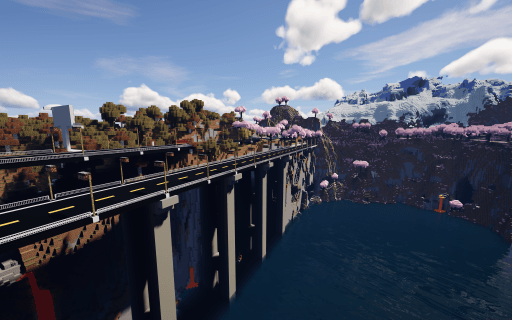
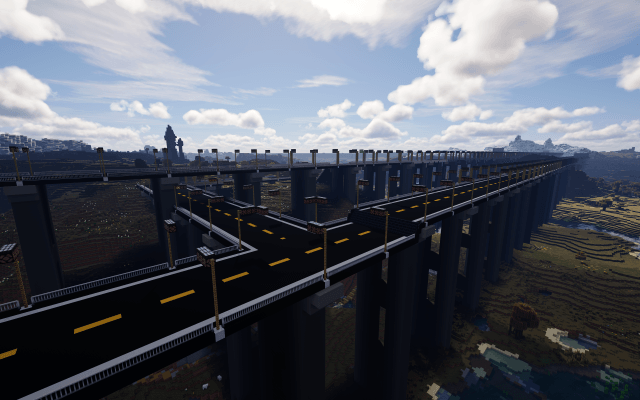
Tired of placing blocks one by one for your infrastructure? This mod introduces a powerful utility tool designed to automate the tedious process of road construction, allowing you to build massive highways in seconds.
1. Item Information
-
Item Name: Road Builder
-
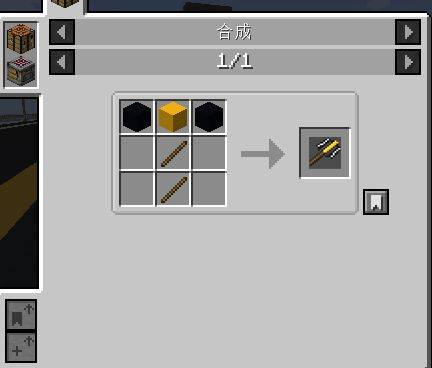
Crafting: Can be crafted using basic materials.
-
Purpose: A portable construction tool for rapid deployment of roads and bridges.

2. Controls & Basic Usage
-
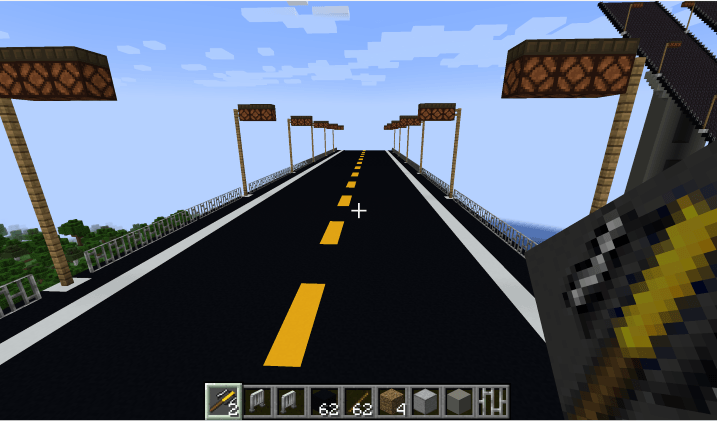
Right-Click: Instantly builds a road section including lamps, railings, and piers based on your settings.
-
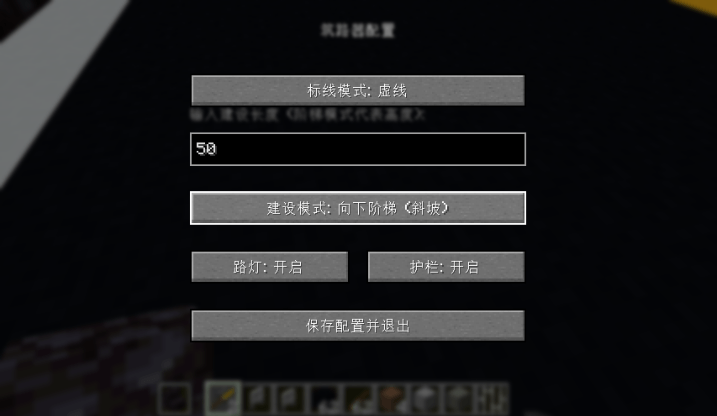
Shift + Right-Click: Opens the Configuration GUI to customize your build parameters.
-
Specifications: * Width: Fixed at 19 blocks.
-
Length: Customizable from 1 to 100 blocks.
-
3. Key Features & Customization
-
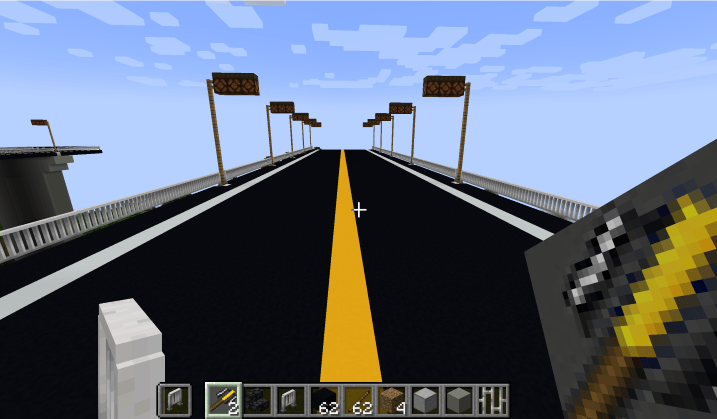
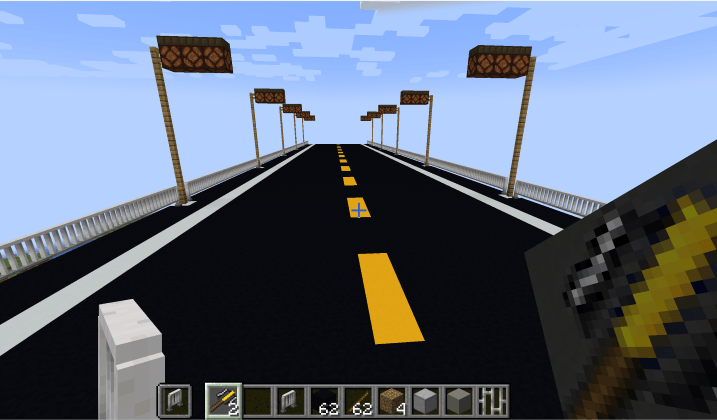
Road Markings: Choose between Solid or Dashed center lines.
-
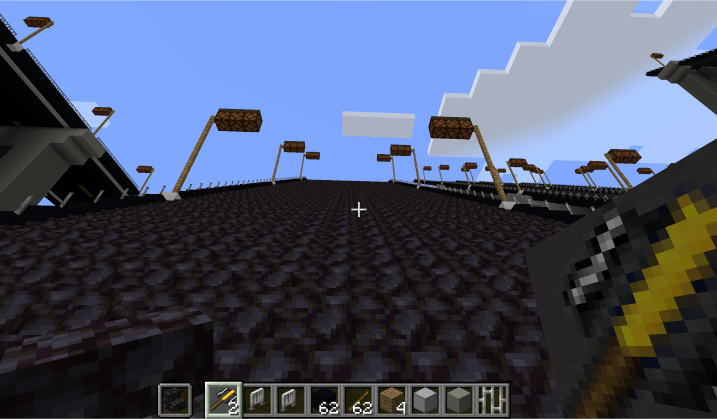
Construction Modes: Supports Normal Road, Upward Stairs, and Downward Stairs.
-
Dynamic Materials:
-
Stairs: The material is determined by the item held in your off-hand (Defaults to Blackstone Stairs).
-
Railings: Also determined by the item in your off-hand.
-
-
Automated Infrastructure:
-
Toggleable Streetlights and Railings.
-
Streetlight Spacing: Automatically placed every 16 blocks.
-
Bridge Piers: Automatically placed every 30 blocks.
4. Important Notes
-
Experimental Feature: The "Stairs" mode is currently experimental. Please use it with caution as the generation logic may behave unexpectedly on complex terrain.
-
Survival Balance: While a crafting recipe exists, the resource cost is still being balanced for survival gameplay. Therefore, crafting is not recommended for serious survival playthroughs at this time.
-
-
- Edition: Minecraft Java
- File type: .jar
- Minecraft versions listed: 1.20.1, 1.21.1
- How to install: Install the matching mod loader (Forge, Fabric or NeoForge) for your Minecraft version. → Download the .jar. → Put it in the .minecraft/mods folder and launch that loader profile.
- Where to get it: Opens on CurseForge — not every file is mirrored on our own servers.
Install steps are the general flow for this file type — How to install Minecraft Java mods & modpacks walks through it step by step.
- Ships as autoroadbuild-1.0.0-release.jar — drop this file into the mods folder
- Download size: 33 KB
- Download link checked 3 Oct 2026 — working
These come from our own check of the pack file, not from the source page.