PixelSight: Custom Crosshair Editor
Java mod listed for Minecraft 1.20. Downloads from the MC Java Mods app on Android.
⬇ Download on CurseForgeThe author built this one for Minecraft 1.20.1 on Forge. On other versions it may install and then do nothing.
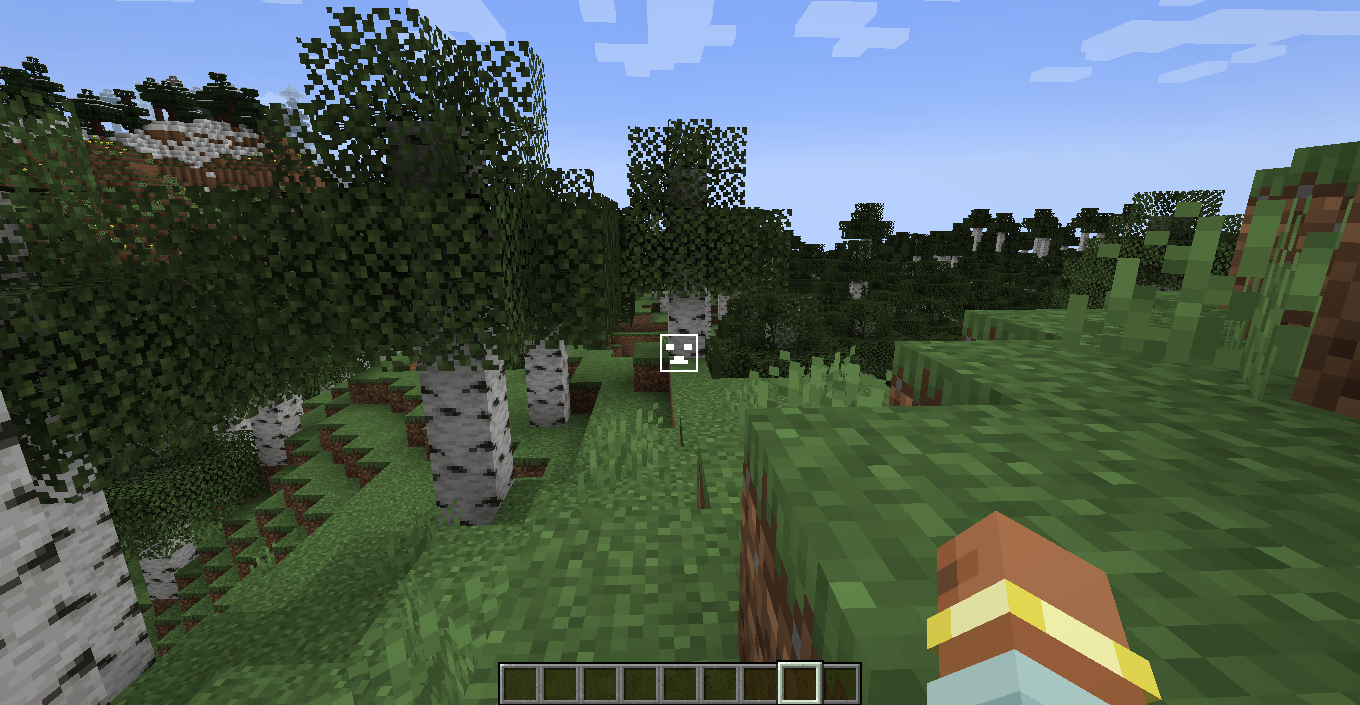
PixelSight is a lightweight and powerful utility mod for Minecraft 1.20.1 that gives you total control over your aiming experience. Forget about boring standard crosshairs — now you can draw your own pixel by pixel!
Key Features:
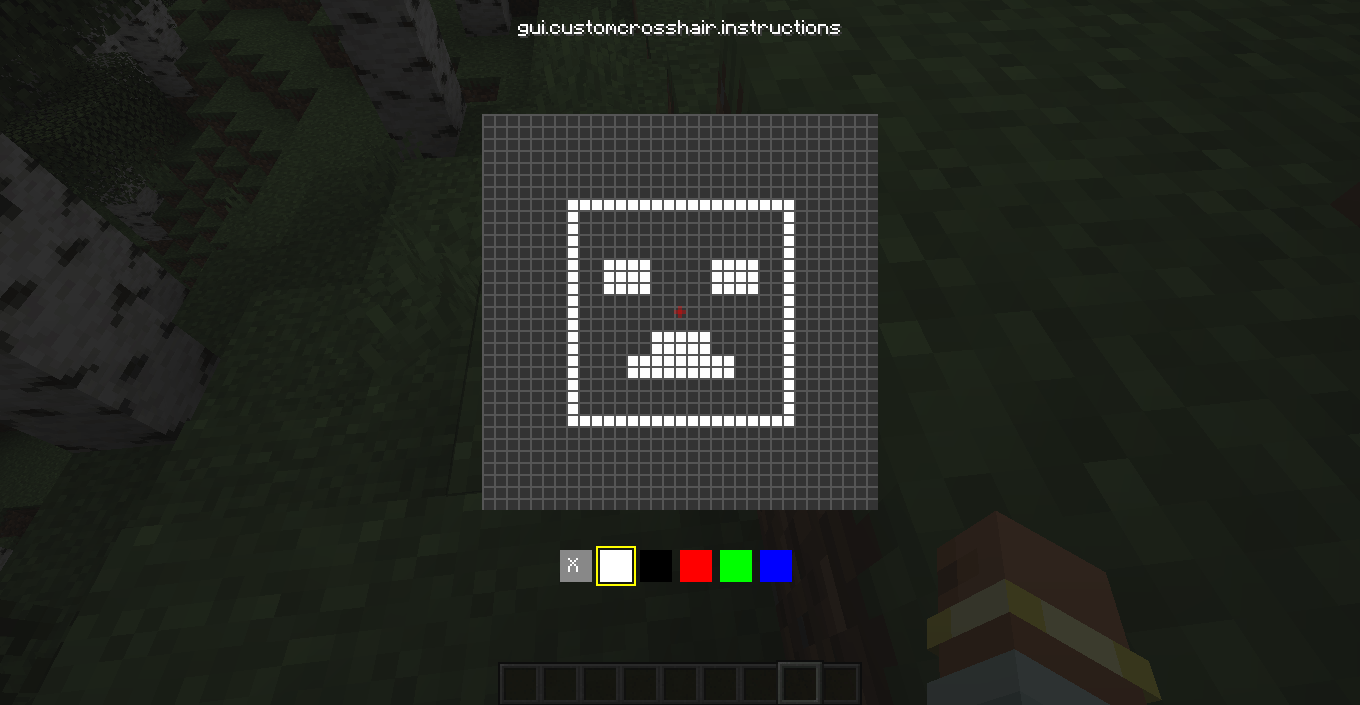
In-Game Editor: No need to mess with texture packs or restart the game. Press "Period" (U) to open the 16x16 drawing grid.
RGB Color Picker: Use the built-in color controls to create a crosshair in any color you want. Want it neon pink? Or classic lime green? It's up to you!
Clean Experience: The mod automatically hides the vanilla Minecraft crosshair, ensuring your custom creation is the only thing on your screen.
Real-Time Updates: Your changes are applied instantly the moment you close the editor.
How to use:
Enter your world.
Press the "U" key on your keyboard.
Click on the pixels to draw your shape and use the RGB labels to adjust the color.
Press ESC to save and dominate!
- Edition: Minecraft Java
- File type: .jar
- Minecraft version listed: 1.20.1
- How to install: Install the matching mod loader (Forge, Fabric or NeoForge) for your Minecraft version. → Download the .jar. → Put it in the .minecraft/mods folder and launch that loader profile.
- Where to get it: Opens on CurseForge — not every file is mirrored on our own servers.
Install steps are the general flow for this file type — How to install Minecraft Java mods & modpacks walks through it step by step.
- Ships as MyCustomCrosshair.jar — drop this file into the mods folder
- Download size: 11 KB
- Download link checked 24 Oct 2026 — working
These come from our own check of the pack file, not from the source page.