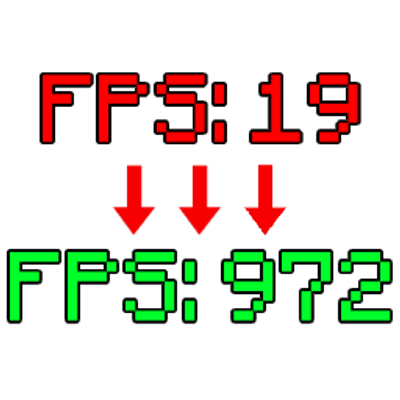
Fake FPS Displays
Java mod listed for Minecraft 1.21. Downloads from the MC Java Mods app on Android.
The Fake FPS Mod is a customizable Fabric utility that displays a simulated, fluctuating frame rate overlay, allowing users to precisely control the base…
I don't know my version or loader

Overview
Fake FPS Displays is a lightweight Fabric utility that adds a realistic simulated FPS overlay designed to behave like a real hardware counter.
The overlay updates once per second and generates natural fluctuations similar to real frame rate changes under load, creating a convincing in game experience.
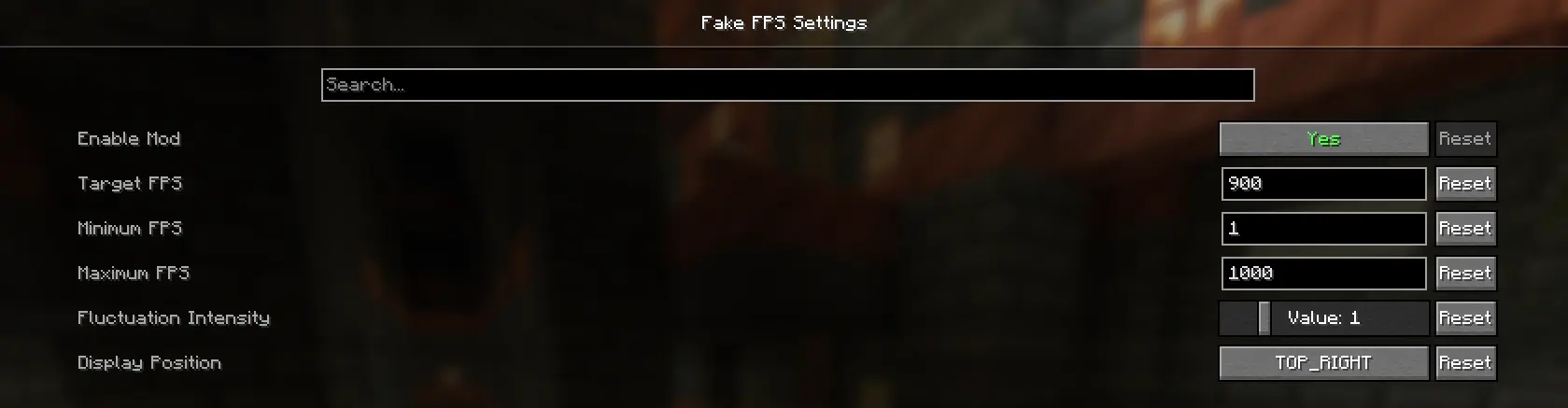
Features
Precision FPS Caps: Set custom minimum and maximum limits so the counter stays within your chosen range. Granular Intensity Control: Six fluctuation levels (0–5) control how stable or unstable the FPS appears.
Flexibility:
Instantly place the overlay in any screen corner through the config menu. Professional Integration: Powered by Cloth Config with a clean UI and helpful tooltips for easy customization!
- Edition: Minecraft Java
- File type: .jar
- Minecraft versions listed: 1.21.7, 1.21.11, 1.21.10
- How to install: Install the matching mod loader (Forge, Fabric or NeoForge) for your Minecraft version. → Download the .jar. → Put it in the .minecraft/mods folder and launch that loader profile.
- Where to get it: Opens on CurseForge — not every file is mirrored on our own servers.
Install steps are the general flow for this file type — How to install Minecraft Java mods & modpacks walks through it step by step.
- Ships as 7fixed.jar — drop this file into the mods folder
- Download size: 13 KB
- Download link checked 3 Oct 2026 — working
These come from our own check of the pack file, not from the source page.