HowToGuide
Java mod listed for Minecraft 1.21. Downloads from the MC Java Mods app on Android.
I don't know my version or loader
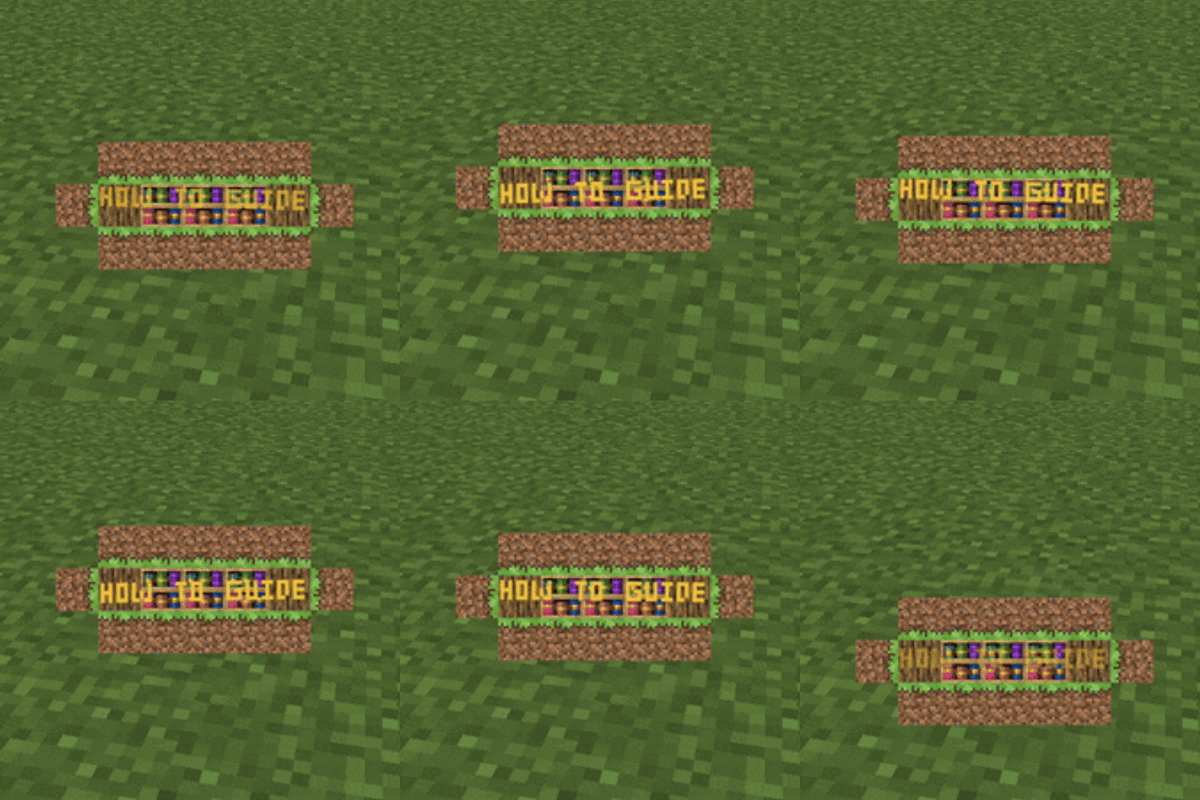
HowToGuide is a server-side and client-side Minecraft mod (available for Fabric and NeoForge) that lets modpack developers send animated popup messages to their players — complete with interactive click actions and conditional logic.
Visual Customization
Each popup can be fully customized:
- Title and subtitle text with custom fonts, colors, sizes, bold, italic
- Text effects: rainbow, wave, shake, typewriter, obfuscation (random or full)
- Positioning: custom X/Y offsets, screen anchor point, random position/rotation
- Background on/off, custom wrap width
- Companion items and textures rendered alongside the popup
- Click areas with actions or conditions
Made easier with Preset Editor (Can be opened via keybinds)
Can be dragged around with Dev GUI (can be opened via keybinds & is able to show up on to of screens)
Commands
/howtoguide show— Display a popup to specific players with full options (all popups with hardcoded styles)/howtoguide custom— Display a popup from raw NBT configuration (popup with customizable data)/howtoguide preset— Trigger a named preset from your config/howtoguide clearall— Clear all active popups (optionally filtered by preset)
All keybinds are unbound by default — rebind them in Controls settings before use.
Requires Immersive Messages API & Caxton as a dependency.

- Edition: Minecraft Java
- File type: .jar
- Minecraft version listed: 1.21.1
- How to install: Install the matching mod loader (Forge, Fabric or NeoForge) for your Minecraft version. → Download the .jar. → Put it in the .minecraft/mods folder and launch that loader profile.
- Where to get it: Opens on CurseForge — not every file is mirrored on our own servers.
Install steps are the general flow for this file type — How to install Minecraft Java mods & modpacks walks through it step by step.
- Ships as howtoguide-neoforge-1.0.1.jar — drop this file into the mods folder
- Download size: 976 KB
- Download link checked 3 Oct 2026 — working
These come from our own check of the pack file, not from the source page.