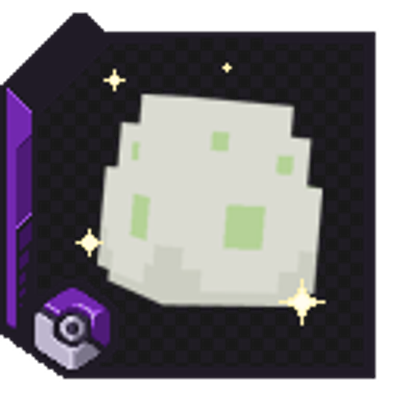
Wuju CobbleBreed
Java mod listed for Minecraft 1.21. Download on the author's site.
⬇ Download on CurseForge(English)
Wuju CobbleBreed
About
Wuju CobbleBreed is a virtual breeding mod for Cobblemon, built using NeoForge and designed for private servers.
It provides a complete breeding system through interactive menus, including:
* Biological compatibility-based breeding
* Search system by:
* Species
* Name
* IVs
* Gender
* Nature
* Support for tags such as:
* F1, F2, F3 (for Pokémon with multiple maxed stats)
Feature Availability
This mod can be used in modpacks and singleplayer environments.
Some advanced features (such as integrations, tiers and custom held system) may require additional configuration or server-side setup.
Features
* Full menu-based breeding system
* Optional integration with LuckPerms
* Configurable tier system (permission-based)
* Fully customizable breeding difficulty and balance
* Admin & utility commands:
* Check egg hatch status
* Check Pokémon stats
* Check player tier
* Manual hatch command
* Real-time config changes in-game
Custom Held Item System
Includes an exclusive custom held item system:
* Create multiple item variations
* Configure activation chances
* Define custom effects
* Assign effects to specific items
* Durability support (items can degrade on use)
Contact
* Discord: Inflitraz#4135
* Email: [henrique.wuju@gmail.com](mailto:henrique.wuju@gmail.com)
- Edition: Minecraft Java
- File type: .jar
- Minecraft version listed: 1.21.1
- How to install: Install the matching mod loader (Forge, Fabric or NeoForge) for your Minecraft version. → Download the .jar. → Put it in the .minecraft/mods folder and launch that loader profile.
- Where to get it: Opens on CurseForge — not every file is mirrored on our own servers.
Install steps are the general flow for this file type — How to install Minecraft Java mods & modpacks walks through it step by step.
Wuju CobbleBreed is a free Minecraft Java mod. Compatible with Minecraft 1.21.1. Downloaded 1,879 times (via CurseForge). Download it and open it directly in the game.