
CPoptimizer
Java mod listed for Minecraft 1.21. Download on the author's site.
A simple mod to increase FPS when uploading new chunks. It also optimizes the particles of campfire smoke that caused lags. I checked the mod myself, and…
⬇ Download on CurseForge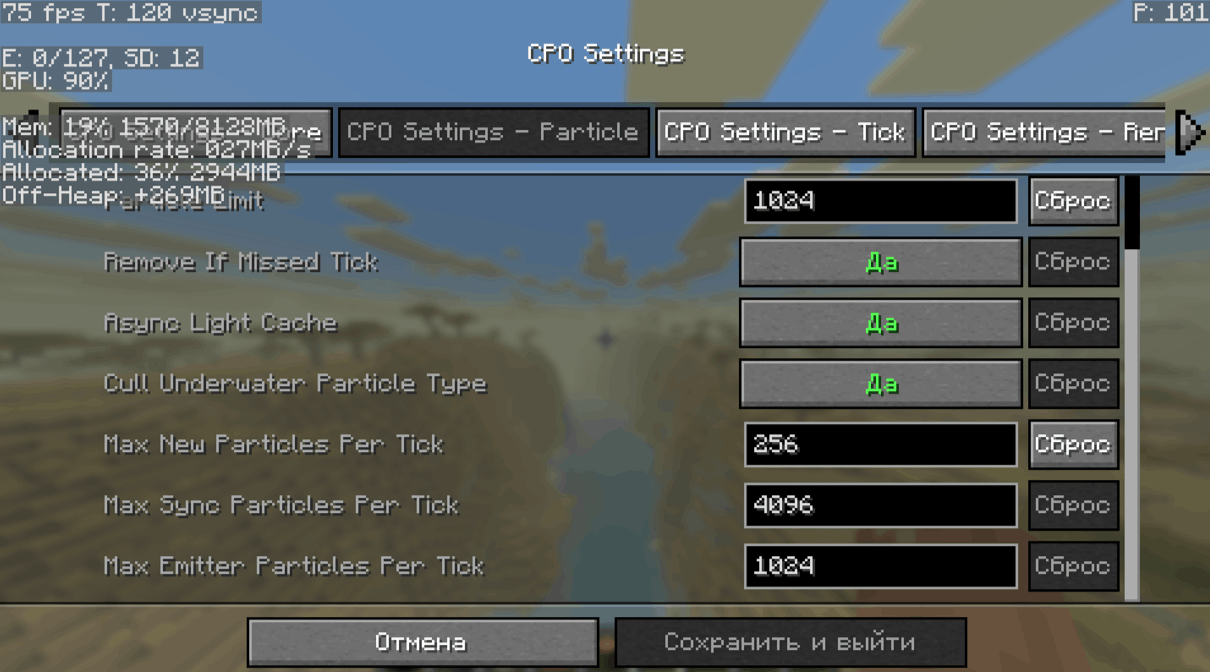
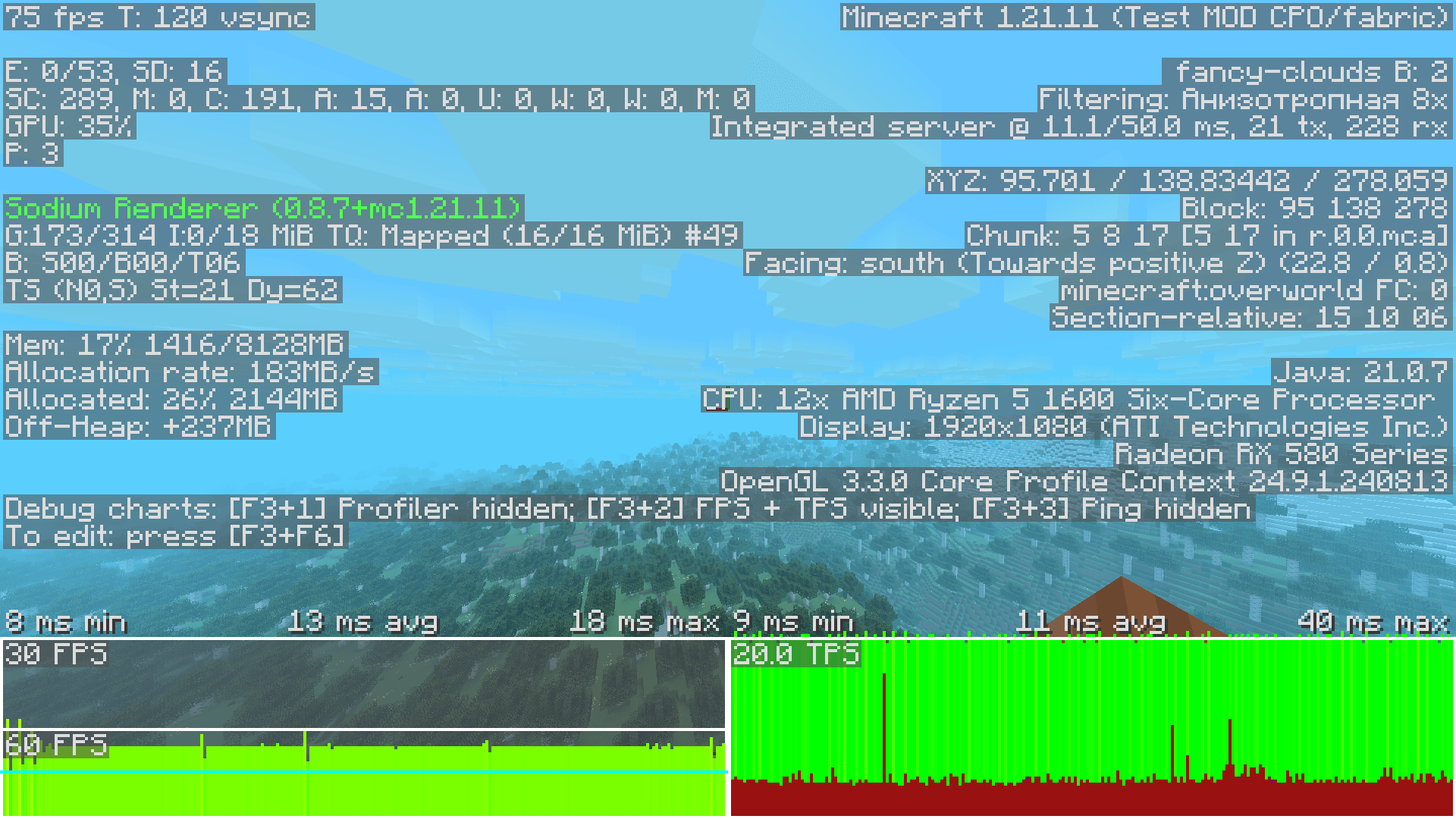
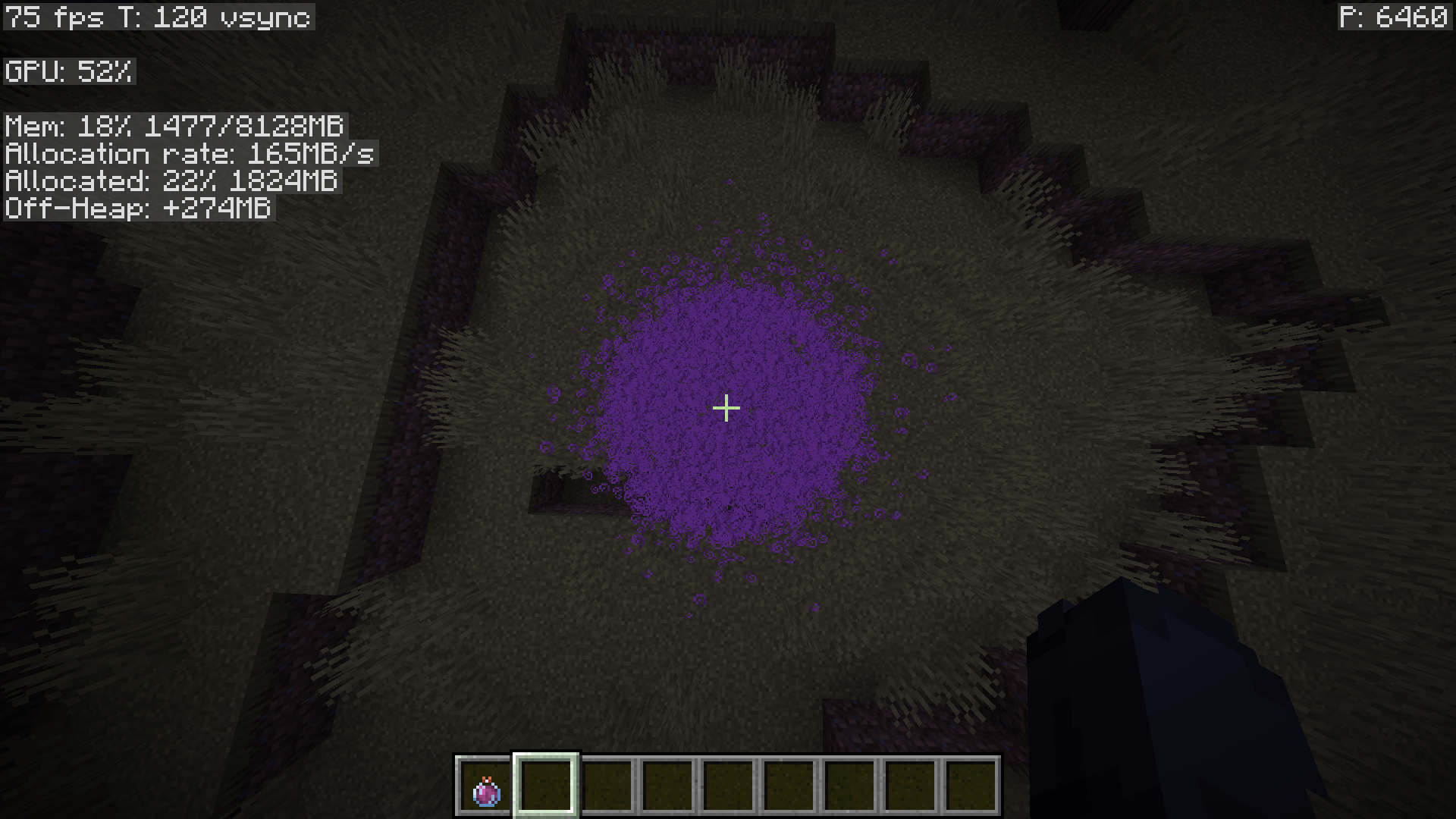
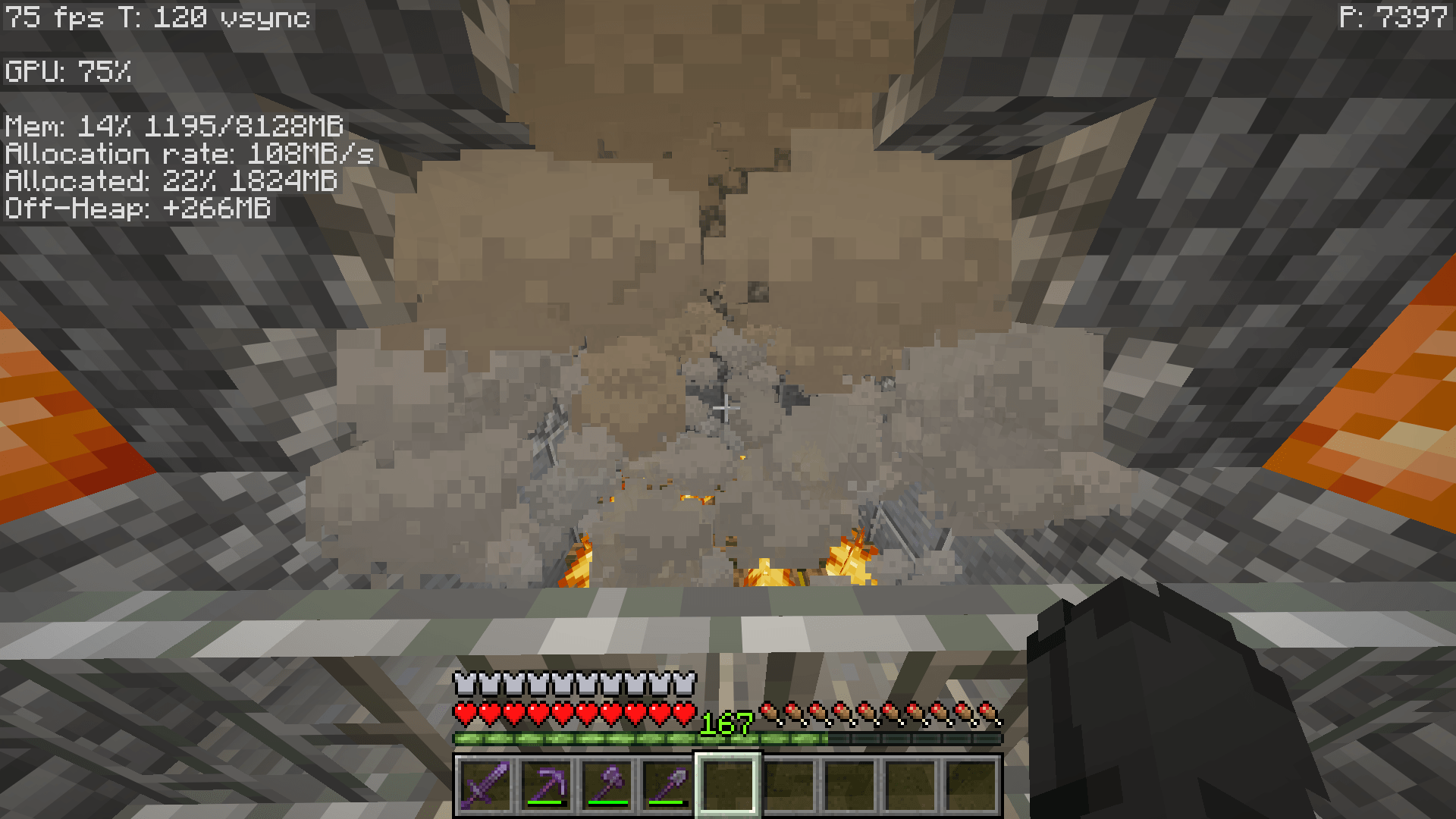
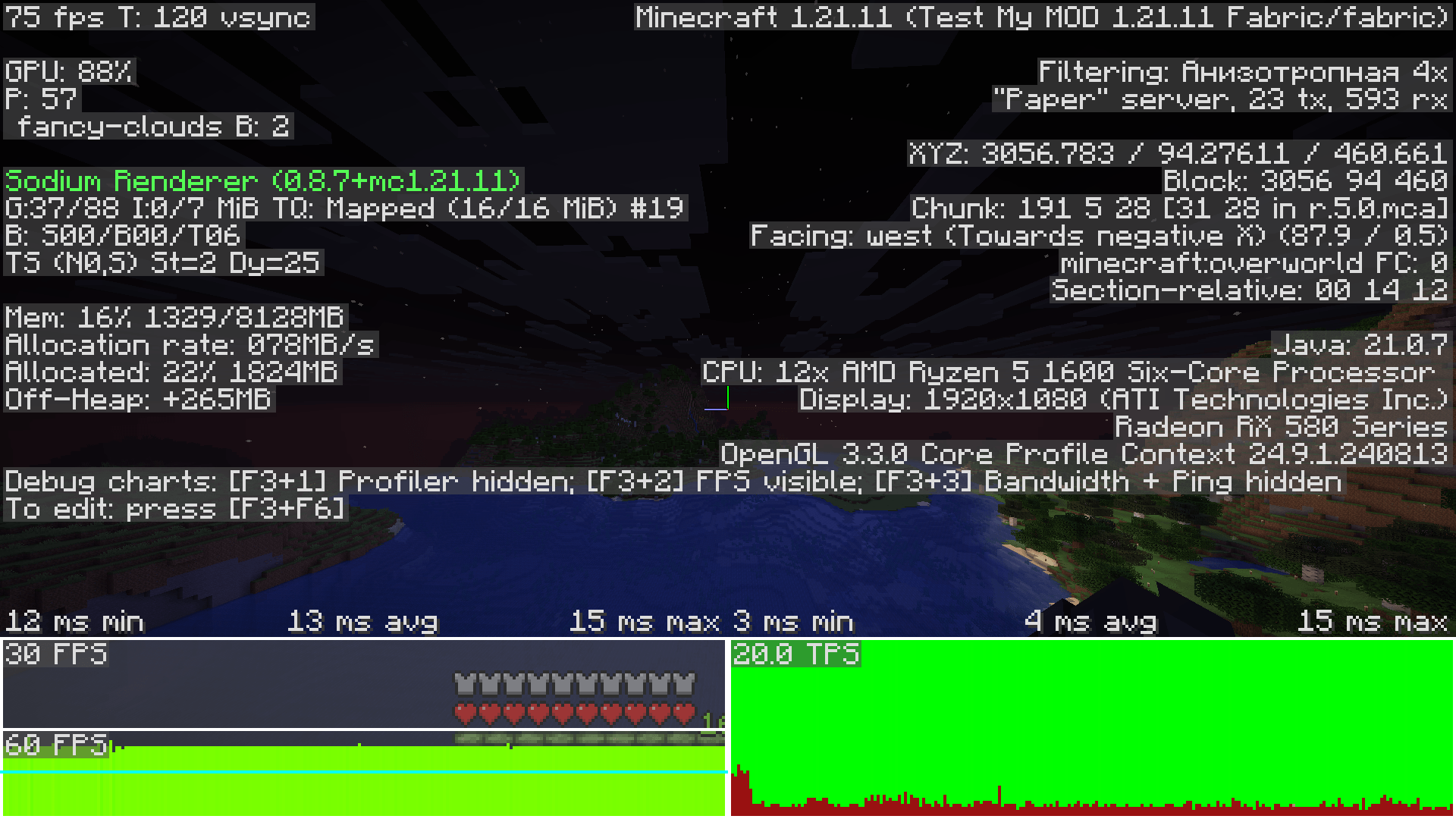
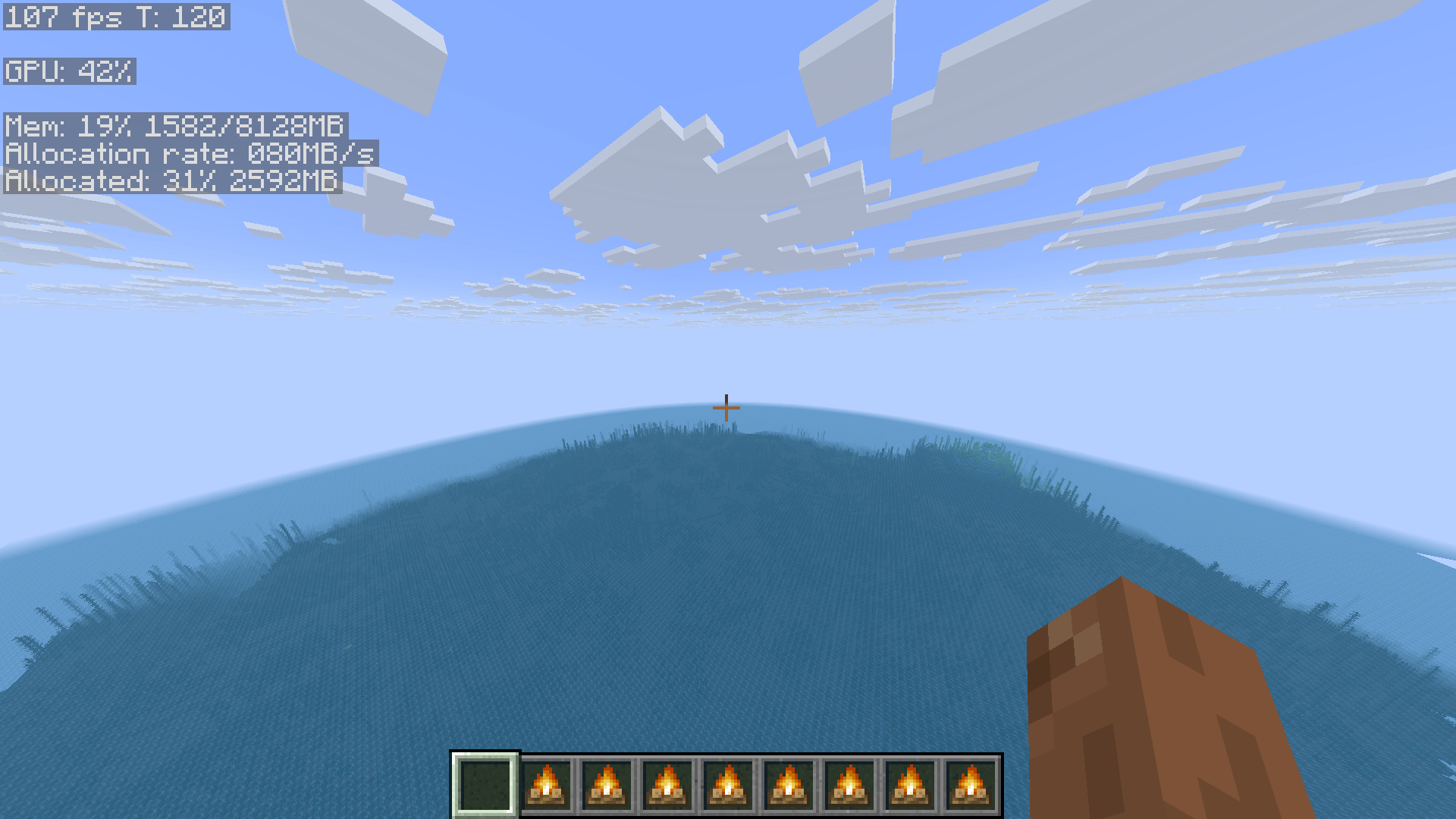
A simple mod to increase FPS when loading new fragments. I checked the mod myself and I can say with confidence that it works. FPS is higher, fram rate is lower. You can enjoy using it. But maybe in the future, full-fledged support for NeoForge will be added.
If the built-in particle clipping in this mod is not enough for you, you can use an additional mod that will improve the situation.
For stable FPS, I recommend enabling Vsync in the graphics settings.
Some users may experience multithreading issues, so ensure the game doesn't crash unexpectedly. This often happens during sharp turns or when suddenly looking at a large number of particles or mobs, or similar.
Just wait...
Compatibility with mods: Sodium Extra, Sodium, Polytone (not including version 4.0), BadOptimizations, EntityCulling.
- Edition: Minecraft Java
- File type: .jar
- Minecraft version listed: 1.21.11
- How to install: Install the matching mod loader (Forge, Fabric or NeoForge) for your Minecraft version. → Download the .jar. → Put it in the .minecraft/mods folder and launch that loader profile.
- Where to get it: Opens on CurseForge — not every file is mirrored on our own servers.
Install steps are the general flow for this file type — How to install Minecraft Java mods & modpacks walks through it step by step.
CPoptimizer is a free Minecraft Java mod. Compatible with Minecraft 1.21.11. Downloaded 568 times (via CurseForge). Download it and open it directly in the game.