
DaySpot
Java mod listed for Minecraft 1.20–1.21. Downloads from the MC Java Mods app on Android.
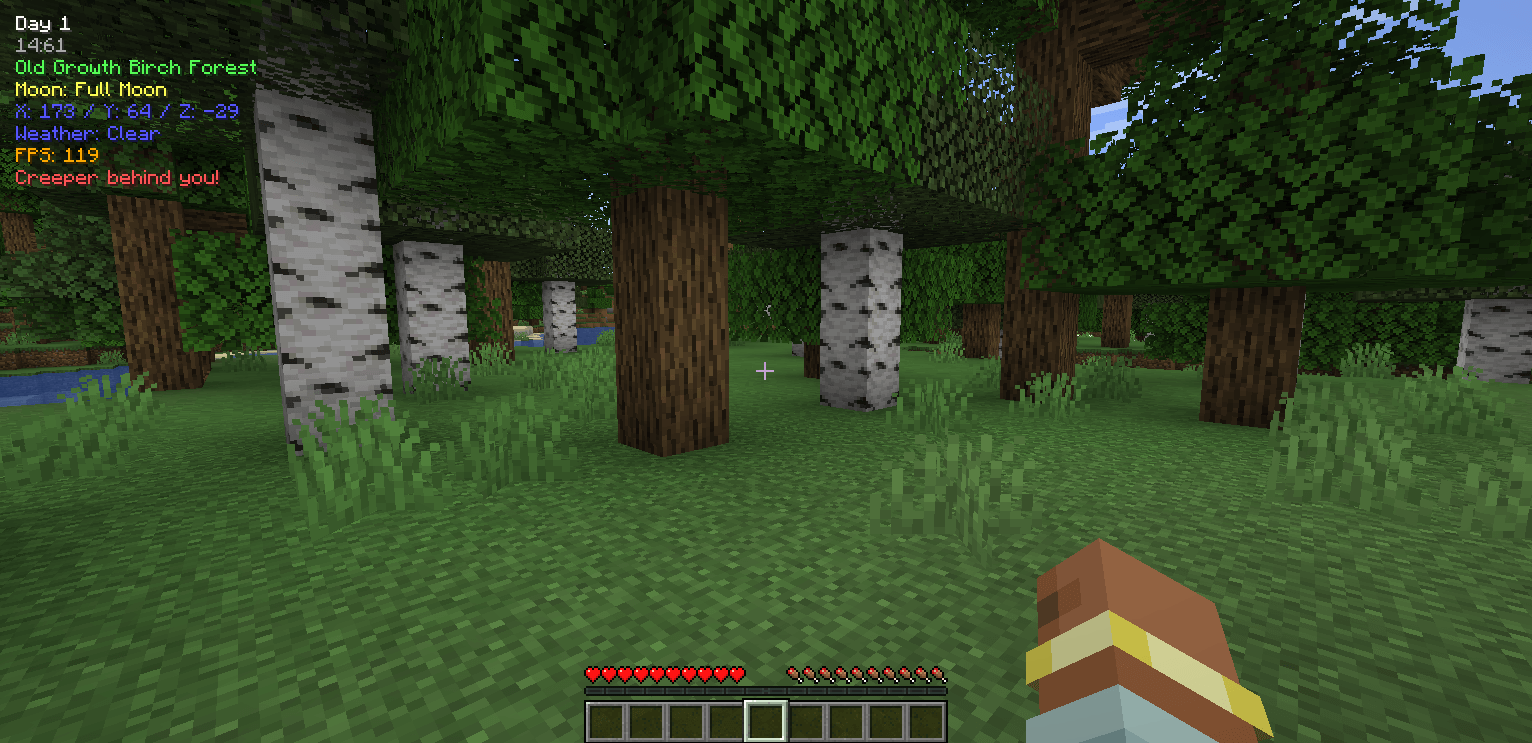
DaySpot shows time, coords, biome, weather, FPS, and more in a clean HUD. It also alerts you to hostile mobs outside your view with smart proximity…
I don't know my version or loader
DaySpot
Lightweight HUD overlay showing day, time, biome, moon phase, coords, weather & FPS, plus a smart danger alert system that warns you about hostile mobs outside your view.
Features
- 6 HUD Positions — Top Center (default), corners, above hotbar
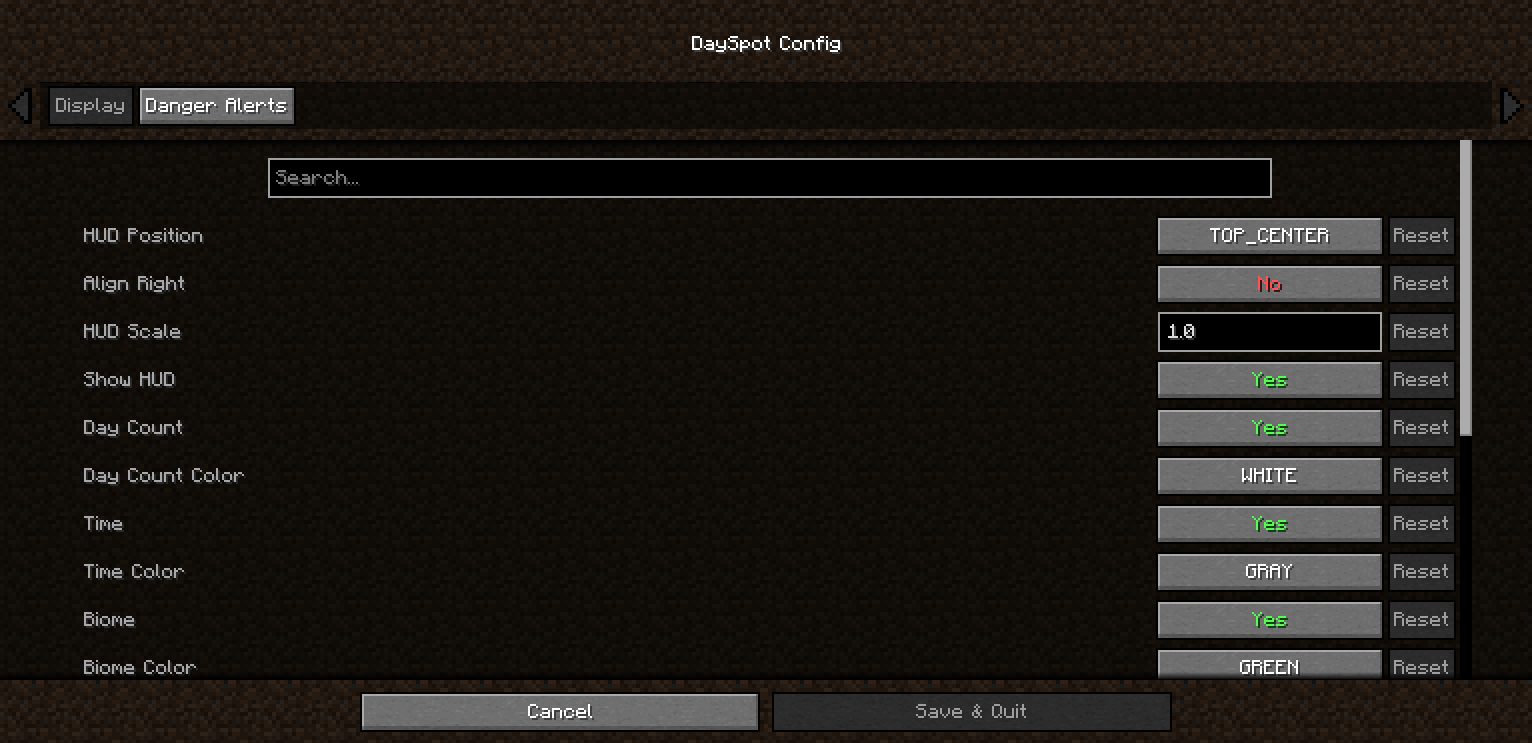
- Per-line Control — Toggle + 11 color options per info line
- Time Format — 24h or 12h (AM/PM)
- Adjustable Scale — 0.5x → 1.5x
- Danger Alerts — 3 tiers: Awareness / Warning / Danger
- Out-of-view Detection — Know what you don’t see
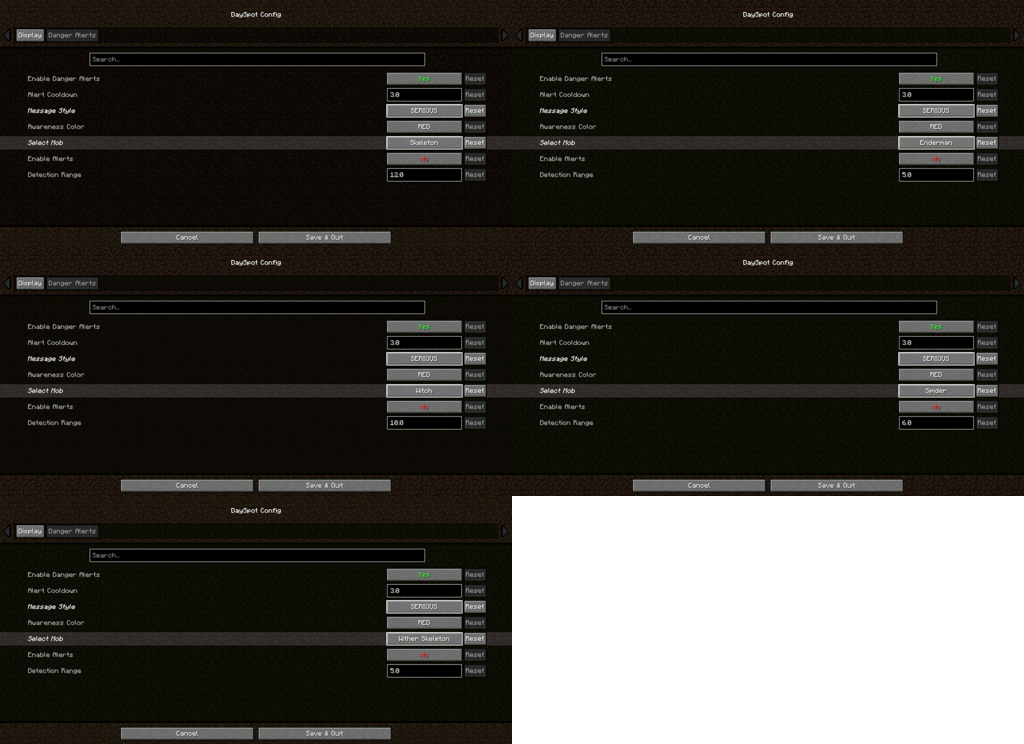
- Per-Mob Settings — Creeper, Zombie, Skeleton, Enderman, Witch, Spider, Wither Skeleton
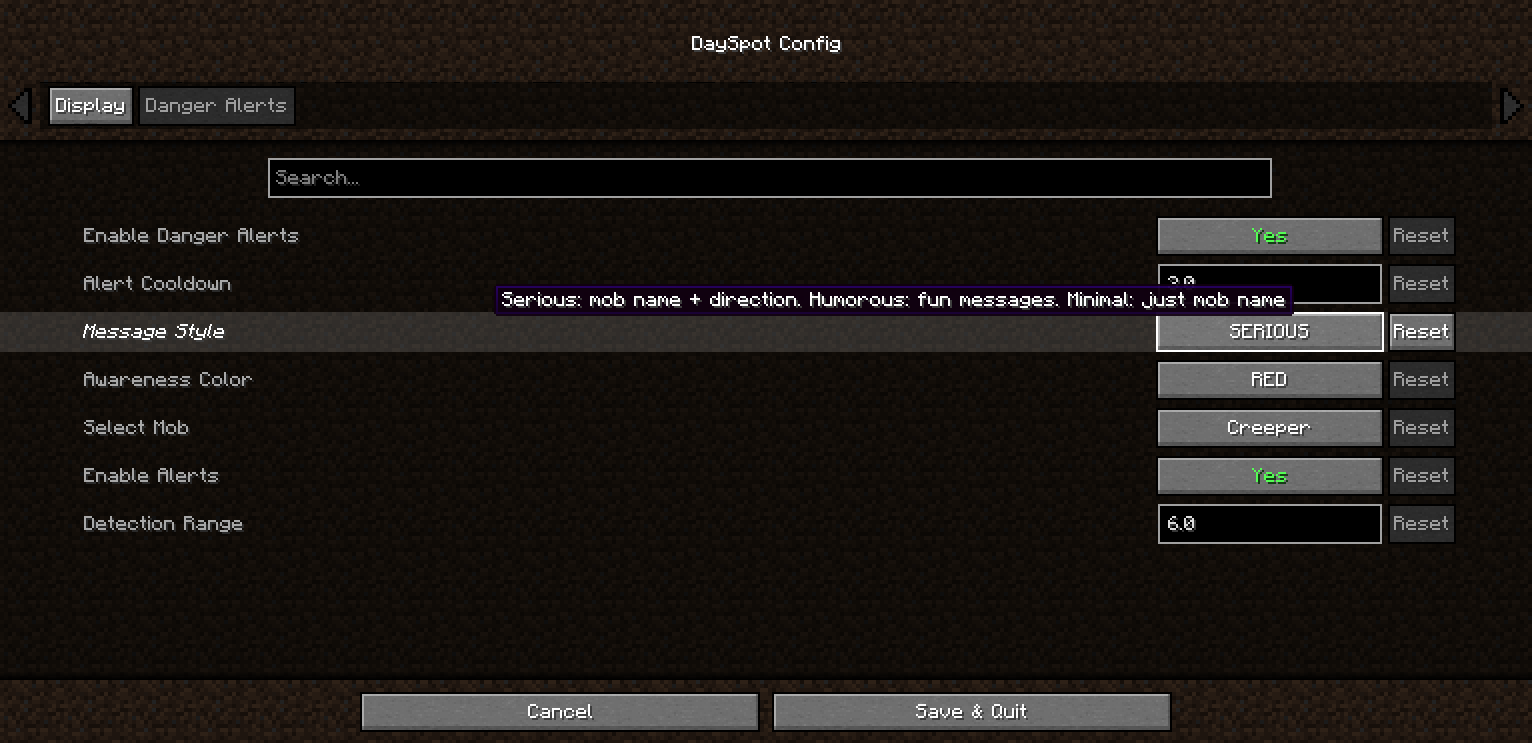
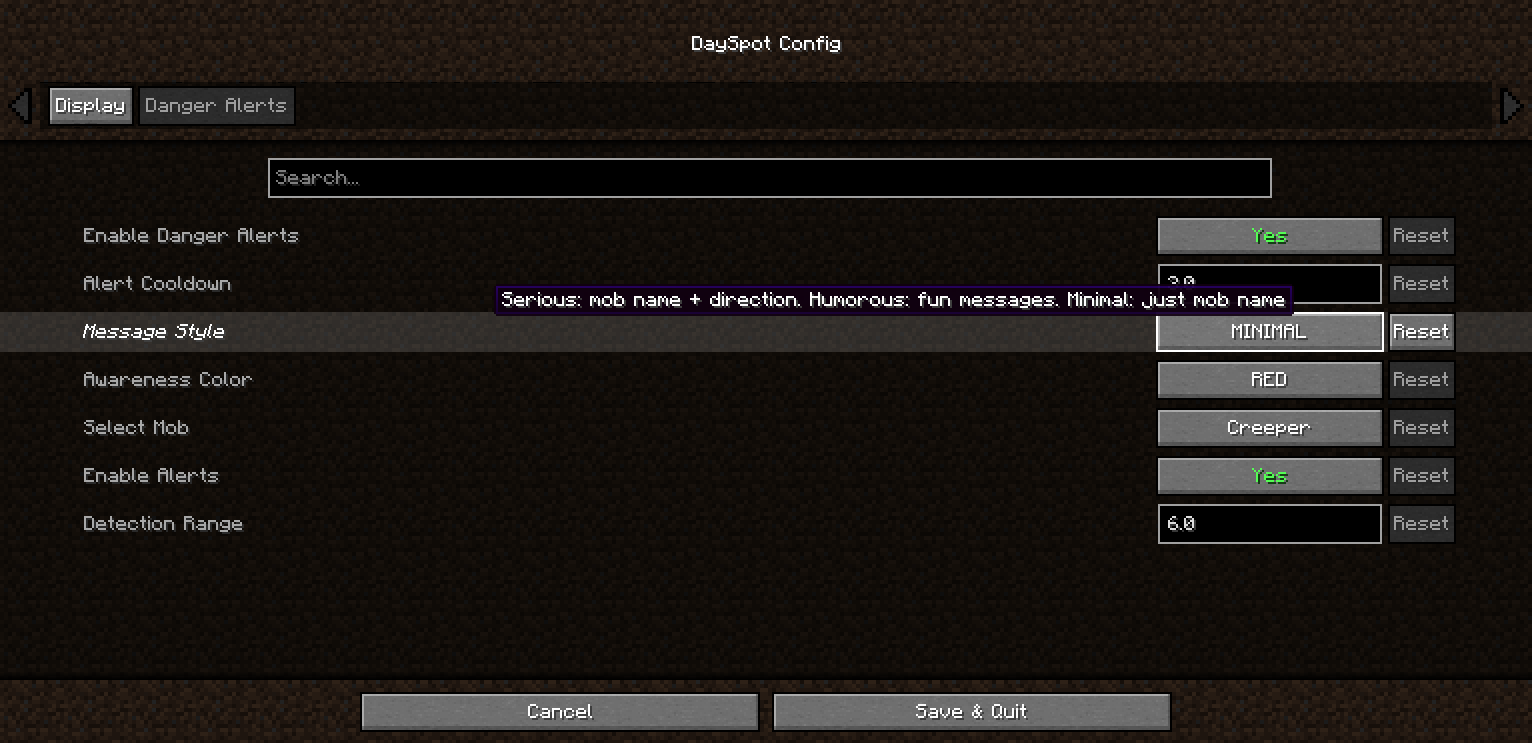
- 3 Alert Styles — Serious / Humorous / Minimal
- Direction Indicators — Know where the threat is coming from
Requirements
- Minecraft: 1.20.1 / 1.21.1
- Loader: Forge / NeoForge / Fabric
- Cloth Config (Forge/NeoForge): 11.x+ / 15.x+
- YACL (Fabric): 3.6.x+
Client-side only — no server install required
Installation
- Install your mod loader
- Download DaySpot
- Put the
.jarin.minecraft/mods/ - Launch and configure via Mods menu
Configuration
Open: Mods → DaySpot → Config
- Display: Position, scale, alignment, colors
- Danger Alerts: Toggle alerts, cooldown, style, per-mob range
All settings are client-side.
Compatibility
- Supports Forge, NeoForge, Fabric (1.20.1 / 1.21.1)
- Works on any server
- Modpack use allowed (MIT License)
FAQ
Can I use this in a modpack?
Yes — MIT licensed.
Does it work on servers?
Client-side only. Install it locally.
Have ideas, questions, or feedback? Feel free to visit the official page of Arvani Creations for more information and updates.
MIT License • Arvani Creations
- Edition: Minecraft Java
- File type: .jar
- Minecraft versions listed: 1.21.1, 1.20.1
- How to install: Install the matching mod loader (Forge, Fabric or NeoForge) for your Minecraft version. → Download the .jar. → Put it in the .minecraft/mods folder and launch that loader profile.
- Where to get it: Opens on CurseForge — not every file is mirrored on our own servers.
Install steps are the general flow for this file type — How to install Minecraft Java mods & modpacks walks through it step by step.
- Ships as dayspot-fabric-1.21.1-1.0.0.jar — drop this file into the mods folder
- Download size: 72 KB
- Download link checked 24 Oct 2026 — working
These come from our own check of the pack file, not from the source page.