Full Brightness (NIGHT VISION)
I don't know my version or loader
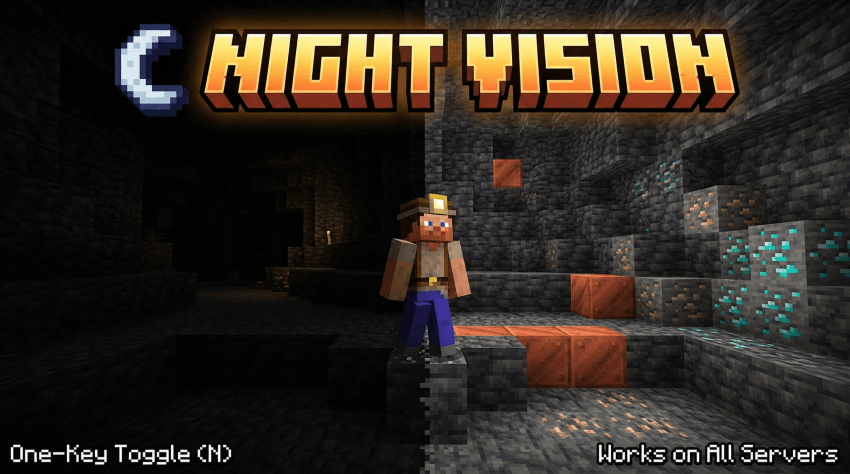
✨ FEATURES ✨
Press N for night vision
Smooth eases over a configurable number of ticks (no jarring flash)
Adjustable brightness from 100% (vanilla cap) all the way to 1600% (true full-bright)
In-game config screen
Hotbar message shows the current state when toggled (can be disabled)
Persistent settings in config/nightvision.json
Full command suite: /nightvision toggle | on | off | status | brightness <100..1600>
❓ FAQ ❓
Will I get banned for using this on a server?
Server side anti cheat can't detect this. That said, follow your server's rules, some ban full bright mods.
Does it work with shader packs?
Sometimes.
Can I rebind the toggle key?
Yes.
Can I add this to my modpack?
Yes.
🐛Where do I report bugs?🐛
Report issues on the GitHub issue tracker. Please include your loader (Fabric / NeoForge), loader version, and a latest.log
- Edition: Minecraft Java
- File type: .jar
- Minecraft versions listed: 1.21.1, 1.20.1, 1.21
- How to install: Install the matching mod loader (Forge, Fabric or NeoForge) for your Minecraft version. → Download the .jar. → Put it in the .minecraft/mods folder and launch that loader profile.
- Where to get it: Opens on CurseForge — not every file is mirrored on our own servers.
Install steps are the general flow for this file type — How to install Minecraft Java mods & modpacks walks through it step by step.
- Ships as nightvision-1.0.0+1.21.1.jar — drop this file into the mods folder
- Download size: 28 KB
- Download link checked 13 Sept 2026 — working
These come from our own check of the pack file, not from the source page.