
Circulation Flow Networks
Java mod listed for Minecraft 1.20–1.21. Downloads from the MC Java Mods app on Android.
I don't know my version or loader
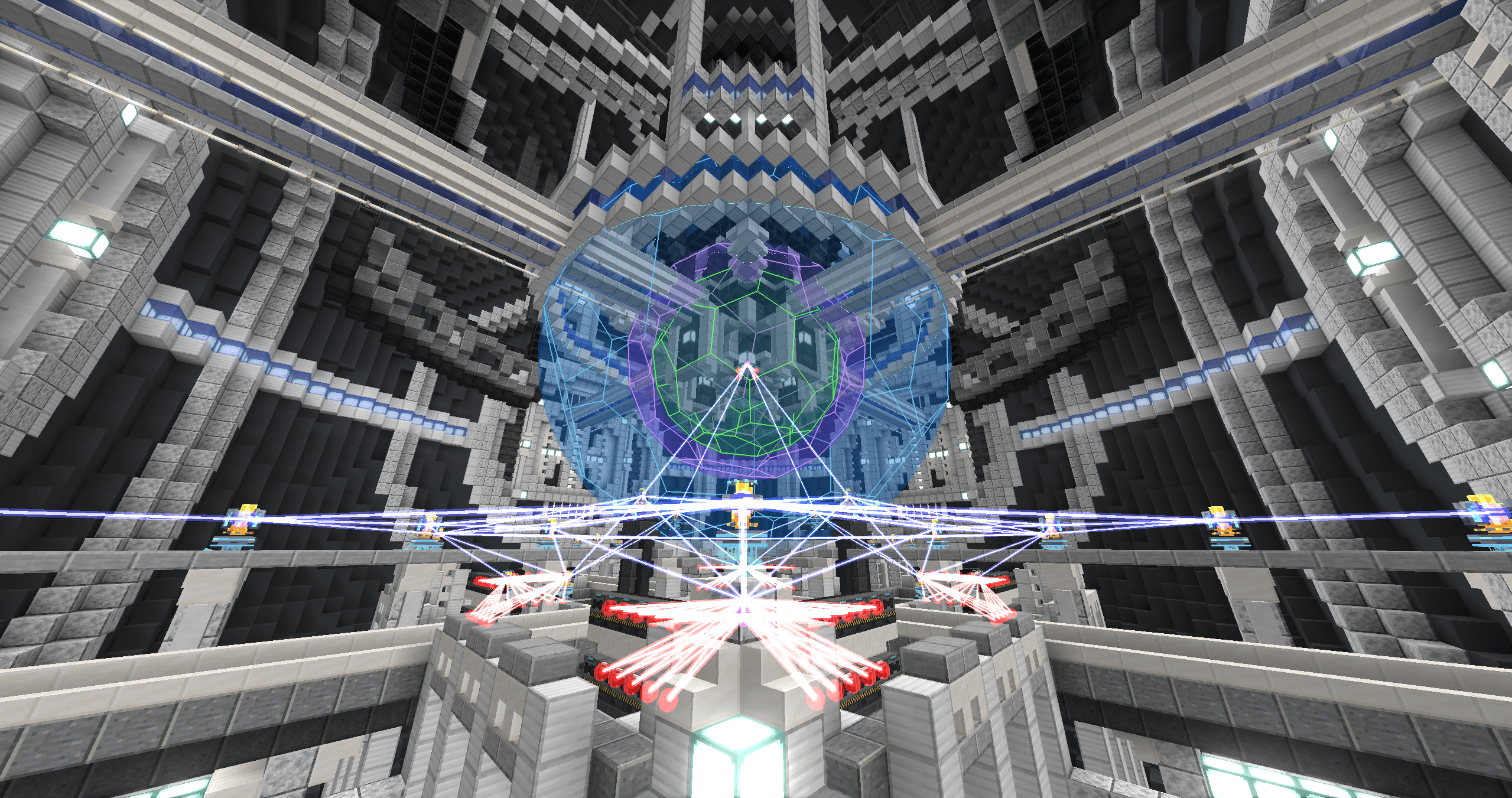
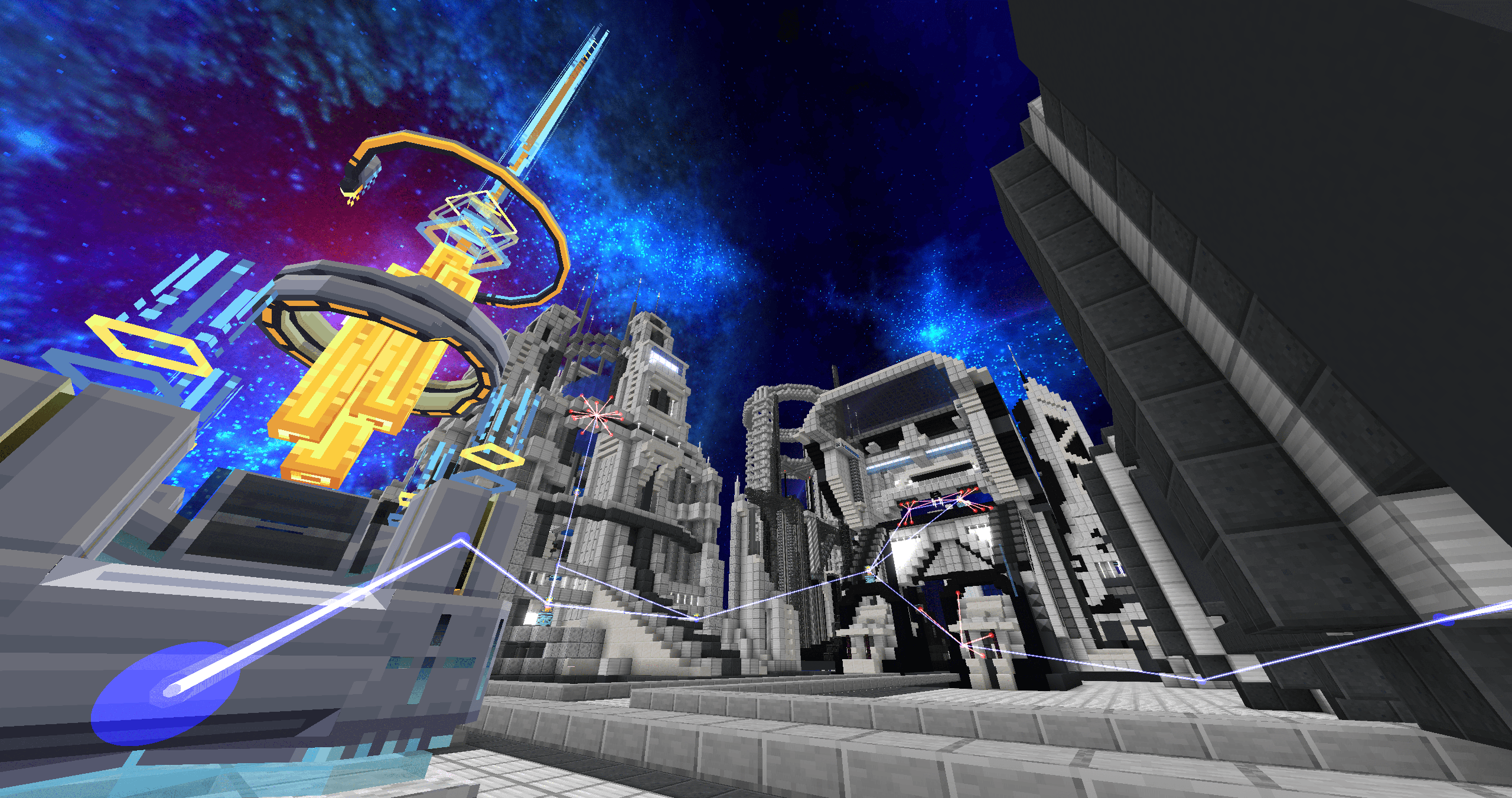
Circulation Flow Networks
Why Circulation Flow Networks?
Tired of laying heaps of cables between machines and re-routing them for every new device?
Circulation Flow Networks replaces cables with nodes: place a node, and generators, consumers, and storage blocks within range automatically join the network — energy flows instantly. The network is wireless by nature — nodes sense each other, link automatically, and coverage grows as you expand. Relay Nodes help you extend it wherever you need.
Place a Hub and your network gains a management center — plugin system, channel isolation, and permission control, all in one block. Step into a Charging Node's range and the equipment on you recharges automatically. Install a Hub Channel Plugin, connect multiple networks to the same channel, and they share energy seamlessly — even across dimensions.
Features
- Truly wireless — no cables, no conduits, no ducts. Just nodes and energy.
- Auto-detection — machines within range are automatically identified as generators, consumers, or storage.
- Energy compatibility — native FE support, with an API for mod developers to register custom compatible energy types.
- Cross-dimension energy sharing — connect multiple networks via channels, even across dimensions.
- Wireless player charging — step near a Charging Node and your equipment charges automatically.
- Channels & permissions — public, team, and private modes with built-in FTB Teams support.
- Built for scale — optimized for large networks without hurting server performance.
- Developer-friendly — full API for custom node types, energy types, and energy handlers.
Quick Start
- Craft a Node Pedestal and a Port Node.
- Place the pedestal, put the Port Node on top.
- Nearby energy machines are automatically detected — energy starts flowing immediately.
- Add more nodes to expand. Use Relay Nodes to bridge long distances.
- Place a Hub to unlock plugins, channels, and permission management.
That's it. No cables. No configuration. Just energy.
More Information
For full documentation, block & item details, developer API, and source code, visit the GitHub repository.
- Edition: Minecraft Java
- File type: .jar
- Minecraft versions listed: 1.20.1, 1.21.1
- How to install: Install the matching mod loader (Forge, Fabric or NeoForge) for your Minecraft version. → Download the .jar. → Put it in the .minecraft/mods folder and launch that loader profile.
- Where to get it: Opens on CurseForge — not every file is mirrored on our own servers.
Install steps are the general flow for this file type — How to install Minecraft Java mods & modpacks walks through it step by step.
- Ships as circulation_networks-1.21.1-1.0.3.jar — drop this file into the mods folder
- Download size: 920 KB
- Download link checked 13 Nov 2026 — working
These come from our own check of the pack file, not from the source page.