Skin Change in game
Java mod listed for Minecraft 1.21. Download on the author's site.
⬇ Download on CurseForge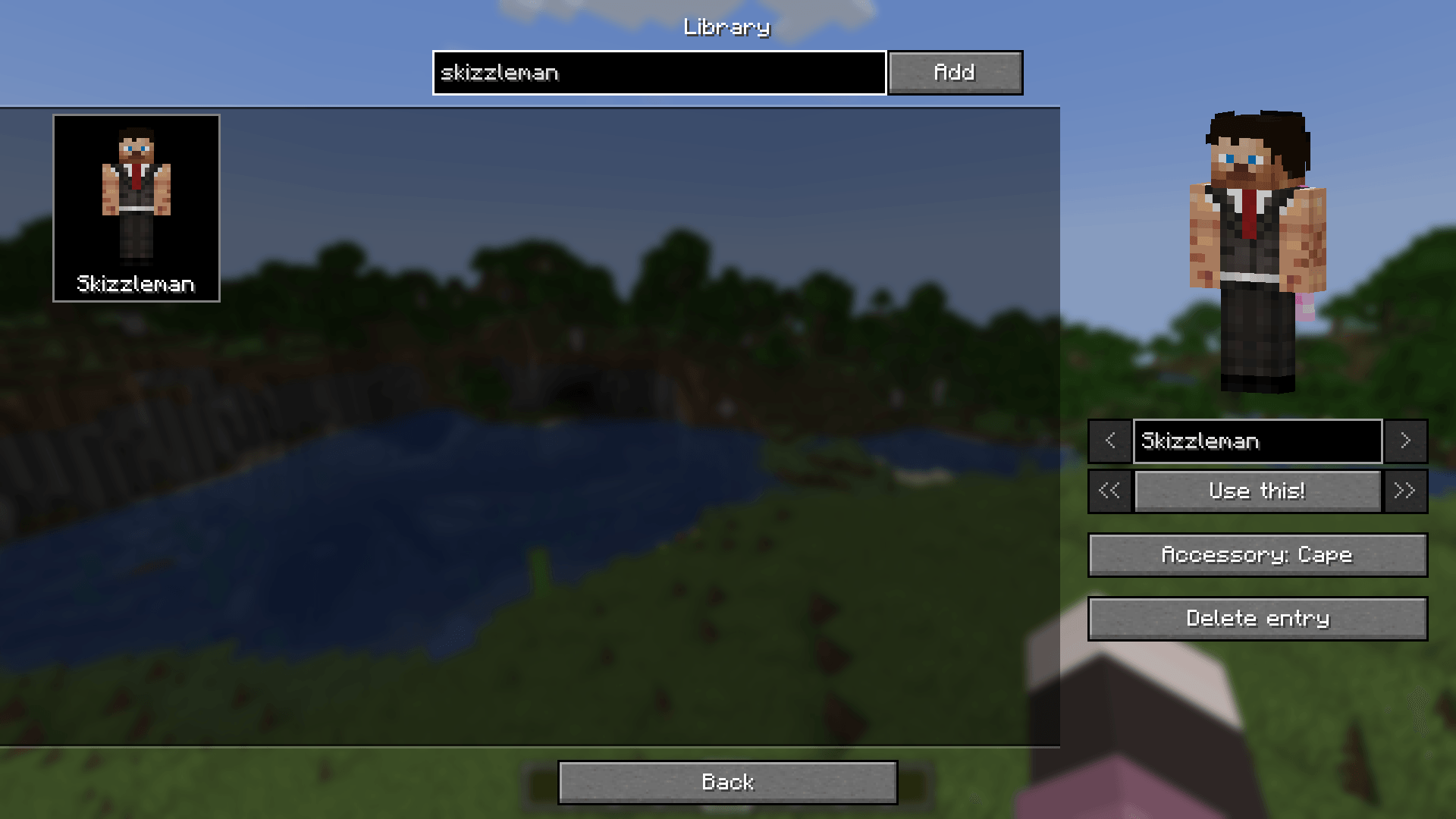
🎭 Skin Shift
A powerful mod for changing skins and capes on the fly.
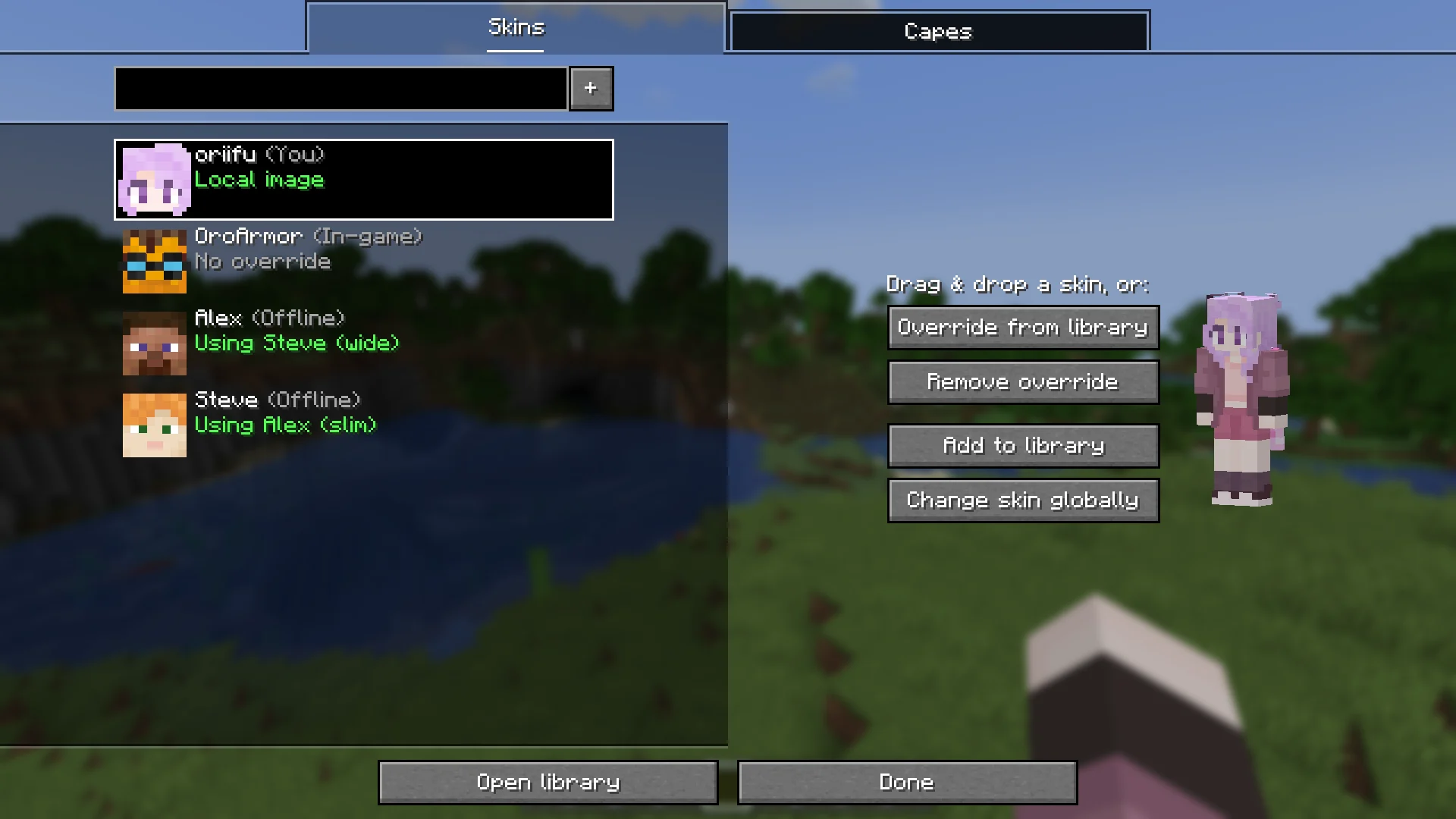
Skin Shift lets you override player skins and capes instantly, making it perfect for roleplay, skin testing, screenshots, and skin artistry.
✨ Features
Change skins and capes anytime
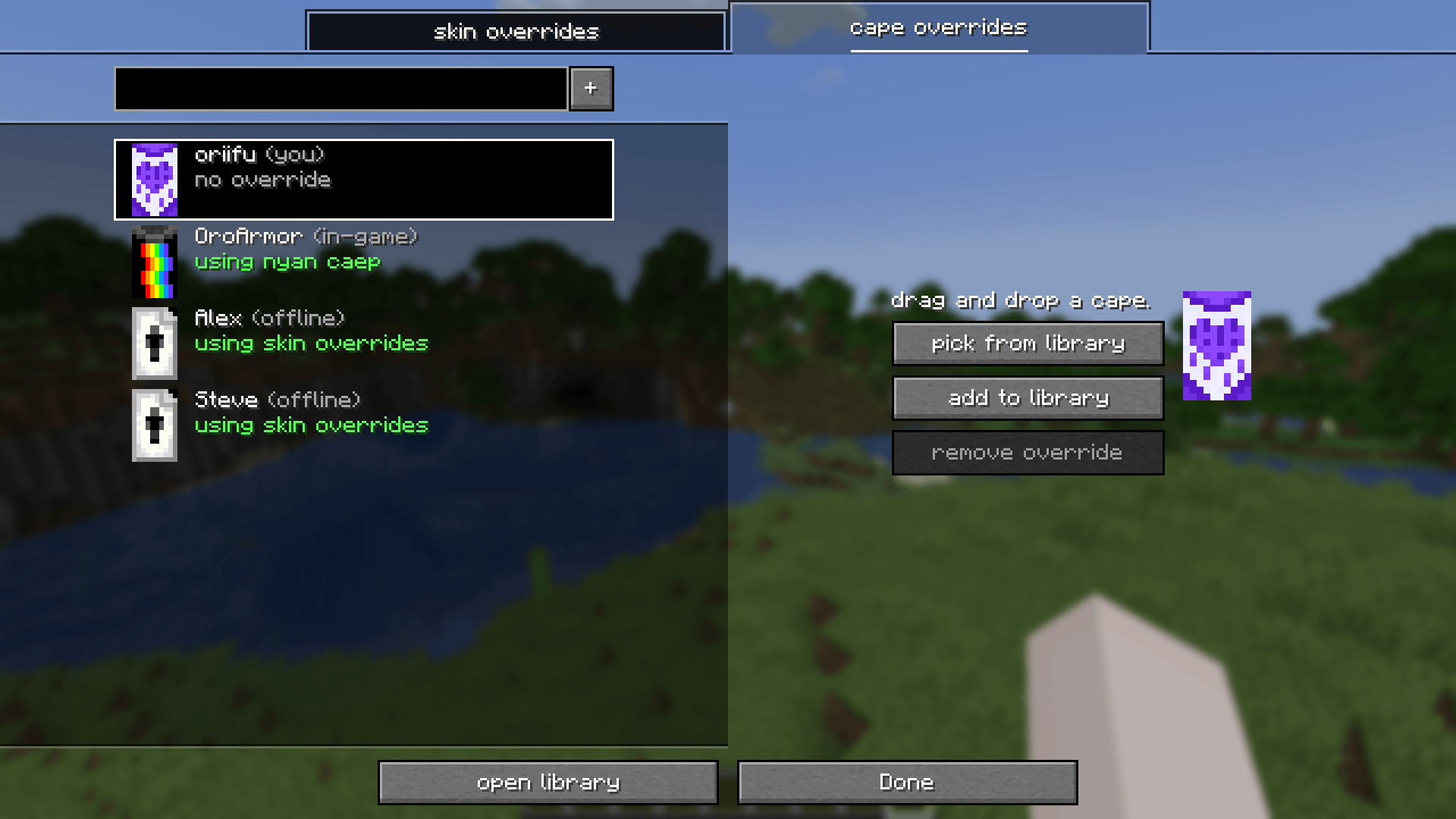
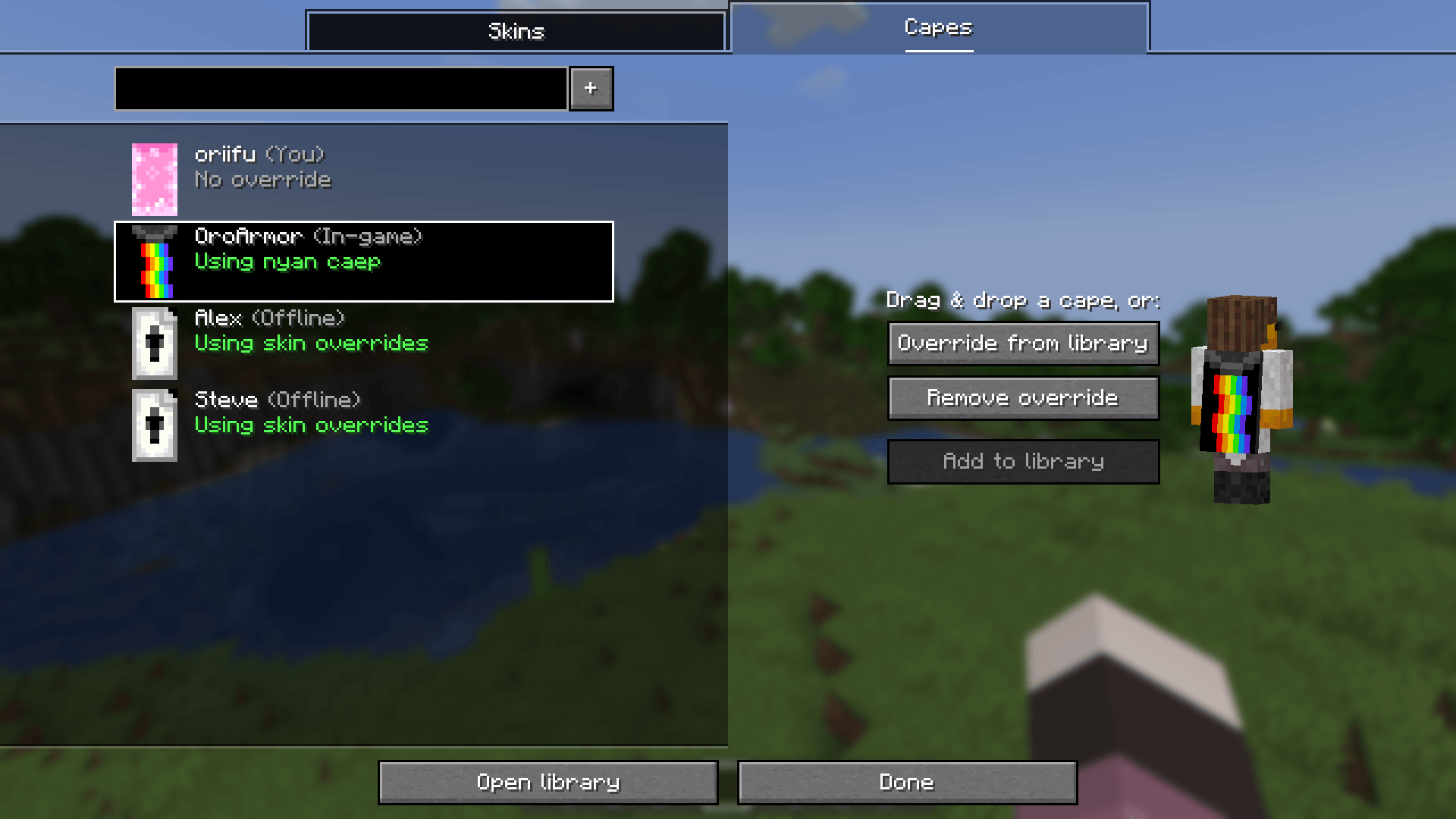
Override any player's skin or cape whenever you want.Quick access override screen
Open the overrides menu through Mod Menu or with the override keybind
(defaults toO).Per-player overrides
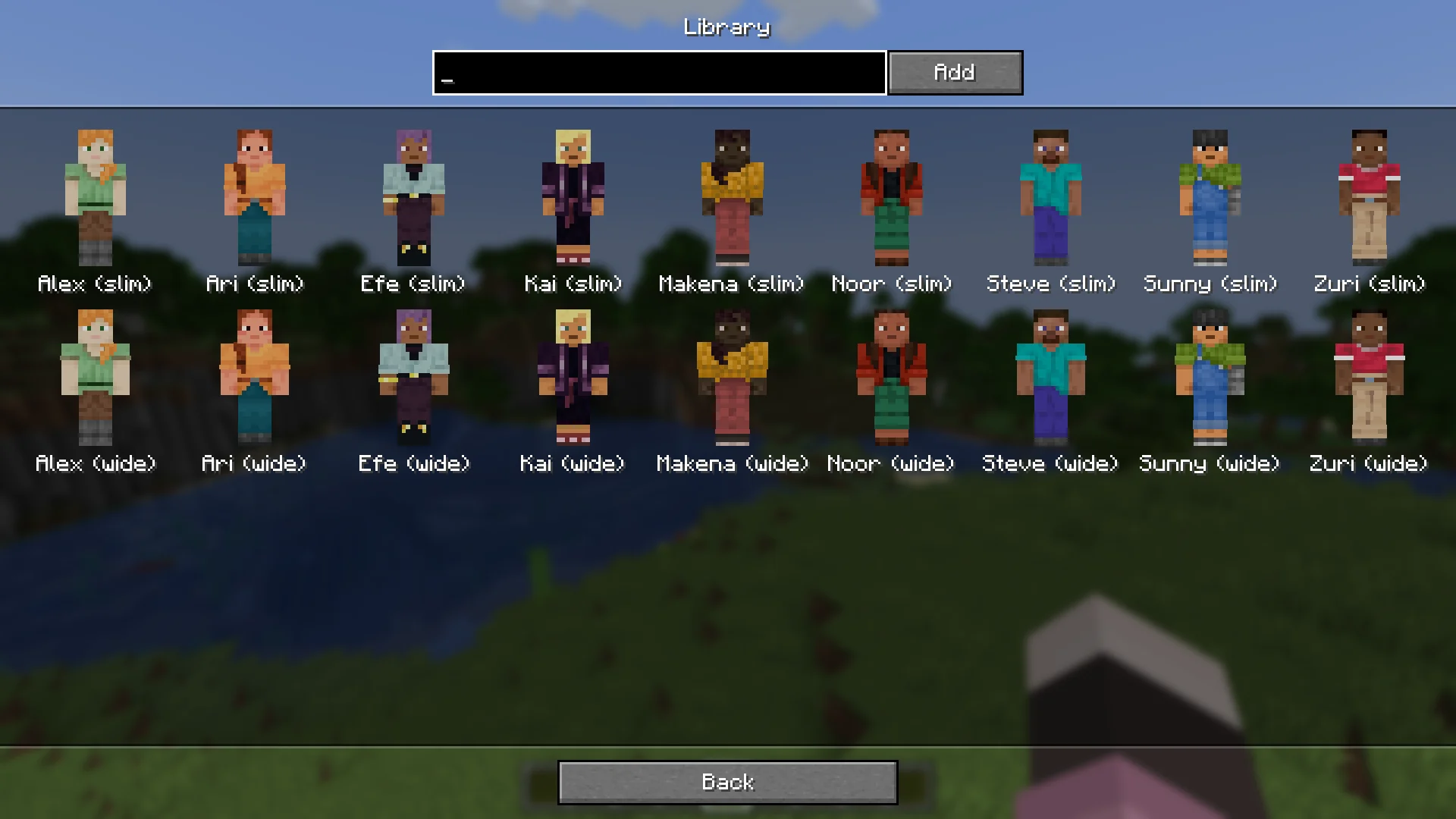
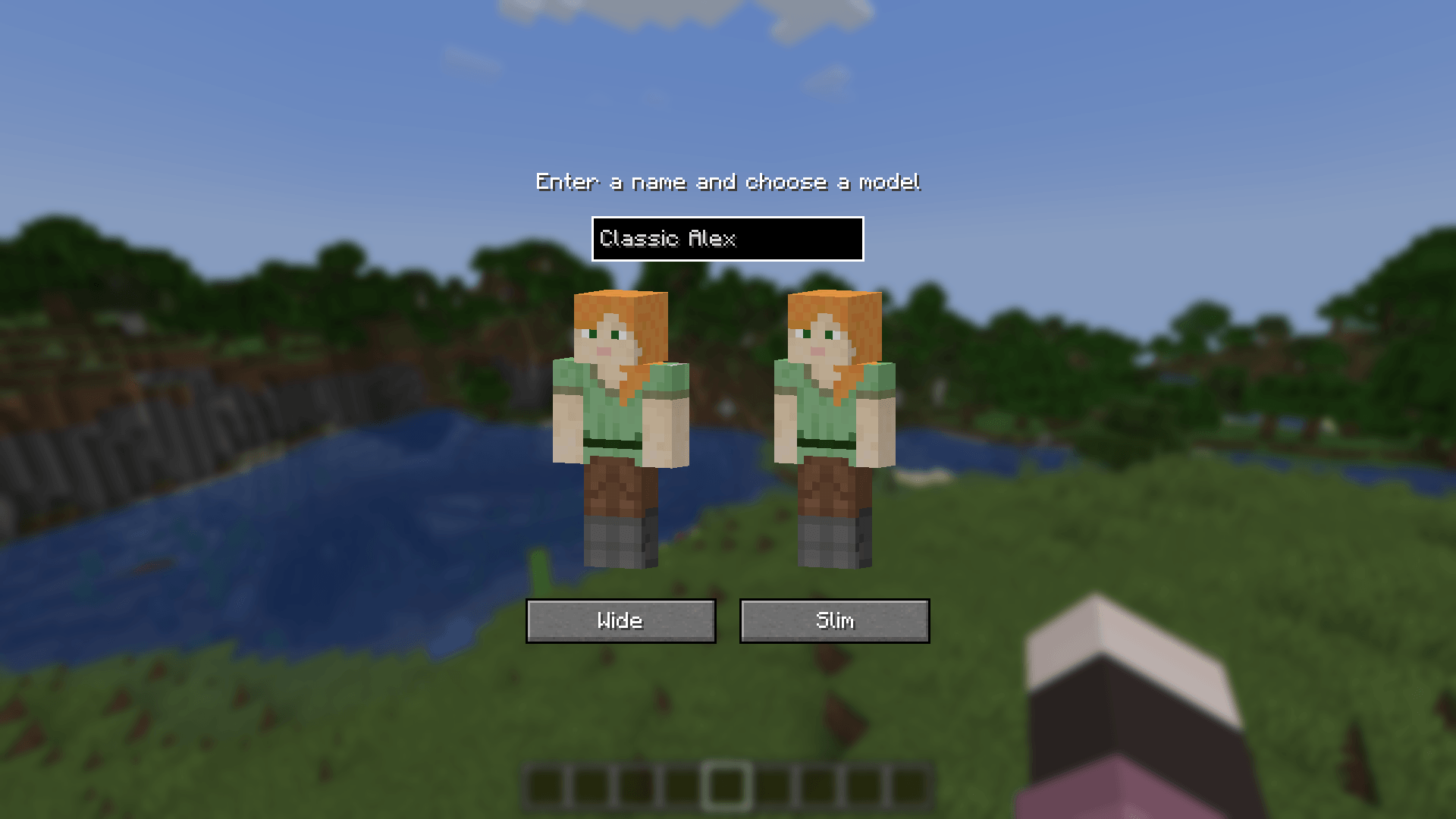
Configure, add, edit, or remove overrides for individual players with ease.Personal skin library
Store your favorite skins and capes in a built-in library so you can switch between them quickly.Shareable library overrides
Easily reuse saved looks and share them with other players.Server-side visibility support
If Skin Shift is installed on the server, library-based overrides are visible to everyone online — even players who do not have the mod installed.Change your own skin in-game
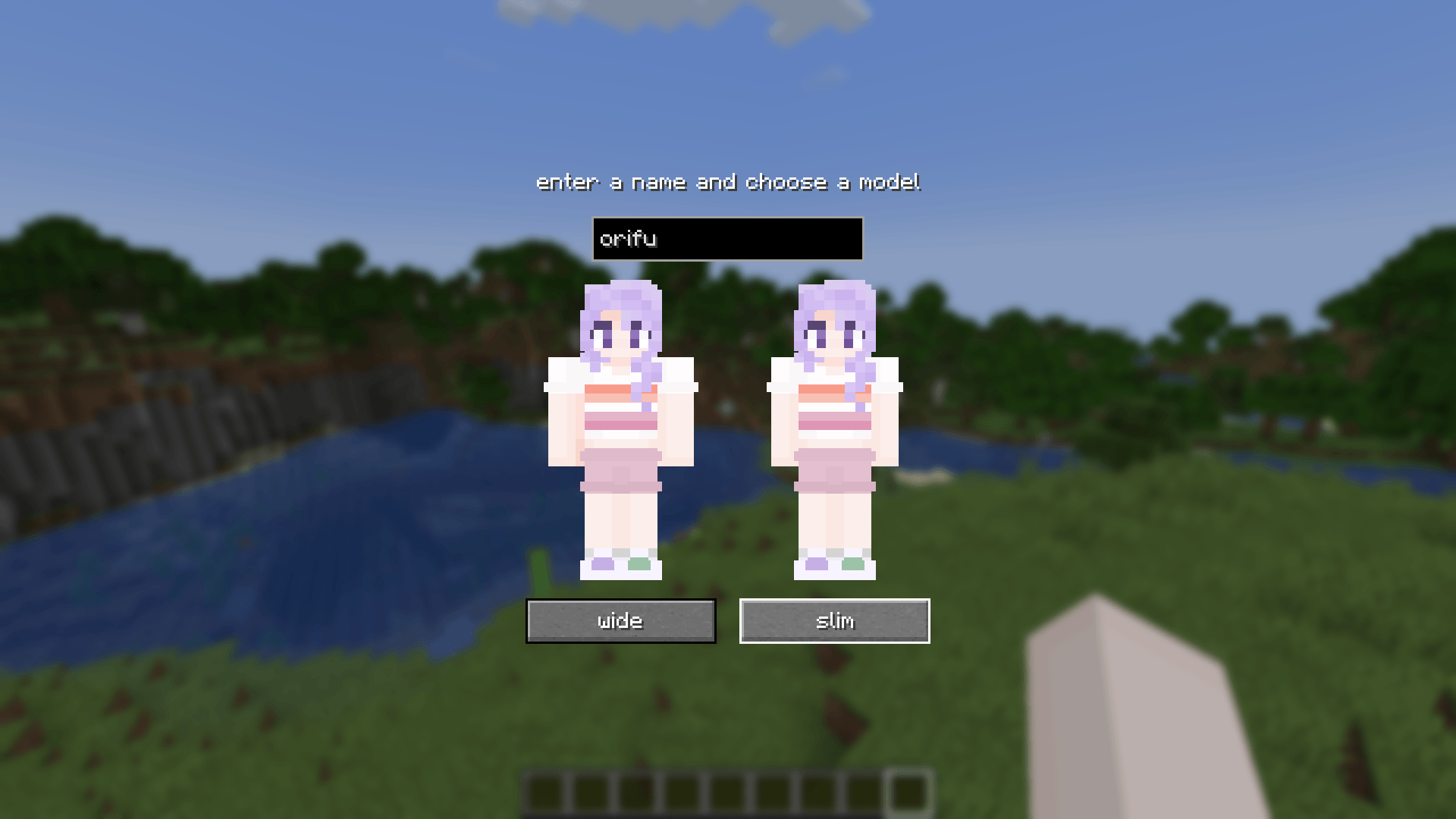
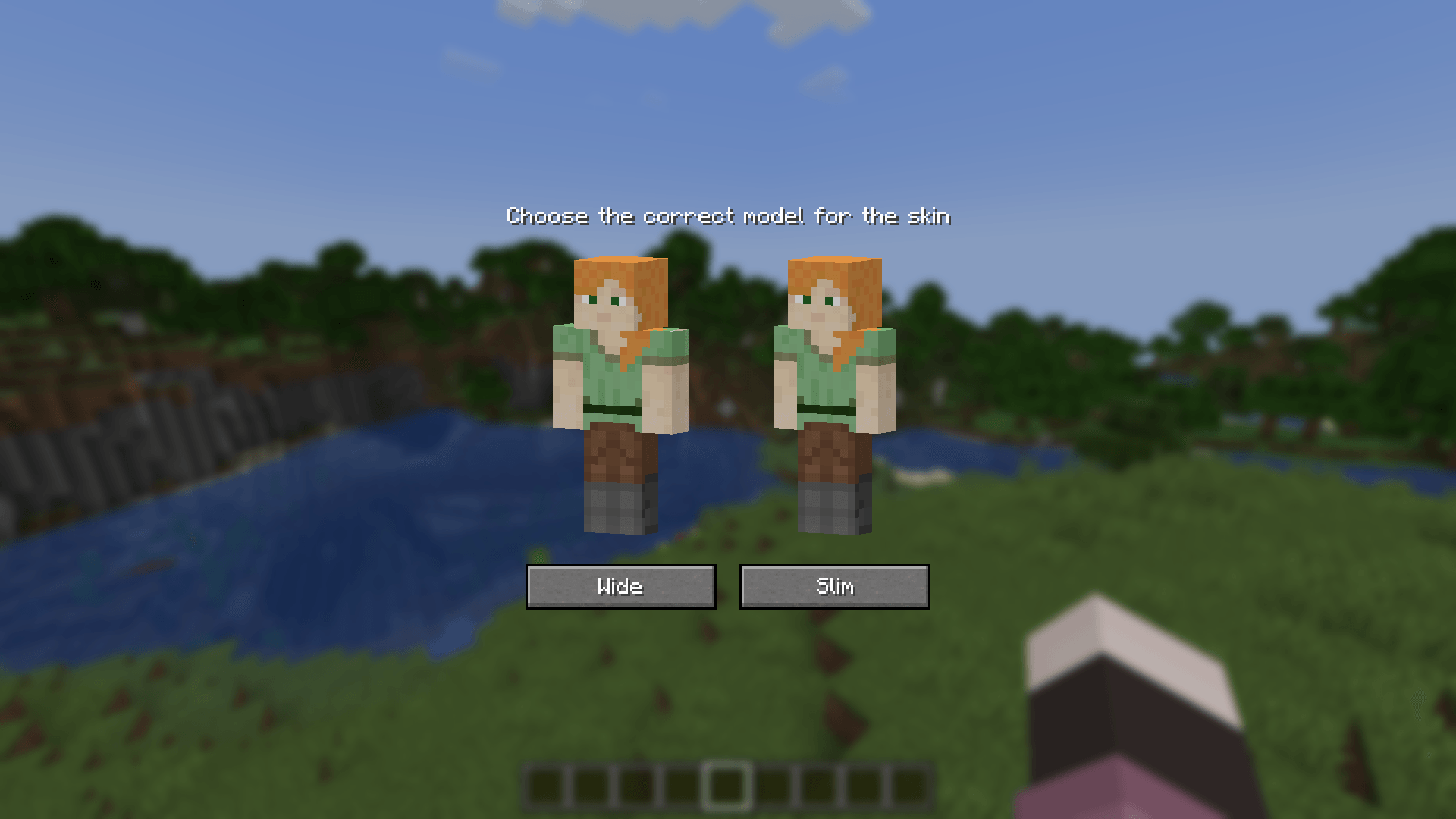
Update your own skin directly from the mod, and everyone online will see it when the mod is present server-side.Compatibility-friendly
Designed to stay compatible with other skin-related mods, including mods such as Ears and 3D Skin Layers.
🖼️ Why use it?
Whether you want to:
- roleplay with different looks,
- preview skins before using them,
- organize a personal skin collection,
- or create better screenshots and videos,
Skin Shift makes switching skins and capes fast and simple.
🌐 Multiplayer Support
When installed on the server, Skin Shift allows shared library overrides to be seen by everyone in the game.
That means:
- your custom override can be visible to other players,
- your updated skin can appear for everyone online,
- and even players without the mod can still see the changes.
❤️ Credits
Special thanks to MineSkin for its free skin signing service, which powers the sharing features used by the mod.
- Edition: Minecraft Java
- File type: .jar
- Minecraft versions listed: 1.21, 1.21.8, 1.21.5
- How to install: Install the matching mod loader (Forge, Fabric or NeoForge) for your Minecraft version. → Download the .jar. → Put it in the .minecraft/mods folder and launch that loader profile.
- Where to get it: Opens on CurseForge — not every file is mirrored on our own servers.
Install steps are the general flow for this file type — How to install Minecraft Java mods & modpacks walks through it step by step.
Skin Change in game is a free Minecraft Java mod. Compatible with Minecraft 1.21, 1.21.8, 1.21.5, 1.21.4 and newer. Downloaded 1,593 times (via CurseForge). Download it and open it directly in the game.